New Trade Zone
Trade Zone is now live
Use the new Trade Zone for auctions and instant-price trades so Pokemon and item offers are easy to find.

Clumsygirl
Suspended
-
Joined
-
Last visited
Everything posted by Clumsygirl
-
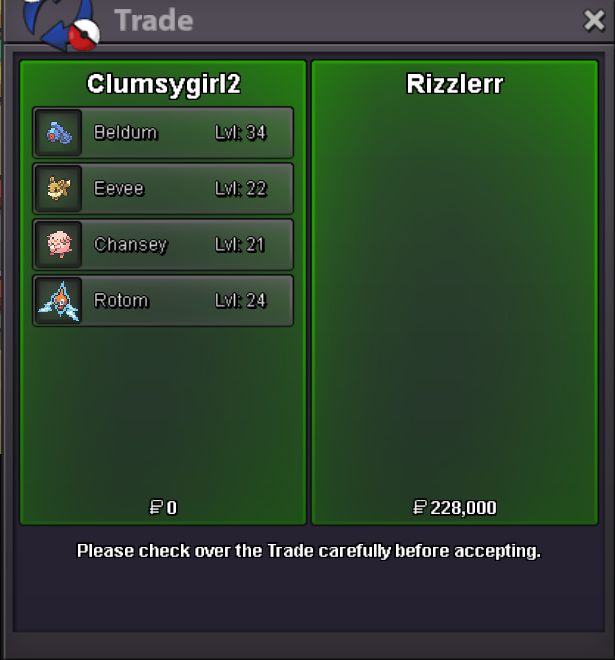
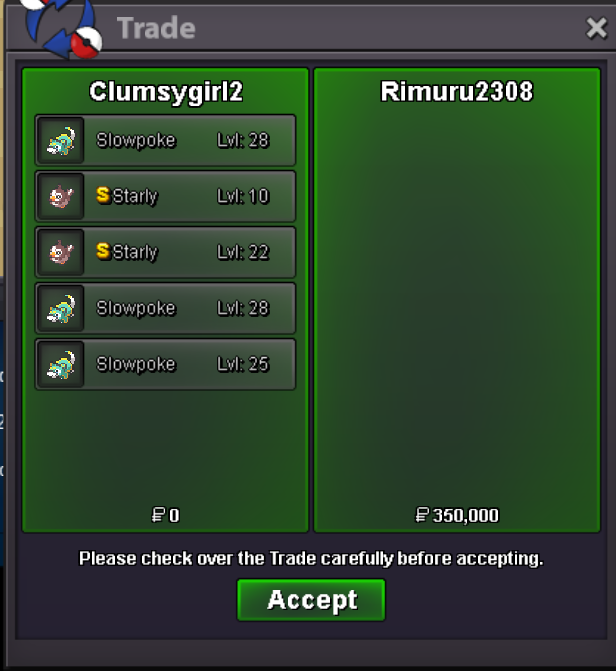
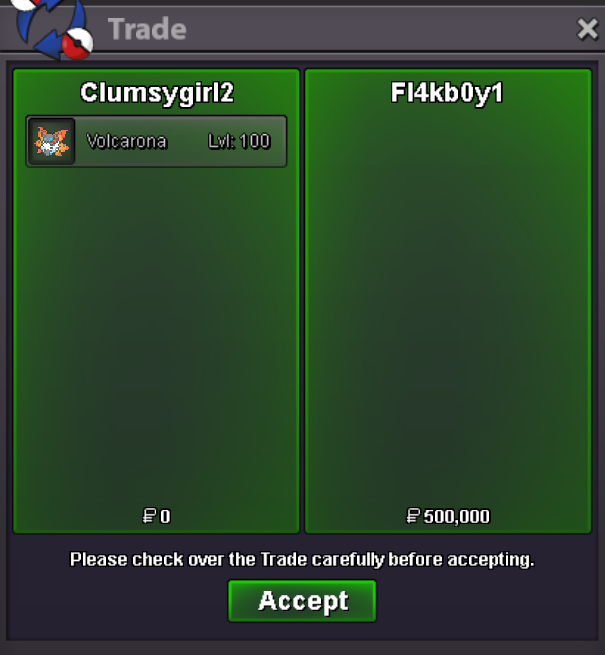
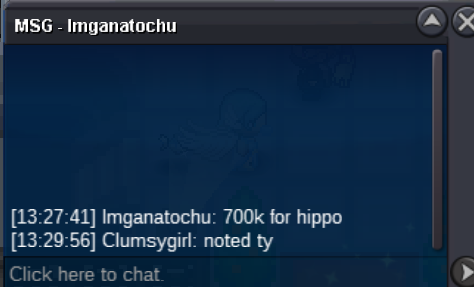
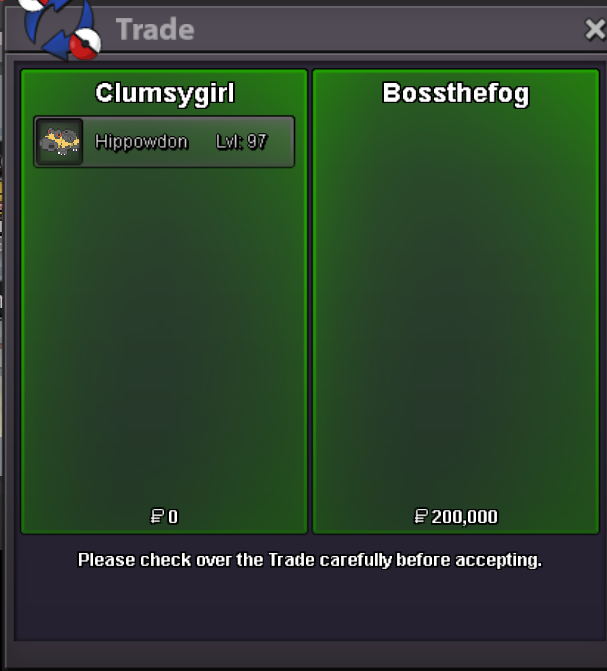
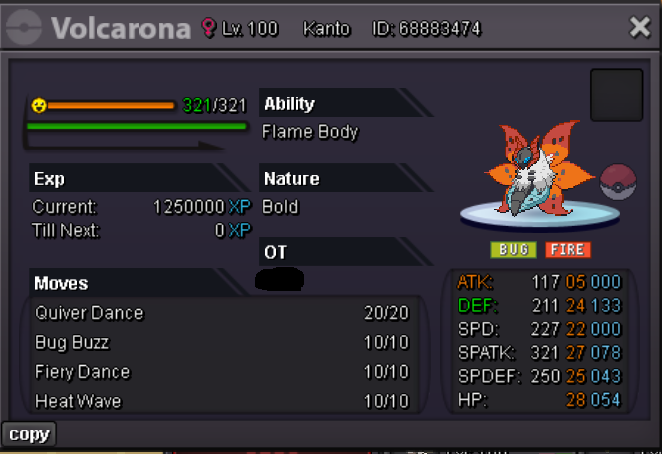
Pm sended@Jimmm2 you won the hippo. You can message me in game when your ready to do the trade. @Fl4kb0y1 you won the volcarona. You can message me in game when your ready to do the trade. @Omenrl you won the Milotic. You can message me in game when you ready to do the trade. If you cant find contact in game today with me. Please send me message here in private or message me in discord Vanity1996_Forgot to add the prove of the c.o of hippo from yesterday. Did change the c.o tho
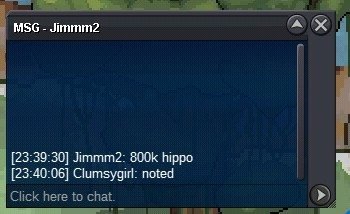 huh? from 25 to 44?bumpIm online rnThunderIm online right now for 1 hour. I be back later. If your online now send me message.Welcome at Clumsygirl's auction. S.o: 300k each Min raise: 50k Auction time: 48 hours after s.o(timer will be added if started) This is a cross auction server, which means you can bid from both gold and silver server, I can transfer on january the 17th. If you need the pokemon earlier please come to me (gold server) Fake offers will be reported. Timer for Lopunny: https://vclock.com/timer/#countdown=41:15:00&date=2025-01-18T08:27:28&sound=xylophone&loop=1 I wish you all best of Luck! C.O 800k by jimmm2 (SOLD) C.O 500k by fl4kb0y1 (SOLD) c.o 700k by BTETZ (SOLD) C.O 500k by warriortom1233 (SOLD) C.O 300k by grabarz23 C.O 500k by Omenrl (SOLD)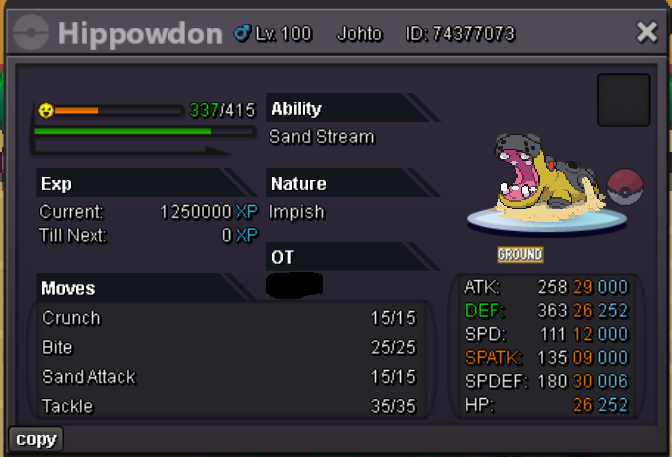
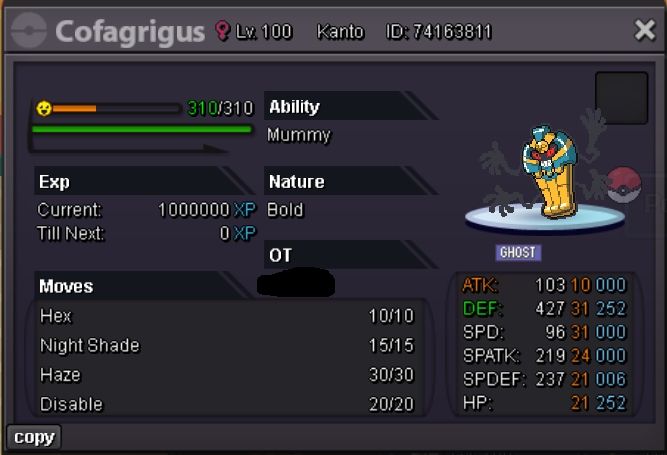
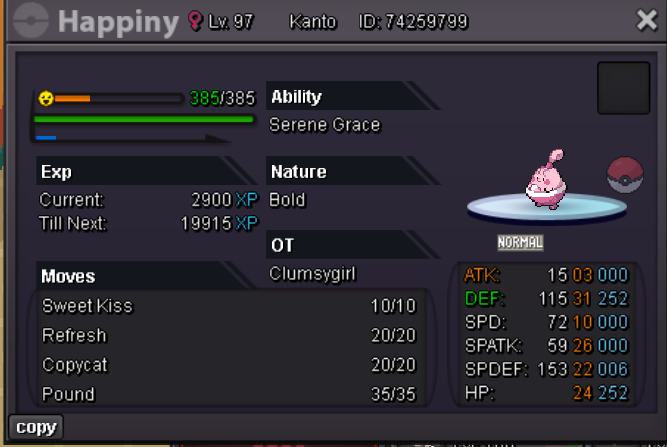
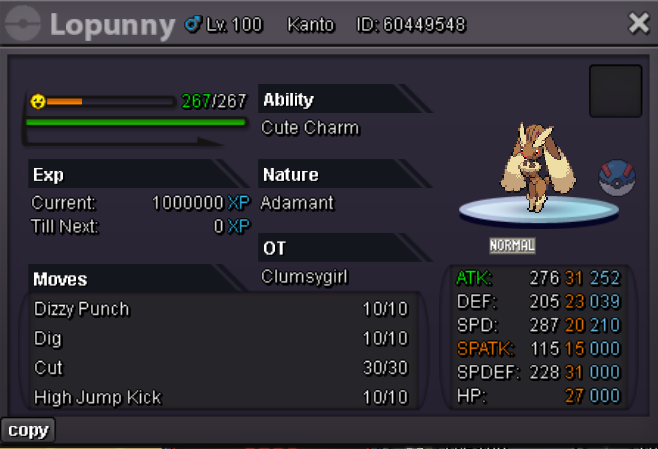
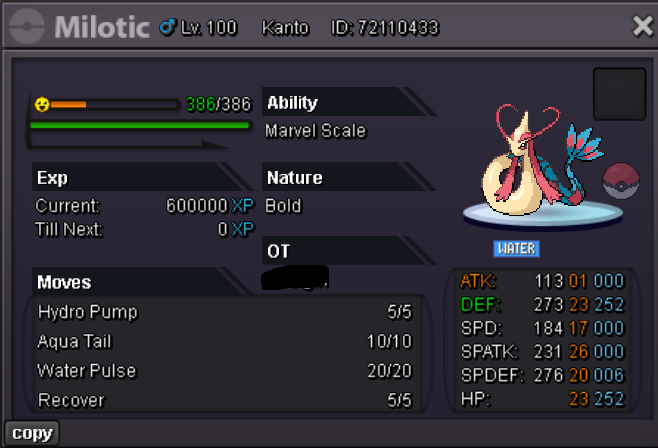
 Hey send me msgs when your online (in-game) clumsygirl2. Im online rn.sure im online atm on clumsygirl2 would you kindly pm me when your ready?
Account
Navigation
Search
Configure browser push notifications
Chrome (Android)
- Tap the lock icon next to the address bar.
- Tap Permissions → Notifications.
- Adjust your preference.
Chrome (Desktop)
- Click the padlock icon in the address bar.
- Select Site settings.
- Find Notifications and adjust your preference.
Safari (iOS 16.4+)
- Ensure the site is installed via Add to Home Screen.
- Open Settings App → Notifications.
- Find your app name and adjust your preference.
Safari (macOS)
- Go to Safari → Preferences.
- Click the Websites tab.
- Select Notifications in the sidebar.
- Find this website and adjust your preference.
Edge (Android)
- Tap the lock icon next to the address bar.
- Tap Permissions.
- Find Notifications and adjust your preference.
Edge (Desktop)
- Click the padlock icon in the address bar.
- Click Permissions for this site.
- Find Notifications and adjust your preference.
Firefox (Android)
- Go to Settings → Site permissions.
- Tap Notifications.
- Find this site in the list and adjust your preference.
Firefox (Desktop)
- Open Firefox Settings.
- Search for Notifications.
- Find this site in the list and adjust your preference.