




New Trade Zone
Trade Zone is now live
Use the new Trade Zone for auctions and instant-price trades so Pokemon and item offers are easy to find.

Bossguzz
Registered User
-
Joined
-
Last visited
Everything posted by Bossguzz
-
-
-
800k
-
650k
-
510k
-
400k
-
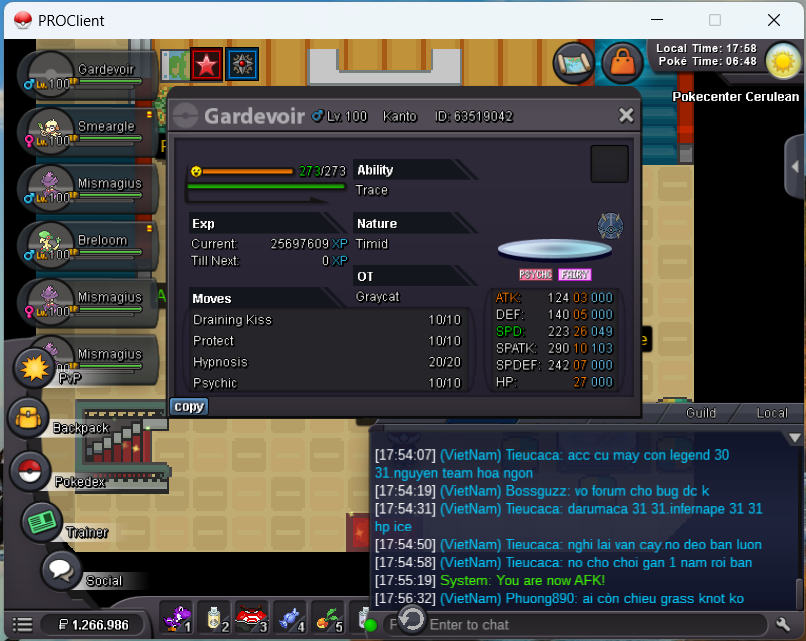
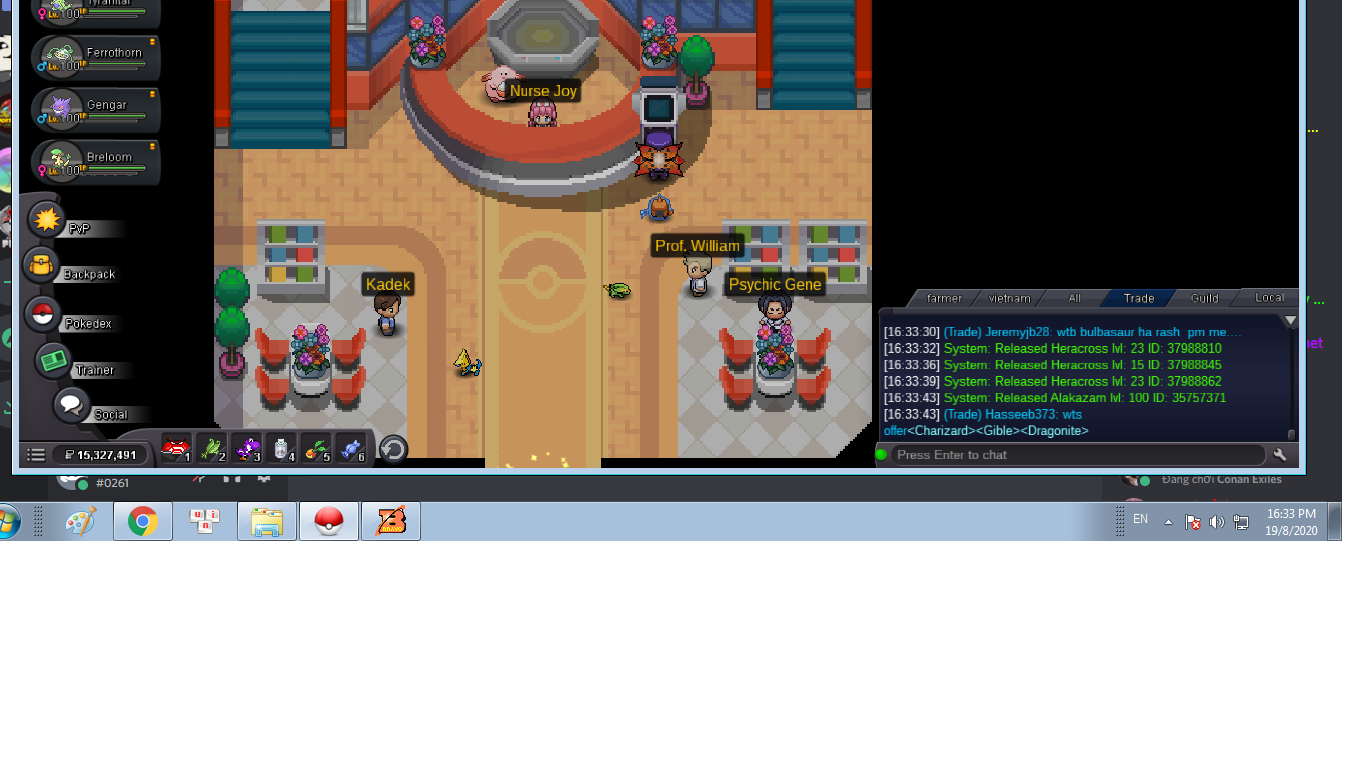
1.05mstartHelp me ! i want to restore my alakazam lv 100 ID : 35757371 gold sever
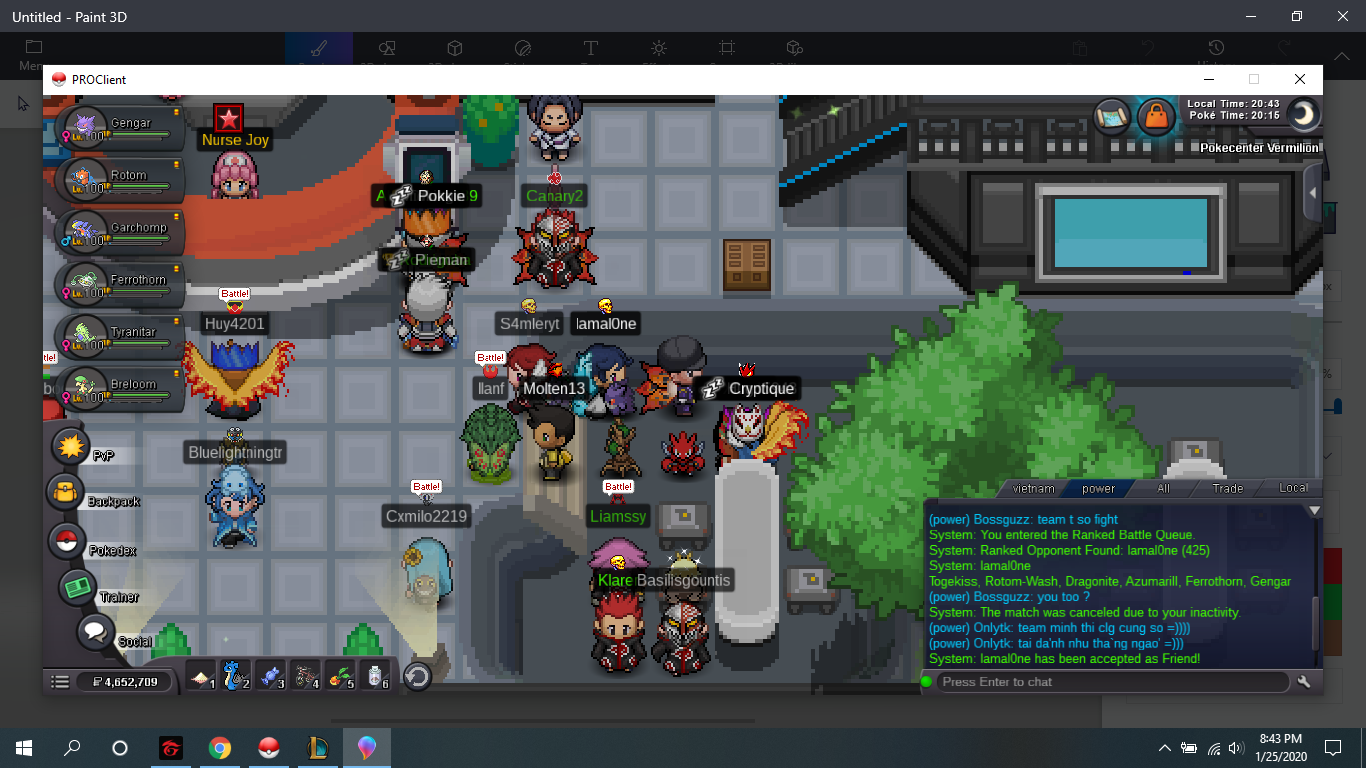
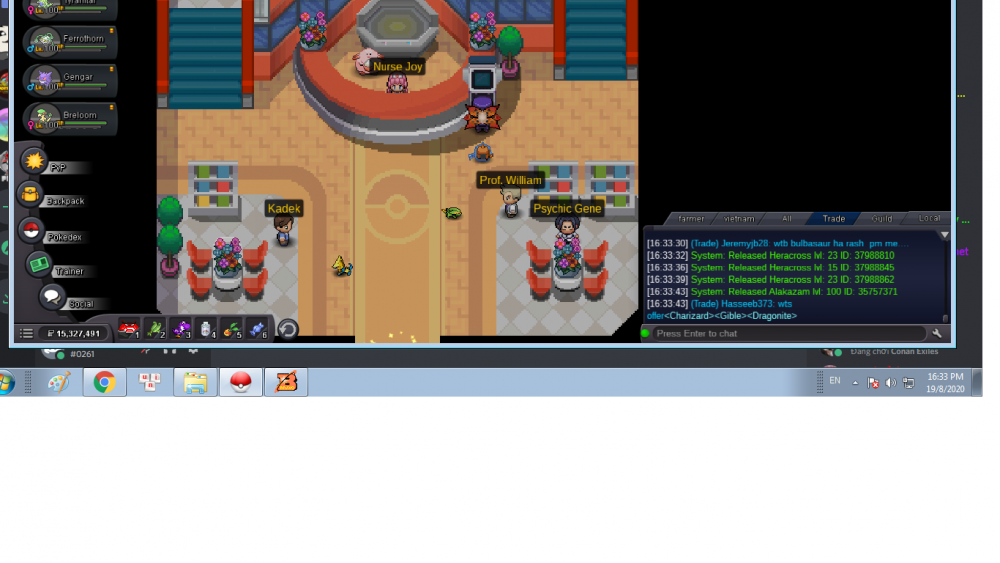 Thank you ... I gave up this point. I hope you fix this error soon .. thanks a lot Thank you ... I gave up this point. I hope you fix this error soon .. thanks a lotI reported this error immediately. like the last time, i reported this and got a refund of points .. why am I not now because of me. Hope you reconsider.i want to return my point help me plsHelp me, I got the bug finding match again in PvPthank you alot !!this is the second times i meet it... when i finish the match i clicking find match and i cant see notification to click readyi hope my point return .. help me plsdont and still lostonly join 2 matchs about 7:00 am - 8:00 am at 05/05/2020


Account
Navigation
Search
Configure browser push notifications
Chrome (Android)
- Tap the lock icon next to the address bar.
- Tap Permissions → Notifications.
- Adjust your preference.
Chrome (Desktop)
- Click the padlock icon in the address bar.
- Select Site settings.
- Find Notifications and adjust your preference.
Safari (iOS 16.4+)
- Ensure the site is installed via Add to Home Screen.
- Open Settings App → Notifications.
- Find your app name and adjust your preference.
Safari (macOS)
- Go to Safari → Preferences.
- Click the Websites tab.
- Select Notifications in the sidebar.
- Find this website and adjust your preference.
Edge (Android)
- Tap the lock icon next to the address bar.
- Tap Permissions.
- Find Notifications and adjust your preference.
Edge (Desktop)
- Click the padlock icon in the address bar.
- Click Permissions for this site.
- Find Notifications and adjust your preference.
Firefox (Android)
- Go to Settings → Site permissions.
- Tap Notifications.
- Find this site in the list and adjust your preference.
Firefox (Desktop)
- Open Firefox Settings.
- Search for Notifications.
- Find this site in the list and adjust your preference.