




New Trade Zone
Trade Zone is now live
Use the new Trade Zone for auctions and instant-price trades so Pokemon and item offers are easy to find.

Rocky808
Registered User
-
Joined
-
Last visited
Everything posted by Rocky808
-
4.5- Didn't reload my bad
-
4 million
-
3.9 million
-
3.5 million
-
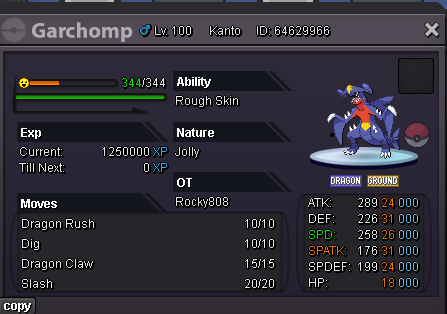
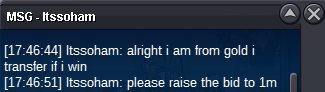
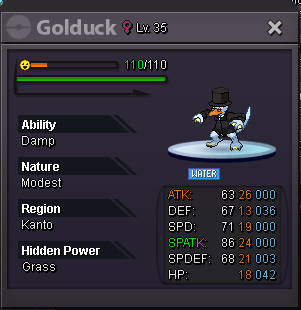
Start price : 1.5 million Min raise: 100k no insta Accept payment: Pokedollar and CC = 500k Auction End (2/18/2025 10:00 Am) Hawaiian Time 15 minute auction rule
-
start
-
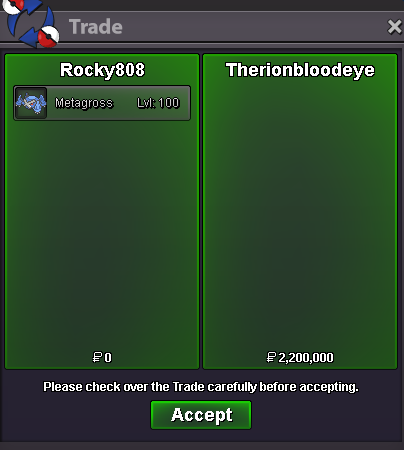
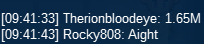
@Therionbloodeye Won Auction End:
-
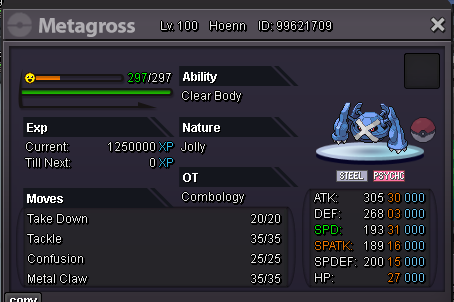
@Therionbloodeye The current offer right now 1 million and 300k.Start price : 800k Min raise: 50K no insta Accept payment: Pokedollar and CC = 500k Auction End (2/15/2025 10:00 Am) Hawaiian Time 15 minute auction rule
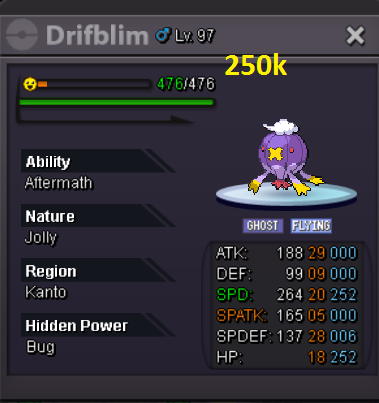
 250kBuy
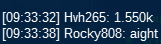
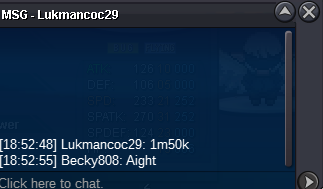
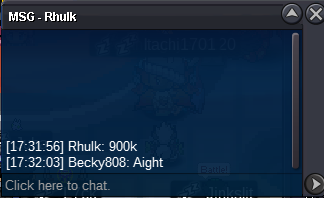
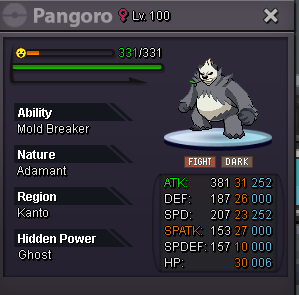 Discord: rocky808frcsgo Player Name: Rocky808 or Becky808https://pokemonrevolution.net/forum/uploads/monthly_2024_12/250kmud.jpg.caf8e2fecd794f00c188e5fa4e030fdf.jpg Buy 250k Username: Rocky808Jolting fire 600k





Account
Navigation
Search
Configure browser push notifications
Chrome (Android)
- Tap the lock icon next to the address bar.
- Tap Permissions → Notifications.
- Adjust your preference.
Chrome (Desktop)
- Click the padlock icon in the address bar.
- Select Site settings.
- Find Notifications and adjust your preference.
Safari (iOS 16.4+)
- Ensure the site is installed via Add to Home Screen.
- Open Settings App → Notifications.
- Find your app name and adjust your preference.
Safari (macOS)
- Go to Safari → Preferences.
- Click the Websites tab.
- Select Notifications in the sidebar.
- Find this website and adjust your preference.
Edge (Android)
- Tap the lock icon next to the address bar.
- Tap Permissions.
- Find Notifications and adjust your preference.
Edge (Desktop)
- Click the padlock icon in the address bar.
- Click Permissions for this site.
- Find Notifications and adjust your preference.
Firefox (Android)
- Go to Settings → Site permissions.
- Tap Notifications.
- Find this site in the list and adjust your preference.
Firefox (Desktop)
- Open Firefox Settings.
- Search for Notifications.
- Find this site in the list and adjust your preference.