New Trade Zone
Trade Zone is now live
Use the new Trade Zone for auctions and instant-price trades so Pokemon and item offers are easy to find.

Vaelinwar
Registered User
-
Joined
-
Last visited
Everything posted by Vaelinwar
-
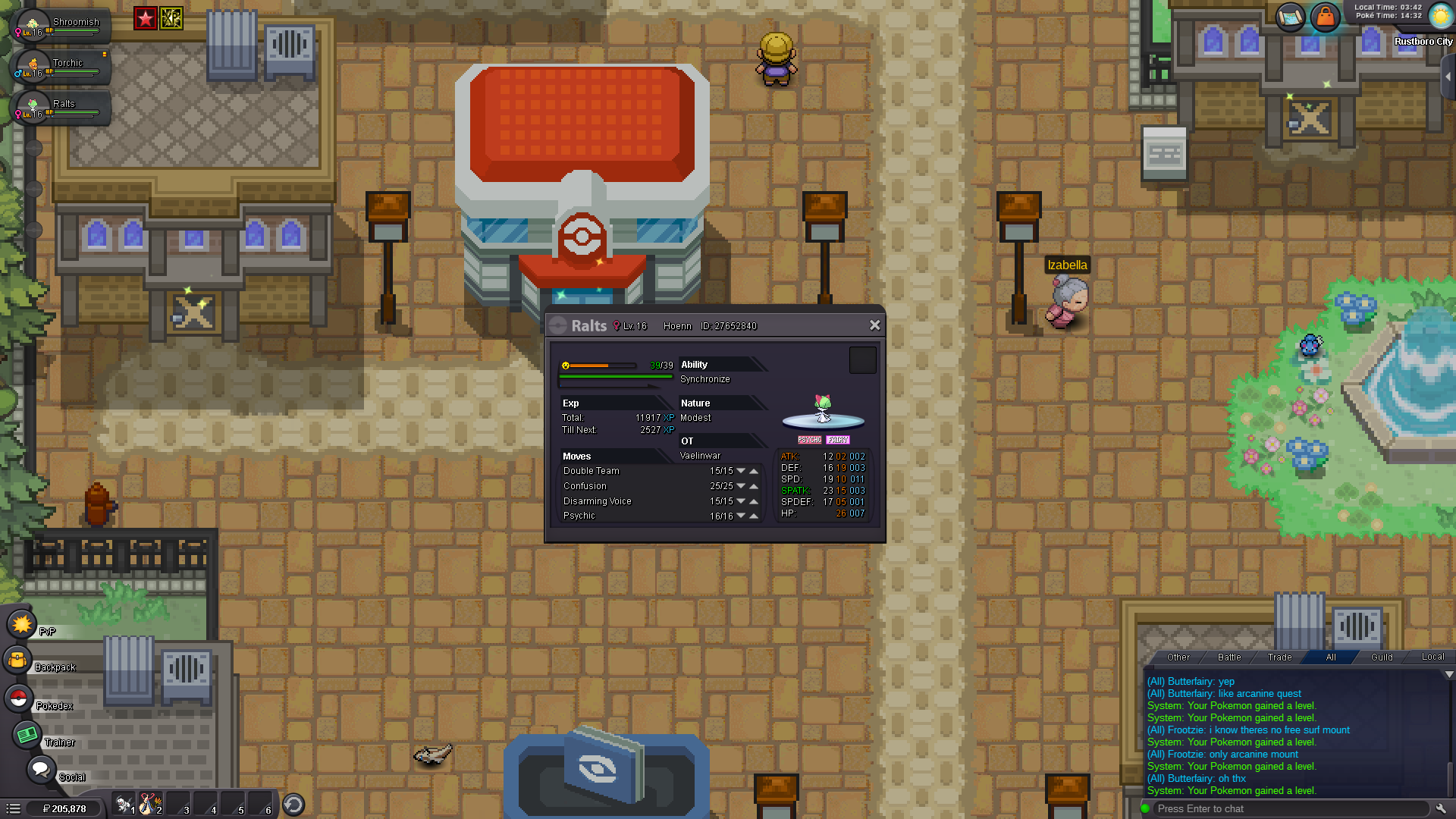
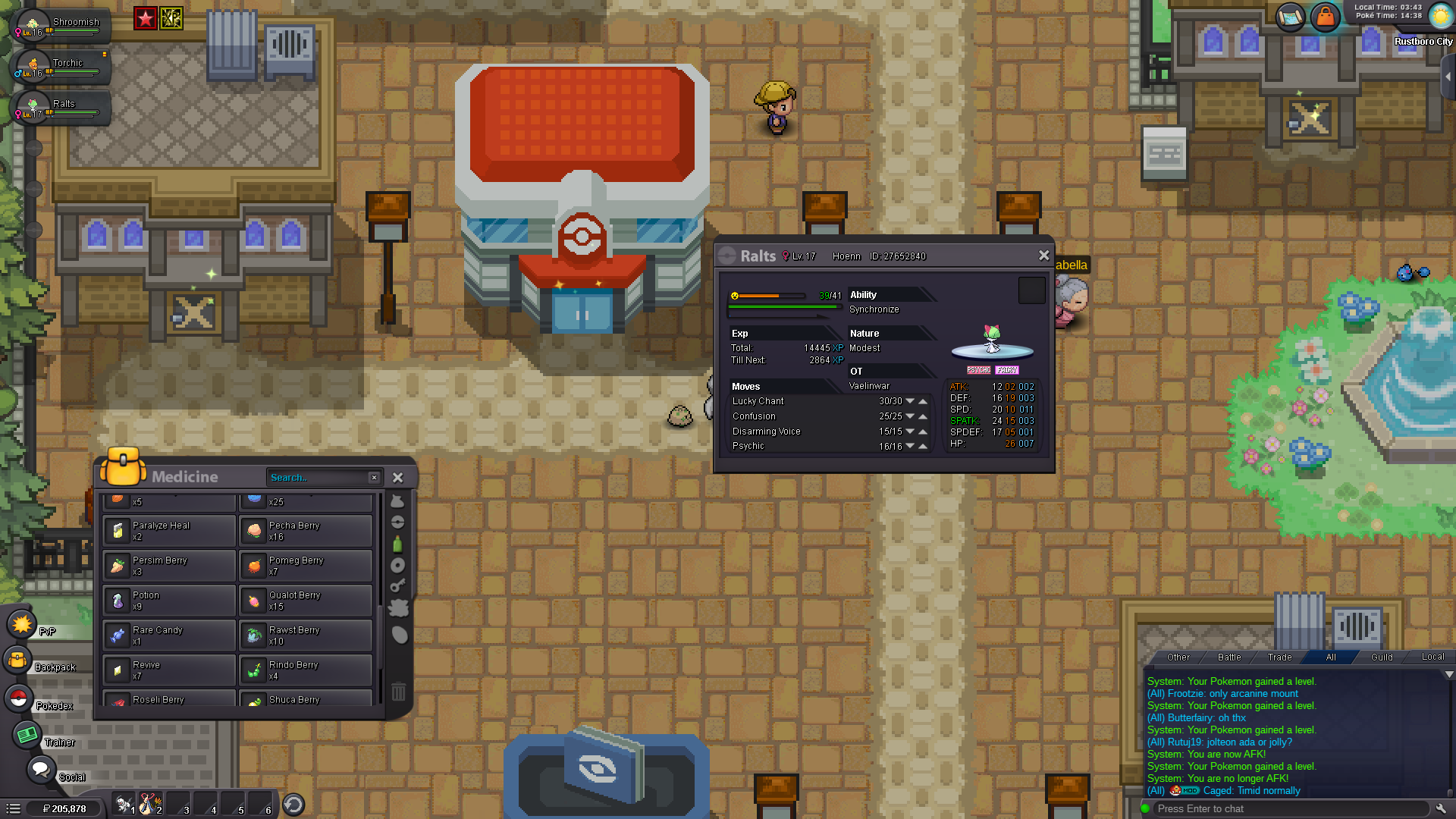
When leveling my Ralts I've come across a bug where when I choose a new move from leveling it doesn't replace the move with the move selected but the move that would have been learned previously, aka choice magic leafs but lucky chant shows up. I used a rare candy to level my Ralts and choose to replace double team with magic leafs but lucky chant was put in that spot instead.

-
I download the zip file and extracted it, running the game everything comes up but as soon as it tries to patch the game a Error happens. A message pops up and asks me to post this in the forums. System.UnauthorizedAccessException: Access to the path 'C:\Users\User\Documents\My Music' is denied. at System.IO.__Error.WinIOError(Int32 errorCode, String maybeFullPath) at System.IO.FileSystemEnumerableIterator[iCODE]1.AddSearchableDirsToStack(SearchData localSearchData) at System.IO.FileSystemEnumerableIterator[/iCODE]1.MoveNext() at System.Collections.Generic.List[iCODE]1..ctor(IEnumerable[/iCODE]1 collection) at System.IO.Directory.GetFiles(String path, String searchPattern, SearchOption searchOption) at ClientPatcher.Form1.GetProcesses(String path) at ClientPatcher.Form1.Stage2() at ClientPatcher.Form1.ExceptionWrapper() Access to the path 'C:\Users\User\Documents\My Music' is denied. mscorlib at System.IO.__Error.WinIOError(Int32 errorCode, String maybeFullPath) at System.IO.FileSystemEnumerableIterator[iCODE]1.AddSearchableDirsToStack(SearchData localSearchData) at System.IO.FileSystemEnumerableIterator[/iCODE]1.MoveNext() at System.Collections.Generic.List[iCODE]1..ctor(IEnumerable[/iCODE]1 collection) at System.IO.Directory.GetFiles(String path, String searchPattern, SearchOption searchOption) at ClientPatcher.Form1.GetProcesses(String path) at ClientPatcher.Form1.Stage2() at ClientPatcher.Form1.ExceptionWrapper()