New Trade Zone
Trade Zone is now live
Use the new Trade Zone for auctions and instant-price trades so Pokemon and item offers are easy to find.

Twetty
Registered User
-
Joined
-
Last visited
Everything posted by Twetty
-
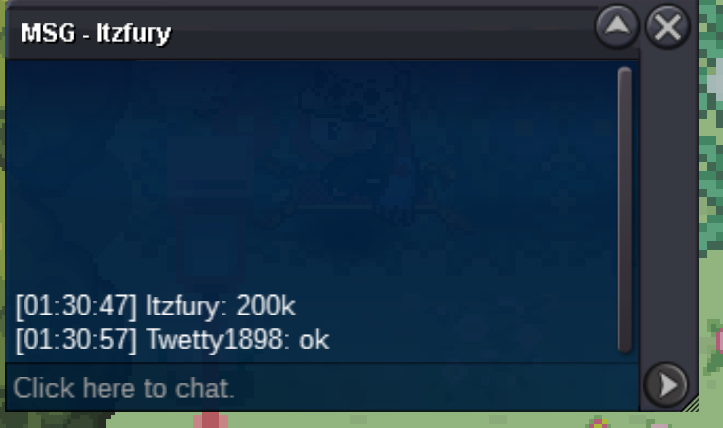
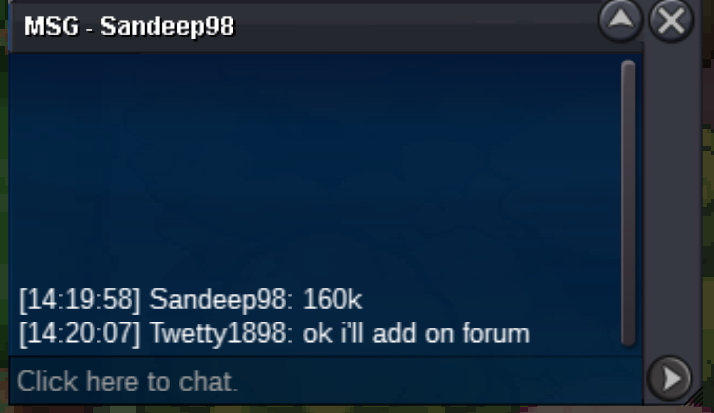
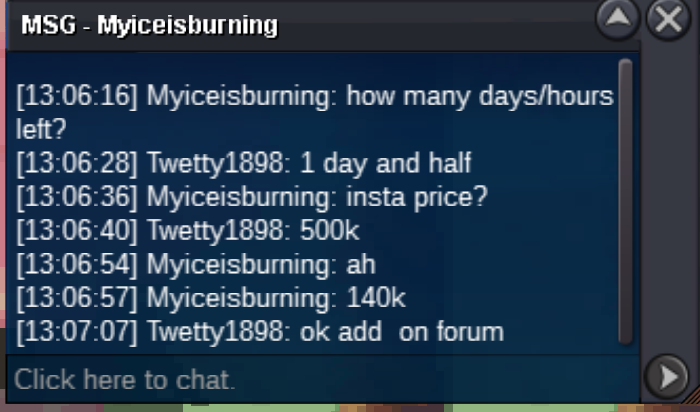
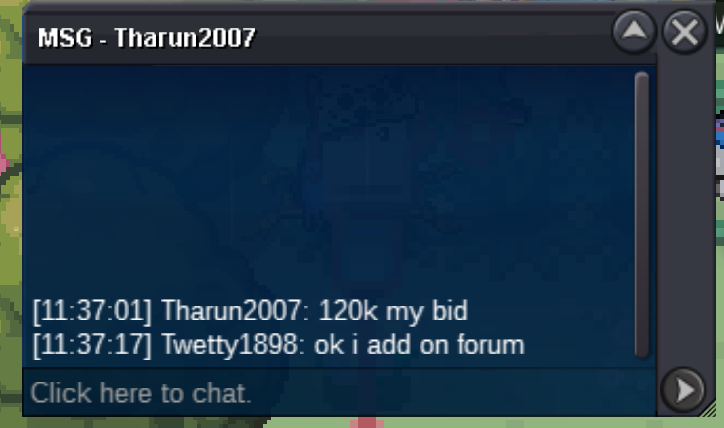
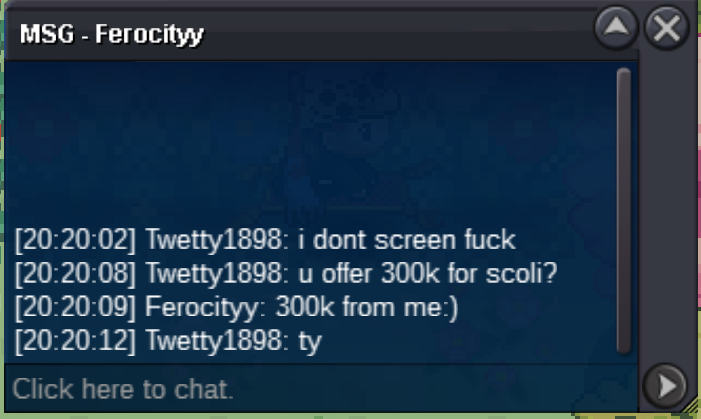
current offer 180ks.o. 100k min bid 20k insta 500k time left 2 days
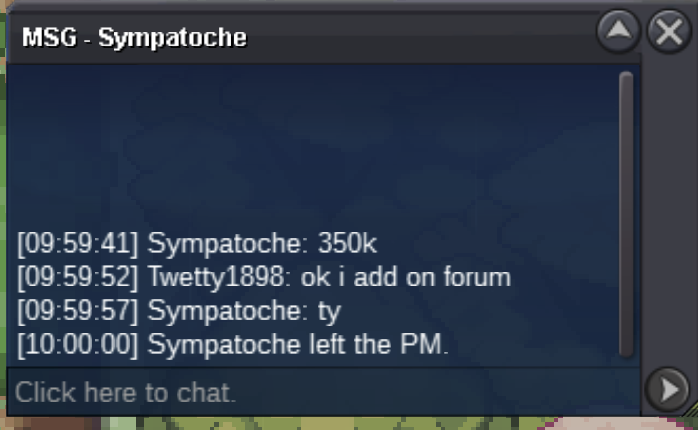
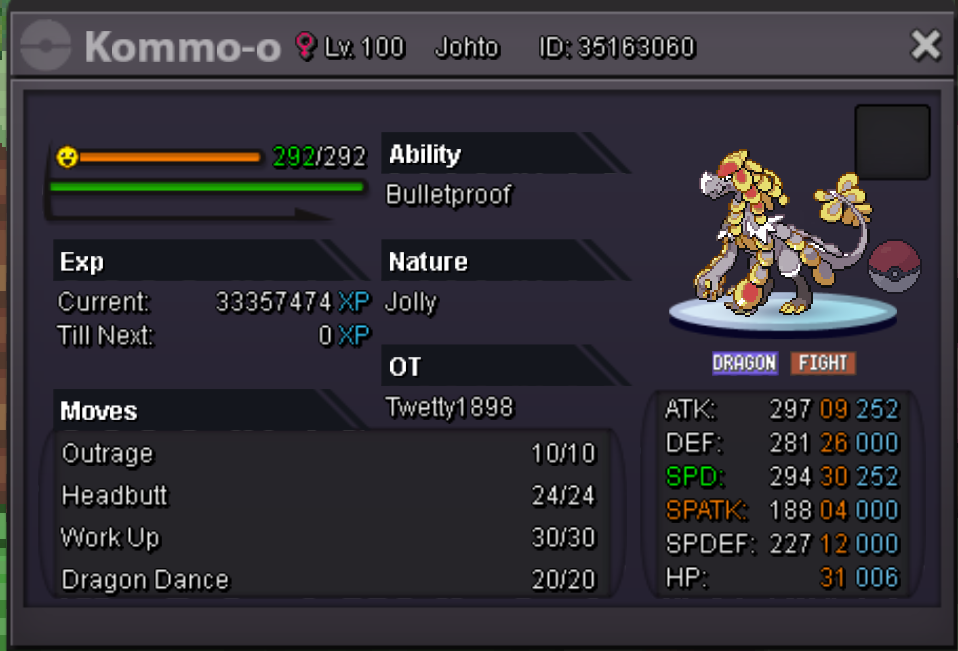 sold insta ty all. can be closed
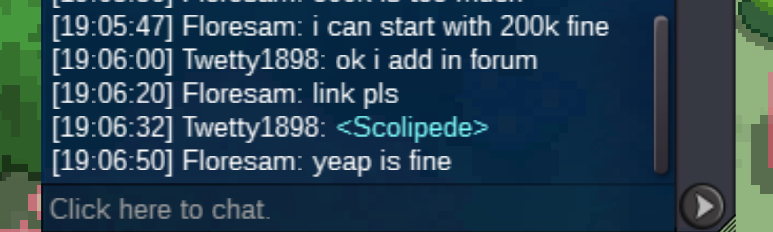
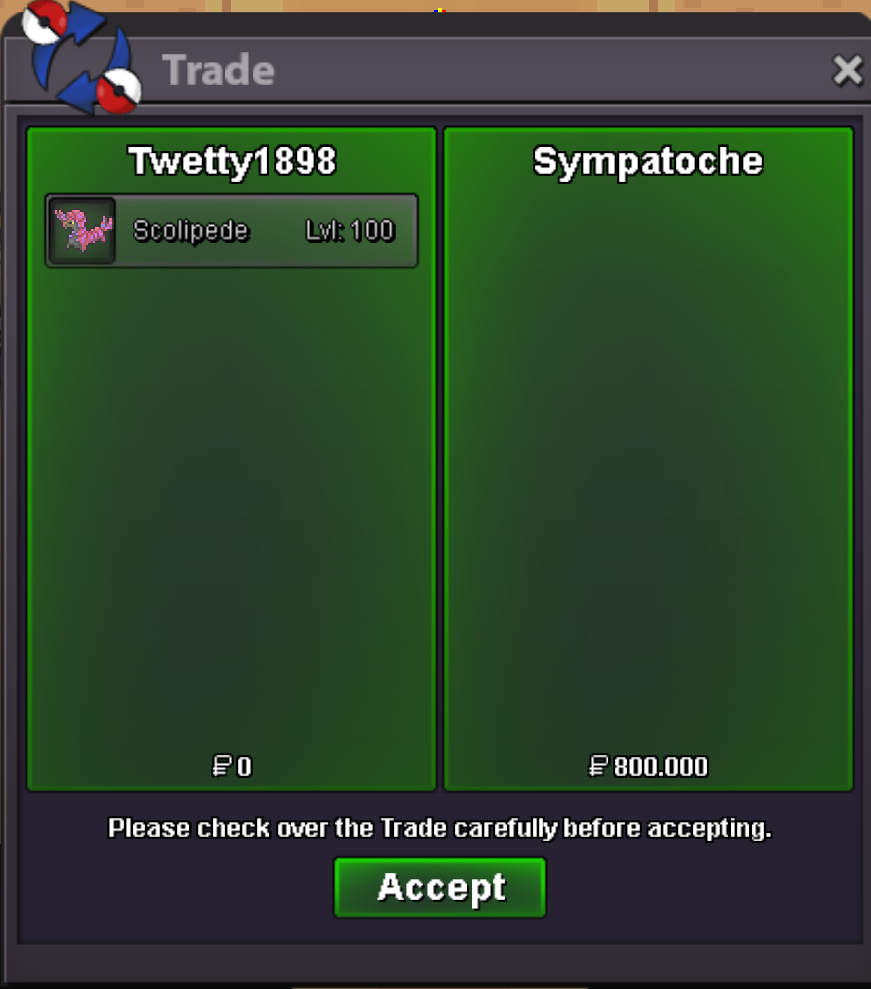 s.o. 200k min bid 50k insta 800k 2 days left
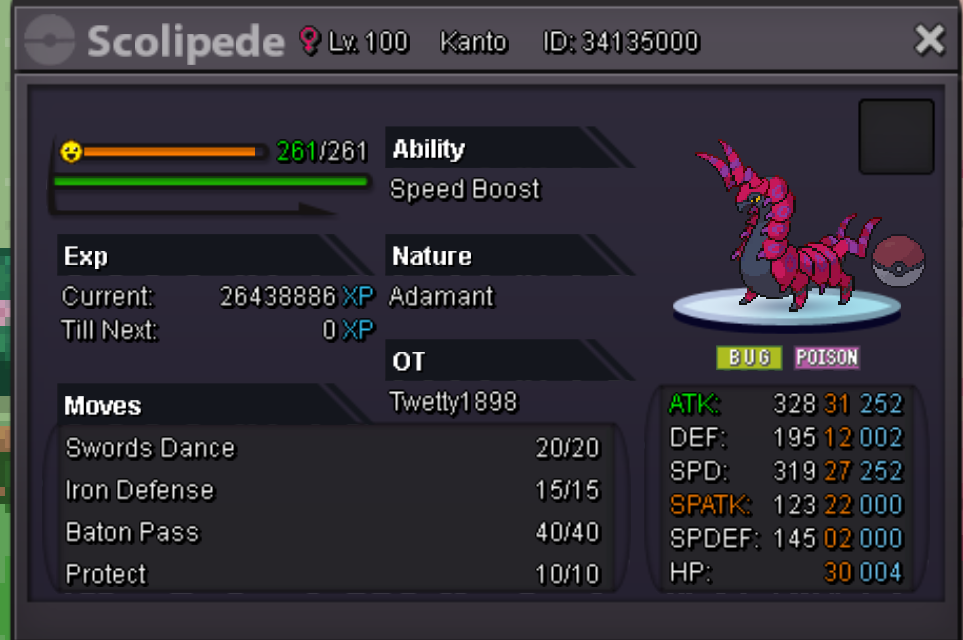 hi you win, you can pm in discord(twetty1898#3445) or game(twetty1898)u sell only in silver or also in gold?i can't acces to forum with my main account, i have the same e-mail for two account, can i delete one account and use my e-mail only for main account?START OFFER 100K MIN BID 50K INSTA 600K TIME LEFT 2 DAYS
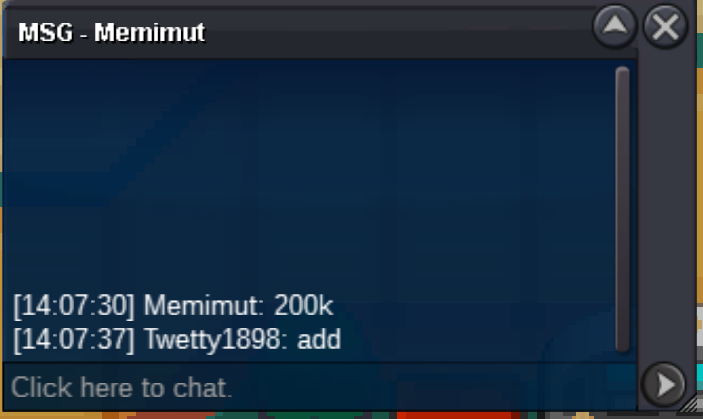
 Itzronin win. You can pm me in game (twetty1898) or discord (twetty1898#3445)C.O. 20K MIN BID 10K INSTA 200K 1 DAY LEFT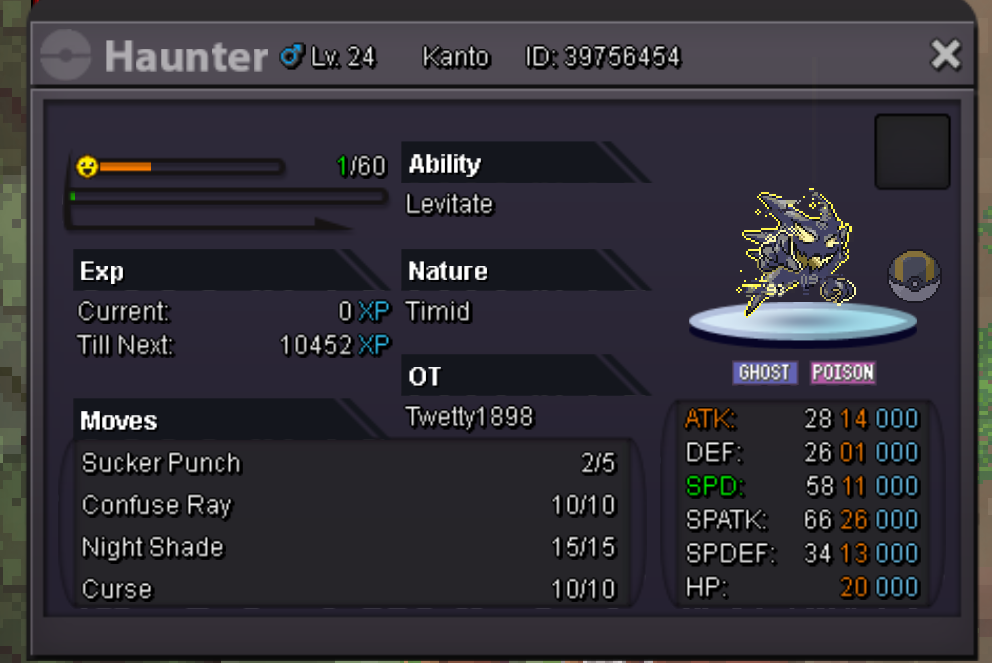
Account
Navigation
Search
Configure browser push notifications
Chrome (Android)
- Tap the lock icon next to the address bar.
- Tap Permissions → Notifications.
- Adjust your preference.
Chrome (Desktop)
- Click the padlock icon in the address bar.
- Select Site settings.
- Find Notifications and adjust your preference.
Safari (iOS 16.4+)
- Ensure the site is installed via Add to Home Screen.
- Open Settings App → Notifications.
- Find your app name and adjust your preference.
Safari (macOS)
- Go to Safari → Preferences.
- Click the Websites tab.
- Select Notifications in the sidebar.
- Find this website and adjust your preference.
Edge (Android)
- Tap the lock icon next to the address bar.
- Tap Permissions.
- Find Notifications and adjust your preference.
Edge (Desktop)
- Click the padlock icon in the address bar.
- Click Permissions for this site.
- Find Notifications and adjust your preference.
Firefox (Android)
- Go to Settings → Site permissions.
- Tap Notifications.
- Find this site in the list and adjust your preference.
Firefox (Desktop)
- Open Firefox Settings.
- Search for Notifications.
- Find this site in the list and adjust your preference.