New Trade Zone
Trade Zone is now live
Use the new Trade Zone for auctions and instant-price trades so Pokemon and item offers are easy to find.

Trezzyxx
Suspended
-
Joined
-
Last visited
-
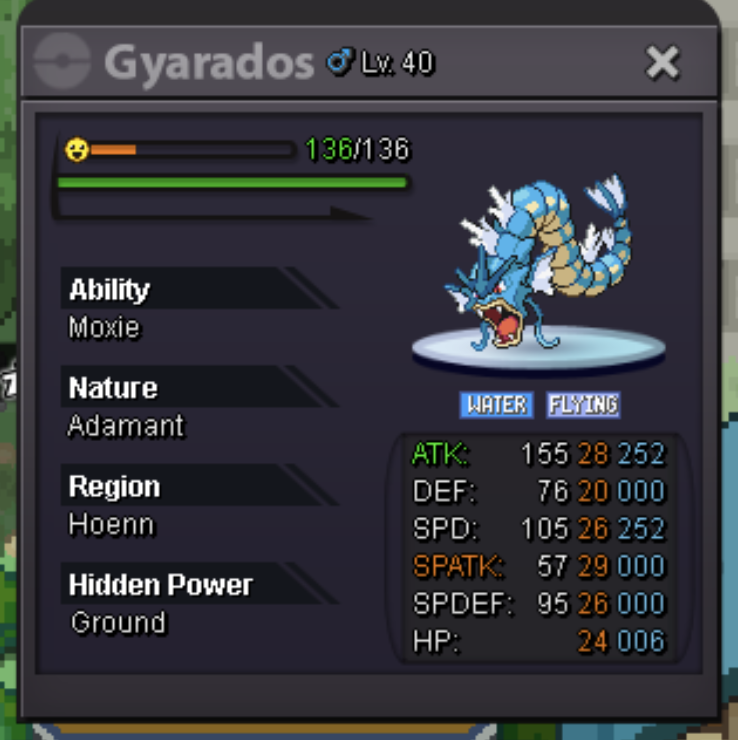
Auction Details: Start Price: 200k End Point: 24 hours (after start price is met) Minimum Raise: 25k Accepted Payments: Pokedollars & Rare Candy (6k)
-
gyarados done CAN BE CLOSED
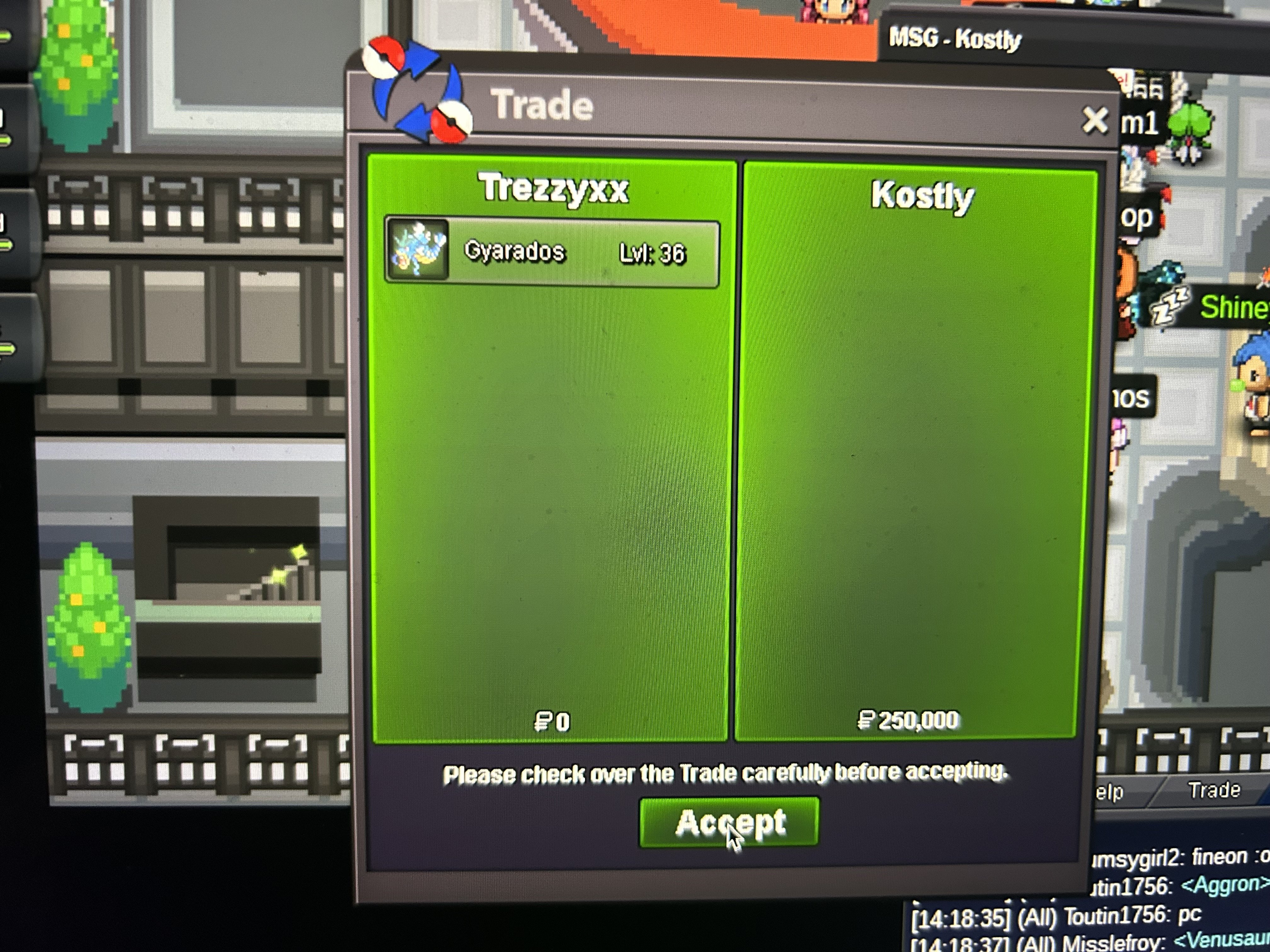
-
GENGAR DONE
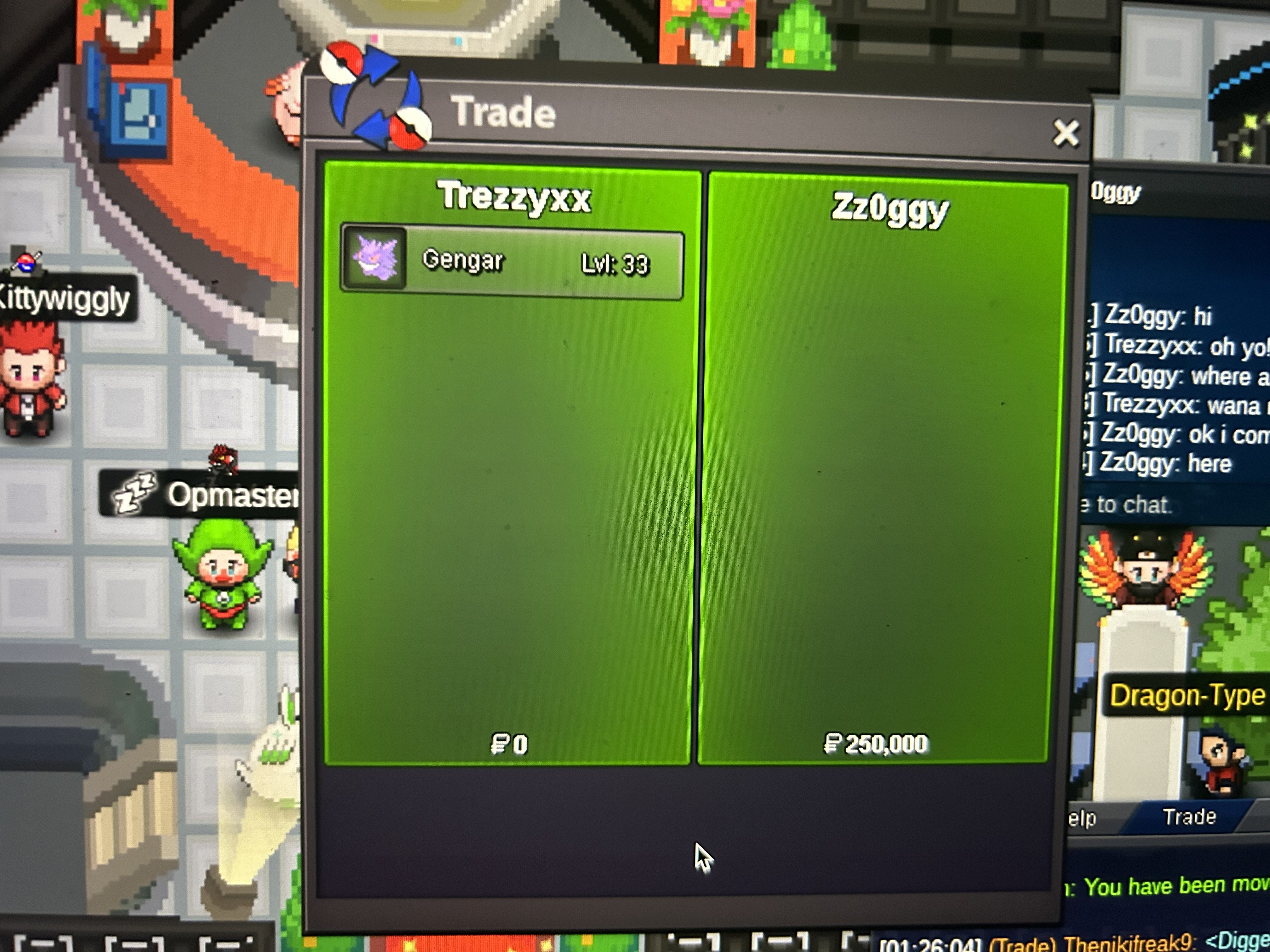
-
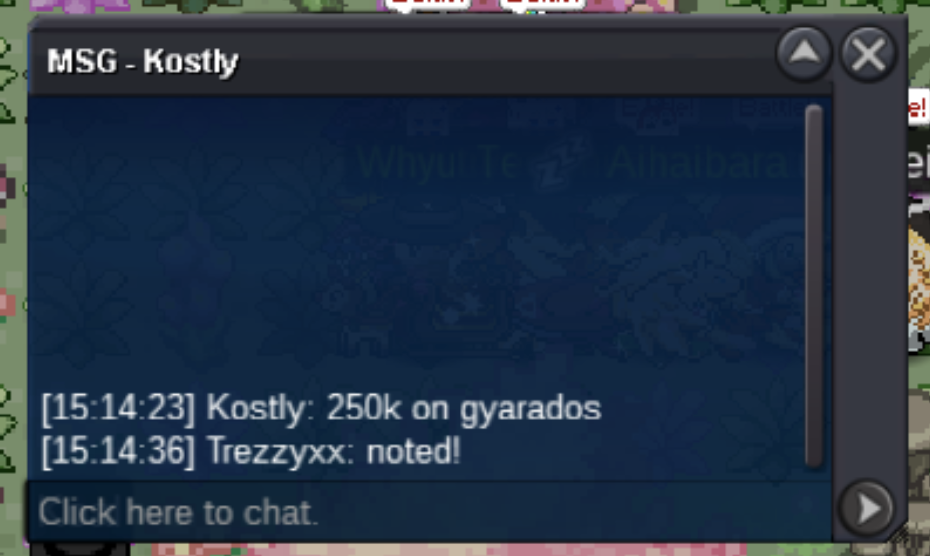
auction done @kostly won gyarados with 250k @Zz0ggy won Gengar with 250k write me here if you are available (both not online atm)
-
Auction Details: Start Price: each starts at 200k End Point: 24 hours (after 1st bet) Insta Price: / Minimum Raise: 50k Accepted Payments: Pokedollars & Rare Candy (6k ea) If a bid is received in the final 15 minutes of the auction, the end point will be delayed by 15 minutes from that bid, and will be delayed by 15 minutes for each new bid thereafter, until the current offer has been held for a full 15 minutes. Happy Bidding!
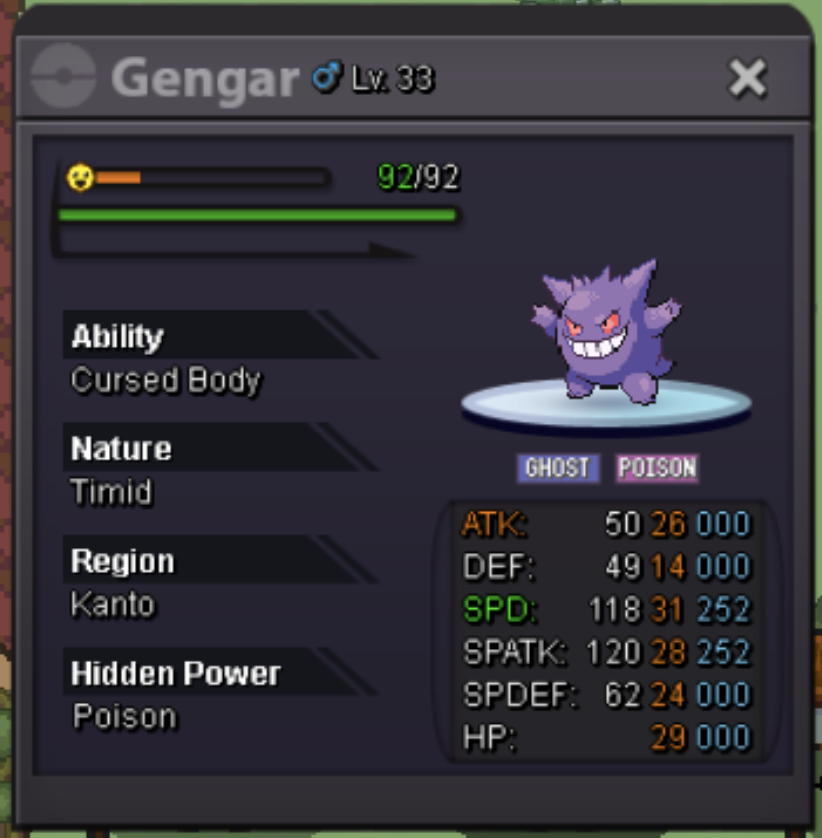
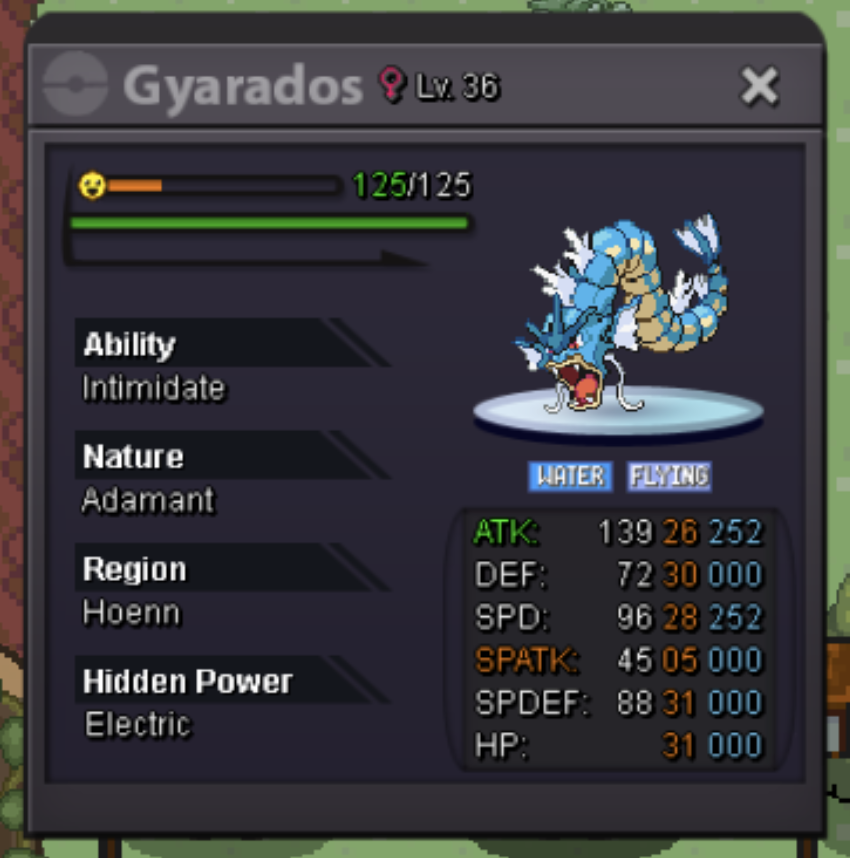 Trade is done. can be closed.
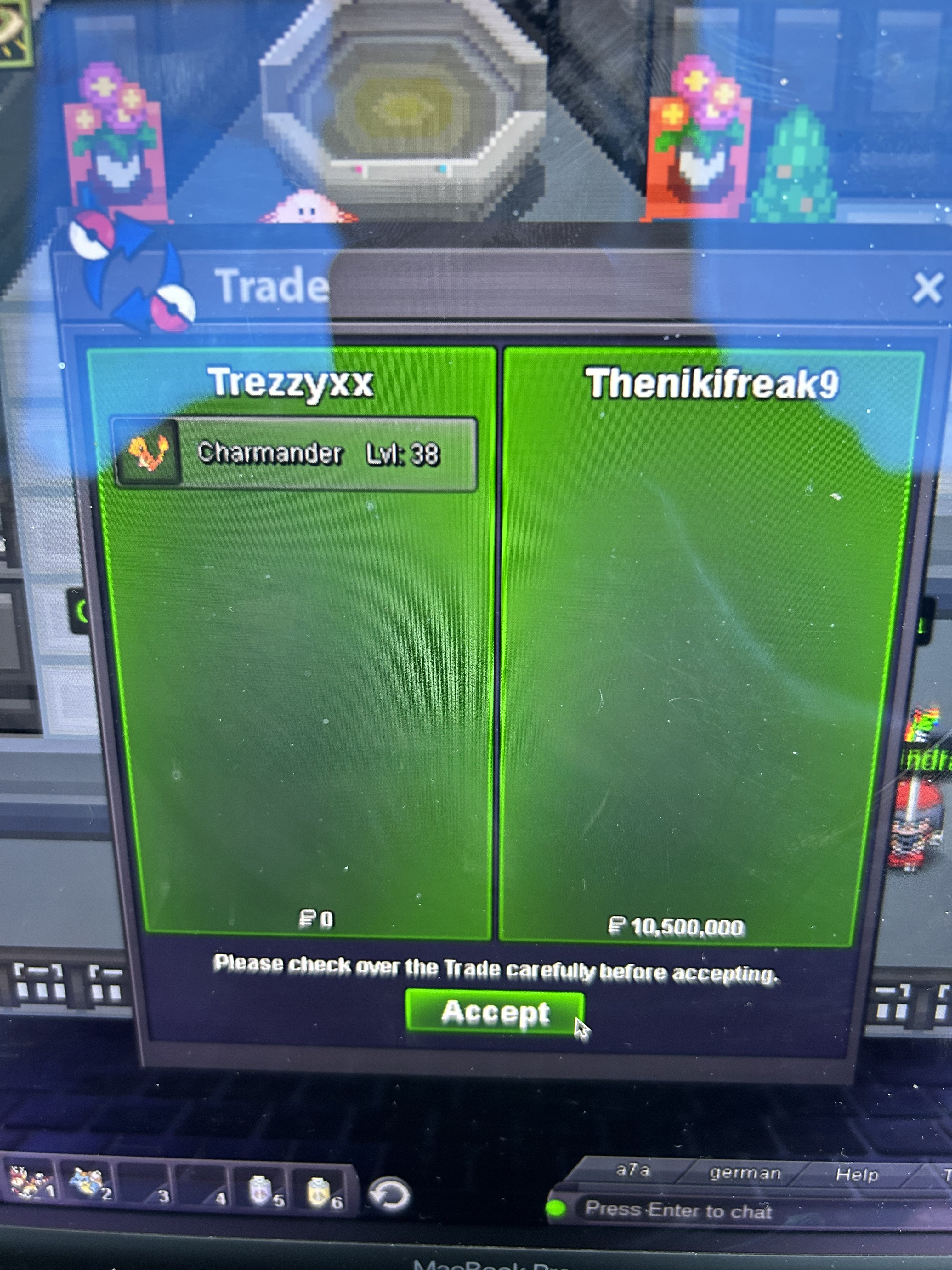 thx for the auction! @Thenikifreak9 as far as im aware, u won :d you currently on silver? im available the whole day.BUMP 1h 20min left Be aware of 15 min rule - just in case for any last sec bids later 🙂
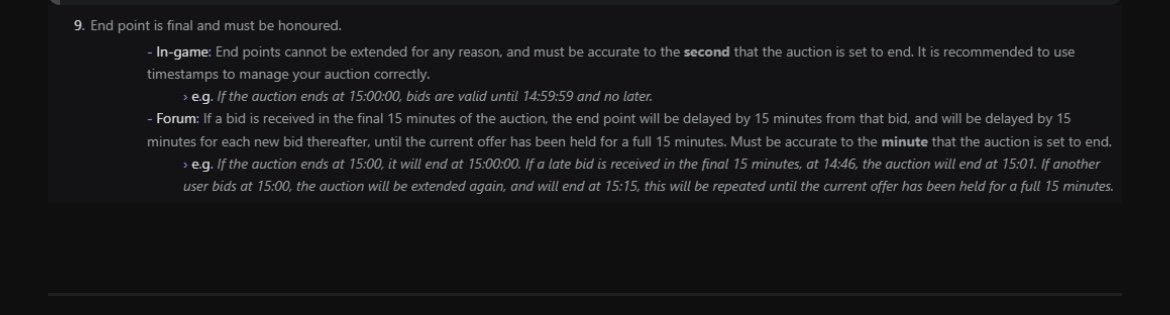 <BUMP> 24h left c.o 7m by Victor auction ends 15th July (tomorrow) - 11:00 AM (CET)Starting Offer: 2m Min Raise: 200k No Insta Auction ends 48h after first bid is placed Good Luck :)!
 Last Trade Done!
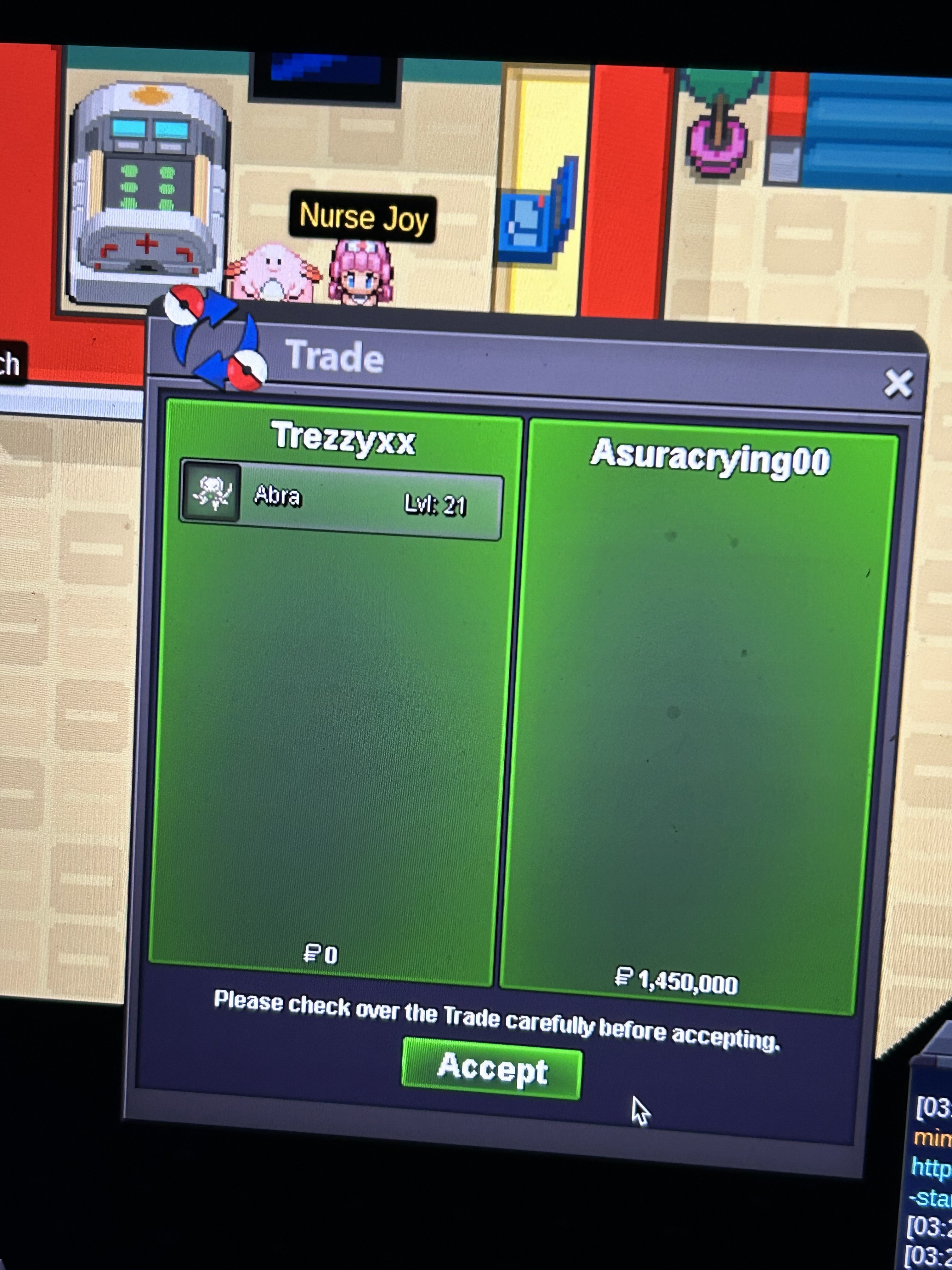 @Asuracrying00 take your time, waiting in vermilion