New Trade Zone
Trade Zone is now live
Use the new Trade Zone for auctions and instant-price trades so Pokemon and item offers are easy to find.

Heyb
Registered User
-
Joined
-
Last visited
-
-
-
-
Hello? any staff taking care of this case?
-
look this is the proof that the acc exists, search the pvp ladder results and u will see this:
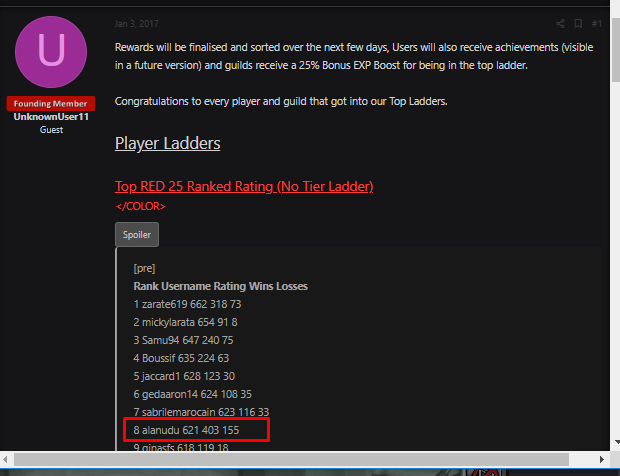
-
i wanna know what happened to my acc, so much effort and money was involved and i cant just gladly accept that it was deleted.
-
u didnt understod the situation bro. I tryed tomerge the account, but i think i somehow forgot the password. So i tryed the "forgot password?" option, but there it says that my account dont exist.
-
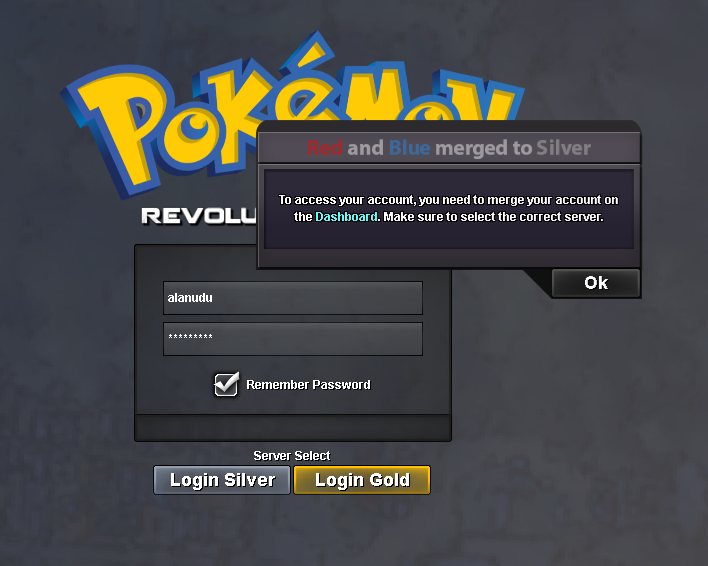
...... i have played for more than 2000 hours, u cant just say that it doesnt exist and its ok. Im sure it exists though, as i sad, when i try to enter the game, it appears the msg that i need to merge the acc, so the fact is that the game recognize that my acc in fact exists.when i try to log in the game it appears ""you have to merge the acc"loool, no bro i didnt forgot my username, i use this nick for EVERY game i play, soo....Hey there, have been sometime since i played the game for the last time. My acc named "alanudu" was in the red server. i Tried recently to merge the acc in the gold server, but all the passwords i tried dint work, so i clicked on the "forgot pass" but when i typed my acc and pass, i received the msg that my account didnt exist.