New Trade Zone
Trade Zone is now live
Use the new Trade Zone for auctions and instant-price trades so Pokemon and item offers are easy to find.

Chips1
Registered User
-
Joined
-
Last visited
-
Hi, are you able to help me with this, as the problem hasn't been sorted yet?
-
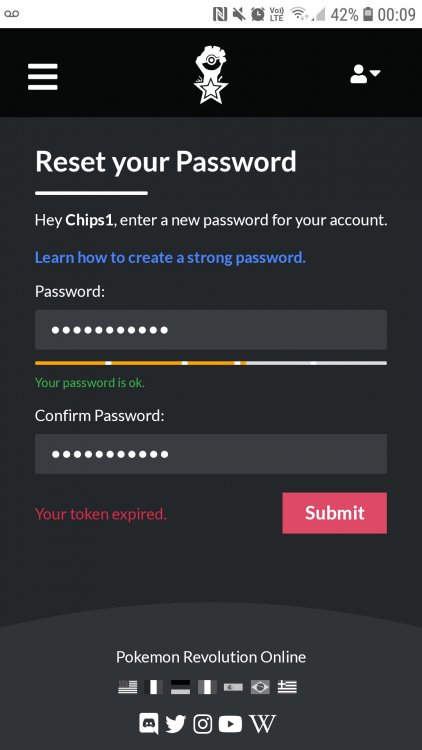
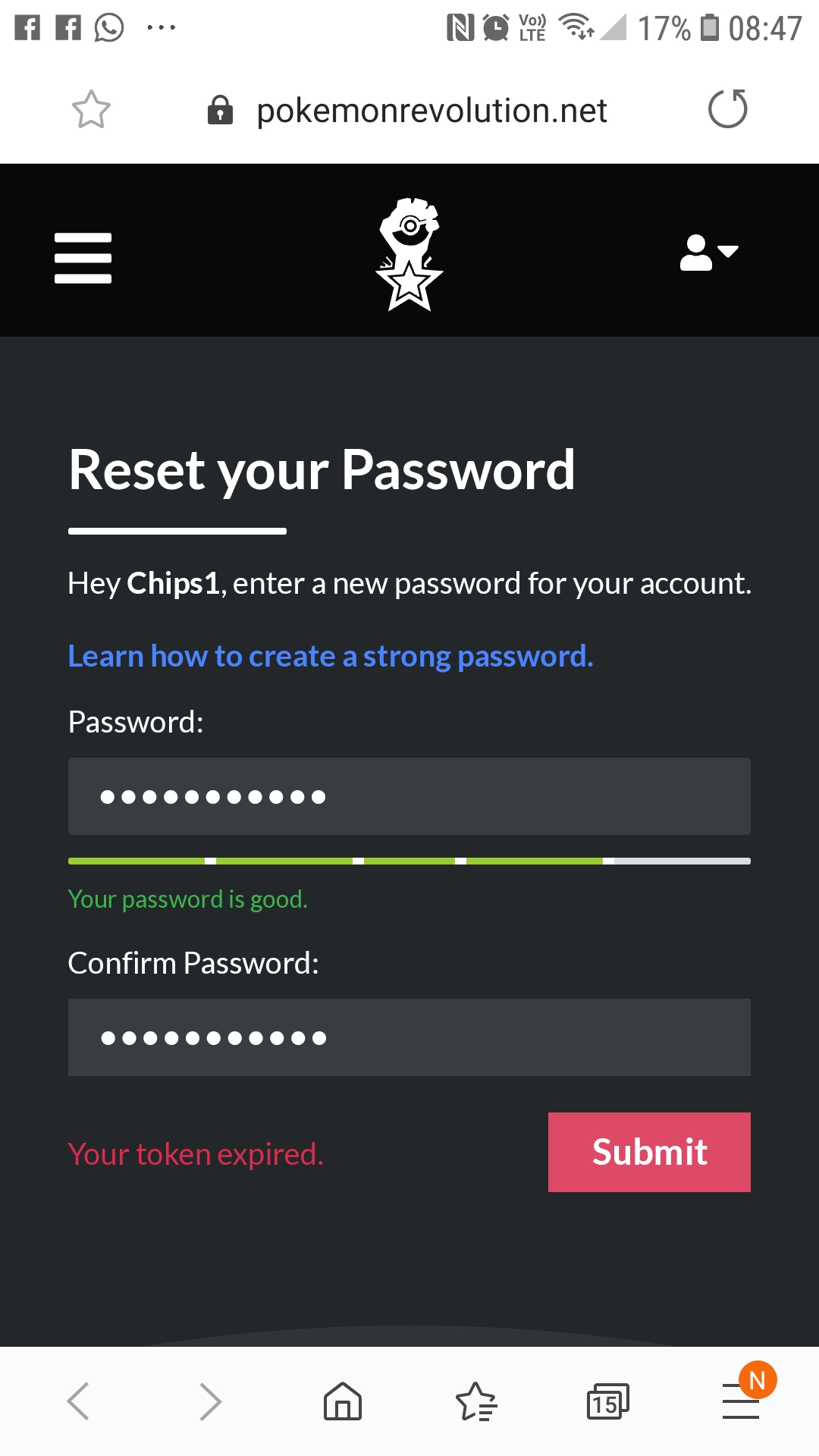
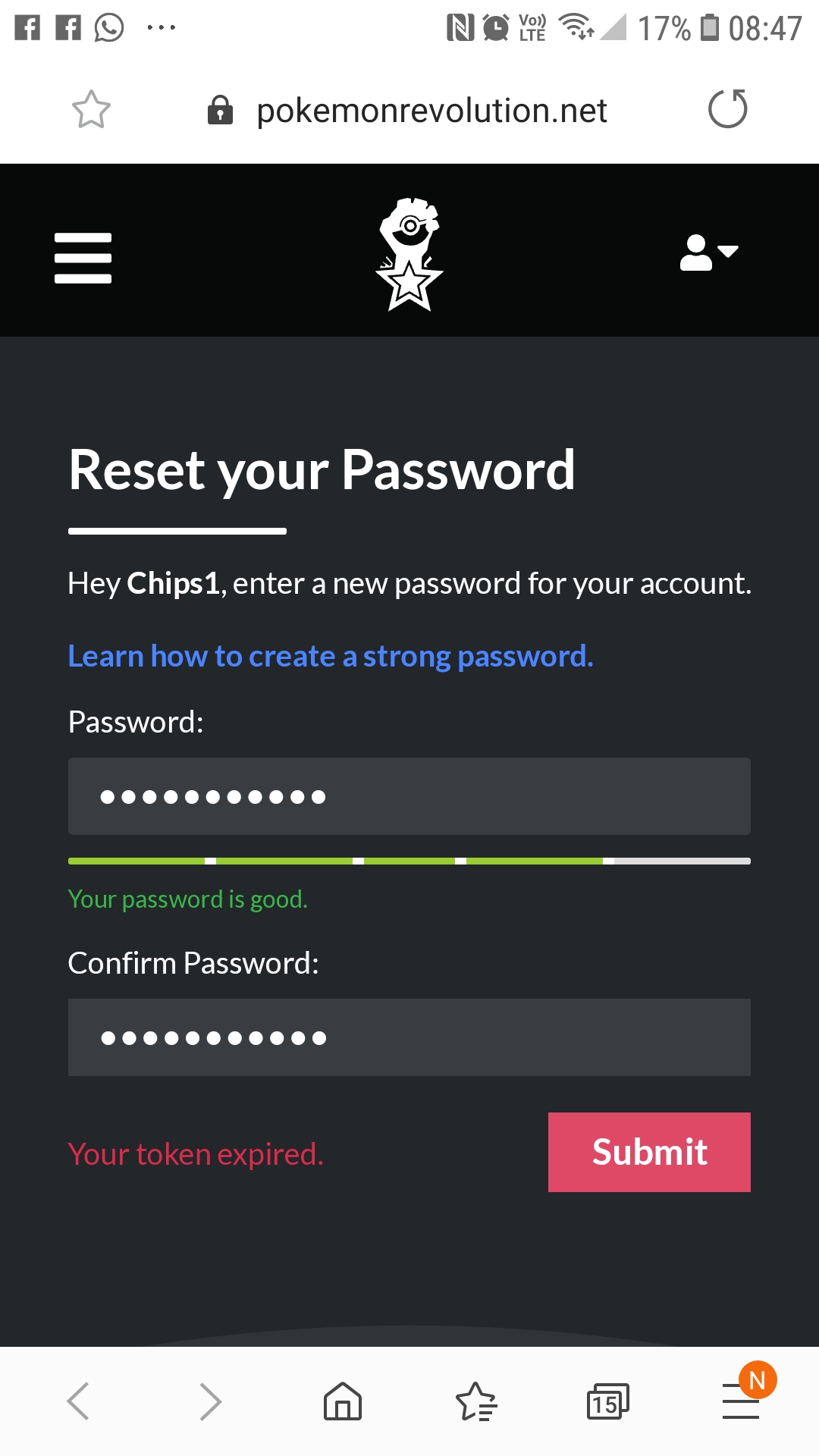
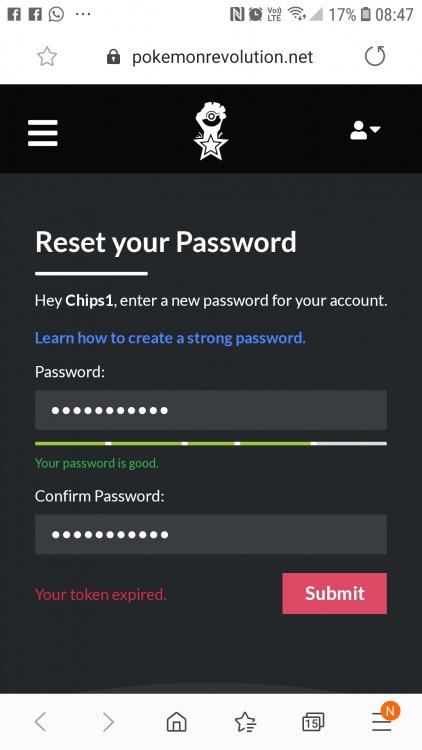
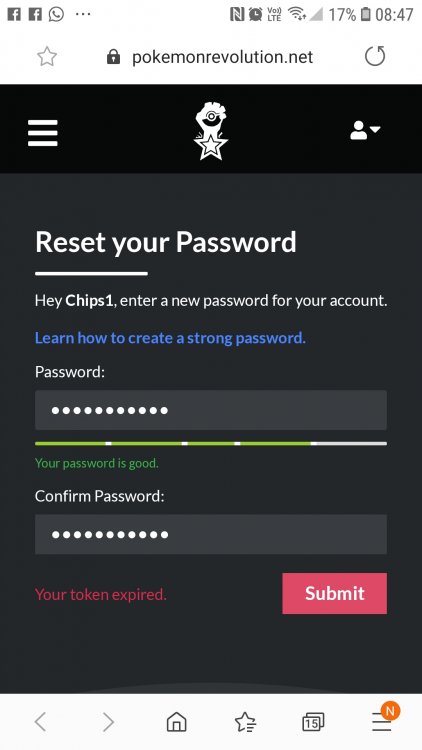
Hi Livana, I've tried what you suggested but have ran into the same problem. I've tried Google Chrome, Google Chrome Incognito and Samsung Internet, all on my smartphone. The attached image is of Samsung Internet. The one in my.first message is a screenshot of Chrome. My security won't let me screenshot on Incognito but it says the same thing. Kind regards
-
Hi Livana, I've tried what you suggested but have ran into the same problem. I've tried Google Chrome, Google Chrome Incognito and Samsung Internet, all on my smartphone. The attached image is of Samsung Internet. The one in my.first message is a screenshot of Chrome. My security won't let me screenshot on Incognito but it says the same thing.
-
Hi, I have Pokemon Revolution on my PC (gold server). I'm trying to use it on my phone when I am out. I cannot remember my password as it is auto saved on my PC. So I'm trying to set a new password that I shall remember, for both my PC and my mobile. When I get the email link to change my password, I type in a suitable password and it won't let me change it. A message pops up every time saying, 'your token has expired'. I read a previous thread, which instructed that person to delete all previous password reset emails and then activate the password reset email and proceed. I did that and I'm still getting the, 'your token has expired' message. Please can someone help me with this? Kind regards