New Trade Zone
Trade Zone is now live
Use the new Trade Zone for auctions and instant-price trades so Pokemon and item offers are easy to find.


Madarauchia
Registered User
-
Joined
-
Last visited
Everything posted by Madarauchia
-
Noted
-
Noted
-
Thank dou very much ! Have a great day
-
Im right now on Gold server and want to Transfer with a cc back to Silvet but cant. It say i have lend someone a poke but i cant remember who and which poke. Can u guys tell me which poke i lended and for how many days? Tyvm
-
21m
-
3.5m
-
3m
-
3m
-
3m
-
2.5m
-
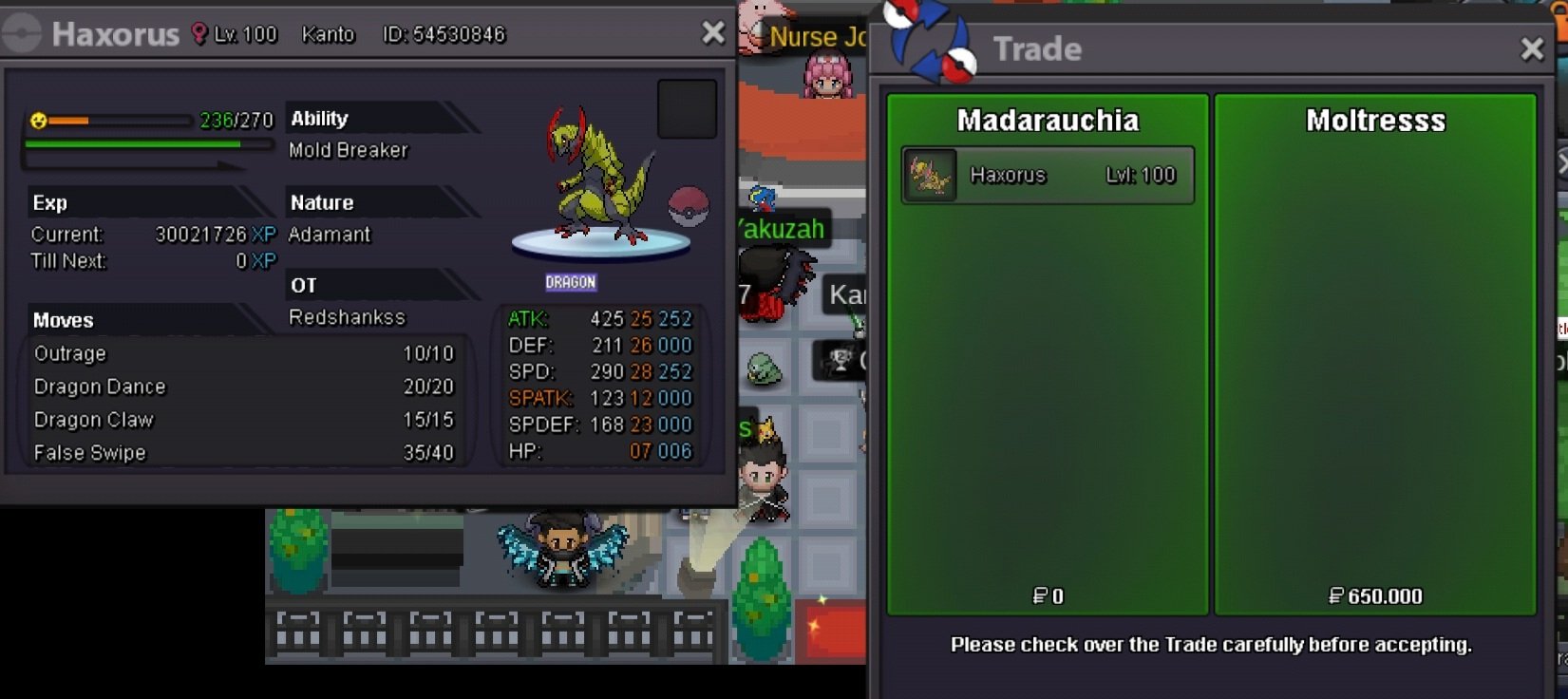
Tyvm Player @Moltresss enjoy ur new Pokemon !!!
-
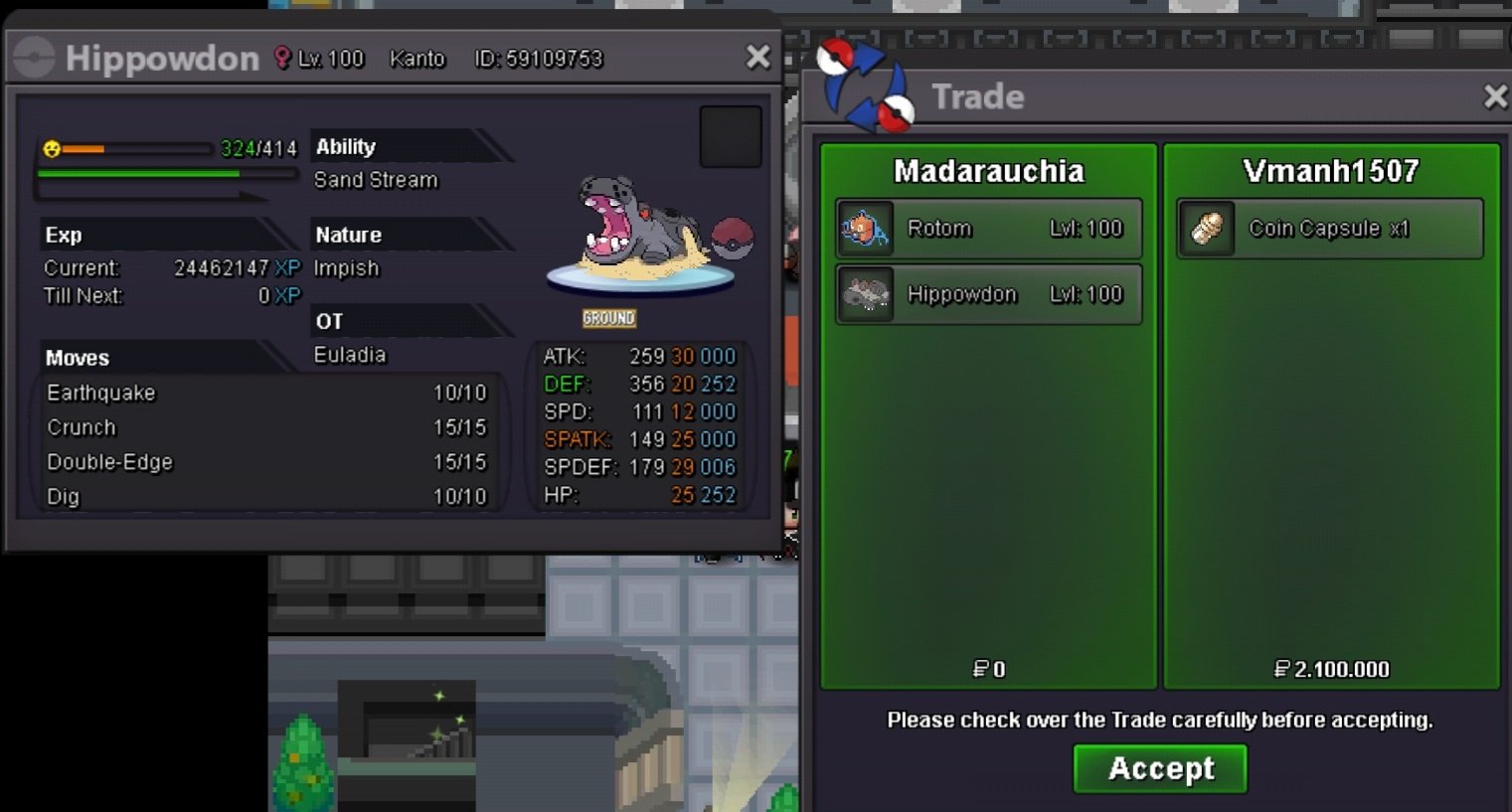
Tyvm Player @Vmanh1507 enjoy ur new Hippowdon !!!
-
Tyvm Player @Vmanh1507 enjoy ur new Rotom !!!!

-
Tyvm Player @Pangpond032 enjoy ur new Blissey!!!

-
-
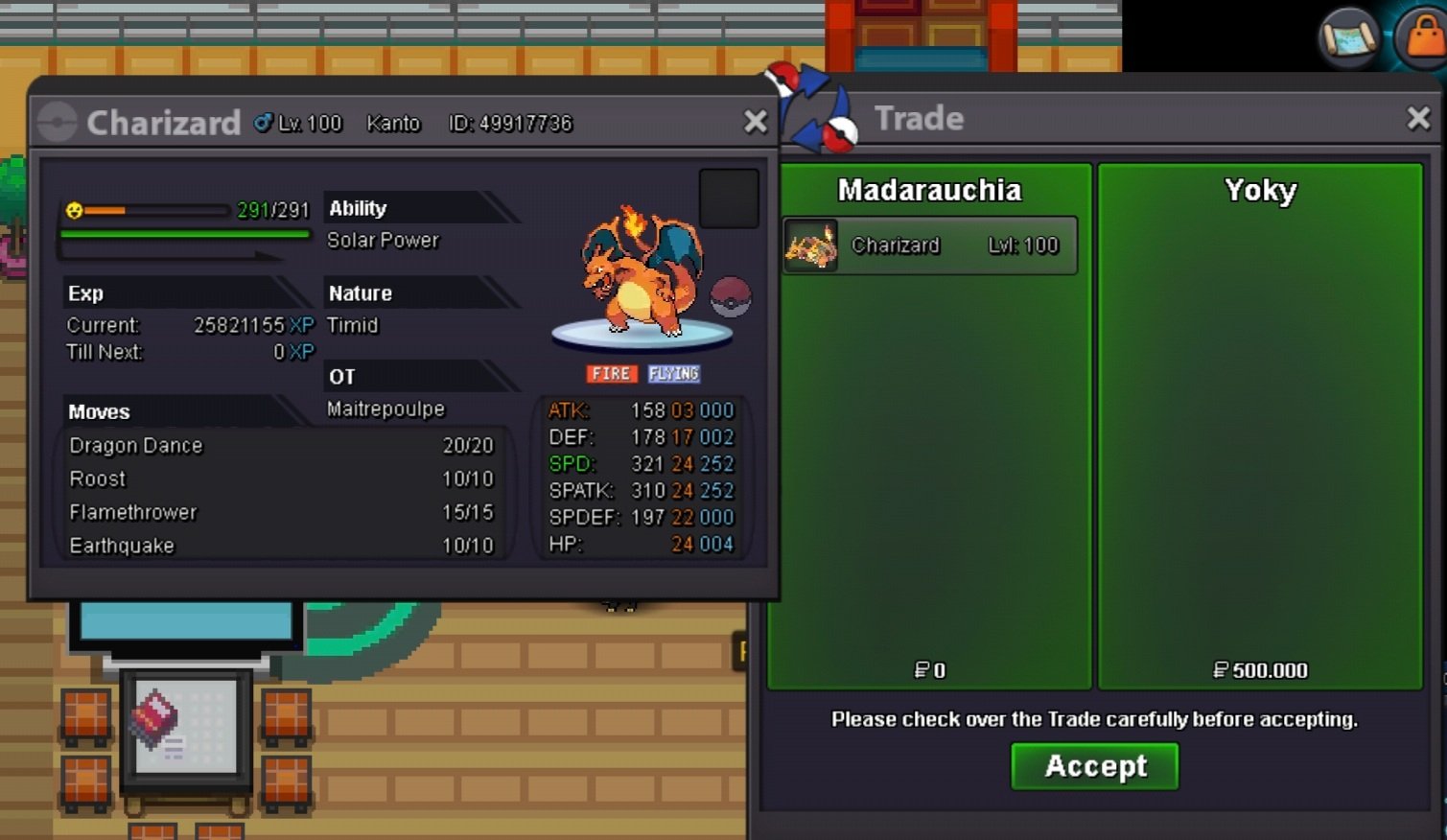
Tyvm Player @Yokyenjoy ur new charizard!!!!
-
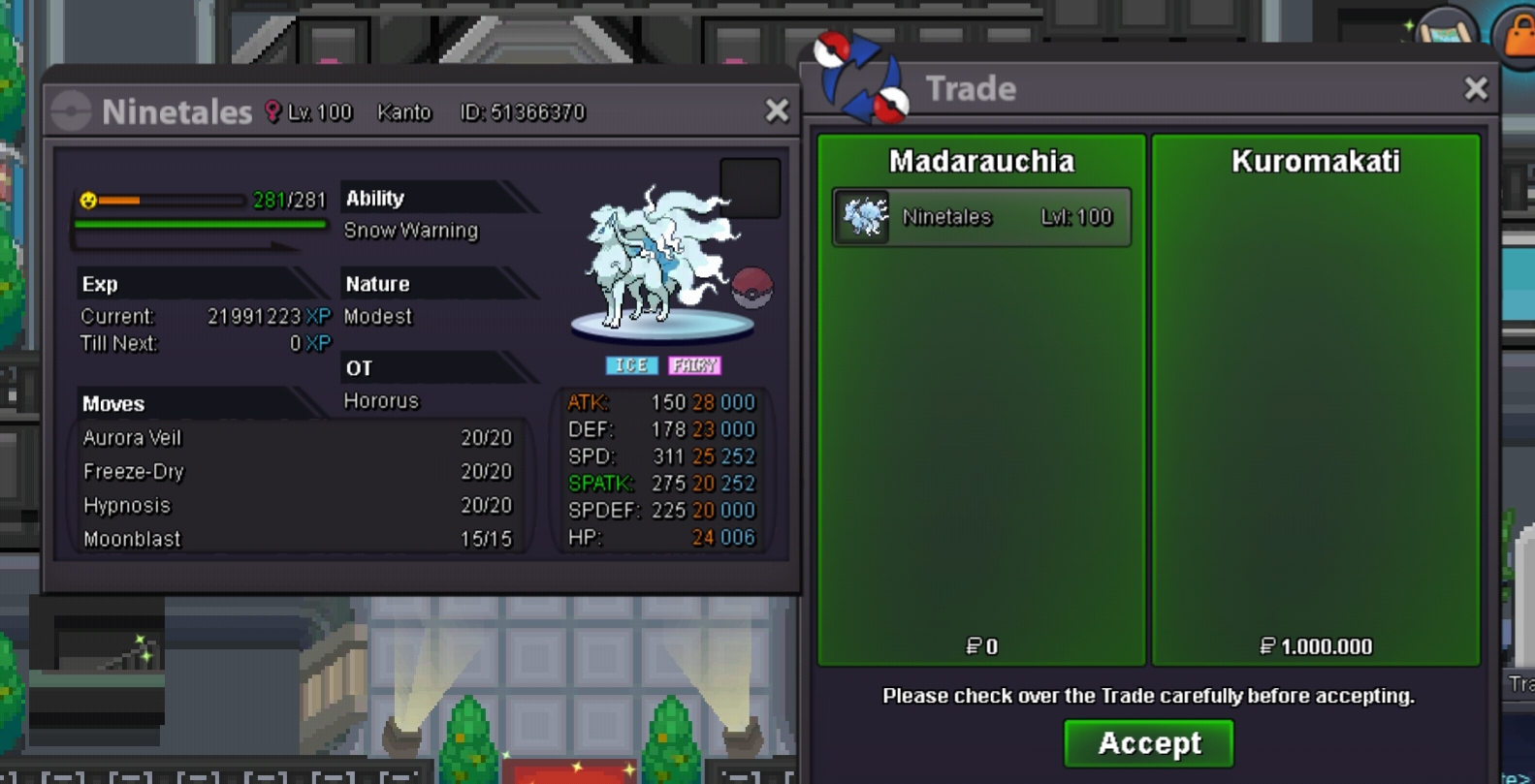
Tyvm Player @kuromakatienjoy ur new Pkm !!!
-
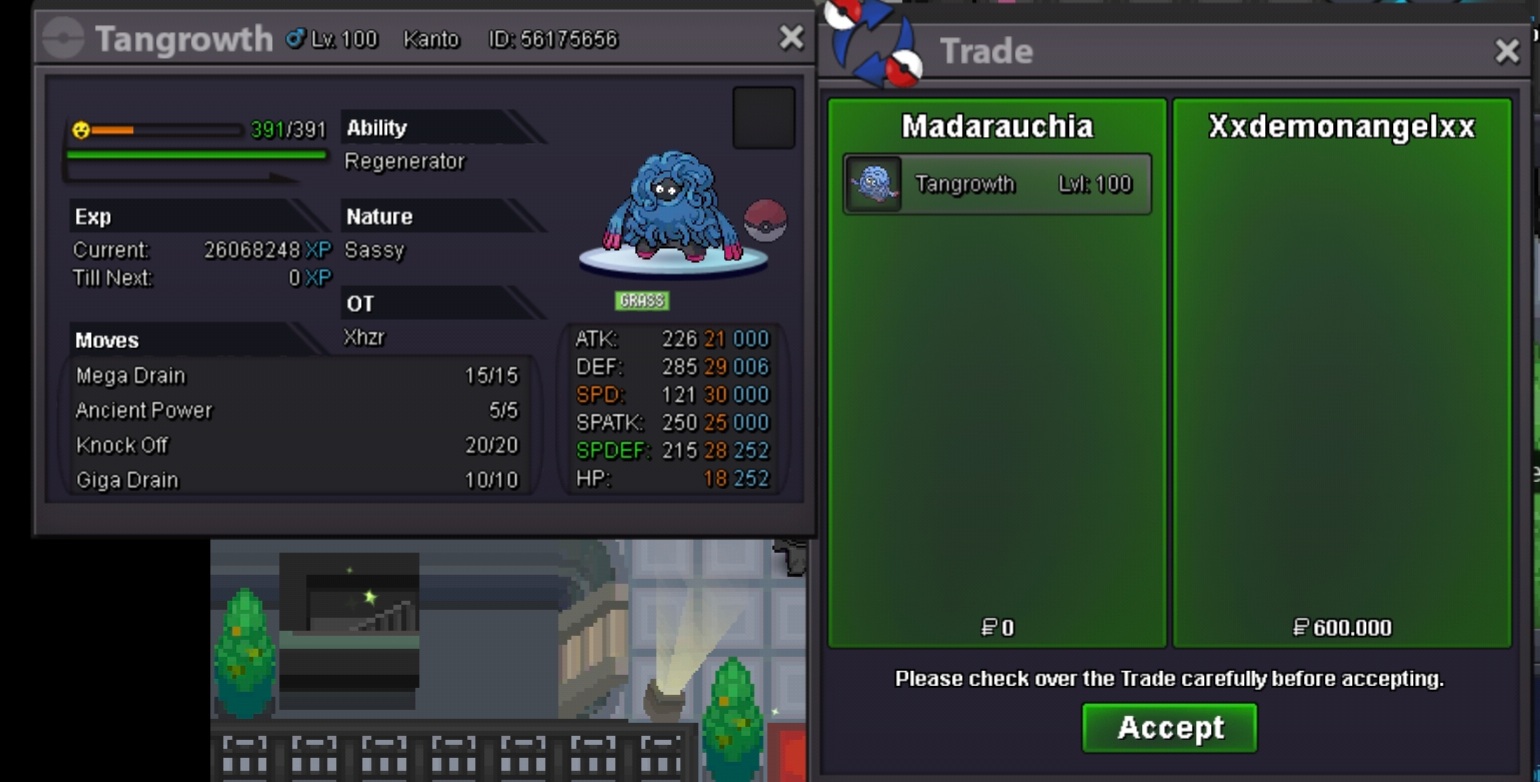
Thank u very much Player @xxdemonangelxx enjoy ur new Pkm !!!!
-
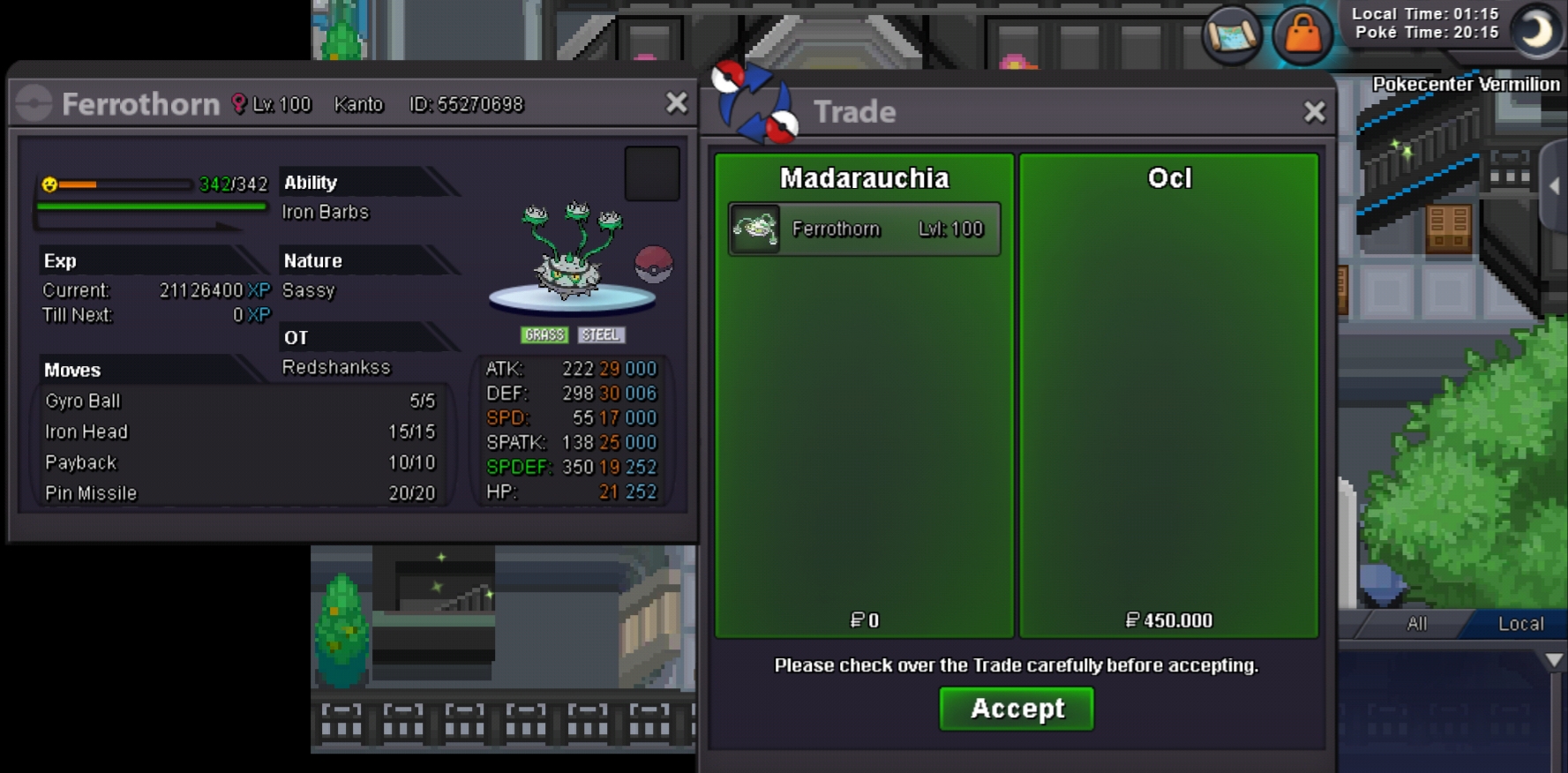
Tyvm Player @Ocl enjoy ur new Pokemon !!!
-
Tyvm Player @Ralphrydersenjoy ur new Pkm !!!

-
Tyvm Player @Paprikaflowenjoy ur new Pokemon !!!!
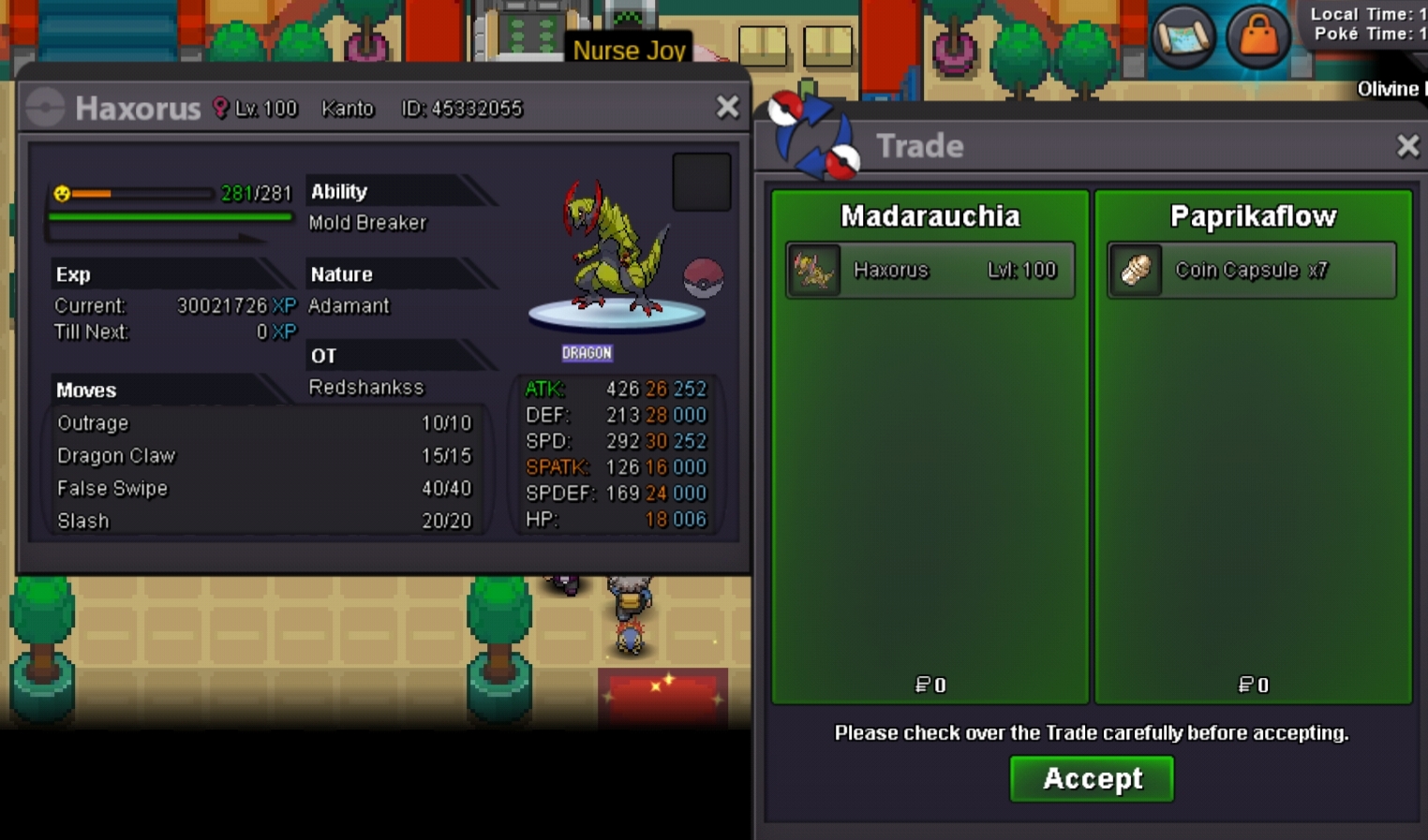
-
Tyvm Player @Yikesmp4 enjoy ur new pkm !!!!
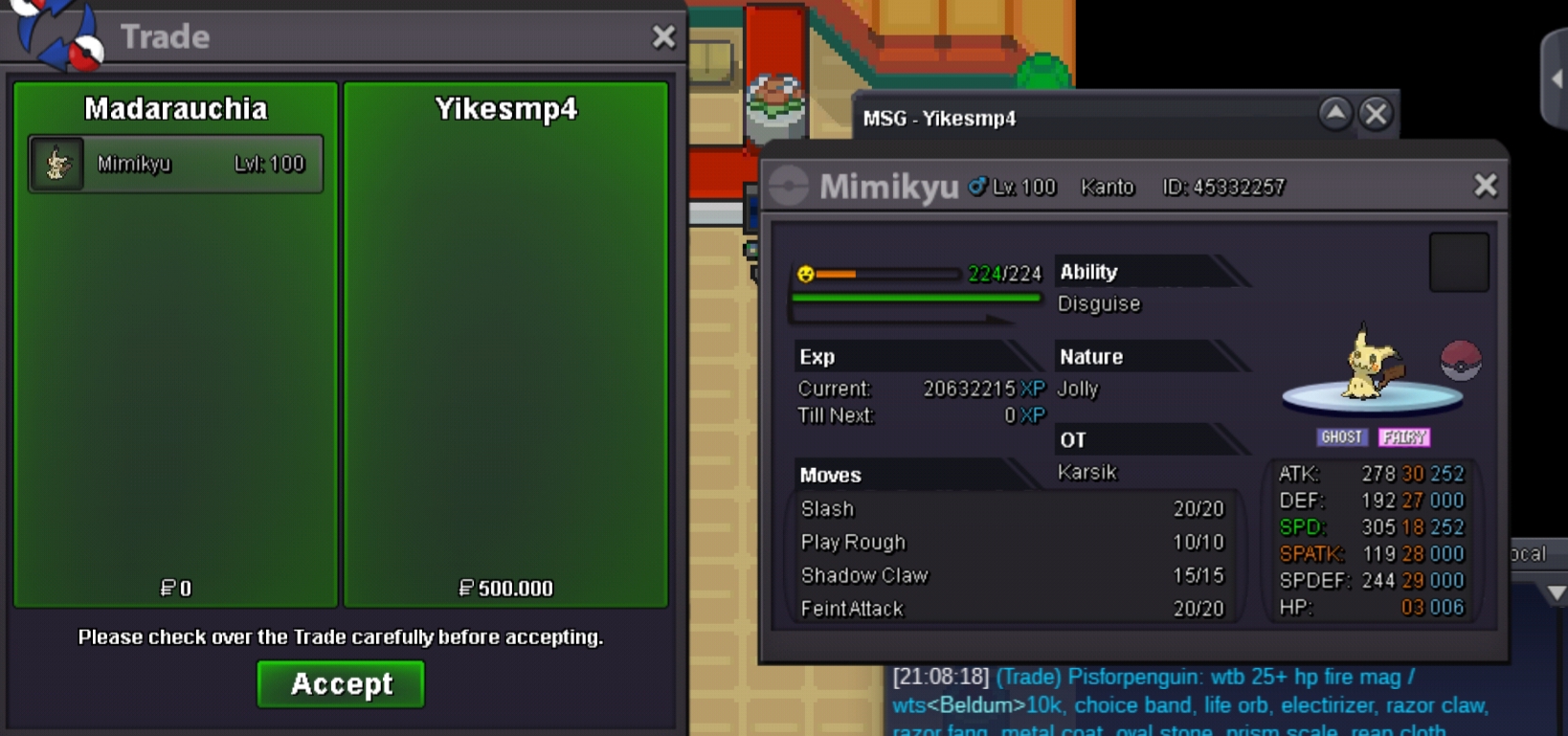
-
Tyvm Player @Ralphrydersenjoy ur new Pkm !!!!
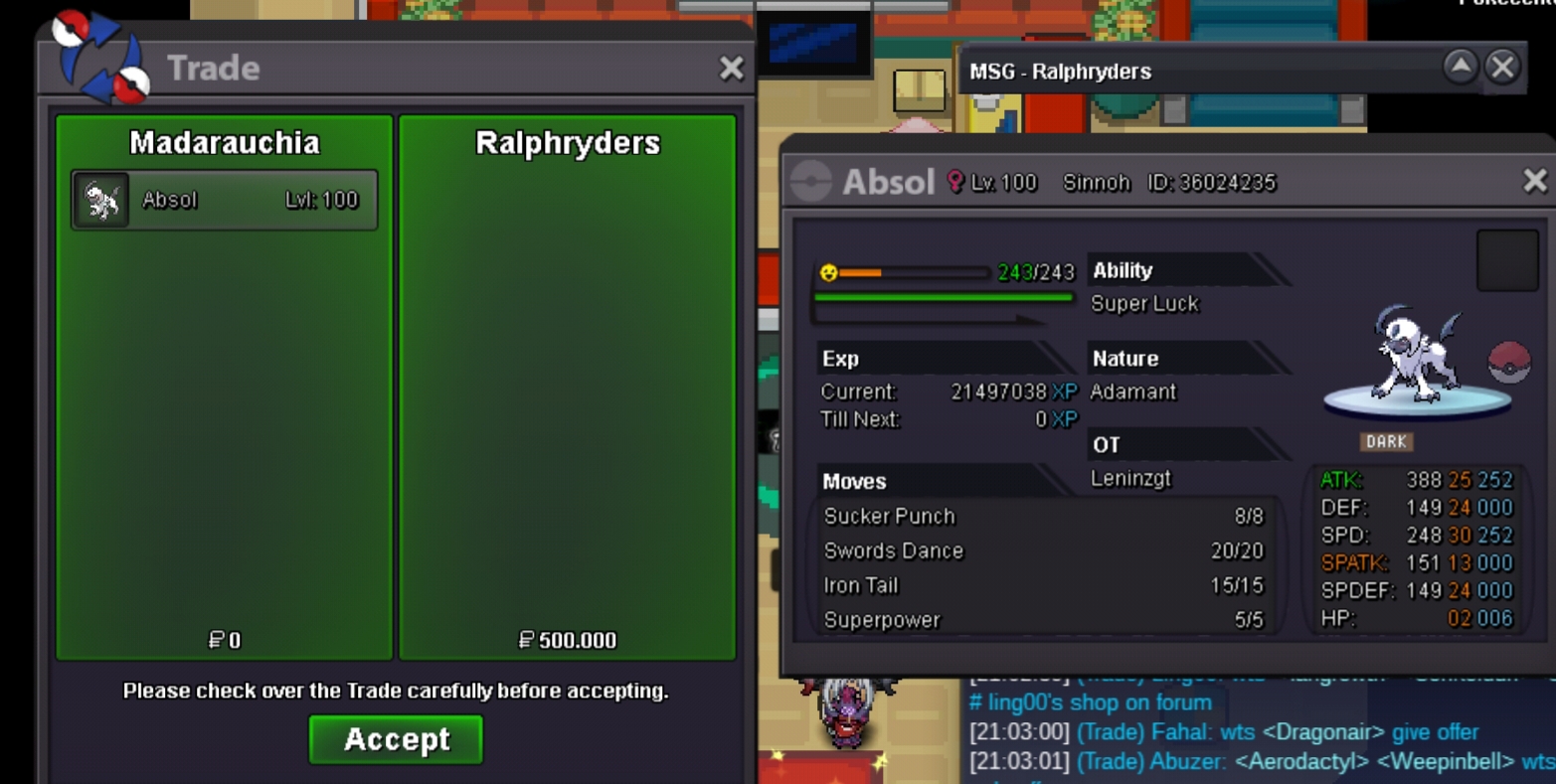
-
Tyvm Player @Ralphryders enjoy ur new pkm !!!

-
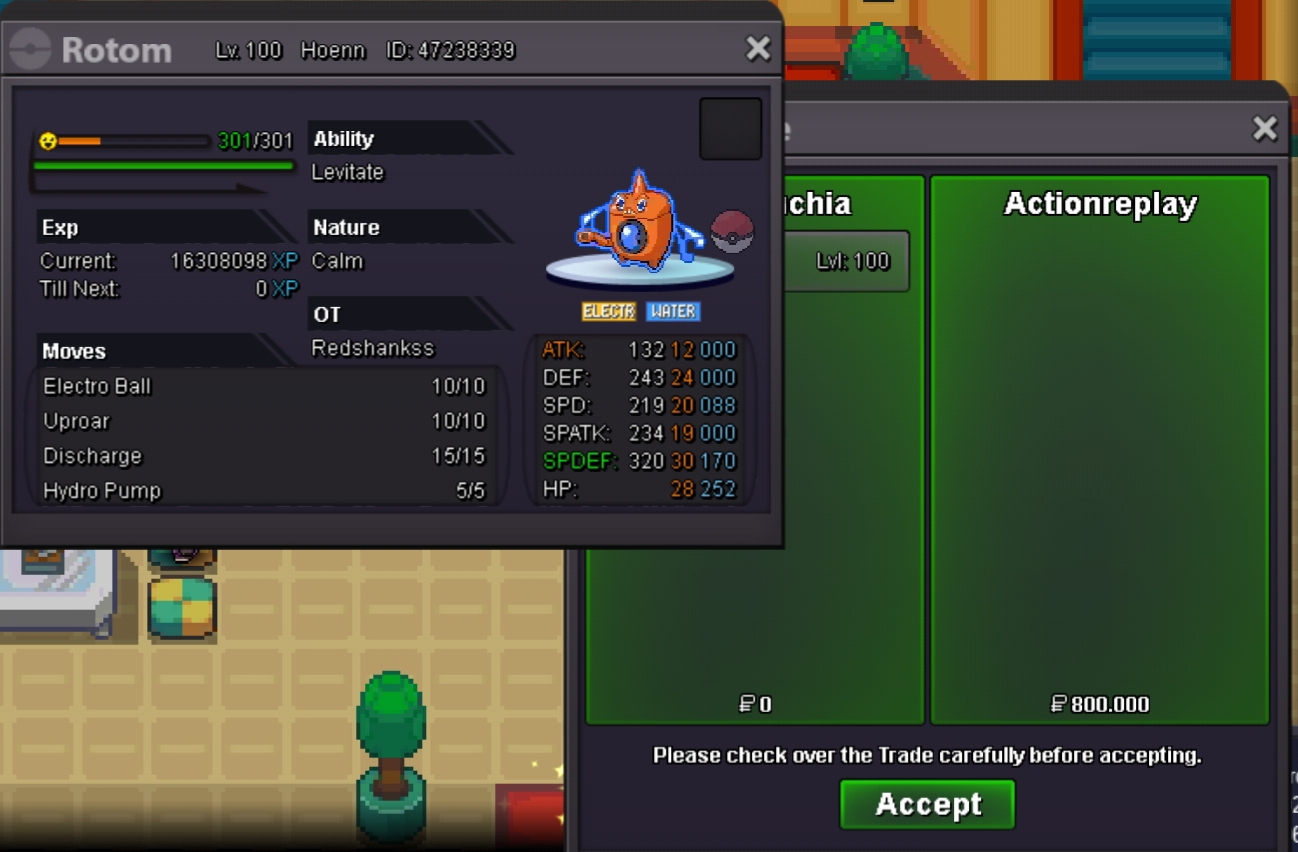
Tyvm Player @ActionReplaysenjoy ur new Pkm !!!