New Trade Zone
Trade Zone is now live
Use the new Trade Zone for auctions and instant-price trades so Pokemon and item offers are easy to find.

Aneesh
Registered User
-
Joined
-
Last visited
Everything posted by Aneesh
-
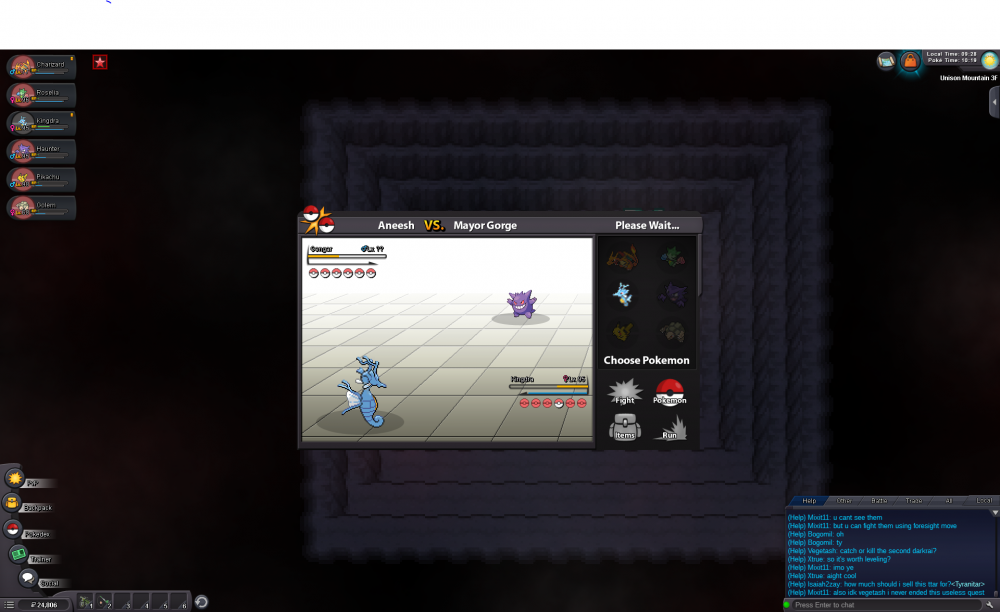
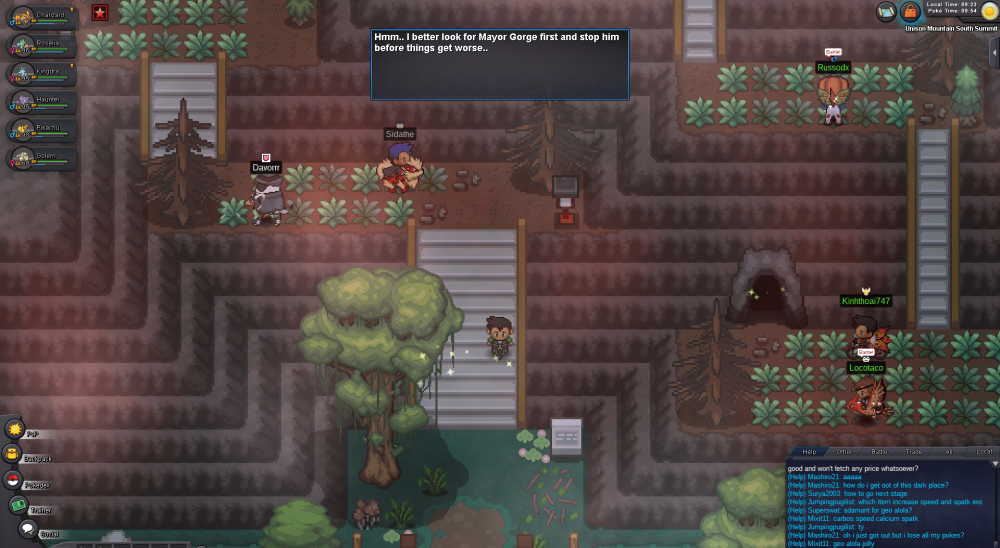
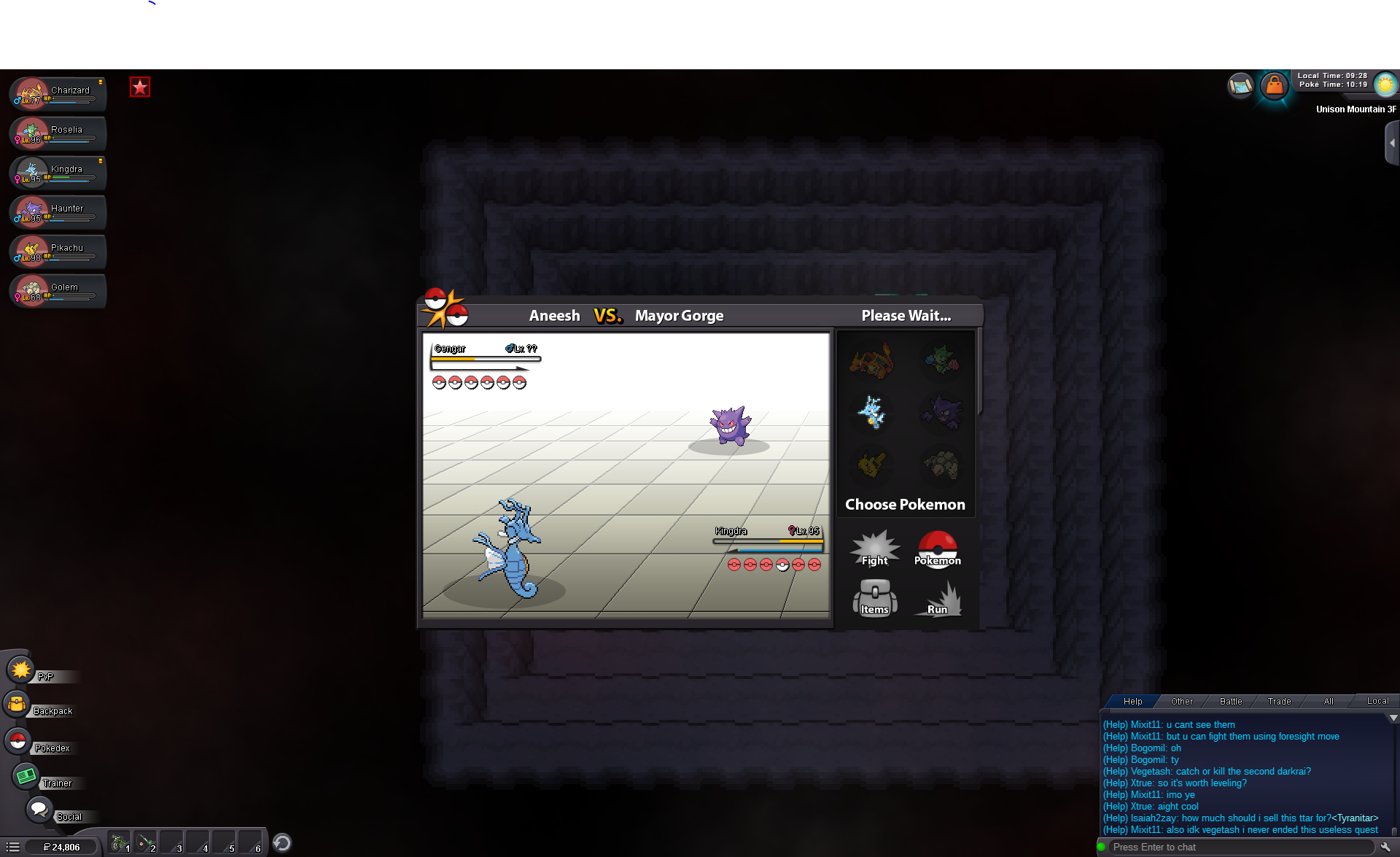
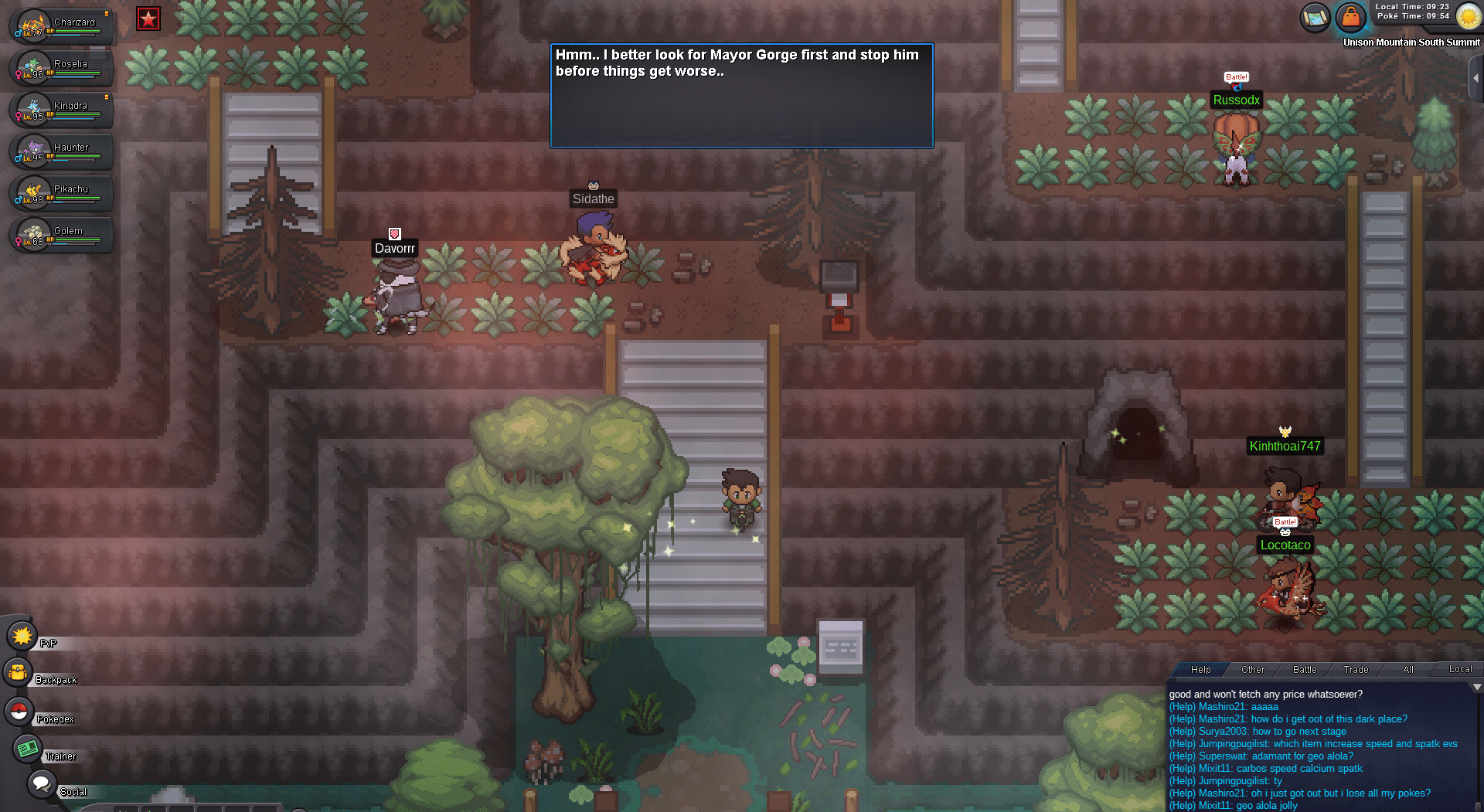
Hey guys so I made it to the portion of the Halloween event where I need to fight mayor George but he keeps KO'ing almost every one of my Pokemon with one hit from his Gengar. I figured that I'd just give up go back to Kanto and train a little bit more and maybe come back and fight him before the Halloween event ends- if I'm strong enough. But I am not able to abandon the quest. Whenever I try and leave the mountain I get a message for my character saying that "I'd better to confront mayor George before things get worse" but the thing is I keep losing to him. I've fought him about 40 times and he just keeps decimating my team. So now I'm trapped on the Unison Mountain part of the island and I can't get off. Can someone please help me? I've been trapped here for the past day and I'd really like to go back to Kanto so I can go train my Pokemon and also working on my dex. I just beat the elite four and was about to head to Jhoto- which I was really looking forward to. Would an admin or developer be able to help me with this or send me back to Kanto? I love the game and I'm even a paid member so please any help to get me back to playing the game as usual would be much appreciated.