New Trade Zone
Trade Zone is now live
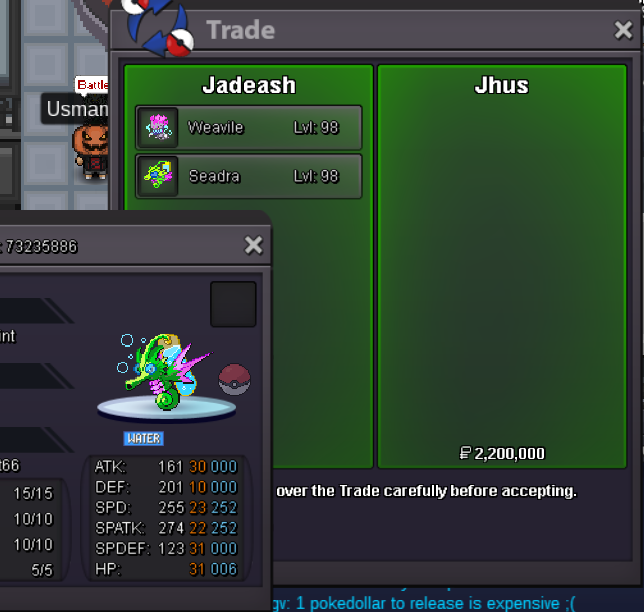
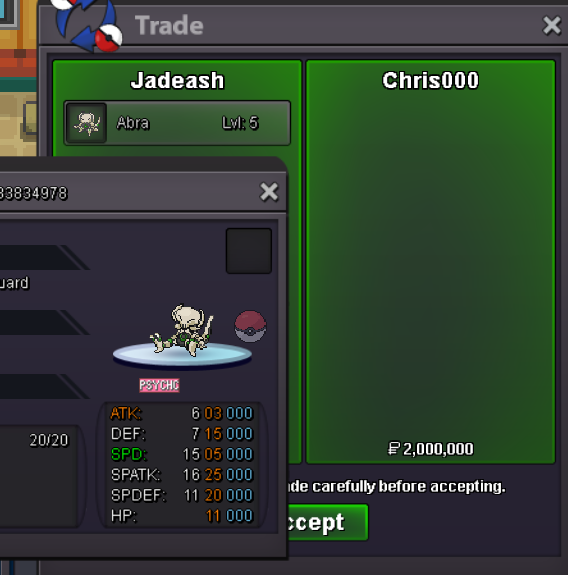
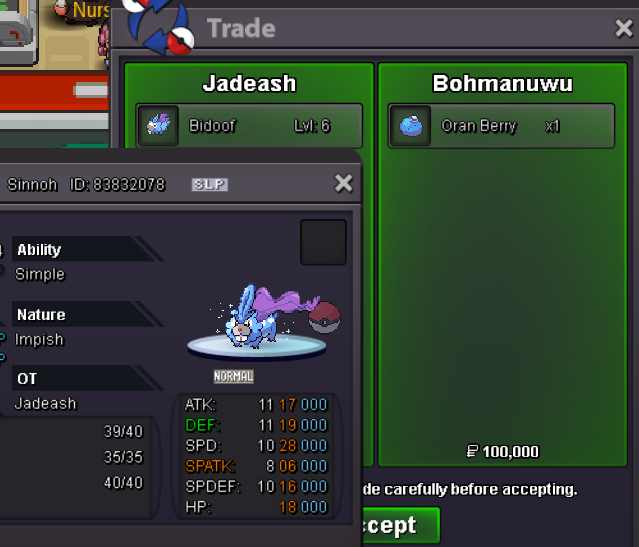
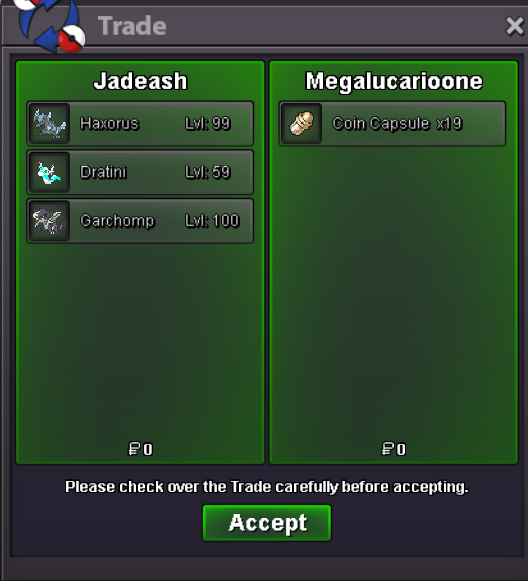
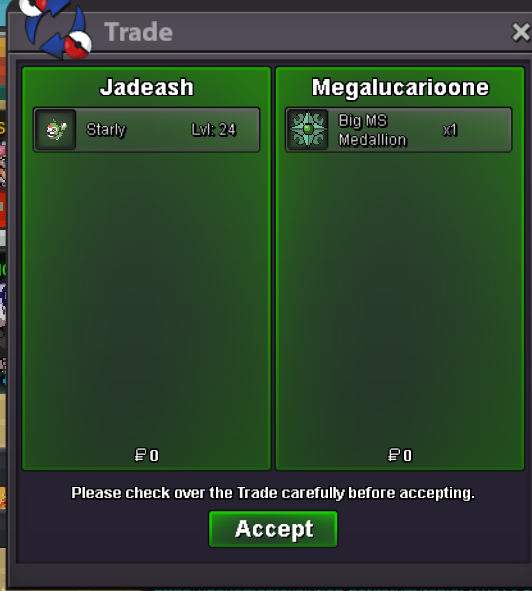
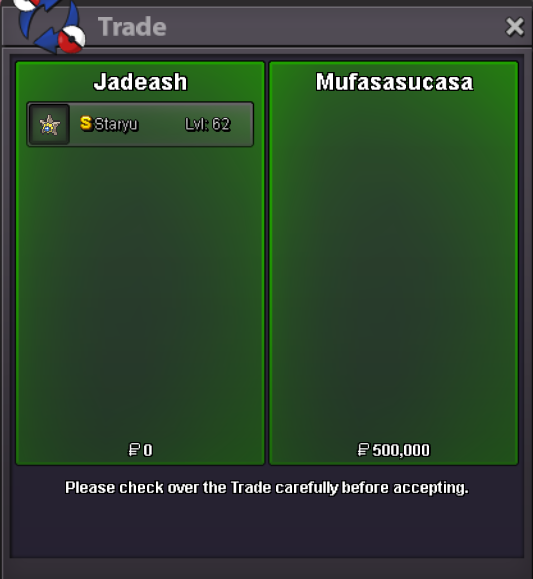
Use the new Trade Zone for auctions and instant-price trades so Pokemon and item offers are easy to find.


Jadeash
Contributor
-
Joined
-
Last visited
Everything posted by Jadeash
-
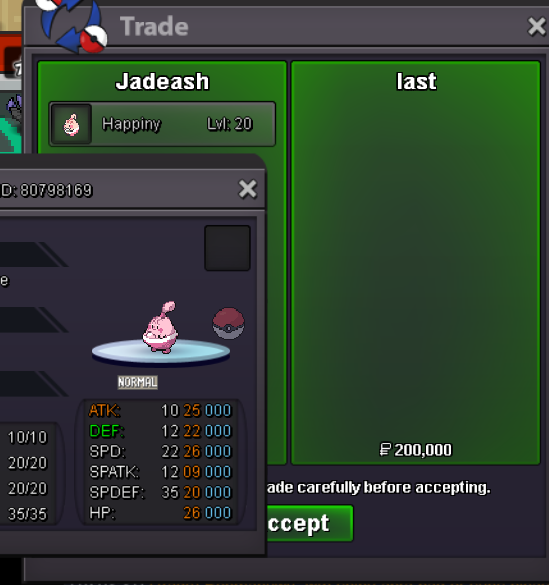
@Iast you won please contact me for tradebump 4 hours leftbumpSo starting at 200k?bumpbump 4 hours leftbumpHello. Yes, I am. What are you interested in?bump s.o. lowered, duration changed.May I ask what were the complaints regarding? If we make a comparison, reducing happiness may prove more effective and useful than not having that effect. The main reason I ask for the happiness reduction effect to be resumed is because of the max happiness bug. When a pokemon reaches max happiness, it sometimes needs to be knocked out and healed and its happiness raised again to evolve. This is particularly hard and annoying to do if the pokemon is a very high level such as 98-99.bump
Account
Navigation
Search
Configure browser push notifications
Chrome (Android)
- Tap the lock icon next to the address bar.
- Tap Permissions → Notifications.
- Adjust your preference.
Chrome (Desktop)
- Click the padlock icon in the address bar.
- Select Site settings.
- Find Notifications and adjust your preference.
Safari (iOS 16.4+)
- Ensure the site is installed via Add to Home Screen.
- Open Settings App → Notifications.
- Find your app name and adjust your preference.
Safari (macOS)
- Go to Safari → Preferences.
- Click the Websites tab.
- Select Notifications in the sidebar.
- Find this website and adjust your preference.
Edge (Android)
- Tap the lock icon next to the address bar.
- Tap Permissions.
- Find Notifications and adjust your preference.
Edge (Desktop)
- Click the padlock icon in the address bar.
- Click Permissions for this site.
- Find Notifications and adjust your preference.
Firefox (Android)
- Go to Settings → Site permissions.
- Tap Notifications.
- Find this site in the list and adjust your preference.
Firefox (Desktop)
- Open Firefox Settings.
- Search for Notifications.
- Find this site in the list and adjust your preference.