New Trade Zone
Trade Zone is now live
Use the new Trade Zone for auctions and instant-price trades so Pokemon and item offers are easy to find.

Winni93
Registered User
-
Joined
-
Last visited
-
HI,* HI, I try this..... With this fixe i can't launch the game ..... we can try others? :D
-
Windows 10
-
I use the 64 bit
-
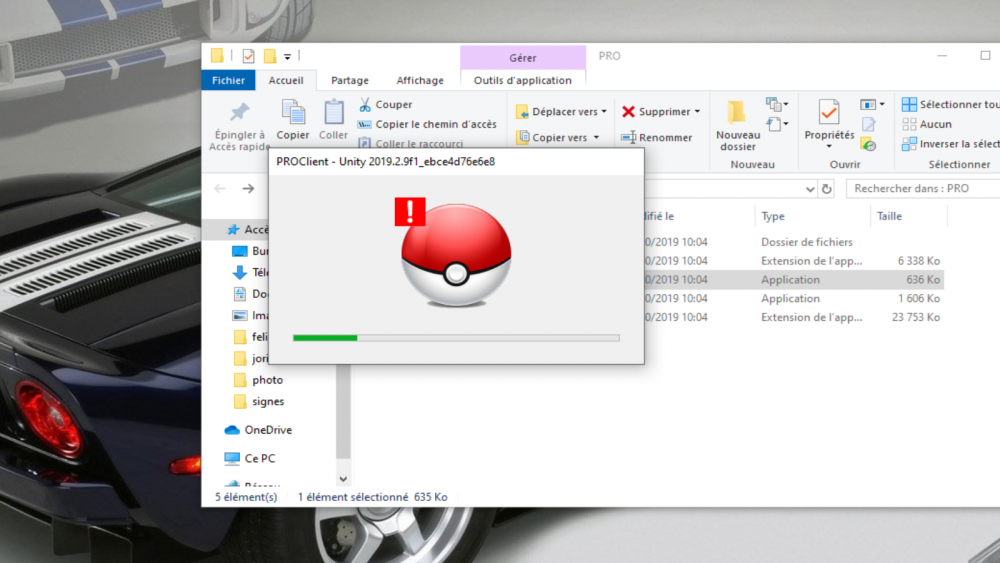
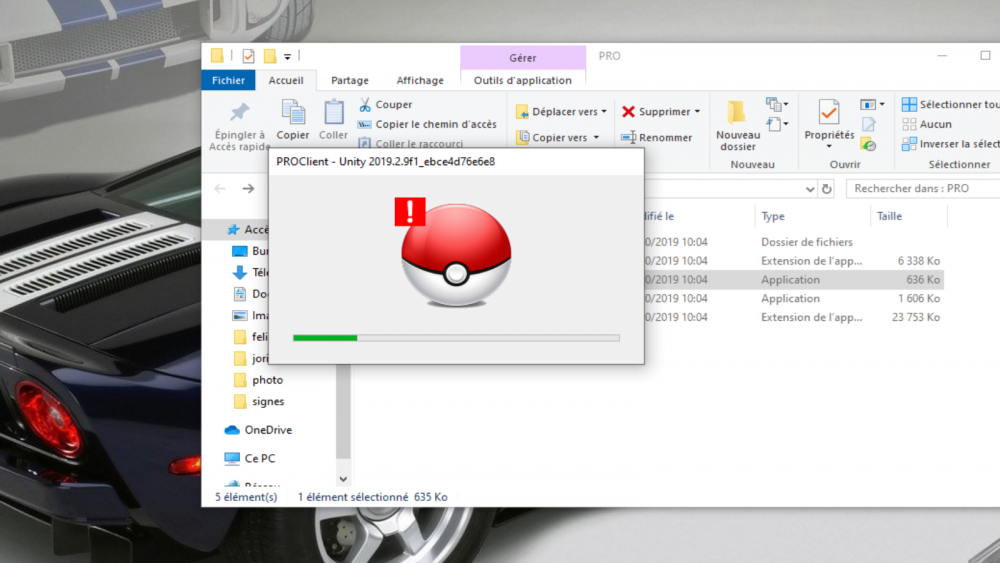
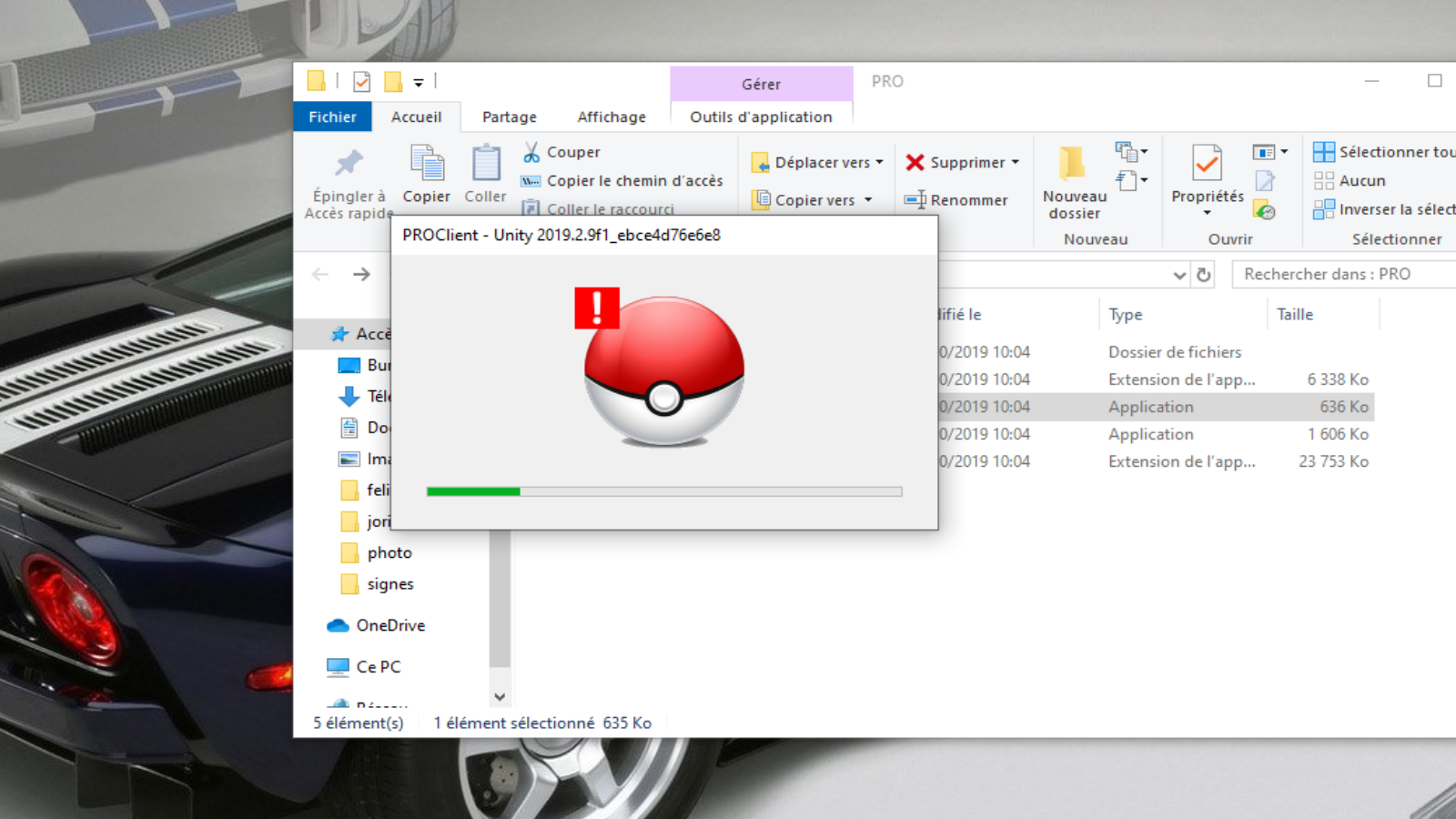
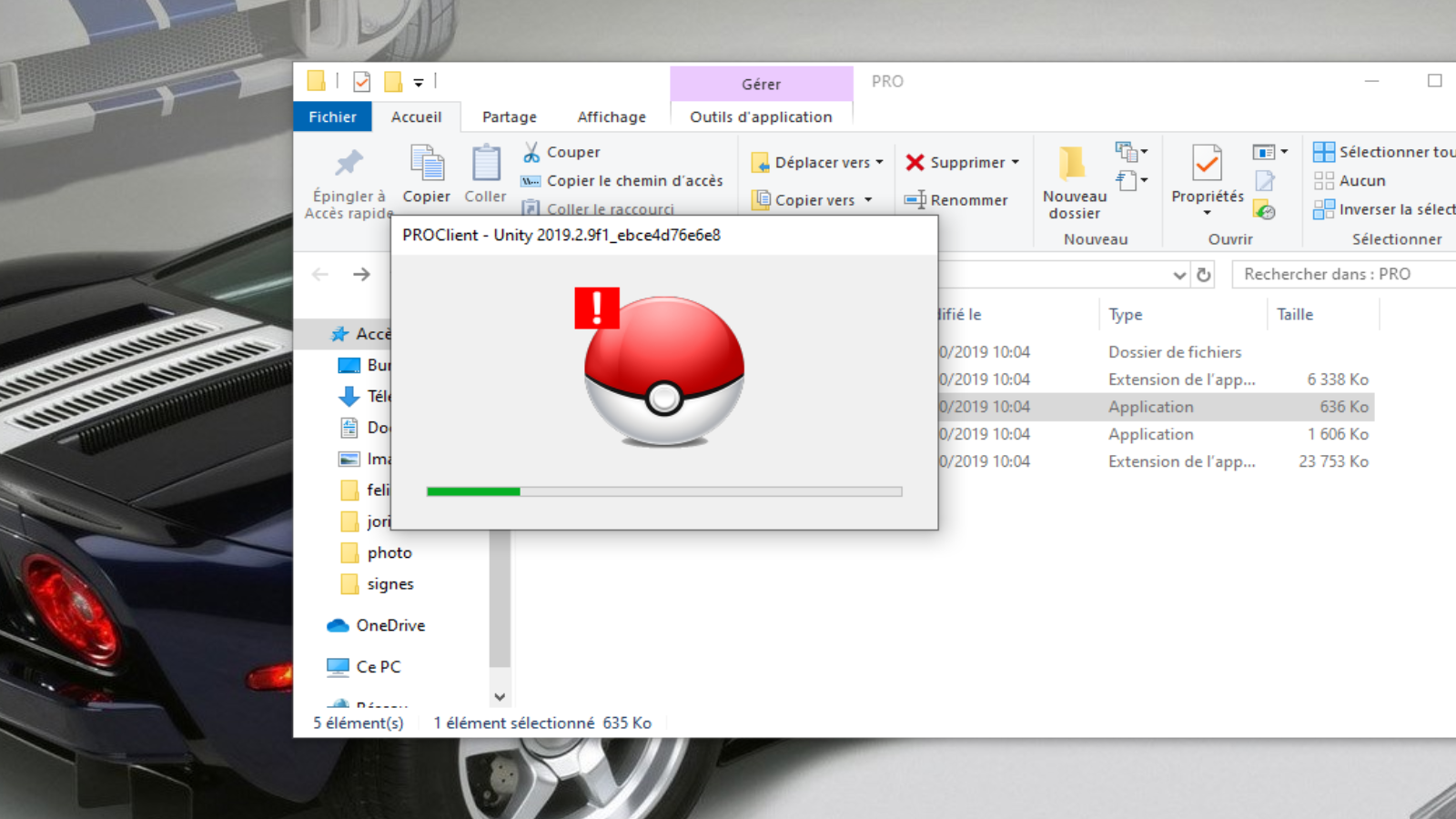
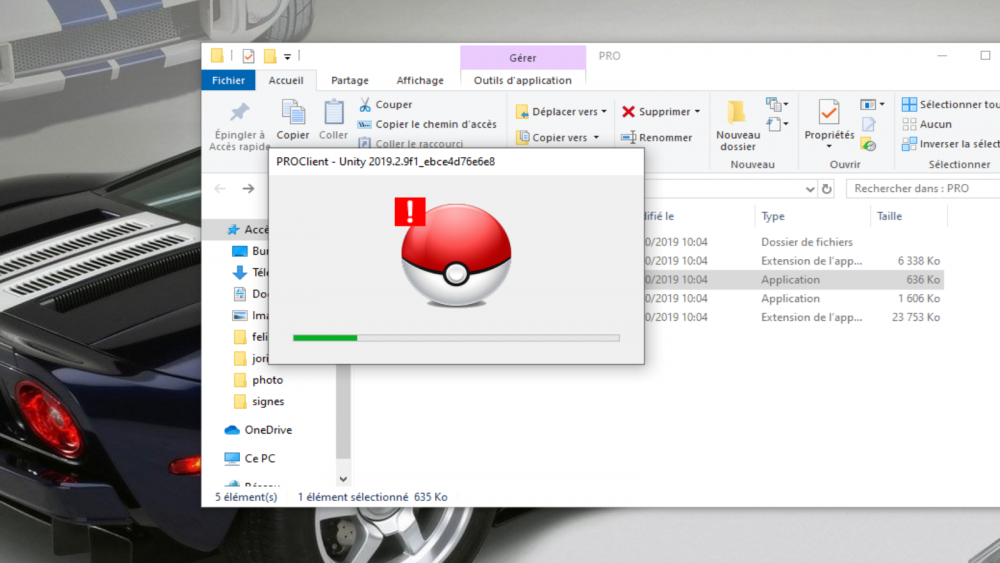
When i launch the game , i've this message. So i use the shortcut with " -force-glcore" and i can launch the game but after 5 min the game crash and quit or lag and i can continue the game but it's not enjoyable
-
HI ! I have lag or bug after 5 min of play , I think is a problem with unity I've never has this probleme before the last udpate Help me!!!!!!! If you want more details , ask me :)
-
I think it's a problem with Unity....
-
Hi ! I have lag in all the game after 5min of play...and finish by crash I don't have error message..... HELP ME!!!!! (Sorry i'm french)
-
Thanks i've succesfully launch the games :)
-
HI, I can't launch the client please help me :(