




New Trade Zone
Trade Zone is now live
Use the new Trade Zone for auctions and instant-price trades so Pokemon and item offers are easy to find.

Phuongismylife
Registered User
-
Joined
-
Last visited
Everything posted by Phuongismylife
-
Re: Wts 2 Epic Tank Eevee ( Calm + Impish) <t>bump!</t>
-
can be closed, the winner one is a fake buy-er, i did a report so this one can be closed, thanks
-
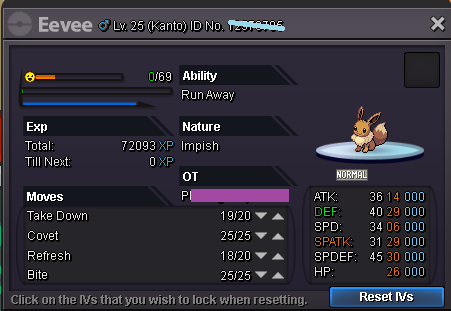
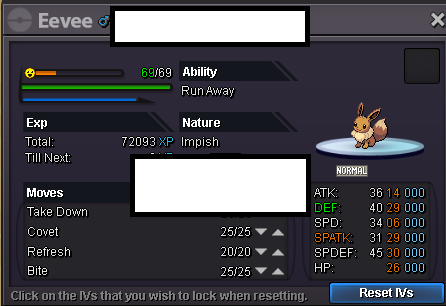
Here some rules for the auction: Eevee [glow=yellow]S.O: 500k[/glow] [glow=red]C.O: 500k by Alexyei [/glow] [glow=purple]Insta: Any price which could make me interesting.[/glow]
-
Auction ended, can be closed ^^
-
HELLO, just want to notice: 30mins left :))))
-
can be closed
-
I'm wrong between "Reply" button and "Edit" button. Now I dont know how to delete this Reply Double Awful :Nervous:
-
I think u guys need to make some warning about the limititation of balls ( i mean pokeballs, greatballs,...). Today I found that the limitation is only x999 for any kind of ball, and i've lost about 400k $ because of that problem ( i didn't pay attention when buying pokeballs from thief, and i keep buying after my pokeballs reach the limitation). Feel awful right now. :Ambivalent: Btw, I do not post this one to blame at all. I know that's my bad. I think maybe other players will have the same problem like me, in the future, so I post it. Hope to see a solution for it soon. Thanks for reading!