




New Trade Zone
Trade Zone is now live
Use the new Trade Zone for auctions and instant-price trades so Pokemon and item offers are easy to find.

Sdelfinatore
Registered User
-
Joined
-
Last visited
Everything posted by Sdelfinatore
-
up
-
@Ematexok pm me when you are online!bagon sold to ravenxllarvitar and larvesta sold to richiamg!@Richieamg are you online?where are you? pm me ingamemy shop rules - prices are negotiables but still have the right to say no - No fake offer A B C D E F G H I J K L M N O P R S T U V W X Y Z
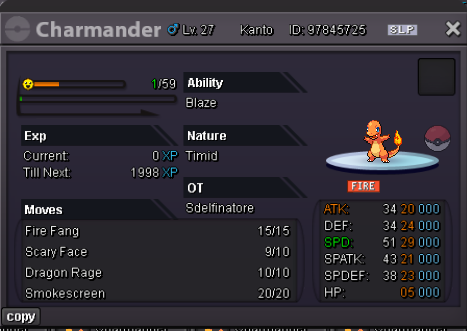
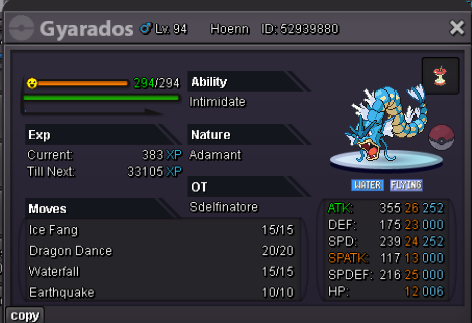
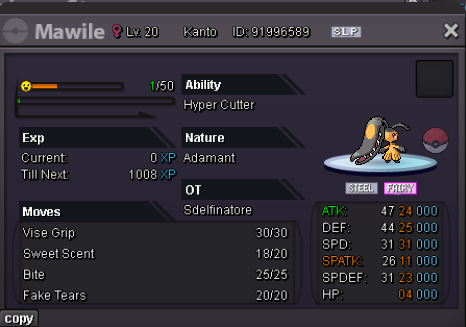
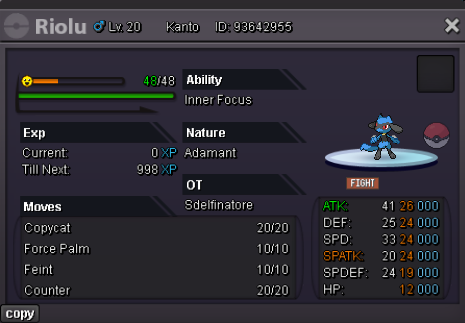
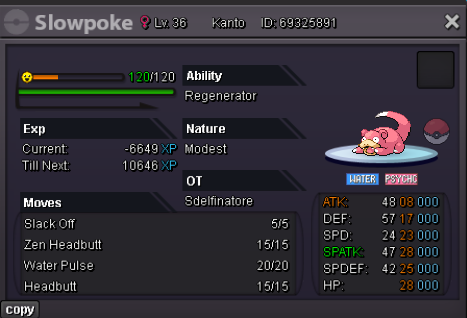
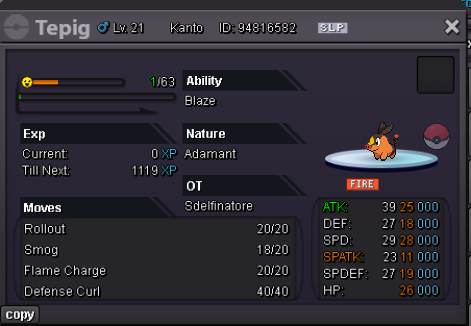
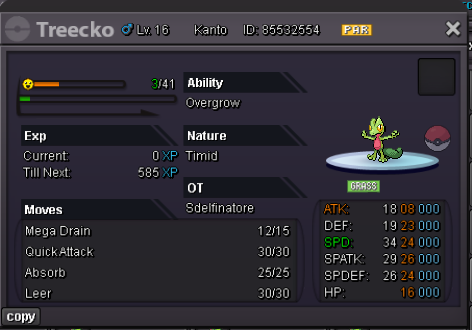
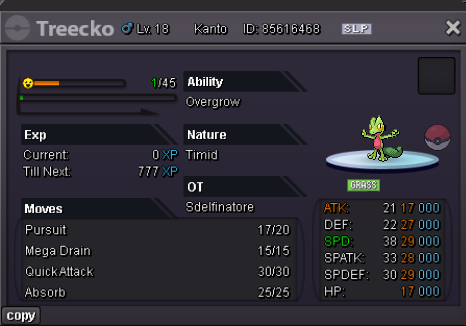
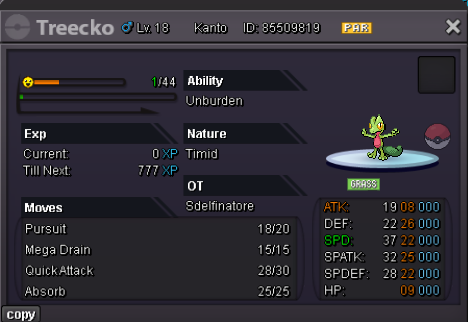
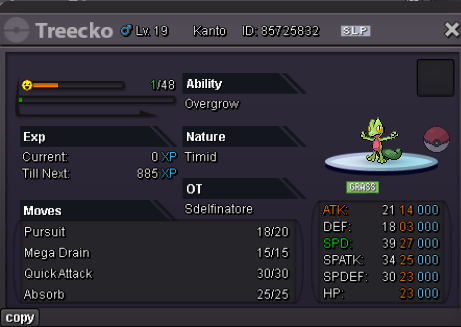
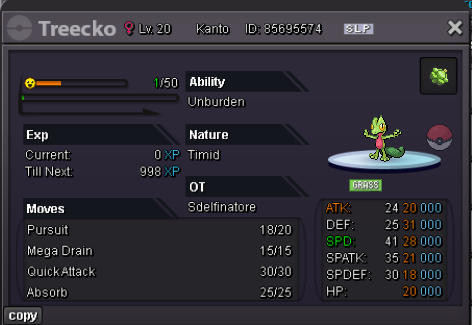
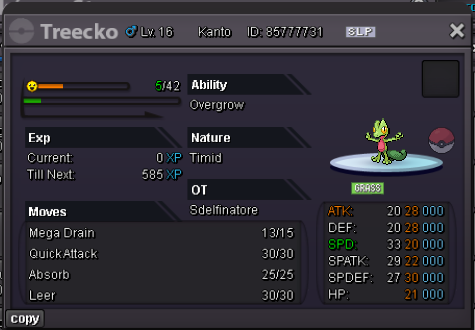
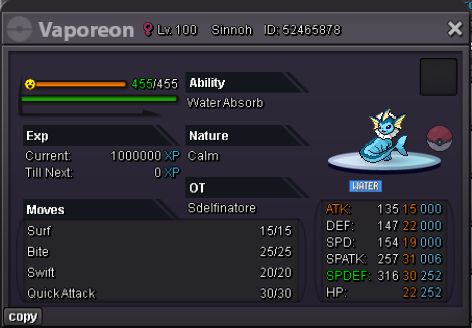
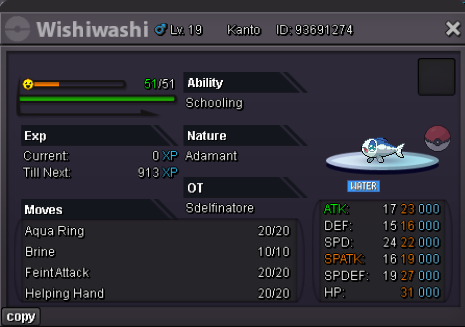 uphi are you online?Upsold to pandarkenciel
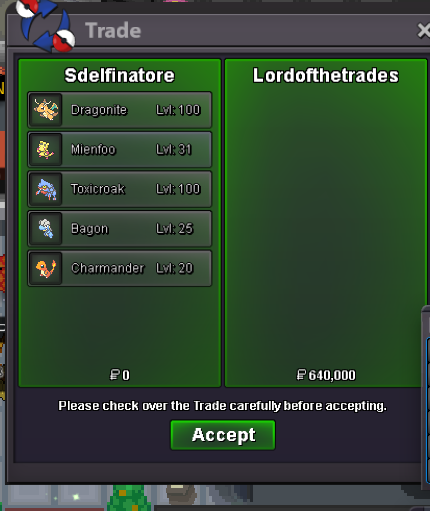
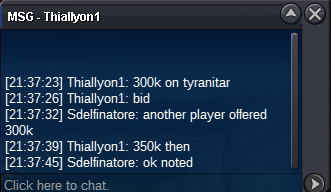
 TYRANITAR SOLD TO TKL070701
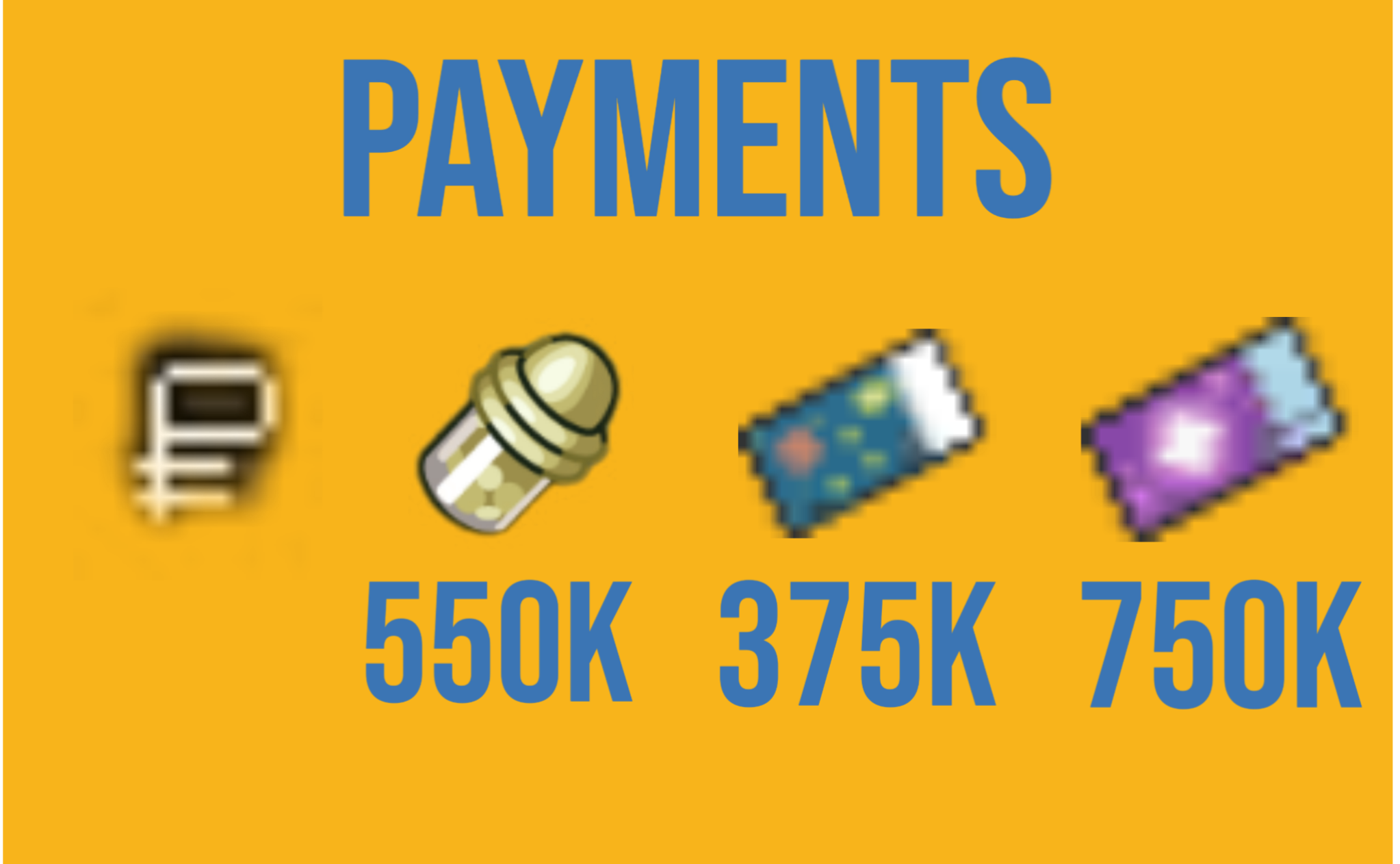
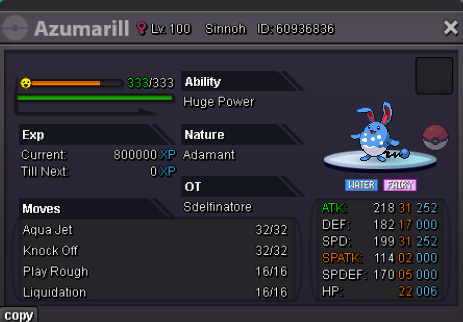
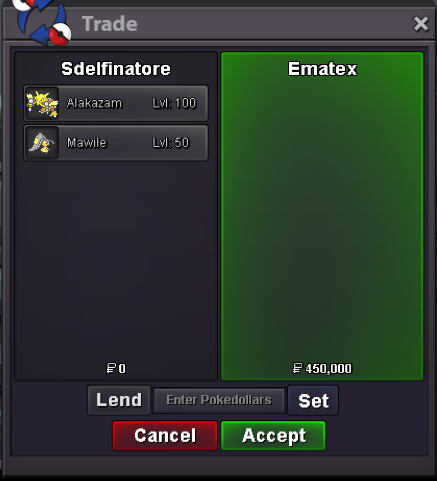
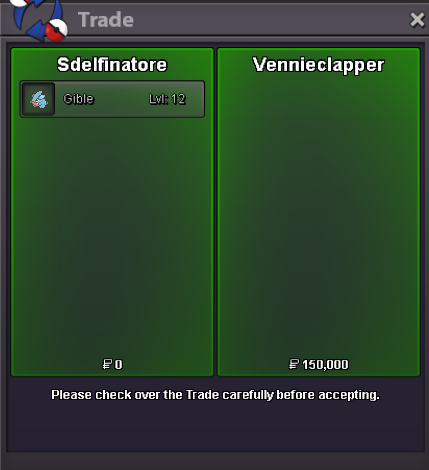
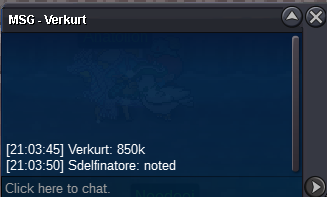
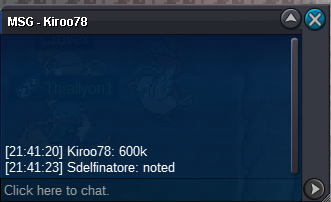
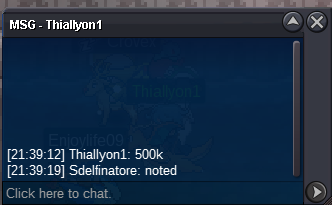
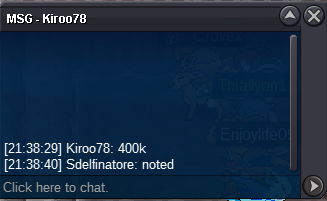
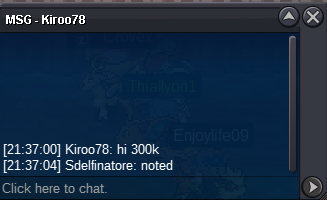
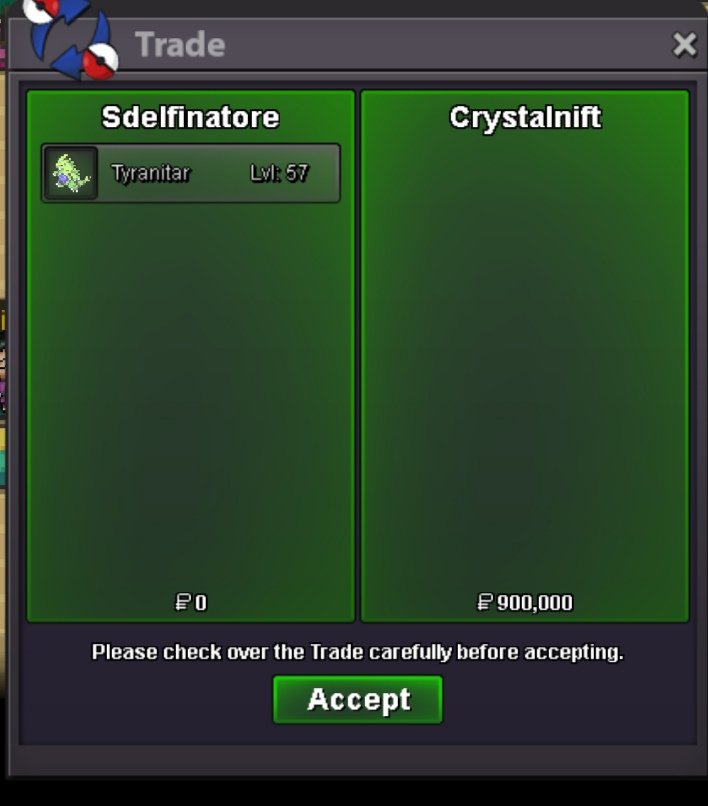 upcongrats you won the auction pm me when you are online!start offer: 200k min bid 50k no insta other payments coin capsule: 400k reroll ticket: 500k nature reroll 250k auction ends: 48h after first bid


Account
Navigation
Search
Configure browser push notifications
Chrome (Android)
- Tap the lock icon next to the address bar.
- Tap Permissions → Notifications.
- Adjust your preference.
Chrome (Desktop)
- Click the padlock icon in the address bar.
- Select Site settings.
- Find Notifications and adjust your preference.
Safari (iOS 16.4+)
- Ensure the site is installed via Add to Home Screen.
- Open Settings App → Notifications.
- Find your app name and adjust your preference.
Safari (macOS)
- Go to Safari → Preferences.
- Click the Websites tab.
- Select Notifications in the sidebar.
- Find this website and adjust your preference.
Edge (Android)
- Tap the lock icon next to the address bar.
- Tap Permissions.
- Find Notifications and adjust your preference.
Edge (Desktop)
- Click the padlock icon in the address bar.
- Click Permissions for this site.
- Find Notifications and adjust your preference.
Firefox (Android)
- Go to Settings → Site permissions.
- Tap Notifications.
- Find this site in the list and adjust your preference.
Firefox (Desktop)
- Open Firefox Settings.
- Search for Notifications.
- Find this site in the list and adjust your preference.