Skip to content
View in the app

A better way to browse. Learn more.

Pokemon Revolution Online

A full-screen app on your home screen with push notifications, badges and more.

To install this app on iOS and iPadOS
  1. Tap the Share icon in Safari
  2. Scroll the menu and tap Add to Home Screen.
  3. Tap Add in the top-right corner.
To install this app on Android
  1. Tap the 3-dot menu (⋮) in the top-right corner of the browser.
  2. Tap Add to Home screen or Install app.
  3. Confirm by tapping Install.

Taiju

Registered User
  • Joined

  • Last visited

  1. Sorry for the super late reply cause im super busy but i wish ill be able to revive the shop back and the hera is still available if yu would wanna buy it 🙂
  2. Bulba #3and heracross#7 sold
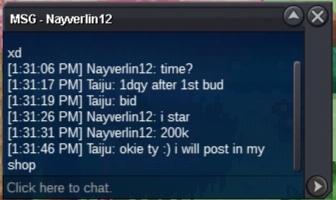
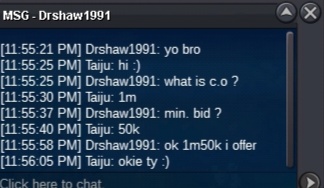
  3. Bulba #3 c.o 300k
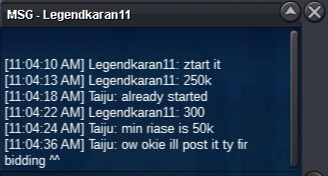
  4. bulbasaur#3 c.o 250k
  5. what is your ign or discord so we can meet
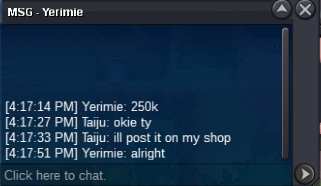
  6. I posted it 🙂 wish yu liked the shop
  7. Bulbasaur #3started
  8. Manectric number 2sold
  9. Sorry for posting late because of emergency but aggron is sold Ty for bidding
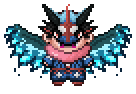
  10. Aggron
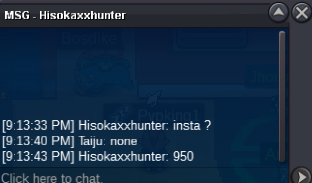
  11. aggron c.o 950k
  12. noted
  13. aggron c.o 850k
  14. ty for the bid

Account

Navigation

Search

Search

Configure browser push notifications

Chrome (Android)
  1. Tap the lock icon next to the address bar.
  2. Tap Permissions → Notifications.
  3. Adjust your preference.
Chrome (Desktop)
  1. Click the padlock icon in the address bar.
  2. Select Site settings.
  3. Find Notifications and adjust your preference.