New Trade Zone
Trade Zone is now live
Use the new Trade Zone for auctions and instant-price trades so Pokemon and item offers are easy to find.

Tam1pich
Registered User
-
Joined
-
Last visited
Everything posted by Tam1pich
-
-
ah my bad again, got the potion thanks.
-
Hey, i talked with jasmine on top then beat the gym in cianwood and there wasn't potion on my pack. Just in case i went the roof again but she was still asking the potion. i talked every npc couldn't find it. Thanks
-
Yeah my bad, realized late. Thanks and sorry about that.
-
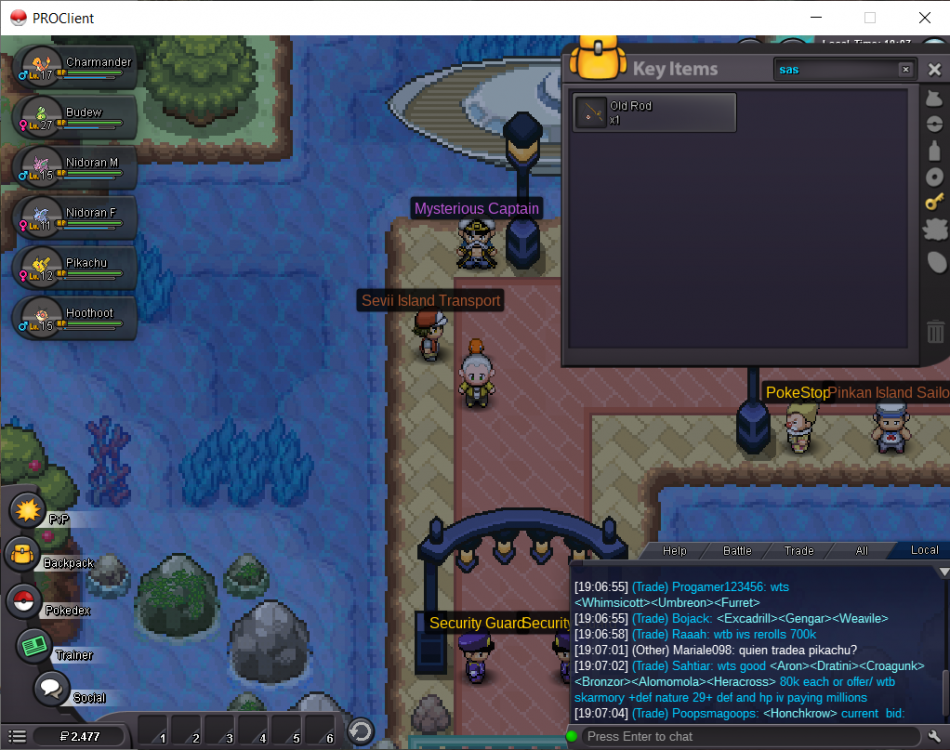
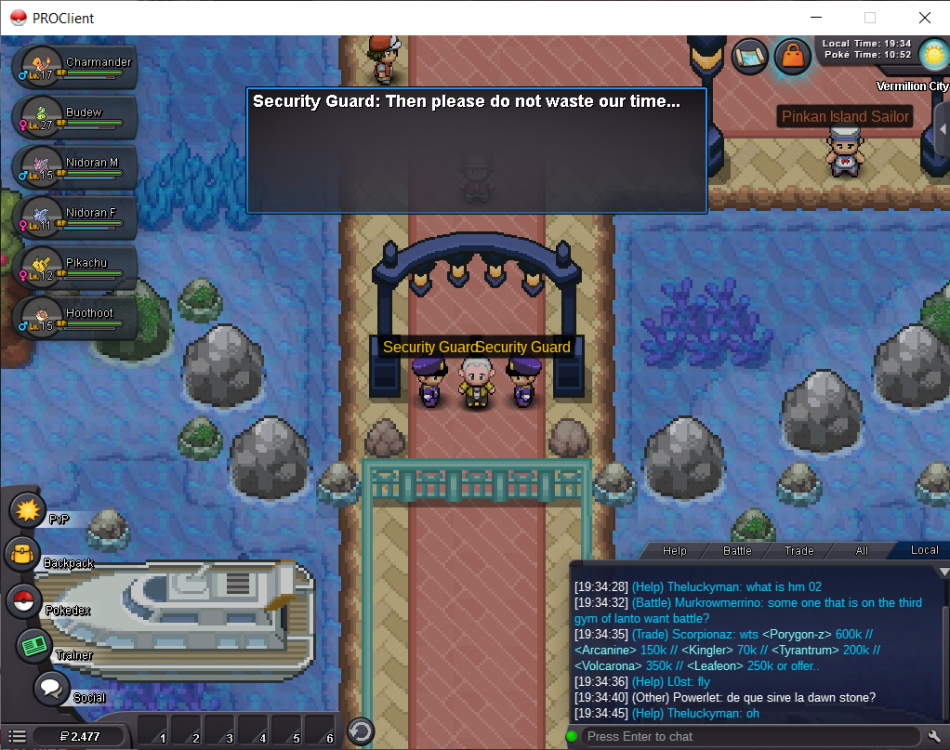
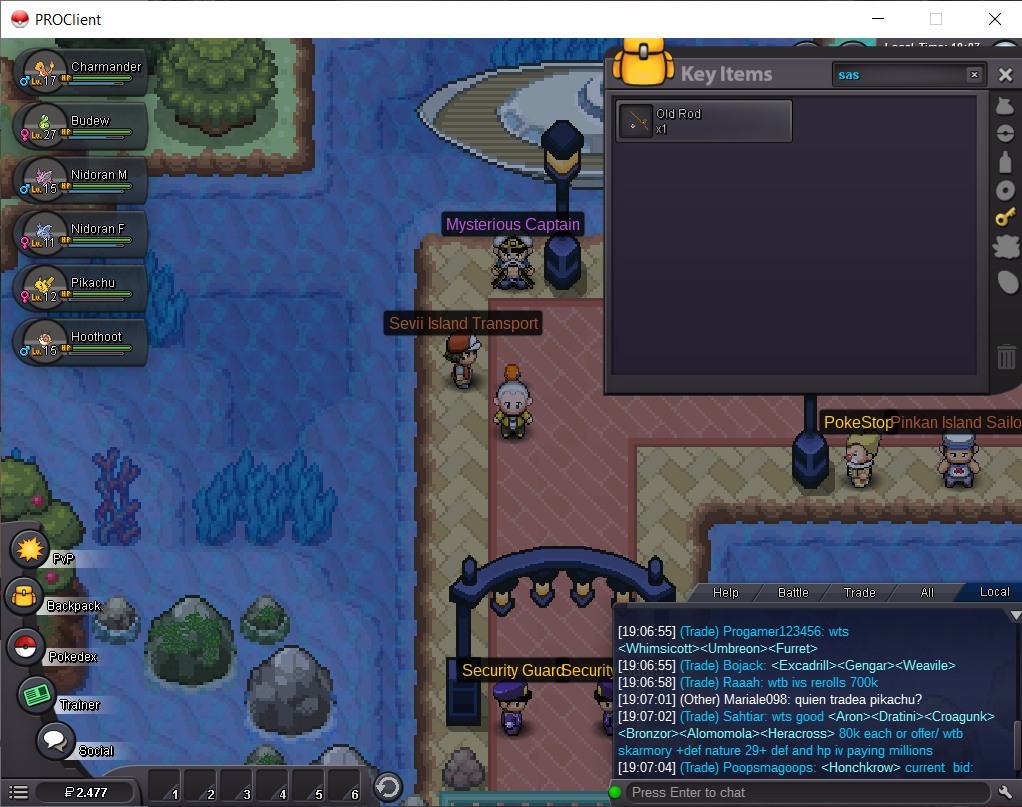
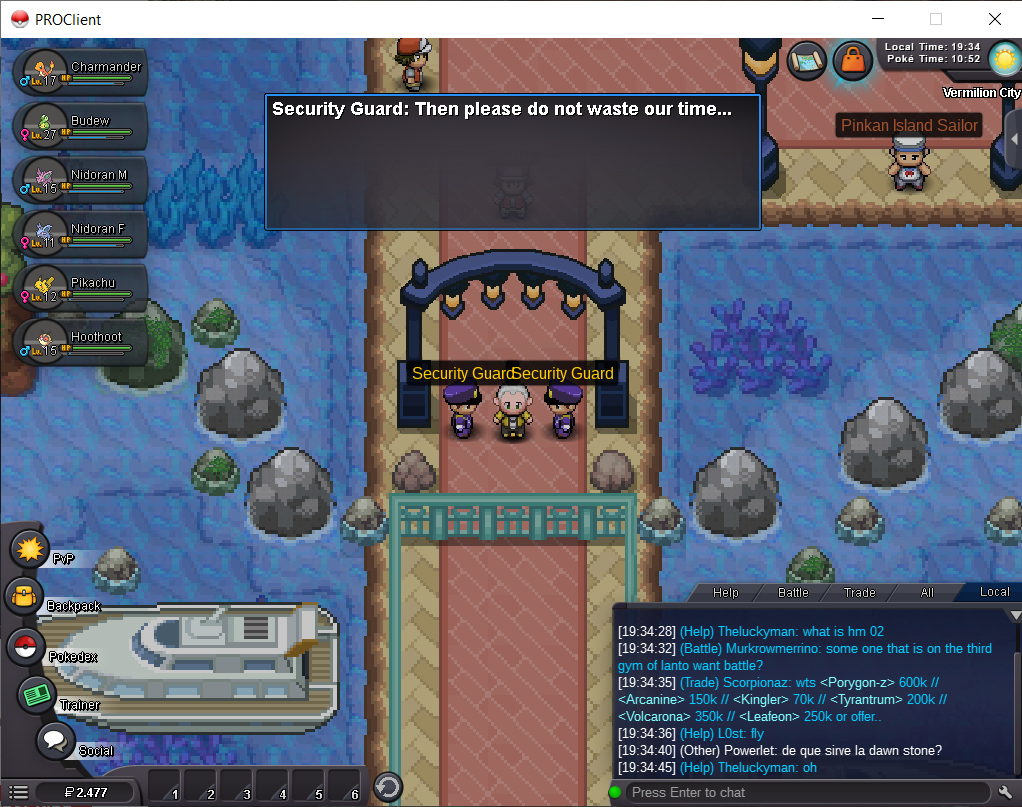
hey, i can't get into s.s anne even afteri talked with surge. He is vanished and didn't leave me anything. Thanks.
-
I talked with Surge, he dissapeard but he didn't give me anything. I can't enter the ship.
-
thanks, ll try
-
hello, i cant enter the ss anne. i talked with Surge and then he disappeard. still tho, they don't let me in. thanks.