New Trade Zone
Trade Zone is now live
Use the new Trade Zone for auctions and instant-price trades so Pokemon and item offers are easy to find.

Oreximania
Registered User
-
Joined
-
Last visited
Everything posted by Oreximania
-
-
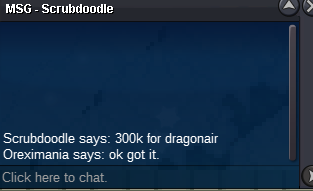
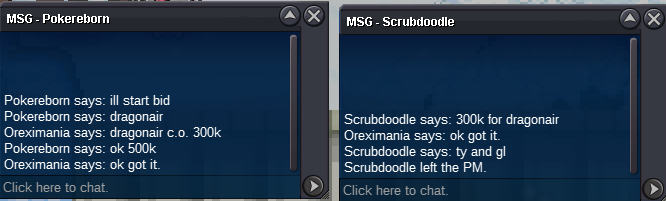
eevee c.o. ~ 250k Dragonair ~ 500k
-
Dragonair c.o.: 500k Eevee c.o.: 200k
-
-
ok. see you in game
-
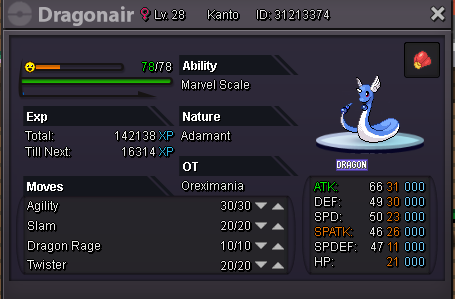
Dragonair(h.p. grass): s.o. 200k min bid 100k ~~insta 1.5m will last for 48 hours after 1st bid Treecko(h.p. electric): s.o. 100k min bid 50k ~~ insta 600k ~~ will last for 36 hours after 1st bid Timid Eevee( h.p. steel)- s.o. 200k min bid 50k ~~ insta 700k ~~ will last for 36 hours after 1st bid You can bid in game or post a message here. IGN: Oreximania Discord: Oreximania#5373
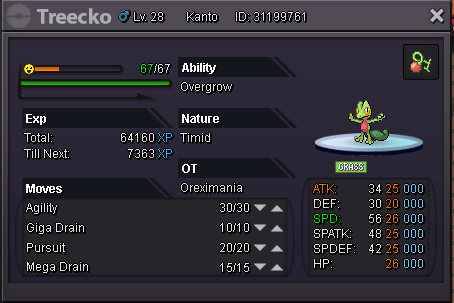
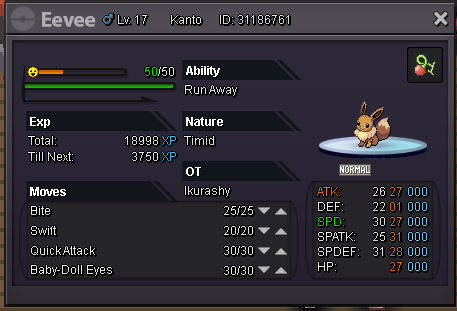
-
S.o. 200k.. min bid of 50k.. auction will start after 1st bid insta ~~ 500k duration: 12 hrs You can also contact me via discord@ Oreximania#5573 or in game: Oreximania
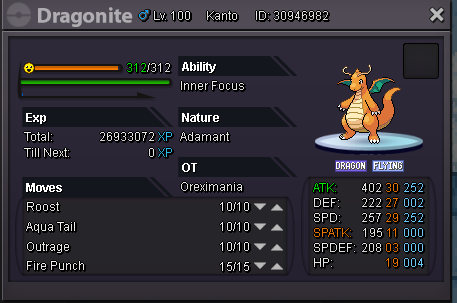
-
closing thread
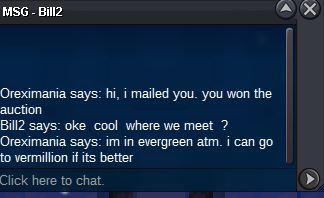
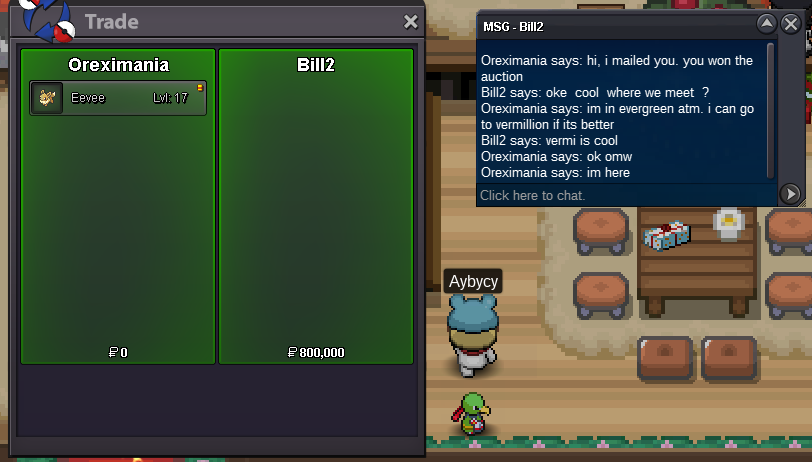
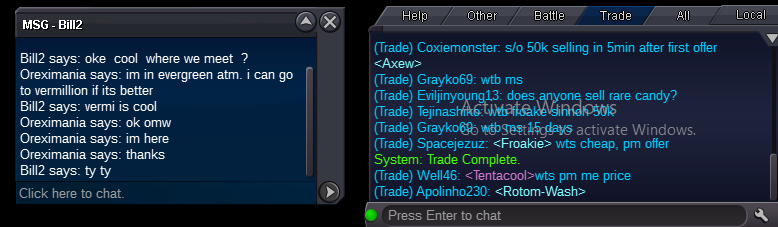
-
bid winner: Bill2 for 800k
-
c/o 800k 1 hr left~~~
-
c/o 800k by bill 2 4 hrs left
-
c/o 800k by bill2 ~~~ 20 hrs left
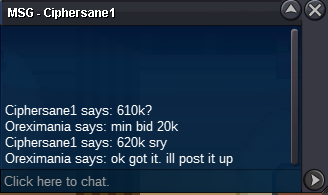
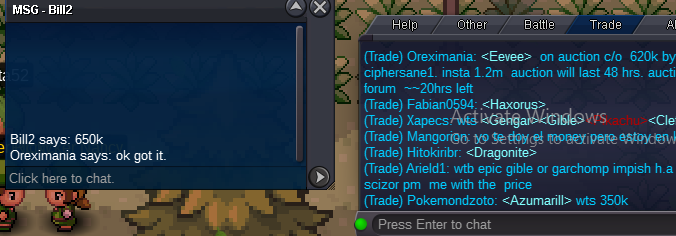
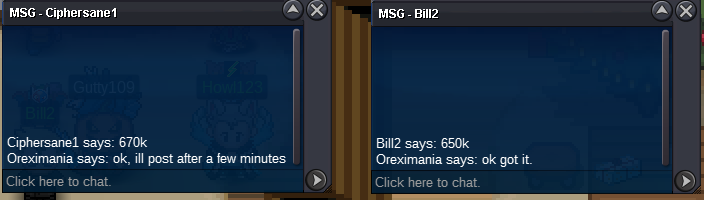
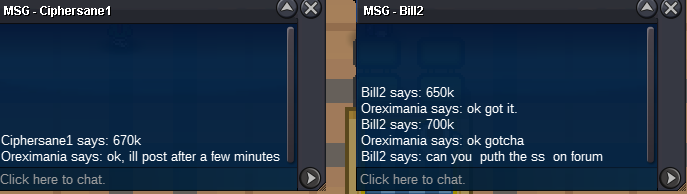
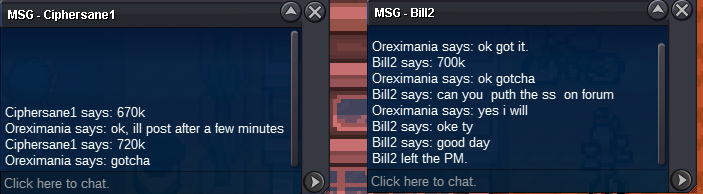
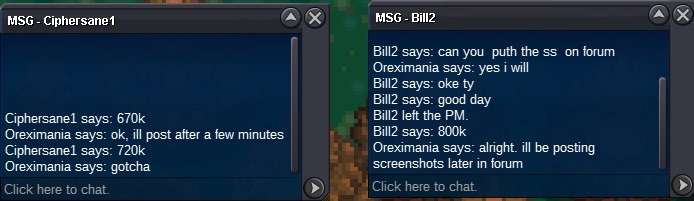
-
added insta price - 1.2m
-
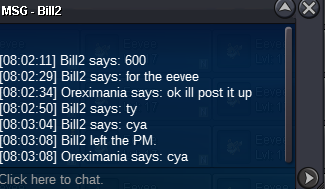
c/o 600k by Bill2 ~~~ 43 hrs left
-
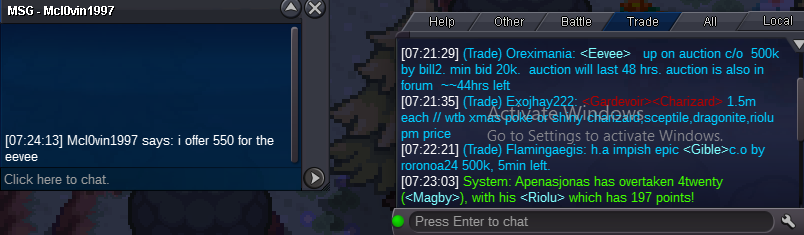
c/o 550k ~~44 hrs left
-
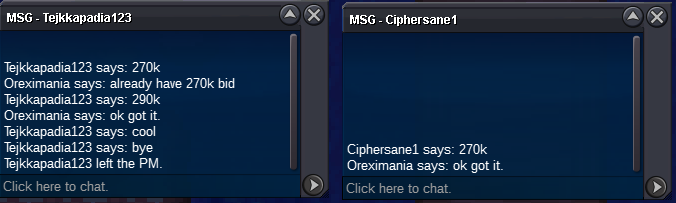
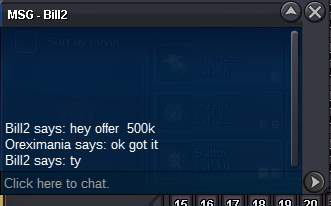
c/o 500k ~~ 46 hrs left I wasn't able to capture the other bids. Will do from now on and I think it best that I show time stamps too?
-
c.o. 310k 47hrs left
-
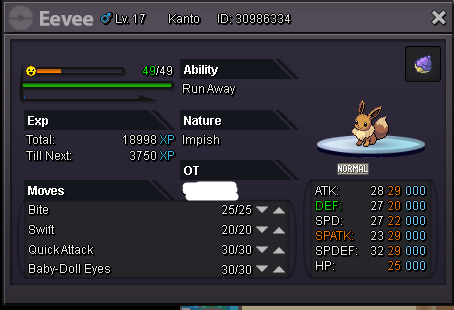
Impish eevee auction started. Posted auction in trades- selling
-
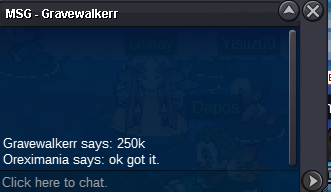
c.o. 250k ~~Gravewalker
-
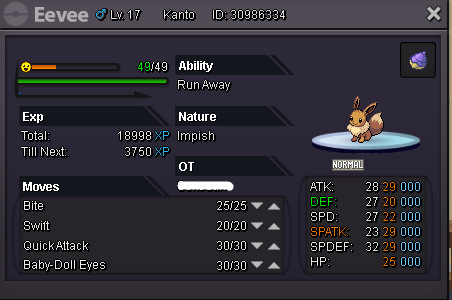
**No disrespectful comments will be tolerated** Auctioning impish eevee: c.o. 150k min bid 20k.. Insta price will be added within the first 24 hours of auction Auction will last for 48 hrs. You can reach me in game: Oreximania or via discord Oreximania#5573
-
Alright, auction for impish eevee will be opened after 1hr.
-
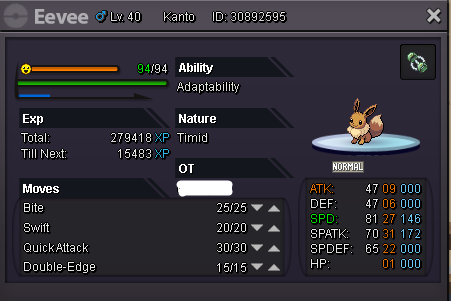
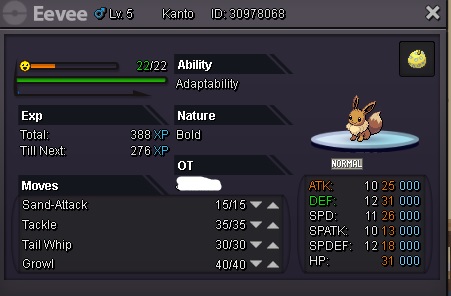
Hi everyone! I'm pretty new in selling pokes via the forums, please bear with me if ever I'll have questions regarding the auctions/pokes for trade. Rules are simple, respect each other and specially the host for the auction, that being me. As I'm pretty new to auctioning, I'd appreciate it if you can give me any advice. You can contact me here @ Oreximania or via discord Oreximania#5573 or in game: Oreximania Auctions will last for 2 days. (Please pm me so I can start the auction) Here are some eevees with s.o. of 150k min bid 20k:


-
here is the txt file patcherError.txt
-
you mean like re download the whole client again?
-
Please help (windows 64 bit) here's the txt file: System.Exception: Could not register resource. Error: 29 at ClientPatcher.Form1.GetProcesses(String path) at ClientPatcher.Form1.Stage2() at ClientPatcher.Form1.ExceptionWrapper() Could not register resource. Error: 29 ClientPatcher at ClientPatcher.Form1.GetProcesses(String path) at ClientPatcher.Form1.Stage2() at ClientPatcher.Form1.ExceptionWrapper() System.Exception: Could not register resource. Error: 29 at ClientPatcher.Form1.GetProcesses(String path) at ClientPatcher.Form1.Stage2() at ClientPatcher.Form1.ExceptionWrapper() Could not register resource. Error: 29 ClientPatcher at ClientPatcher.Form1.GetProcesses(String path) at ClientPatcher.Form1.Stage2() at ClientPatcher.Form1.ExceptionWrapper() System.Exception: Could not register resource. Error: 29 at ClientPatcher.Form1.GetProcesses(String path) at ClientPatcher.Form1.Stage2() at ClientPatcher.Form1.ExceptionWrapper() Could not register resource. Error: 29 ClientPatcher at ClientPatcher.Form1.GetProcesses(String path) at ClientPatcher.Form1.Stage2() at ClientPatcher.Form1.ExceptionWrapper()