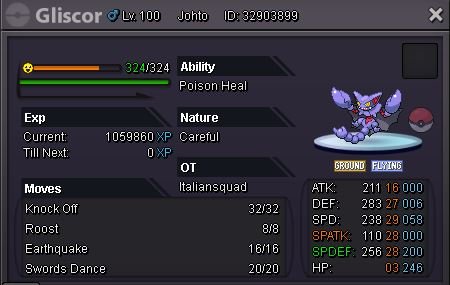
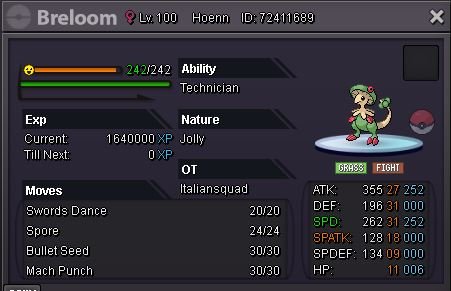
New Trade Zone
Trade Zone is now live
Use the new Trade Zone for auctions and instant-price trades so Pokemon and item offers are easy to find.

Italiansquad
Registered User
-
Joined
-
Last visited
-
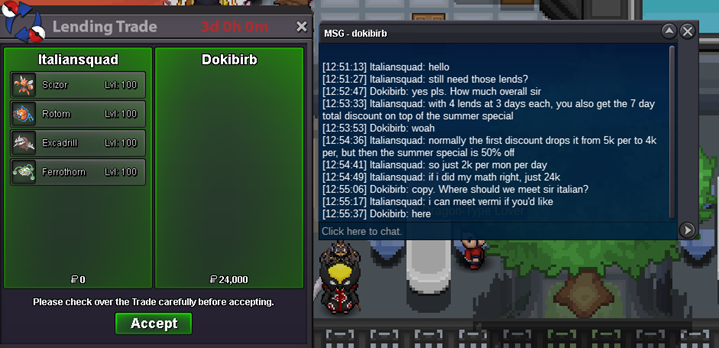
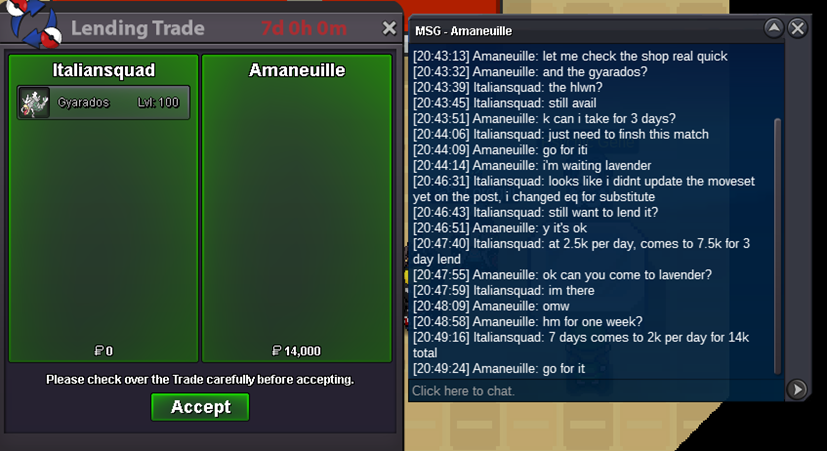
Mons have been lent for the new 3 days, Thank you!
-
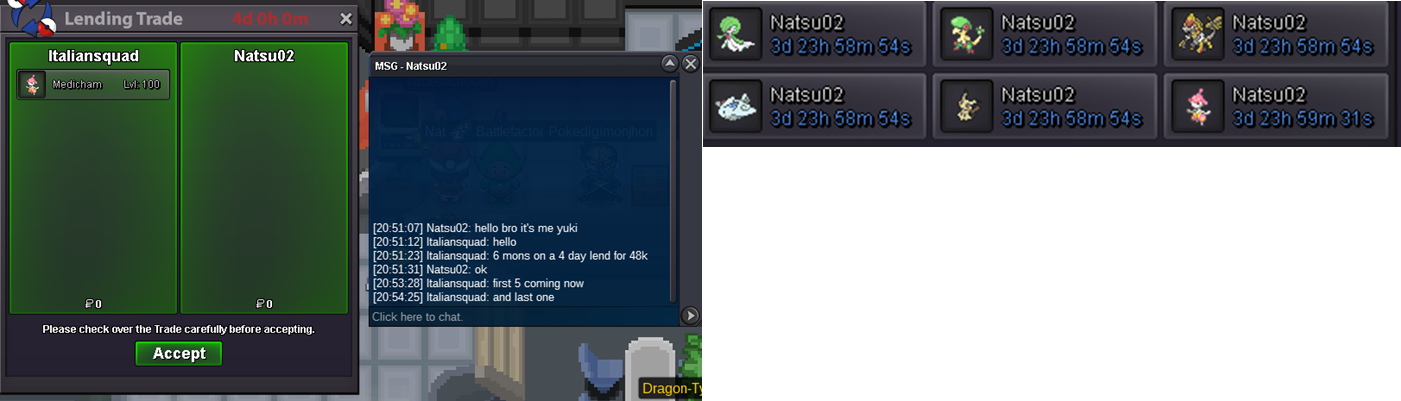
6 mons going out for 4 days!
-
Boss team out for 2 days, we have 4 still available, and 24 more lagging tails!

-
HLWN Gary lent for the next few days during our summer special!
-
feel free to msg me on discord and we can figure out a time to get some pokes to you!
-
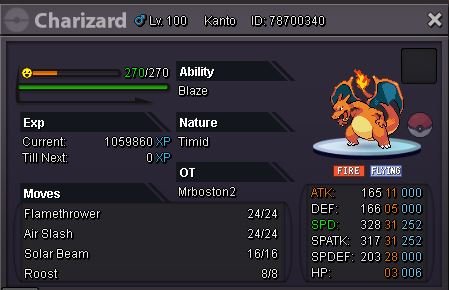
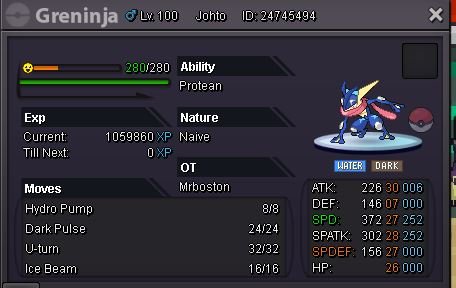
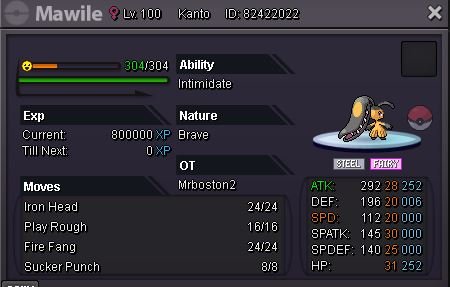
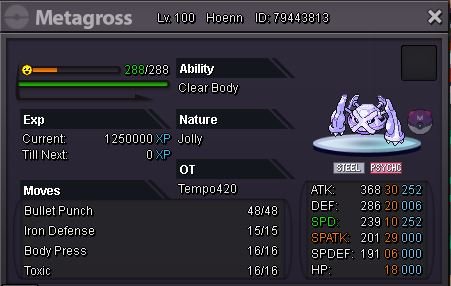
Added:



-
Hello, this is a pokemon lending shop. The IV rr tickets we have priced are what we take them in as. We are not selling them.
-
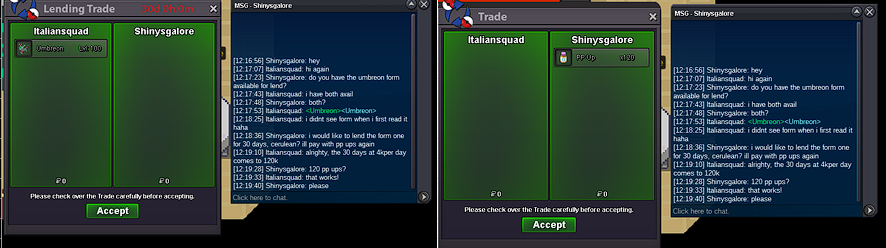
Our two eeveelution forms going out for 30 days!

-
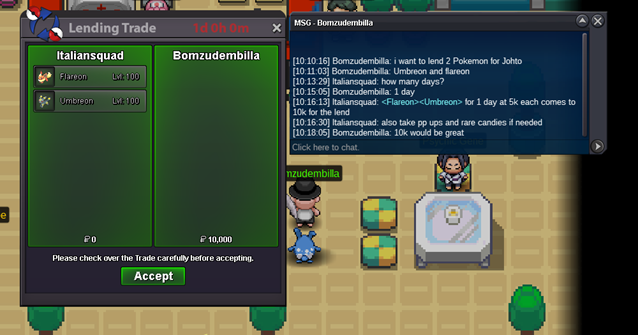
Updated Boss Team Prices for 12h availability! More lends going out! Also added Beartic, the menace in the snow!

-
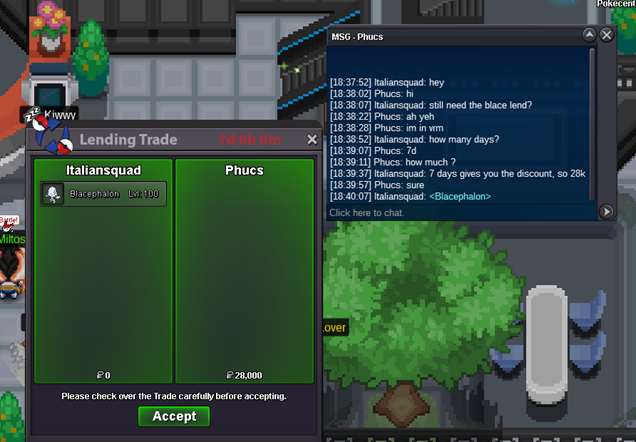
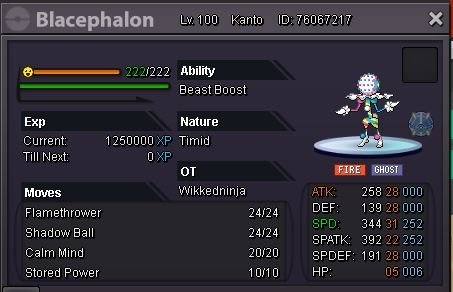
blace in good hands for the next few days!
-
A few new lends went out the last few days! And our first boss team lend!
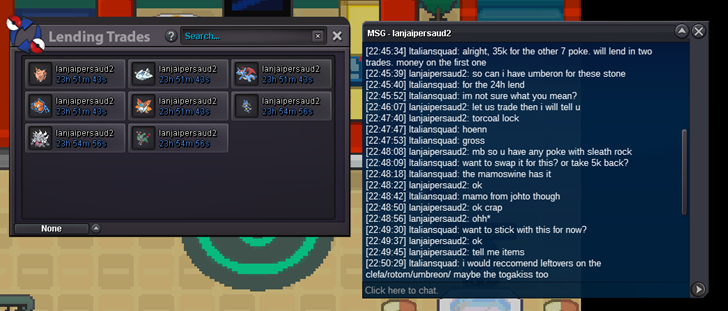
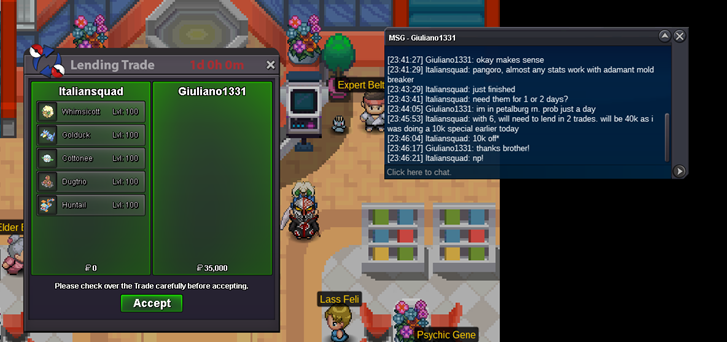
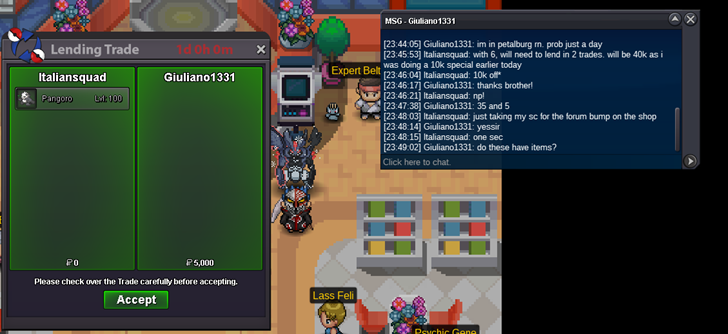
-
Just completed our 2nd lend of pokes!
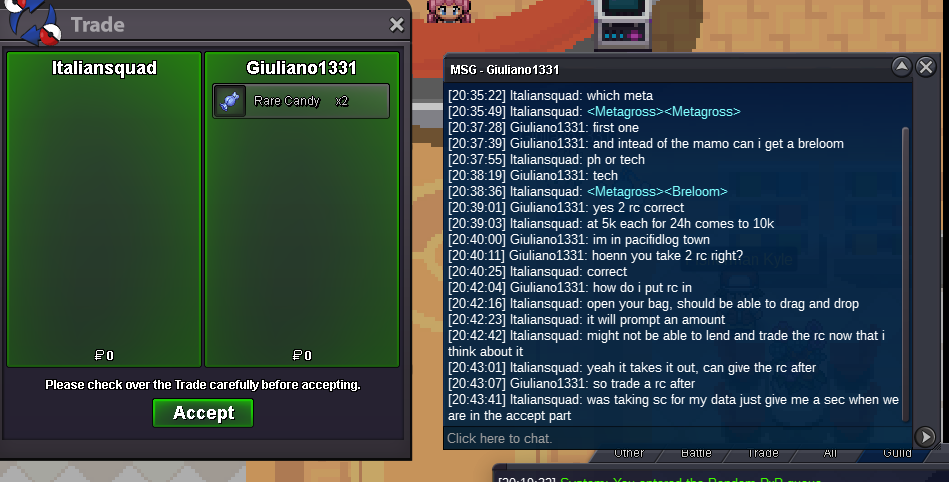

-
Nothing in the shop is for sale, only lends.
-
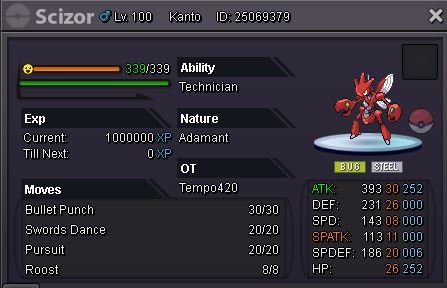
Added Scizor ready for mega evolution!
-
Added 3 new pokemon!