New Trade Zone
Trade Zone is now live
Use the new Trade Zone for auctions and instant-price trades so Pokemon and item offers are easy to find.

Leejiieun
Registered User
-
Joined
-
Last visited
Everything posted by Leejiieun
-
Up
-
I pass but still thanks brother cya!
-
WTS SHINY SWABLU -> DRAGON ALTARIA 31HP natural cure BOLD WTS = 20M

-
3.2m
-
Up
-
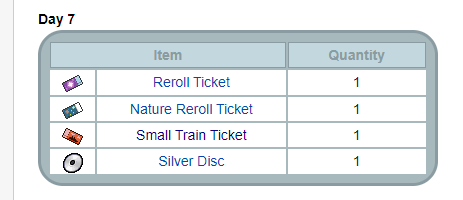
💥 AUCTION CUTE SW MEDITITE JOLLY 31/30 17+ 💥 S.O- 20M Minimum Raise- 500k Insta- 50m End- 4 days after startIt is random, subway is still better than getting silver disc xD
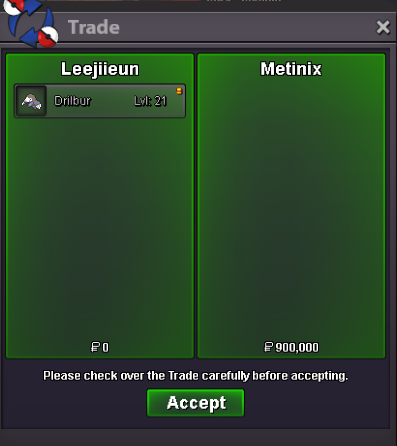
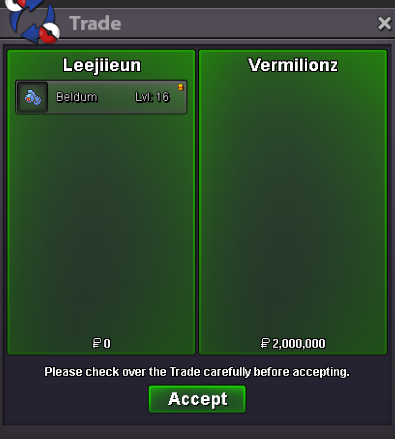
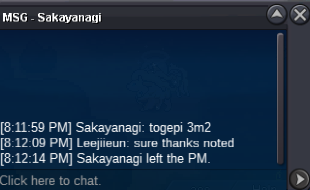
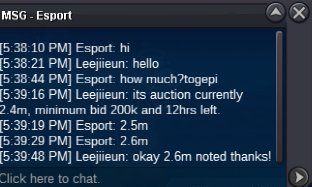
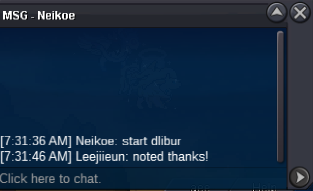
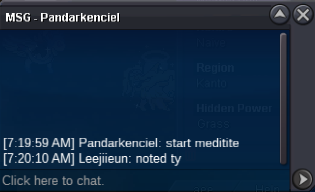
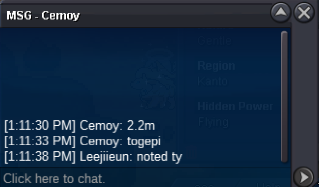
 oh wait mods is this still ongoing? cause of the issues earlier? if yes then ill bid 1.1m. thanks!3.9m then3.6mjust an update beldum and togepi already over --beldum -> won by vermilionz 2m (waiting for trade) --togepi -> won by mozambi 3.6m (waiting for trade) ============== around 2hrs left for corphish around 8hrs left for happiny around 26hrs left for both meditite and drilburr (can check time ended in my main thread post)around 24hrs left for beldum and togepi around 26hrs left for corphish around 33hrs left for happiny still s.o drilbur and meditite both s.o lowered earlier to 700k
Account
Navigation
Search
Configure browser push notifications
Chrome (Android)
- Tap the lock icon next to the address bar.
- Tap Permissions → Notifications.
- Adjust your preference.
Chrome (Desktop)
- Click the padlock icon in the address bar.
- Select Site settings.
- Find Notifications and adjust your preference.
Safari (iOS 16.4+)
- Ensure the site is installed via Add to Home Screen.
- Open Settings App → Notifications.
- Find your app name and adjust your preference.
Safari (macOS)
- Go to Safari → Preferences.
- Click the Websites tab.
- Select Notifications in the sidebar.
- Find this website and adjust your preference.
Edge (Android)
- Tap the lock icon next to the address bar.
- Tap Permissions.
- Find Notifications and adjust your preference.
Edge (Desktop)
- Click the padlock icon in the address bar.
- Click Permissions for this site.
- Find Notifications and adjust your preference.
Firefox (Android)
- Go to Settings → Site permissions.
- Tap Notifications.
- Find this site in the list and adjust your preference.
Firefox (Desktop)
- Open Firefox Settings.
- Search for Notifications.
- Find this site in the list and adjust your preference.