New Trade Zone
Trade Zone is now live
Use the new Trade Zone for auctions and instant-price trades so Pokemon and item offers are easy to find.

Midnighte
Registered User
-
Joined
-
Last visited
Everything posted by Midnighte
-
it works fine for me now, thanks maisa.
-
hello, i waited for 24h (i just reported late), but the same msg keeps popping, and btw i gave him a silver disc once, the one from jessie and james, and i am pretty sure i only have one right now i got from daily task rewards, and it is still sitting in my back pack, i am sure i didn give him any silver disc, since one month if not more ago, so i am pretty sure it has nothing to do with me having another disc i didn see or something like this ^^
-
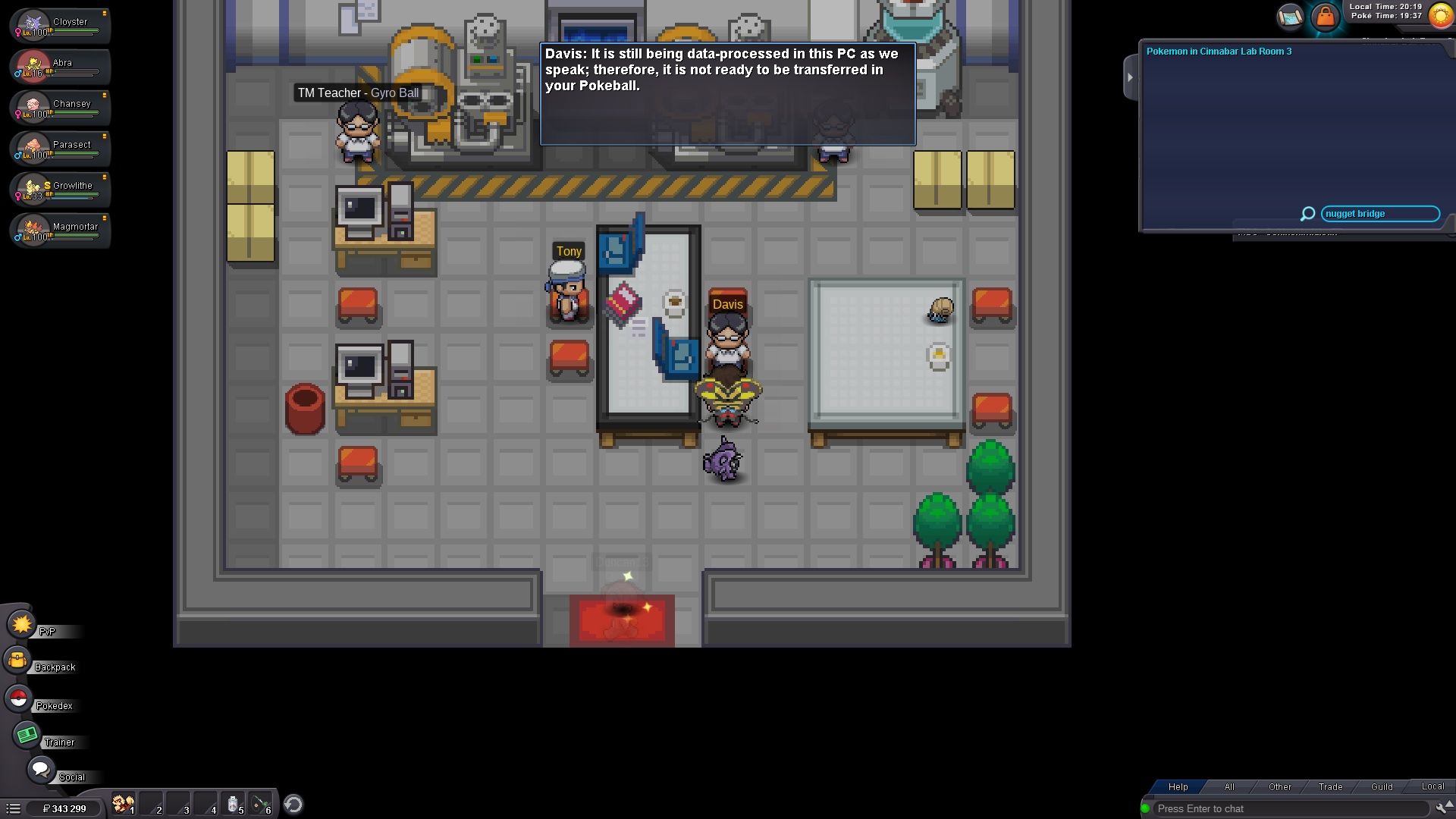
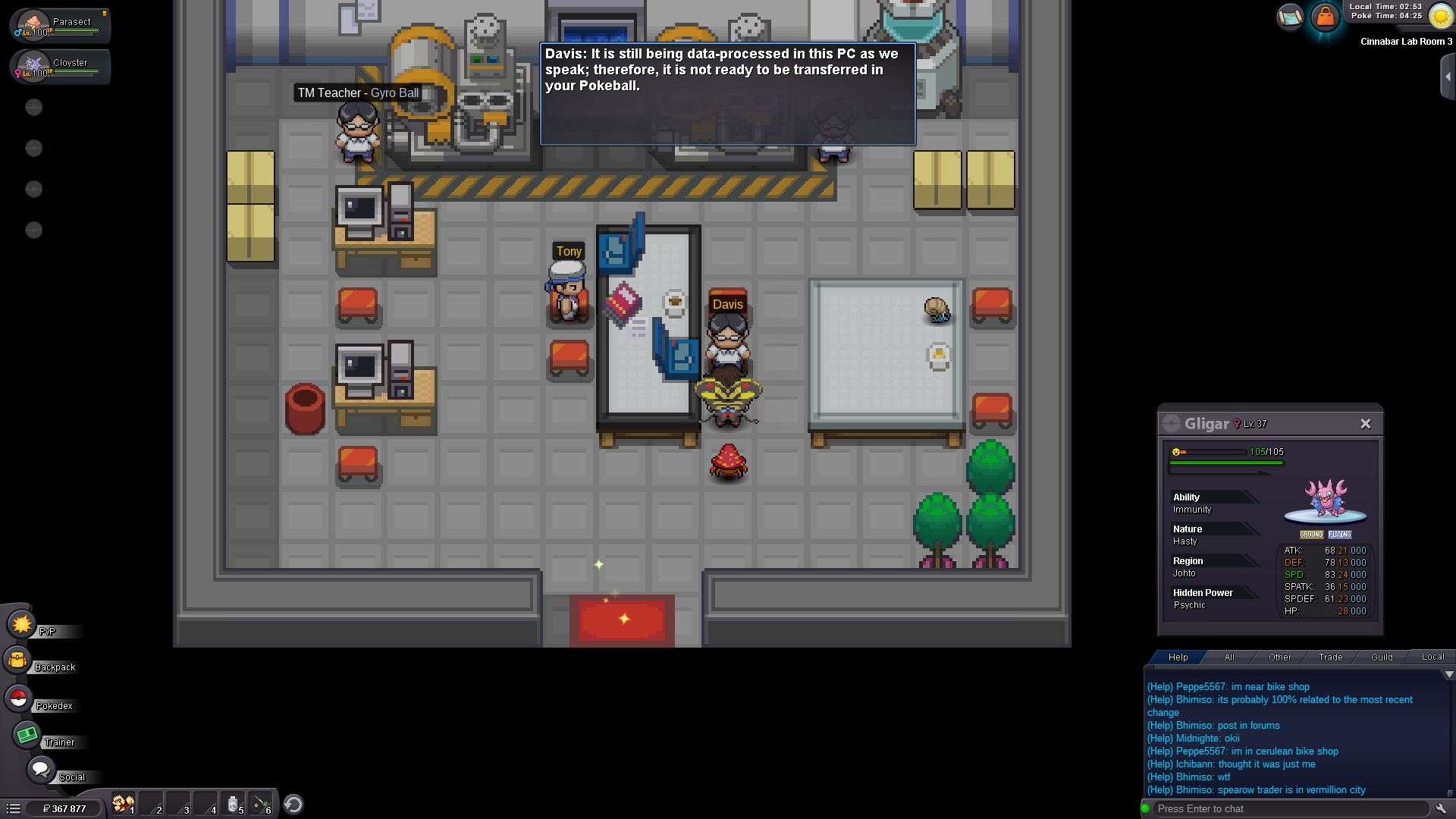
when i try to turn a silver disc into a porygon in cinnabar land (npc davis), he tells me the data is still processing, while i didn give him anythin and the silver disc is still sitting in my back pack, i tried relogging, i waited for more than 8 hours before interacting with him again, but still the same issue
-
well, i installed the client on my phone (android) ofc, i logged in, and whenever i start a fight with an npc trainer or wild pokemon, there is this bug where when i change my pokemone it replaces the ennemy pokemon instead and not mine (the hp bar, the name everythin changes) and my hp bar and pokemon name remains the same, but the techniques i use are not