New Trade Zone
Trade Zone is now live
Use the new Trade Zone for auctions and instant-price trades so Pokemon and item offers are easy to find.

Citizenerased92
Registered User
-
Joined
-
Last visited
-
600k
-
Hey, I might not be online a lot in the game, but if you could send me a message on discord when you're on, I'll get online for the trade. My discord username is citizenerased92, aswell
-
800 lucario
-
600k on each
-
2.9
-
Hello, my discord is the same as here if you want to let me know when youre online
-
Hello, 500k
-
Start Lucario
-
-
I was out of ropes, but I'll try to get one of my friends to help. Thanks for your help, I didn't know that. (I walked right through the guy, a glitch maybe?)
-
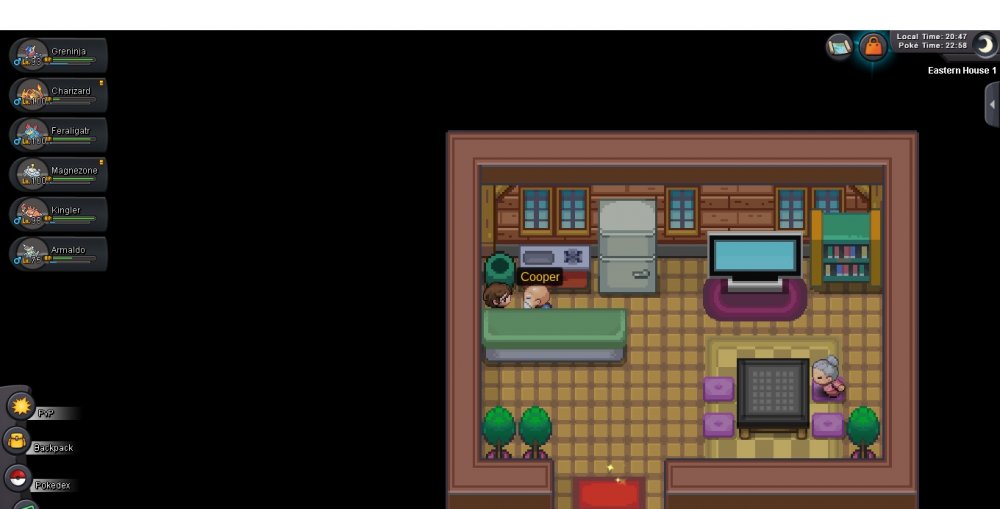
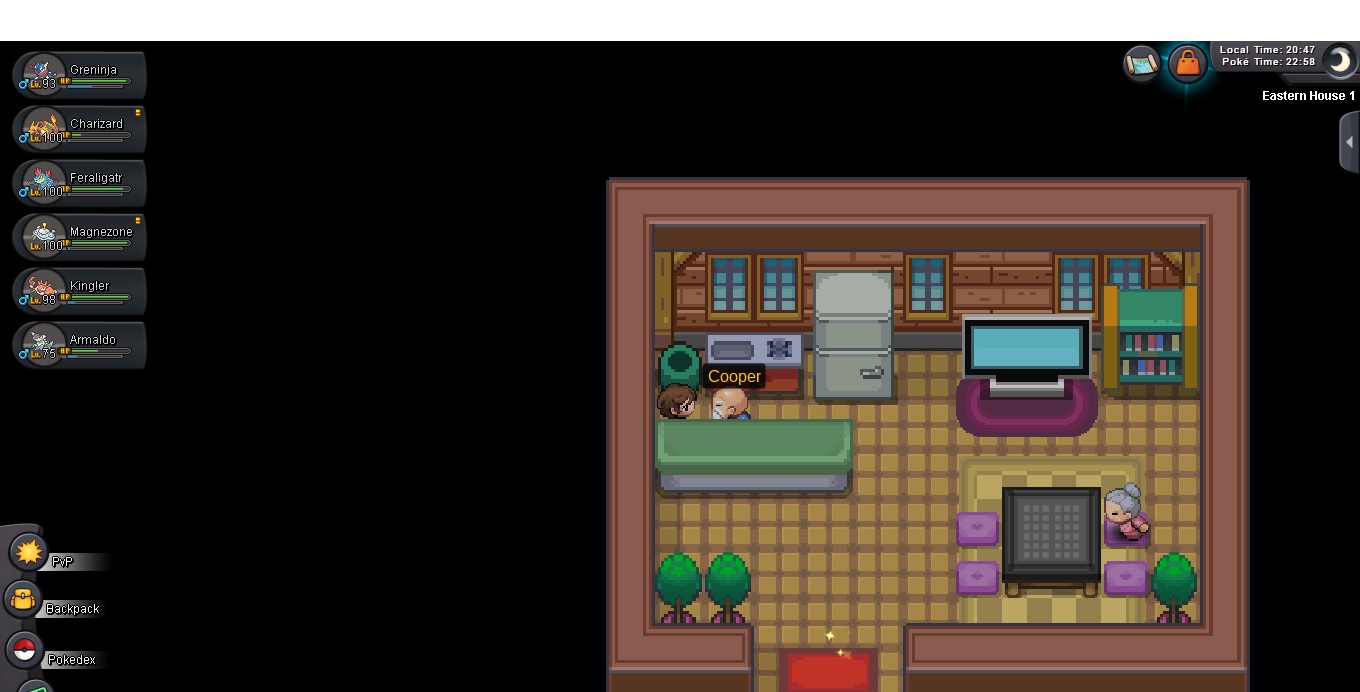
I'm Stucked behind a counter on Valley of Steel