




New Trade Zone
Trade Zone is now live
Use the new Trade Zone for auctions and instant-price trades so Pokemon and item offers are easy to find.

Dooz
Registered User
-
Joined
-
Last visited
-
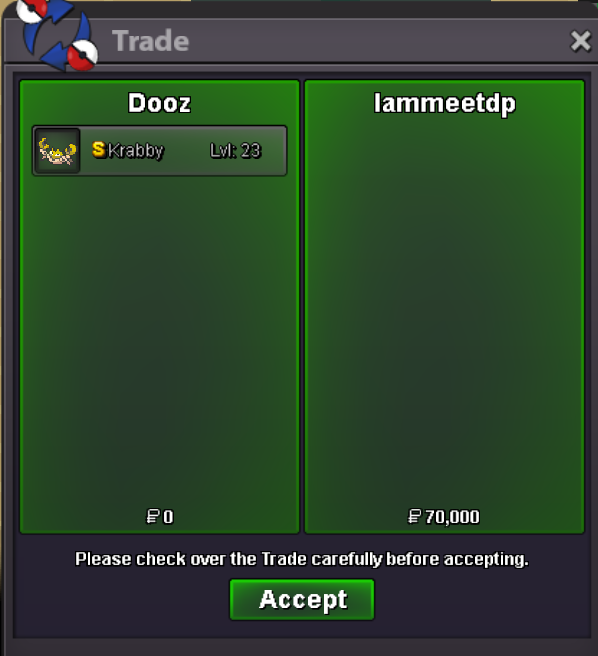
sold naive shiny Krabby to Iammeetdp
-
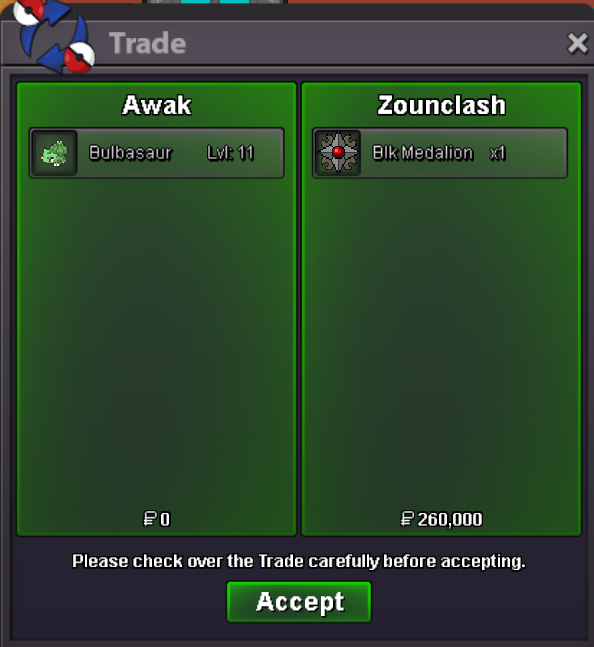
HP Ice bulba sold for 260k+BMS to Zounclash
-
Sorry Ssolo I'll contact grzelu first for the bb greninja
-
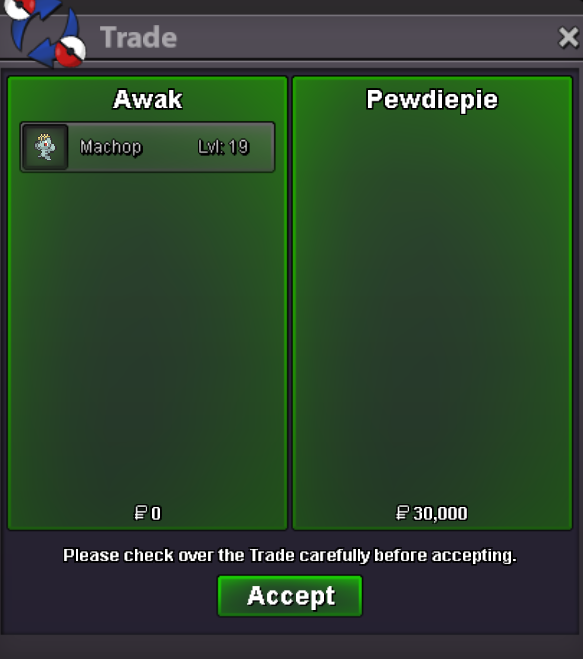
last machop sold to Pewdiepie
-
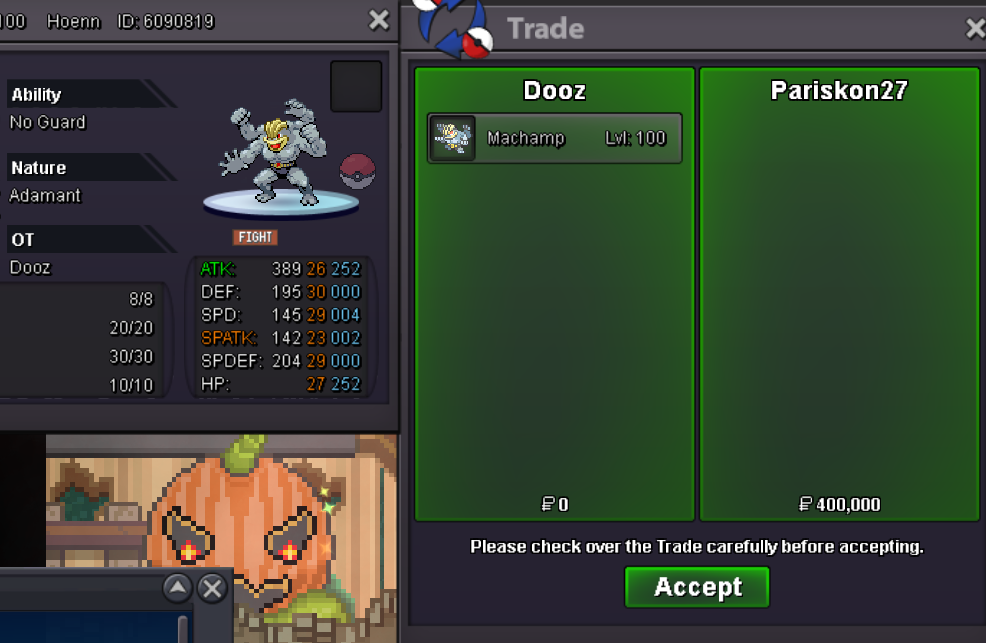
Sold the Adamant Machamp 400k to Pariskon27 (he asked for that price, initially 420k)
-
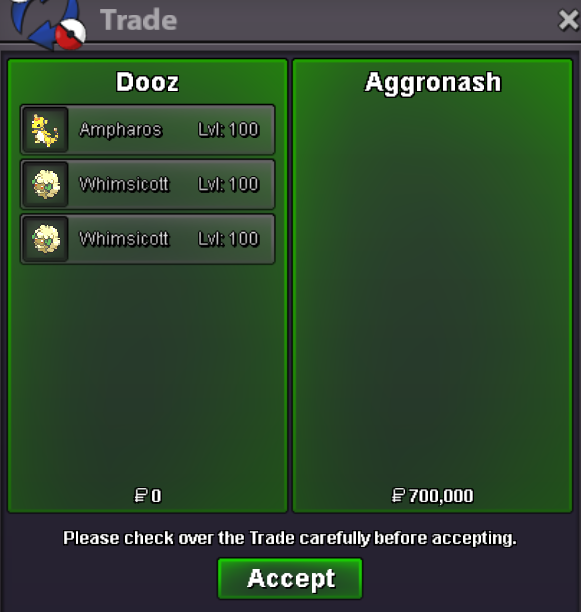
sold ampharos and 2 boss whimsi for 700k (he negotiated for that group price)
-
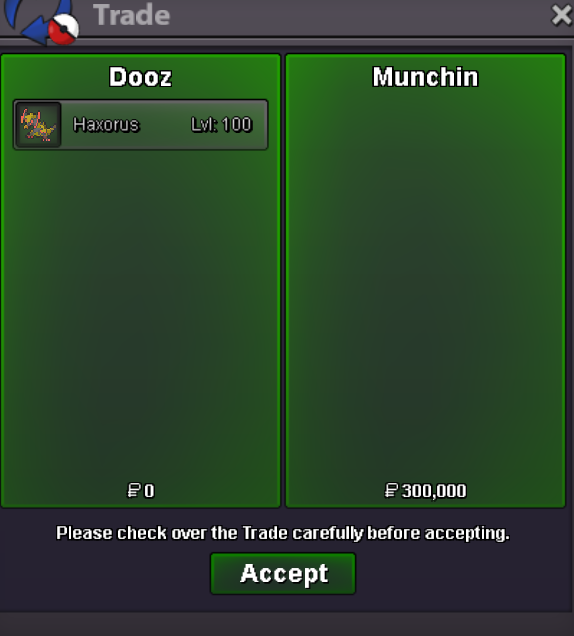
sold hp ice ditto, hp ground ditto and haxorus
-
Sold the 20+ adamant machop
-
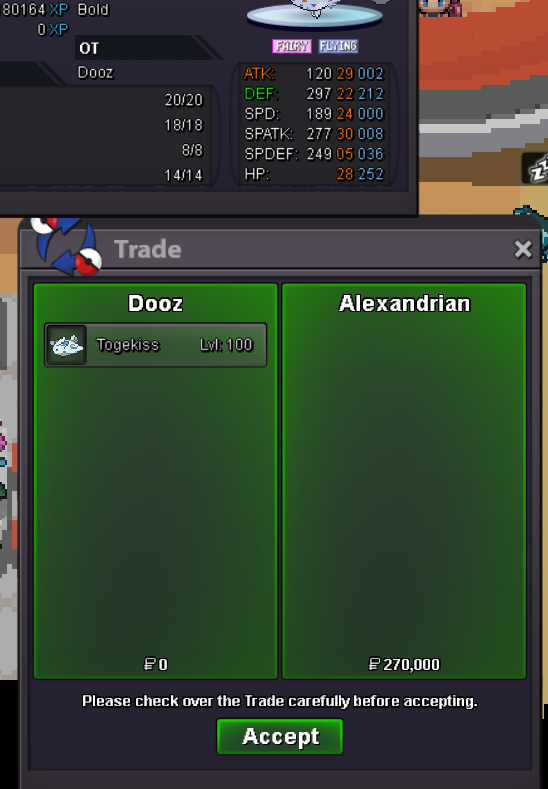
togekiss sold to Alexandrian
-
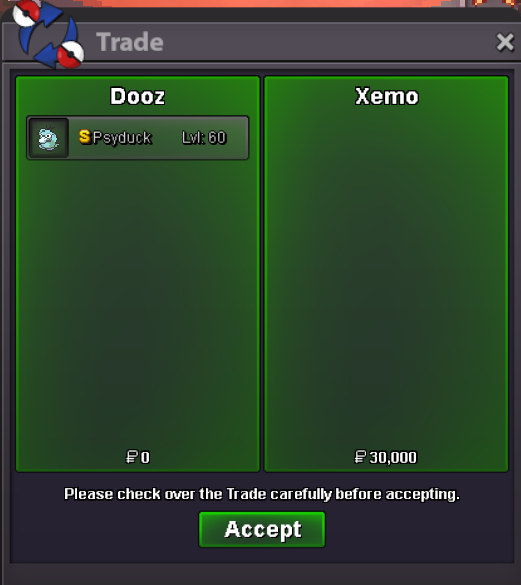
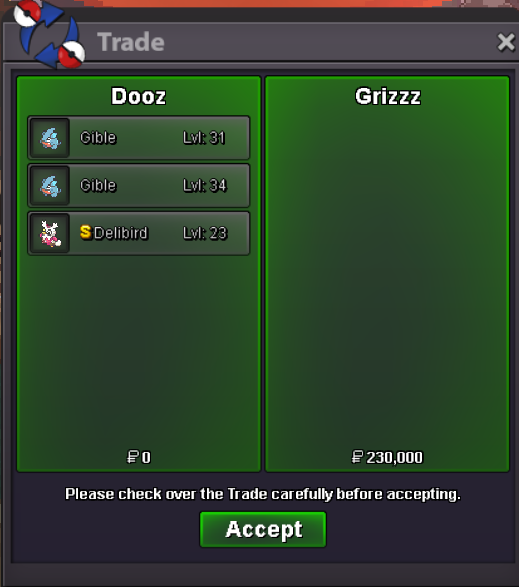
Sold 2 Gibles, S Psyduck and S Delibird
-
added prices
-
Bump
-
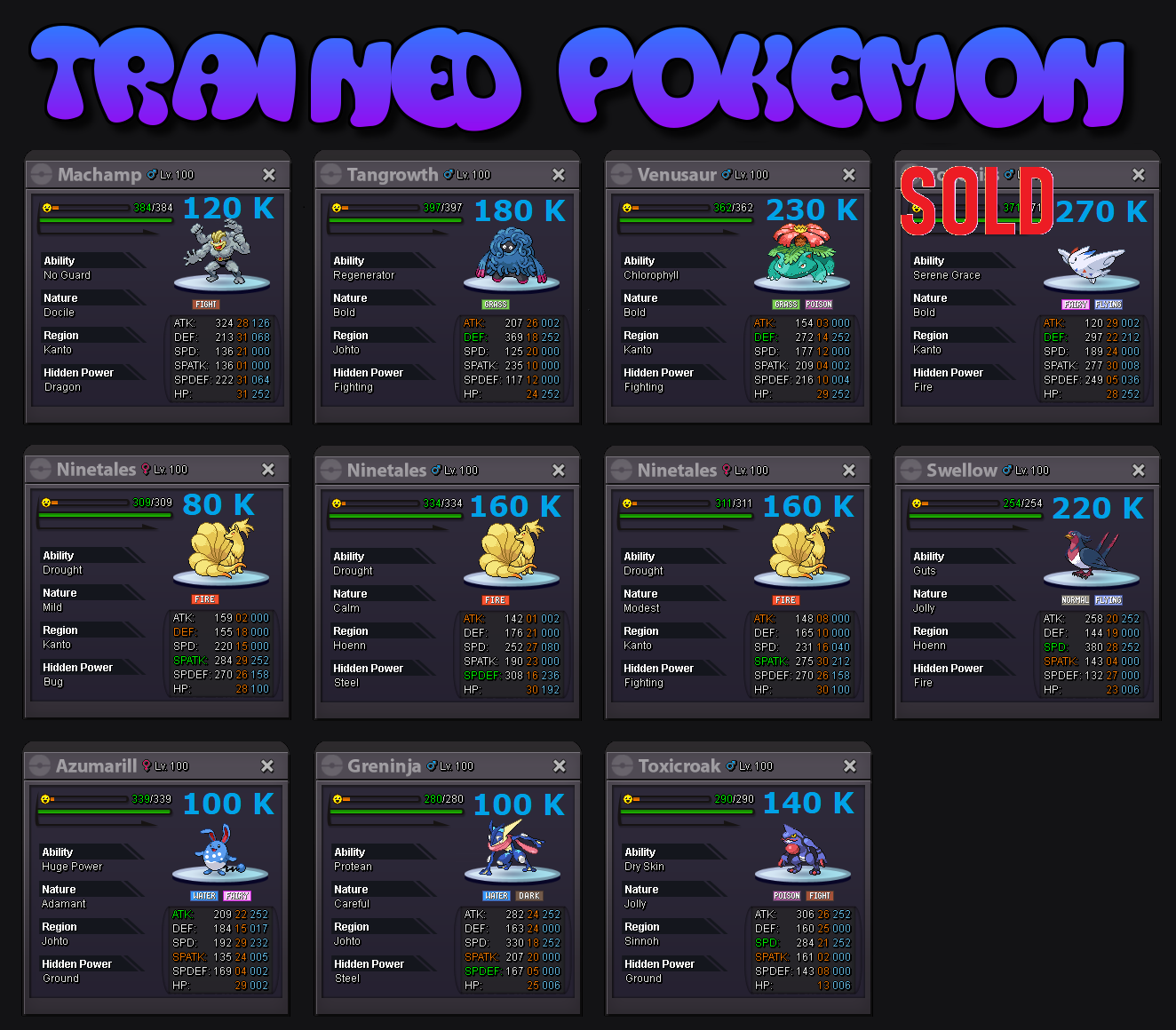
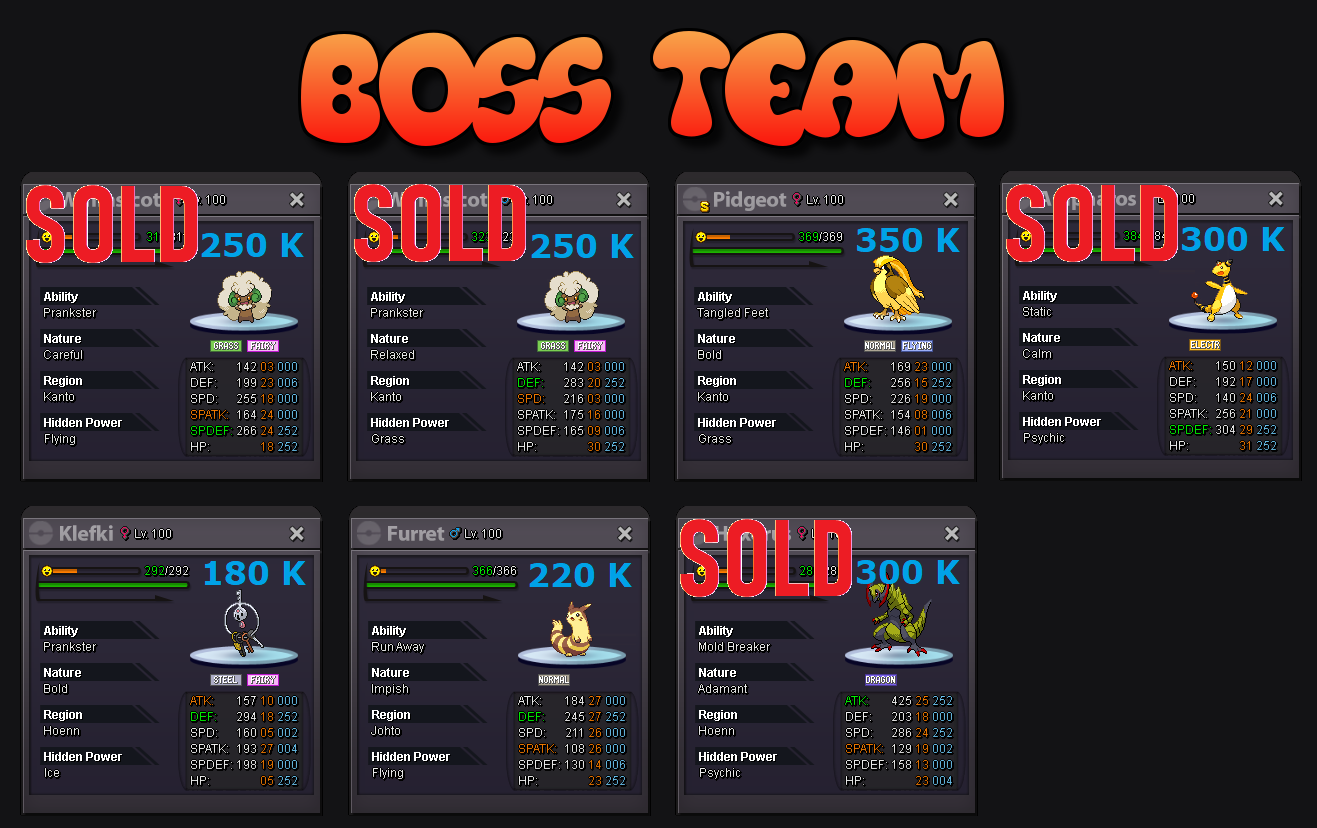
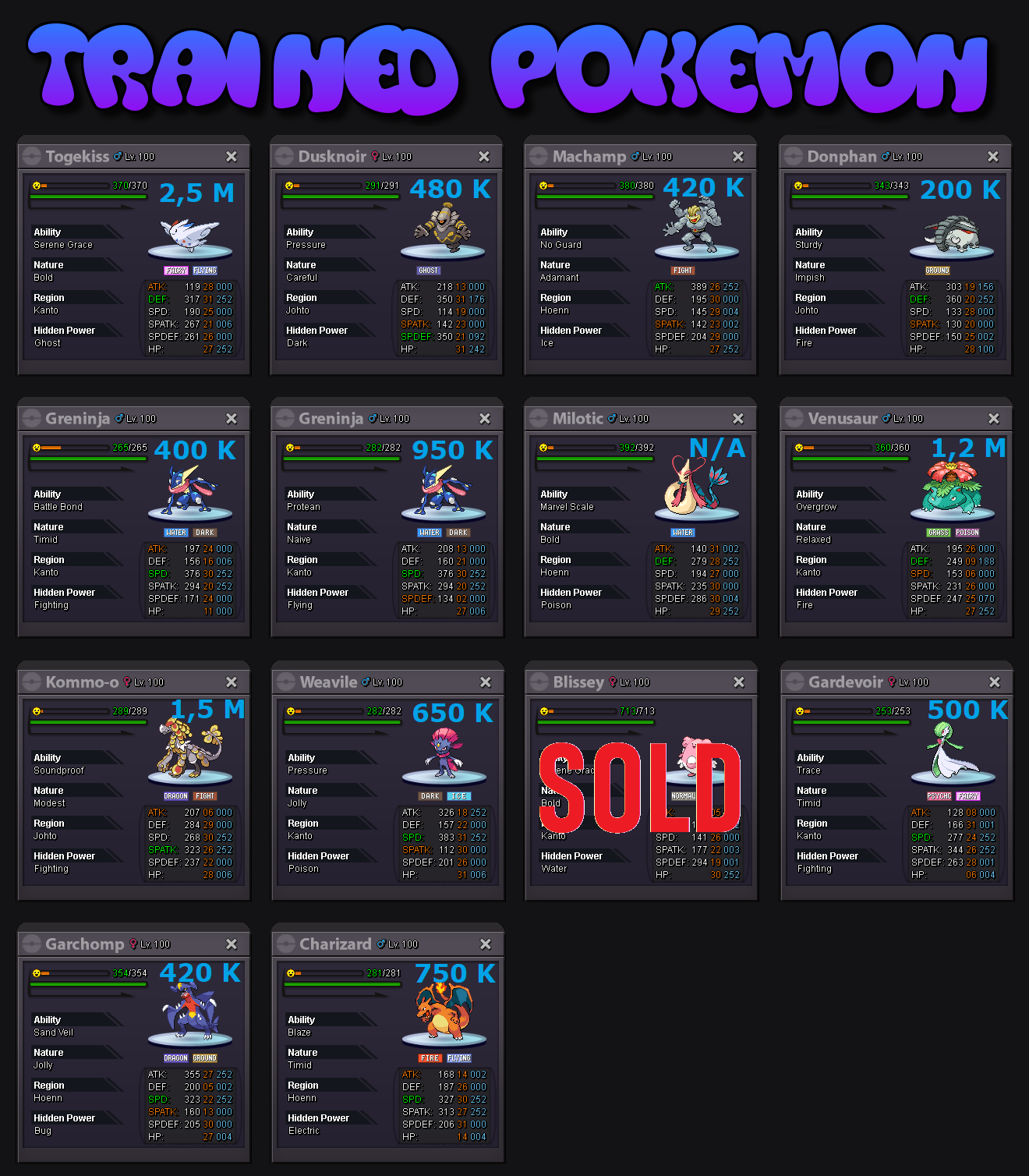
Hello everyone, welcome to my shop ! I've always been too lazy to sell more than one or two Pokemon at once, whether in game or on forums ... Here come all the survivors for the past 4 years, who dodged giveaways, releasing, lending (without the fancy recent feature), or any I'd like to get rid of ! The shop is divided in two parts : - the first half has only insta prices set, all negotiable and may be set up for auction. - the second half has fixed prices only, none negotiable. I accept as currency : - IV Rerolls : 700 k ea - Nature Rerolls : 350 k ea - CC : 400 k Every level 100 ev trained Pokemon also has its moveset ready. Happy bidding / offering / buying ! PART 1 : NEGOTIABLES PART 2 : NON-NEGOTIABLES



-
-
