New Trade Zone
Trade Zone is now live
Use the new Trade Zone for auctions and instant-price trades so Pokemon and item offers are easy to find.

Gaufriiit
Registered User
-
Joined
-
Last visited
-
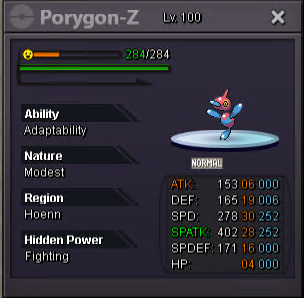
Start Price: 1m Auction ended: 38 hours after this post Insta Price: 5m Minimum Raise: 50k Accepted Payments: Pokedollars, Coin Capsules (x1 Coin Capsule = 400k), IV Reroll Tickets (x1 IV Reroll Ticket = 500k)

-
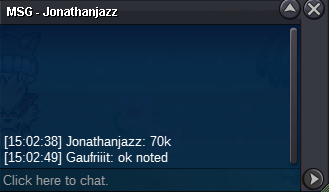
Ntszuu3 won the auction pm me when you are connected
-
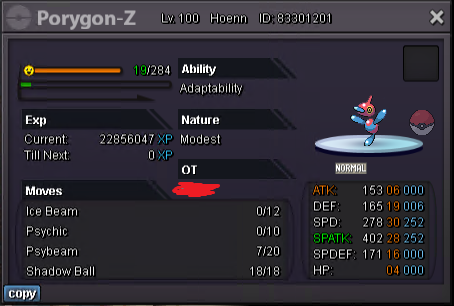
Start: 50k Min bid: 5k Duration: 24 hours (after the first bid) Payment: Pokedollars, cc=390k rc=7k Insta: None
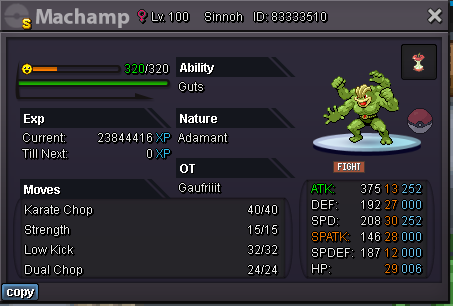 Start: 50k Min bid: 10k Duration: 24 hours (after the first bid) Payment: Pokedollars, cc=390k rc=7k Insta: None