




New Trade Zone
Trade Zone is now live
Use the new Trade Zone for auctions and instant-price trades so Pokemon and item offers are easy to find.

Cosmick
Registered User
-
Joined
-
Last visited
-
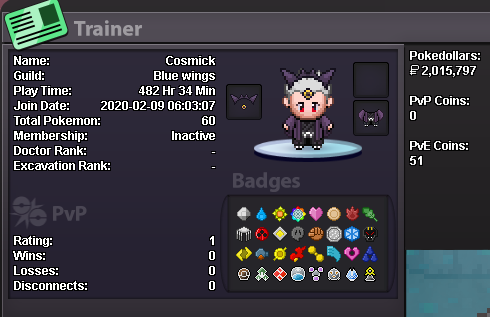
What's your IGN? NA How old are you? 25 What is Your Discord ID? C0SMICK#1951 What's your goal in PRO? collect legendary pokes, climb PVP and complete PVE What is your favorite aspect of PRO? trading economy, events, active community What was your highest rating achieved in the last 3 PvP seasons? NA, still building a team (almost done) Why did you choose Predators? had some great chats with Ta7esh and are PRO friends. also current guild isnt that active, looking for more.
-
9 day cooldown...can this be reset so i can see if it works?
-
Thanks for looking into it. Still doesn't work for me.
-
I've beaten the pumpkin king, is my game bugged?