New Trade Zone
Trade Zone is now live
Use the new Trade Zone for auctions and instant-price trades so Pokemon and item offers are easy to find.

Tsiakmakis
Registered User
-
Joined
-
Last visited
Everything posted by Tsiakmakis
-
on top of that, i get randomly kicked from times to times, losing xp, money and pokemons (while hunting) but never complained... but this... this was over the top...
-
a reset would fix it i guess... if possible...
-
just reset me 1 hour before this post !
-
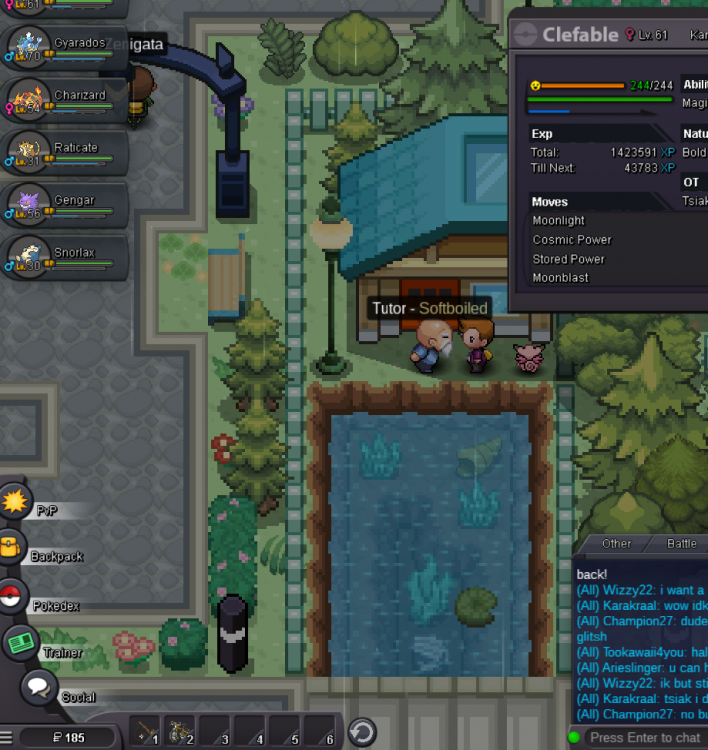
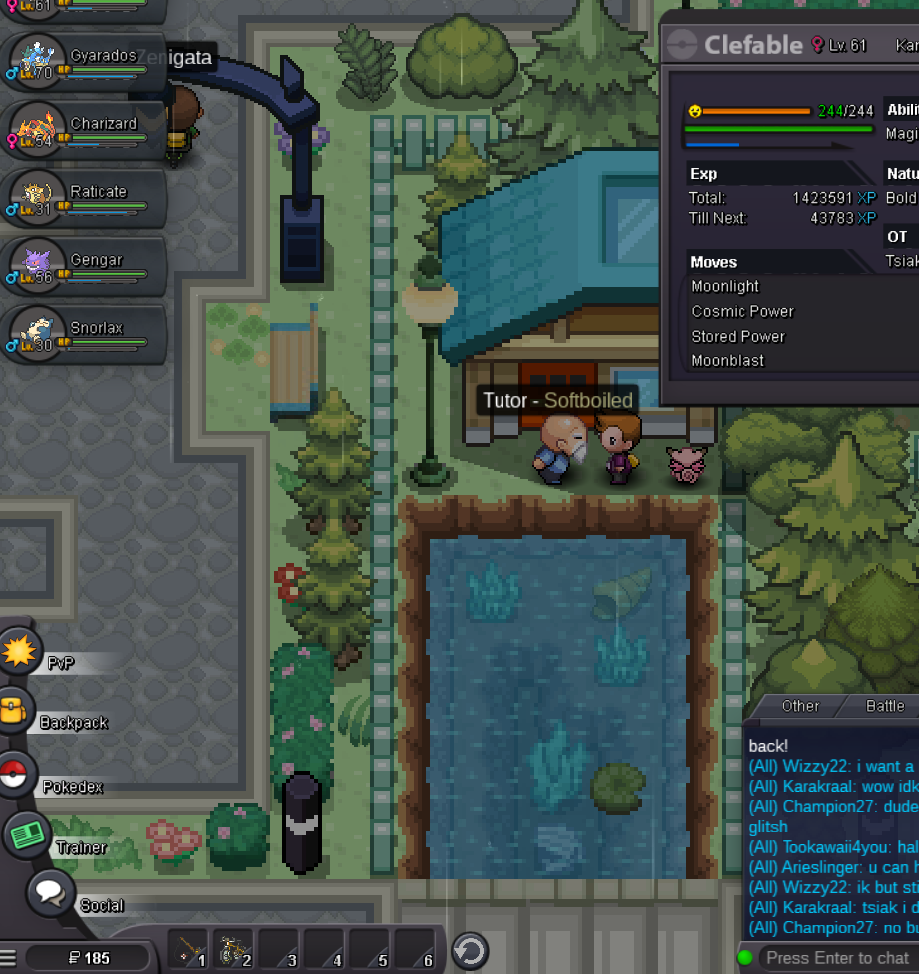
OK HERE IS HOW IT GOES: I HAD 90185K GOLD. HAD SURF, GOT THERE TO GET SOFTBOILED FORMY NEWLY PVP CLEFABLE, APPLIED YES ON LEARNING IT, SCREEN WITH MOVES DIDN'T POP, I WAITED 5 MINUTES BUT NOTHING... LOGGED OUT ( OPTIONS DID WORK!) (75185) ROUND 2: talked to him, gave him 15k as asked, he bugged, asked for 15k again, hebugged, asked for 15k again... move screen popped this time, no option to kick out moves, then poof freeze, waited 20 minutes "afk" nothing happened , logged out and then had (30185) ROUND 3: guy in the chat said, re-log in, or talk to forums, report bug, i was like"ok let's relog, start again, walk around, then talk to him"... fool me... i don't believe it's a glitch after all but a server scam! i talked to another tutor and he worked properly, came back here only to lose another round of 15k to this glitch making my total amount of money 185 $ as I HAD to test another tutor too! so... should i ask for a fix? for my money back? or should i just believe that i was the fool newbie player getting scammed by this game and server? (silver server, player's name Tsiakmakis) thank you in advance? idfk...