




New Trade Zone
Trade Zone is now live
Use the new Trade Zone for auctions and instant-price trades so Pokemon and item offers are easy to find.

Xdagz
Registered User
-
Joined
-
Last visited
-
eyy
-
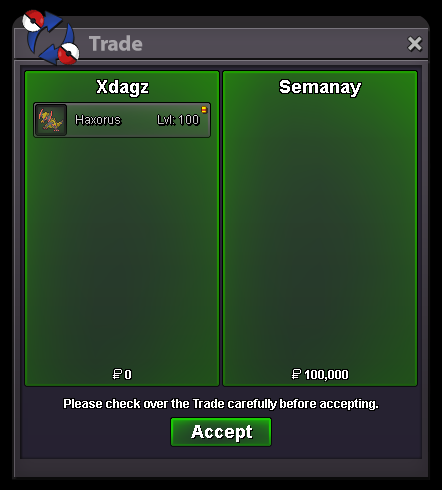
Haxorus sold to Semanay in game. Thanks man!
-
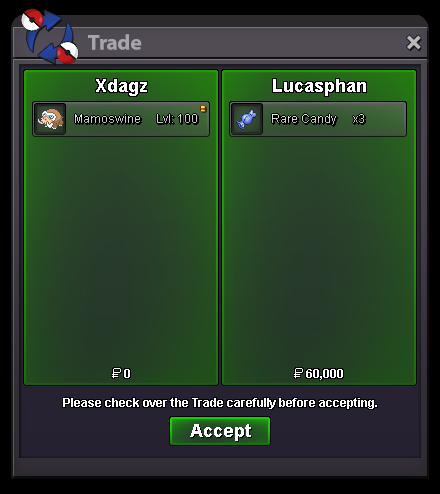
Mamoswine sold to Lucasphan in game. Thanks man!
-
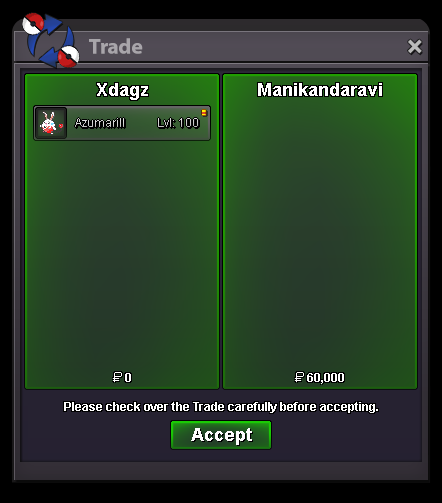
Easter Azumarill sold to @manikandaravi in game. Thanks man!
-
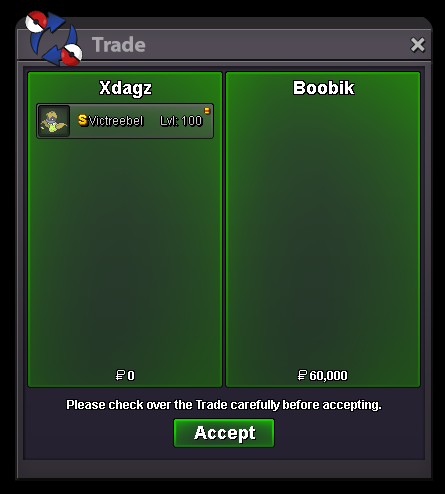
S Victreebel sold to @Boobik. Thanks man!
-
Hey @Boobik! Thanks for taking interest on one of the PKMN from the shop but I don't hop servers for transactions unfortunately.
-
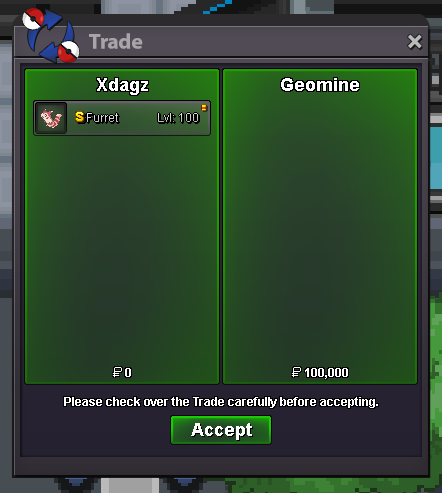
S Furret sold to @GeoMine. Thanks man!
-
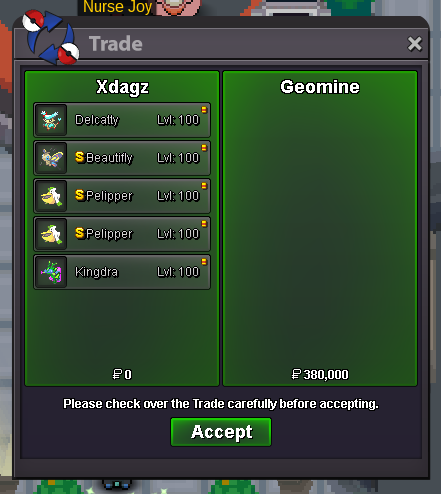
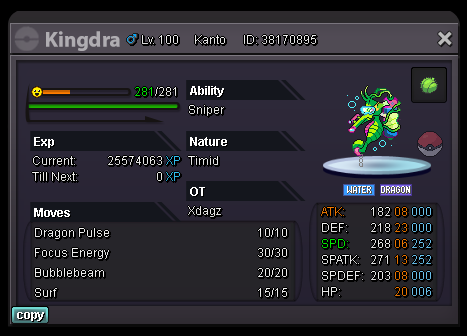
Christmas Delcatty, S Beautifly, S Pelippers and Summer Kingdra sold to @GeoMine. Thanks man!
-
z
-
feel free to visit my shops by the way: https://pokemonrevolution.net/forum/topic/192400-xdagzs-shiny-and-special-pkmns-shop/ https://pokemonrevolution.net/forum/topic/166147-xdagzs-shop/
-
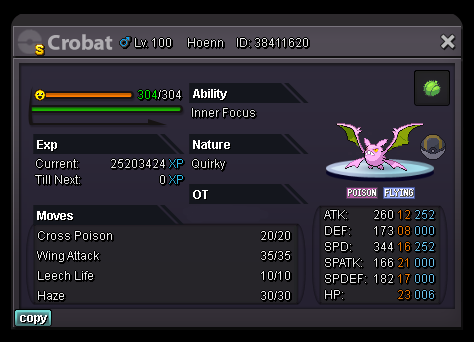
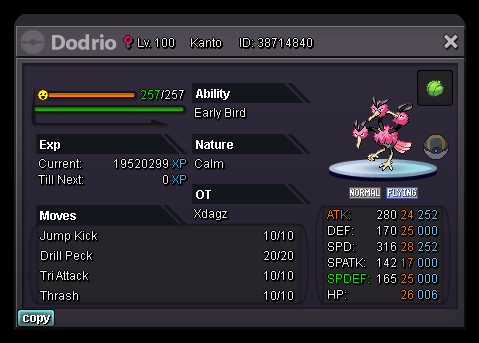
Hello! Welcome to the shop! Feel free to browse and check around! Aside from the in-game currency, I accept the following for payments: CC = 400k IV Reroll = 700k Nature Reroll = 300k Message me for inquiries! You can contact me in-game at xdagz or via Discord xdagz#8523. A - B - C - D - E F - G - H - I - J K - L - M - N - O - P Q - R - S - T - U V - W - X - Y - Z will add more soon. leave a like if you liked the shop, glhf! *if by any chance a player from Silver server is interested in some of the listed PKMNs, he/she has to transfer to Gold given the player would like to get the PKMN/s he/she wants* xoxo
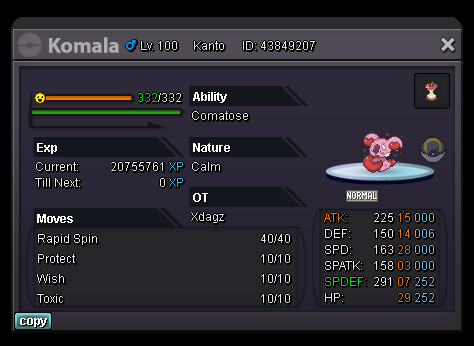
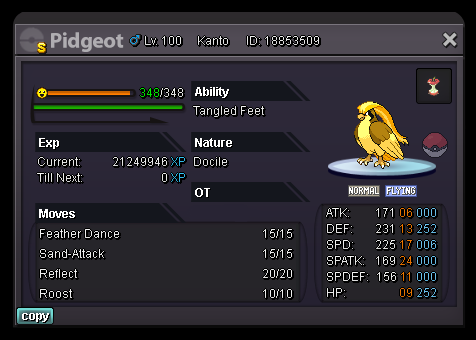
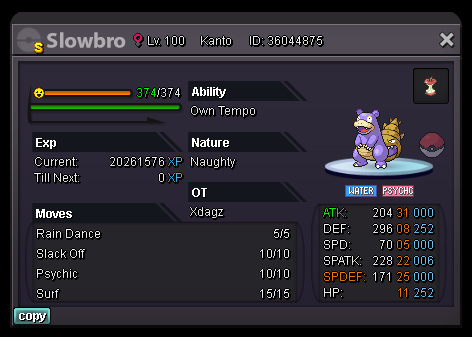
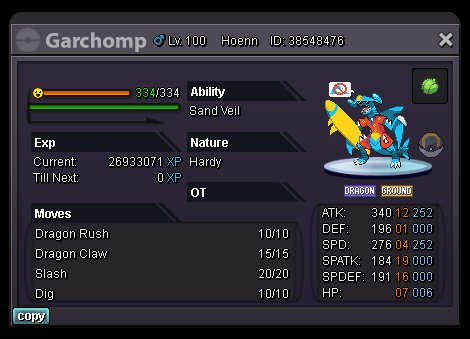

-
heh
-
skrt
-
kek
-
x

