




New Trade Zone
Trade Zone is now live
Use the new Trade Zone for auctions and instant-price trades so Pokemon and item offers are easy to find.

Agree
Registered User
-
Joined
-
Last visited
Everything posted by Agree
-
-
-
-
Added clefable

-
Start offer : 1.5m Min Bid: 100k Insta: 4m Auciton last for 24 hours Accept cc as 400k Iv Reroll 600k https://www.timeanddate.com/countdown/generic?iso=20200502T2107&p0=108&font=cursive
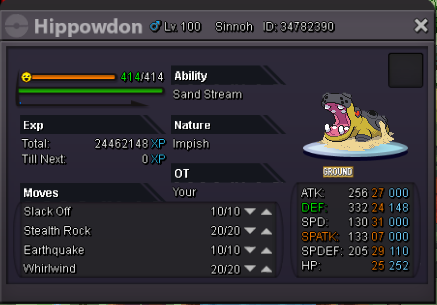 Start offer : 1.5m Min Bid: 100k Insta: 4m Auciton last for 24 hours Accept cc as 400k Iv Reroll 600k https://www.timeanddate.com/countdown/generic?iso=20200502T2107&p0=108&font=cursive
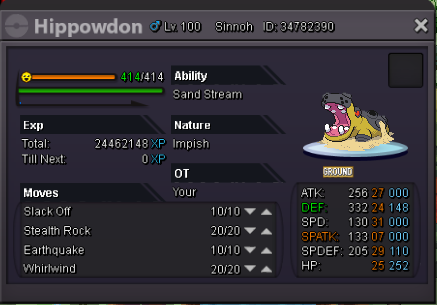 Start offer : 550k Min bid : 50 k Insta: 1.2m Auction last for 20 hours after first bid
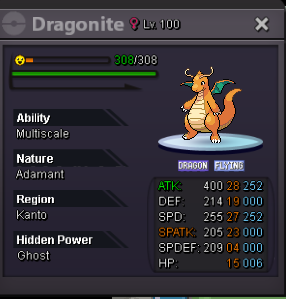
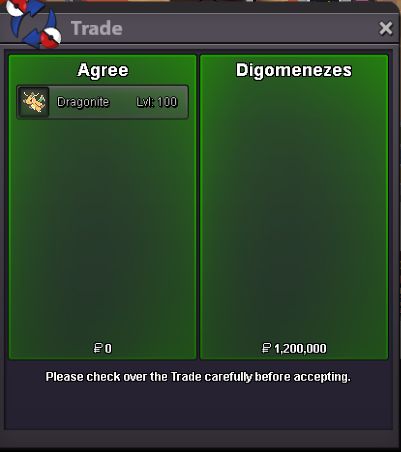
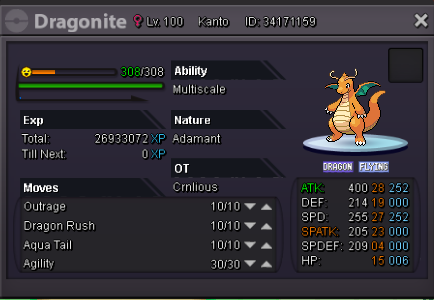 Added dragonite 1.1m Clefable epic bold hp ice 550k
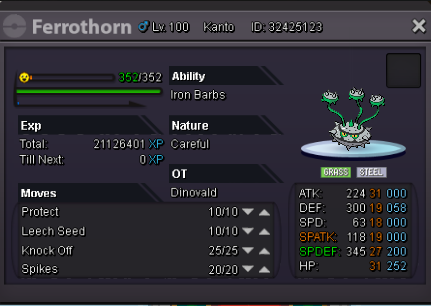
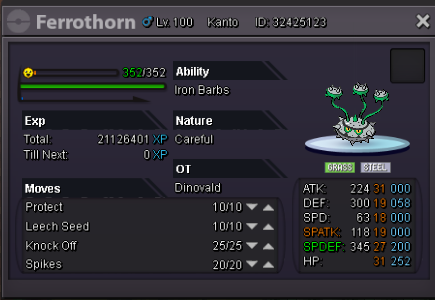
 Careful nature recommended by smogon https://www.smogon.com/dex/sm/pokemon/ferrothorn/ Start offer : 1.2m Min Bid : 100k Insta: Added later Auciton last for 24 h after first bid
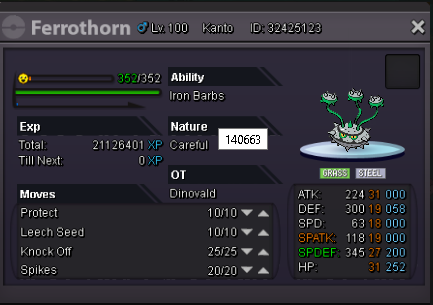 Careful nature recommended by smogon https://www.smogon.com/dex/sm/pokemon/ferrothorn/ Start offer : 1.2m Min Bid : 100k Insta: Add later Auciton last for 24 h after first bid
 Chansey sold [No pic] Cleafble mg bold sold [No pic]

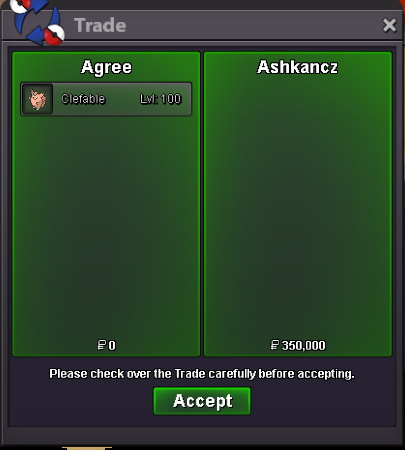 Added Trained Epic Natural cure bold Chansey H.A Bold clefable MG Bold clefableTorkoal soldStart offer: 1.5m Min bid: 100k Insta : 2m Auction last for 24h after first bid
 Welcome to Agree's pokemon shop Contact Details Accepted Payments Trained Pokemons Untrained Pokemons


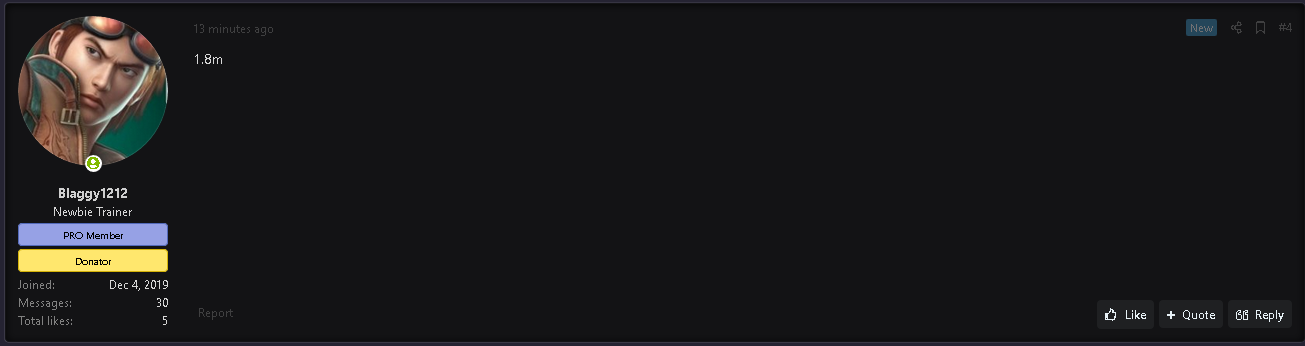
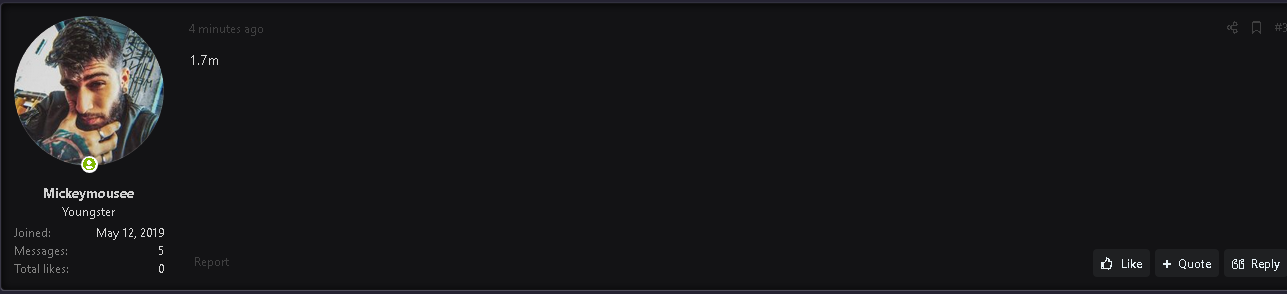
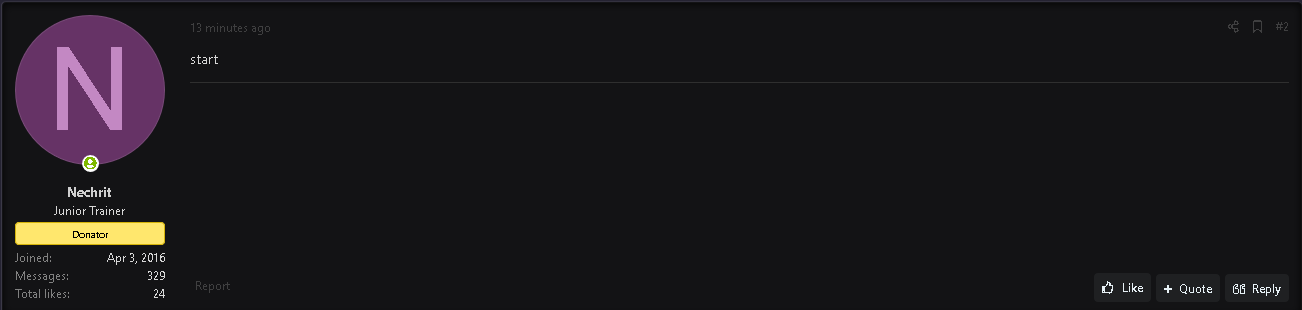
 Starting Price : 2m Min Bid : 200k Insta price : 4m Auction last 24 hour after first bid
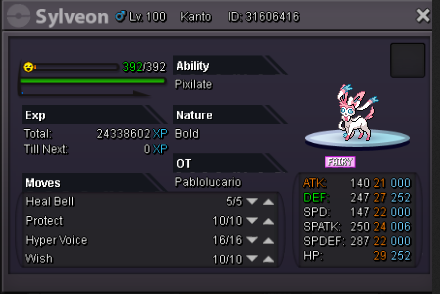 Starting Price : 2m Min Bid : 200k Insta price : 4m Auction last 24 hour after first bid
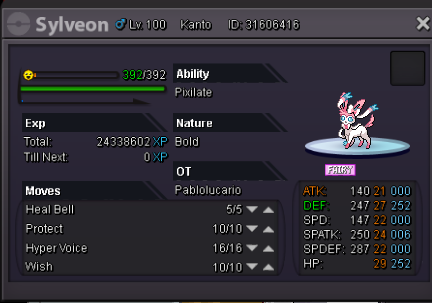
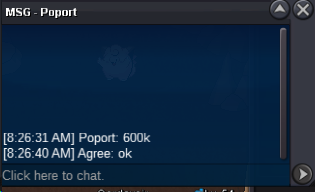
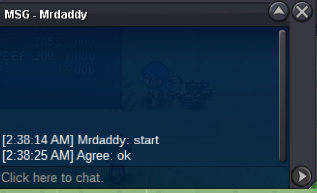


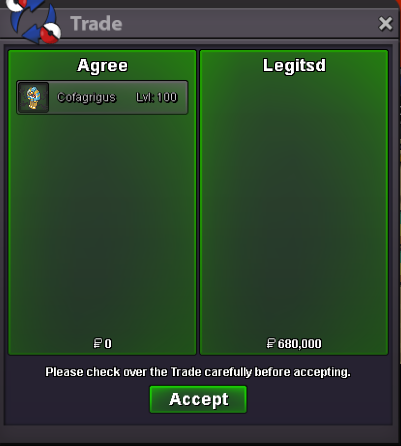


Account
Navigation
Search
Configure browser push notifications
Chrome (Android)
- Tap the lock icon next to the address bar.
- Tap Permissions → Notifications.
- Adjust your preference.
Chrome (Desktop)
- Click the padlock icon in the address bar.
- Select Site settings.
- Find Notifications and adjust your preference.
Safari (iOS 16.4+)
- Ensure the site is installed via Add to Home Screen.
- Open Settings App → Notifications.
- Find your app name and adjust your preference.
Safari (macOS)
- Go to Safari → Preferences.
- Click the Websites tab.
- Select Notifications in the sidebar.
- Find this website and adjust your preference.
Edge (Android)
- Tap the lock icon next to the address bar.
- Tap Permissions.
- Find Notifications and adjust your preference.
Edge (Desktop)
- Click the padlock icon in the address bar.
- Click Permissions for this site.
- Find Notifications and adjust your preference.
Firefox (Android)
- Go to Settings → Site permissions.
- Tap Notifications.
- Find this site in the list and adjust your preference.
Firefox (Desktop)
- Open Firefox Settings.
- Search for Notifications.
- Find this site in the list and adjust your preference.