




New Trade Zone
Trade Zone is now live
Use the new Trade Zone for auctions and instant-price trades so Pokemon and item offers are easy to find.


Madhavxdark
Registered User
-
Joined
-
Last visited
Everything posted by Madhavxdark
-
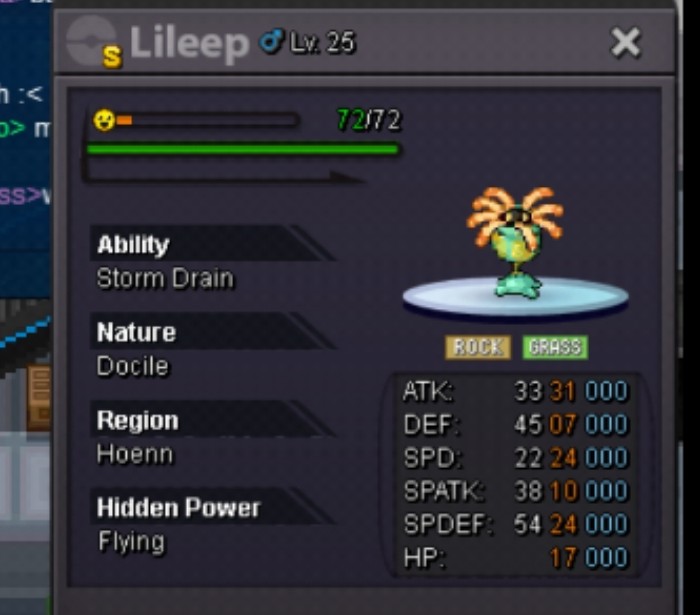
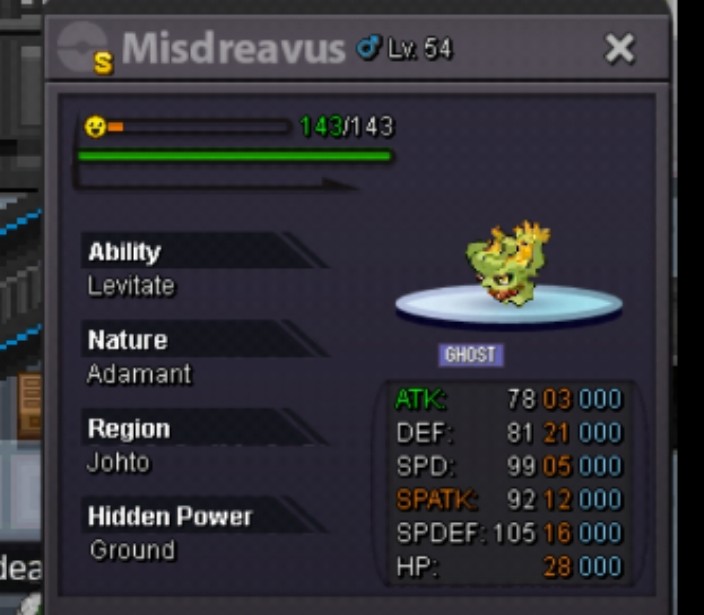
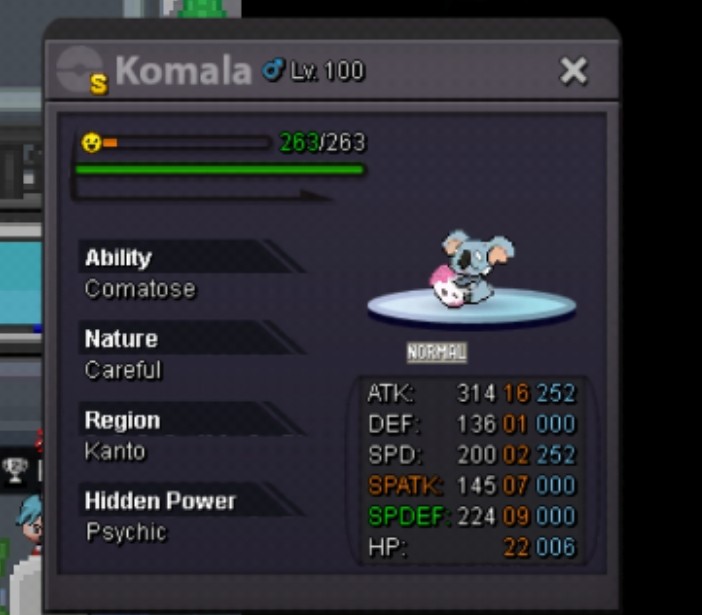
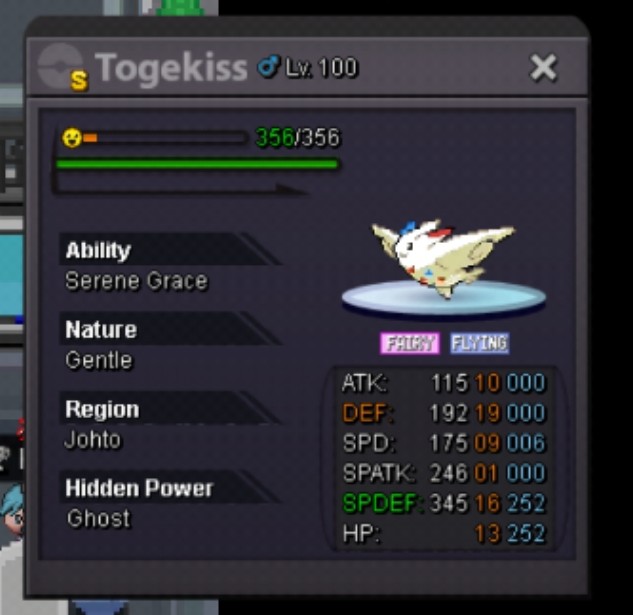
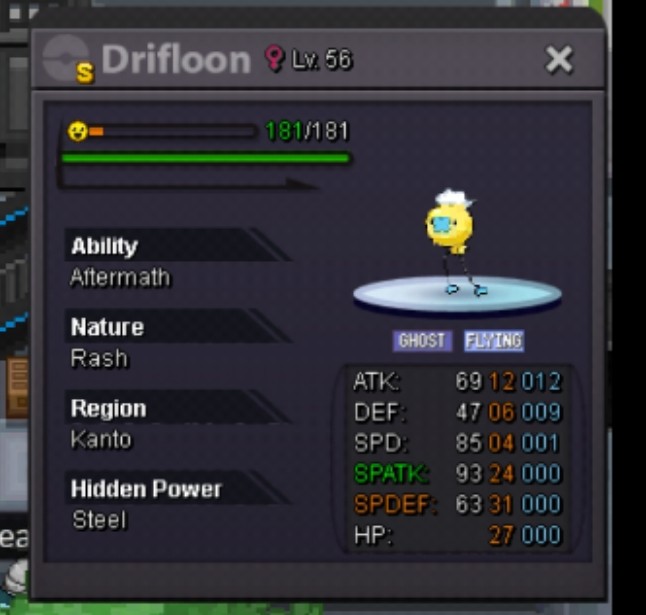
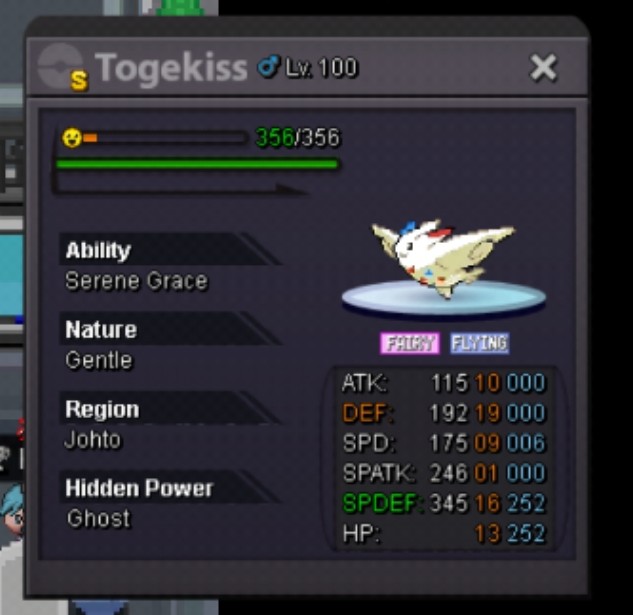
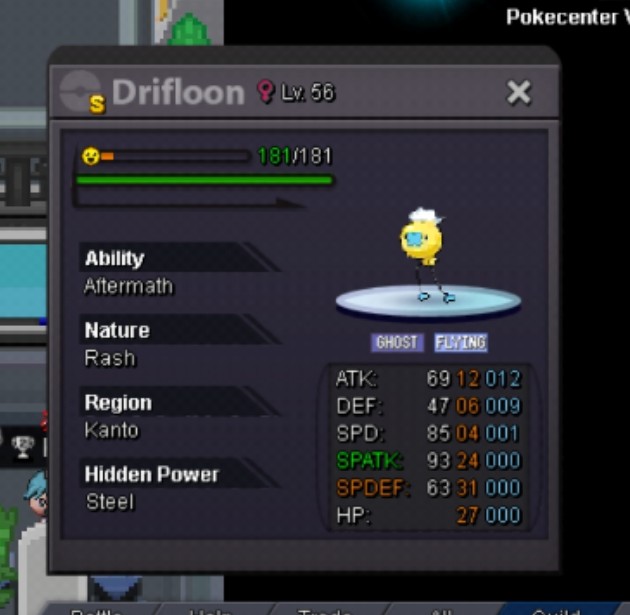
Discord = madhavxdark#0043 Accpet = cc=400k iv rerol = 700k nat rerol = 350k master ball = 40k Shiny lelieep (auction) Shiny togekiss (2.5m) sold ! Shiny Misdreavus (auction) ❌ cancel Shiny komola (13m) sold trade with other shiny ) Shiny drifloon (10m)
-
Gold poke shop => silver poke shop gl guys have a nice day 👍🏻
-
Bump..
-
+1 nice idea ! It's nead imo when we do ranked sometime player in same pc get to know our first poke :3
-
Bump
-
Sorry , no we can nego u can hit me up on my dis .
-
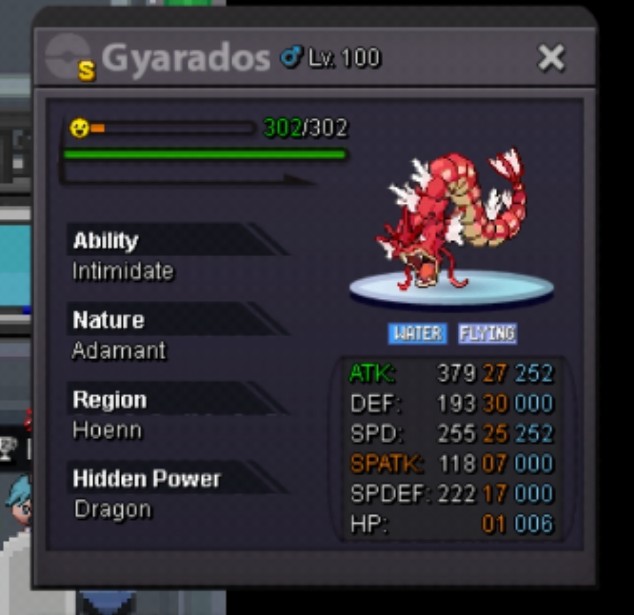
Contact = madhavxdark#0043/madhavxdark Selling some shiny u can leave your offer here or in discord if I like your offer I will sell u if I say no don't angry Rule = 1st u can dm me for poke info 2nd fake offer reported 3rd poke in gold server u can dm me for transfer depend on your poke
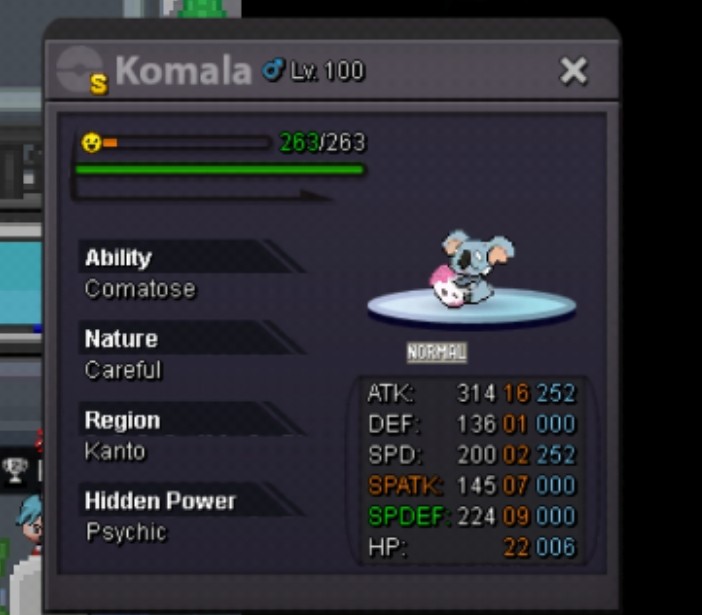
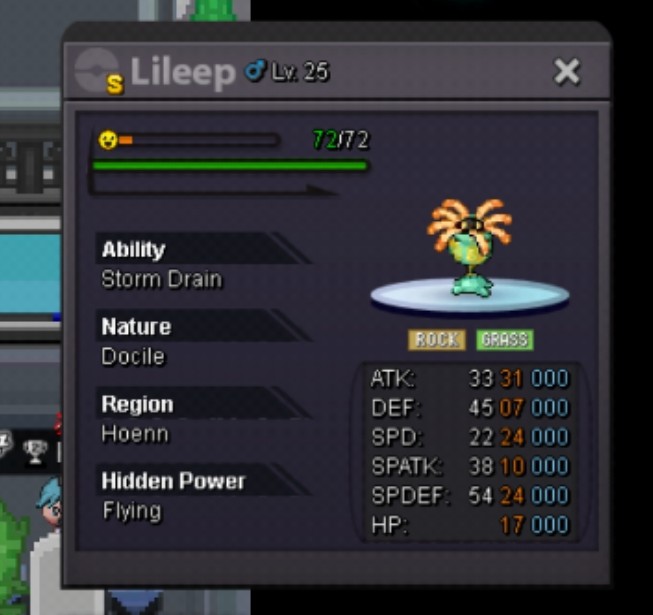
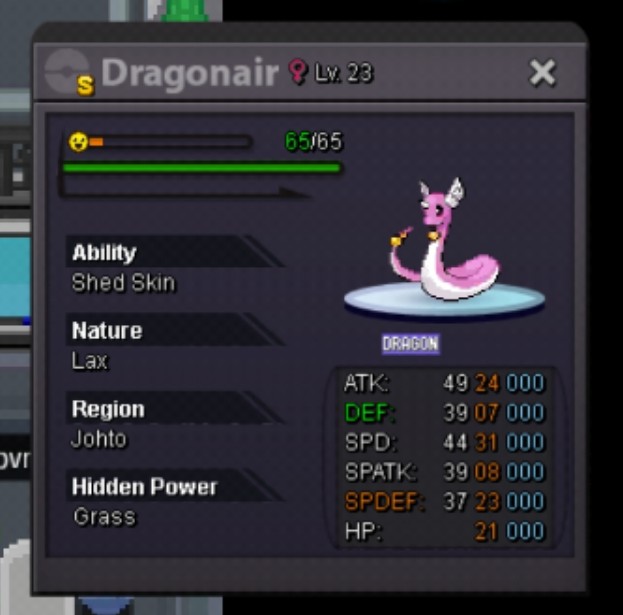
-
BumpBumpSo = 2.5 m min = 100k insta = 3.5m Time = 24 after start (❌ cancel) gl mates Accepted payments Pokedollars Reroll Ticket - 700k Nature Reroll - 350k Coin Capsule - 420k
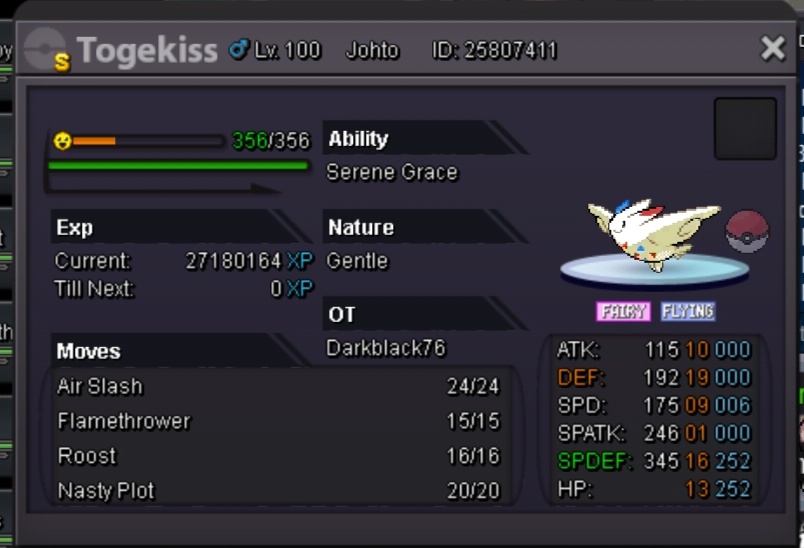 shiny drifloon added !SorryBumpLast reply by me If someone reply :v after this post he will be noob zzzzzz and v: foolDm me in my dis madhavxdark#0043 I tried your dis not working ty✌️come on lemme win finish it reeeeeI start this maravok aloan and diggerbsy Insta leafeon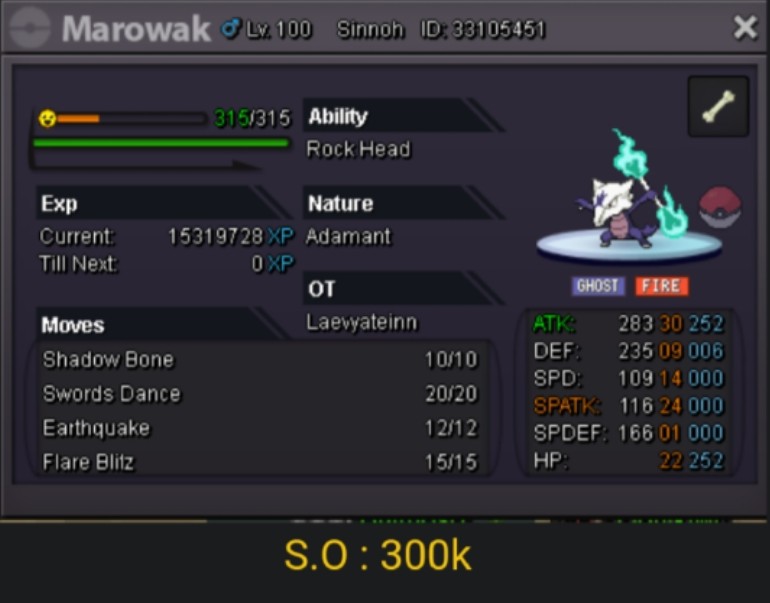

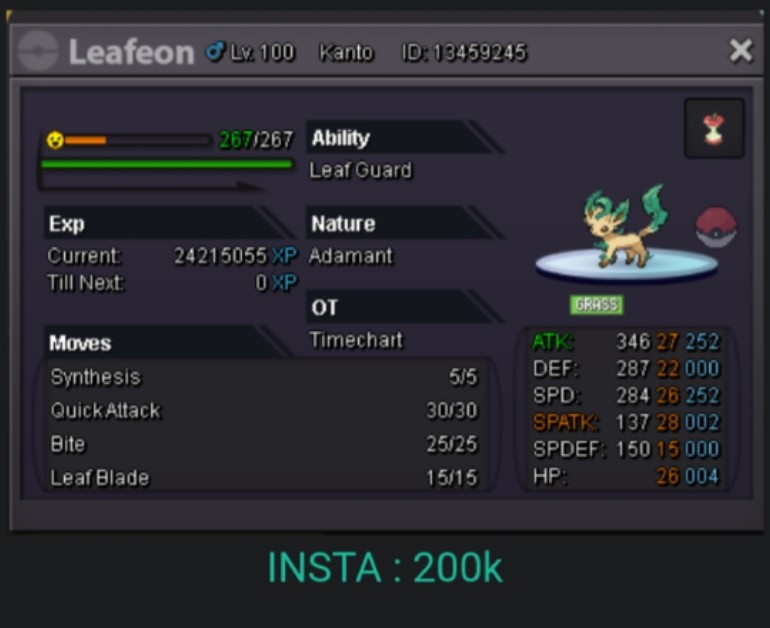 :V give whenCan u give me your dis id we can negoDon't let him give back 🤧Mantine 🤧Skarmony sold to joyax forgot to ss Evee sold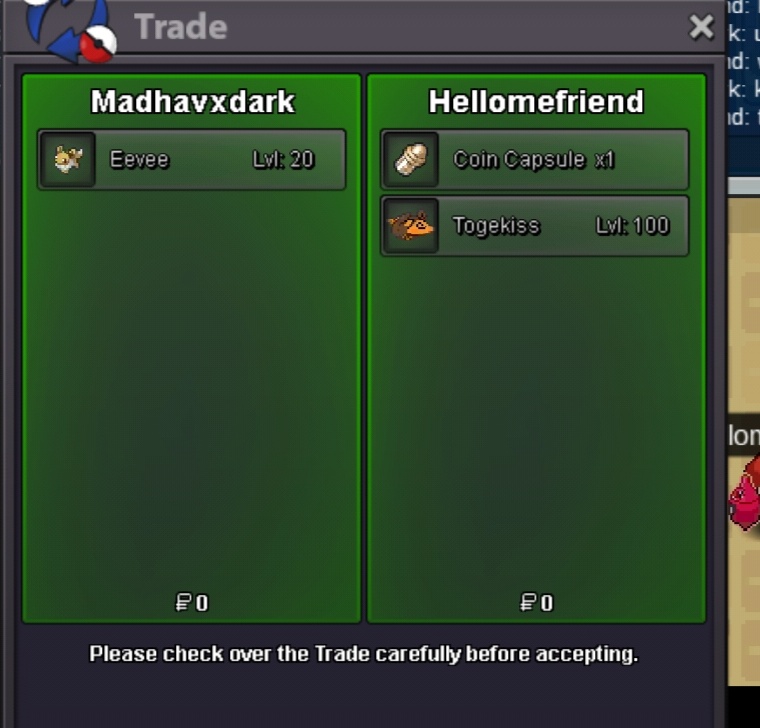

Account
Navigation
Search
Configure browser push notifications
Chrome (Android)
- Tap the lock icon next to the address bar.
- Tap Permissions → Notifications.
- Adjust your preference.
Chrome (Desktop)
- Click the padlock icon in the address bar.
- Select Site settings.
- Find Notifications and adjust your preference.
Safari (iOS 16.4+)
- Ensure the site is installed via Add to Home Screen.
- Open Settings App → Notifications.
- Find your app name and adjust your preference.
Safari (macOS)
- Go to Safari → Preferences.
- Click the Websites tab.
- Select Notifications in the sidebar.
- Find this website and adjust your preference.
Edge (Android)
- Tap the lock icon next to the address bar.
- Tap Permissions.
- Find Notifications and adjust your preference.
Edge (Desktop)
- Click the padlock icon in the address bar.
- Click Permissions for this site.
- Find Notifications and adjust your preference.
Firefox (Android)
- Go to Settings → Site permissions.
- Tap Notifications.
- Find this site in the list and adjust your preference.
Firefox (Desktop)
- Open Firefox Settings.
- Search for Notifications.
- Find this site in the list and adjust your preference.