




New Trade Zone
Trade Zone is now live
Use the new Trade Zone for auctions and instant-price trades so Pokemon and item offers are easy to find.


Madhavxdark
Registered User
-
Joined
-
Last visited
Everything posted by Madhavxdark
-
My mantine 🤧 still I will win
-
Madhavxdark gratz u won 😛
-
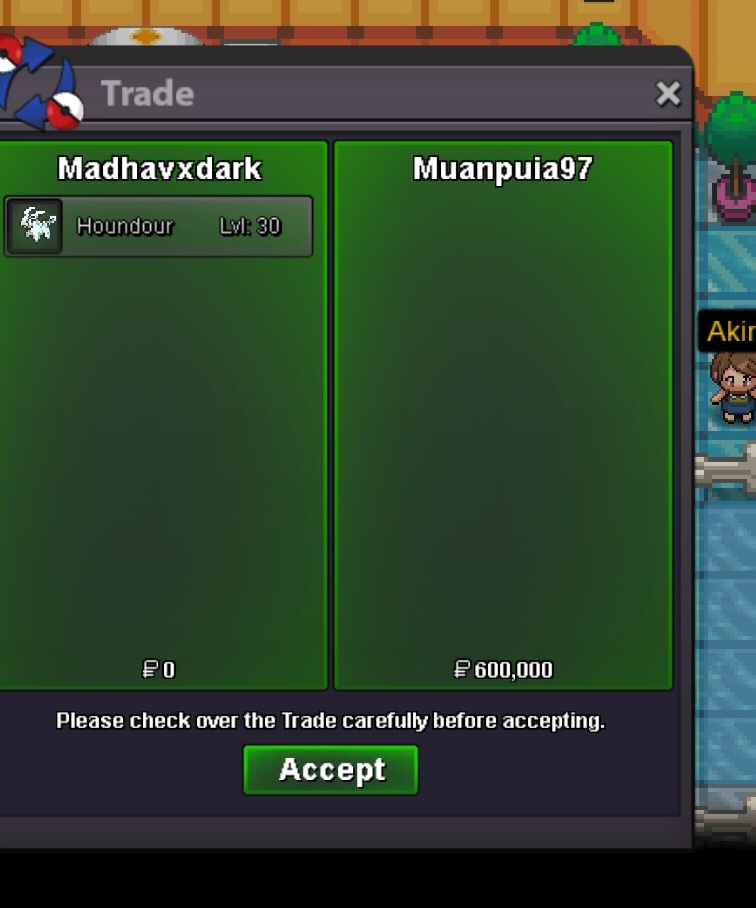
Soory I don't got your dm can u dm me again'600kSelling this cute pvpable Xmas mon:p start = 2m min = 200k insta = 6m time = 30hr after start Accpet item cc =420k each Iv rerol = 700k each nat rerol = 350k each abi cap = 800k each rc = 5k each Rule # fake offer reported # offcoment reported
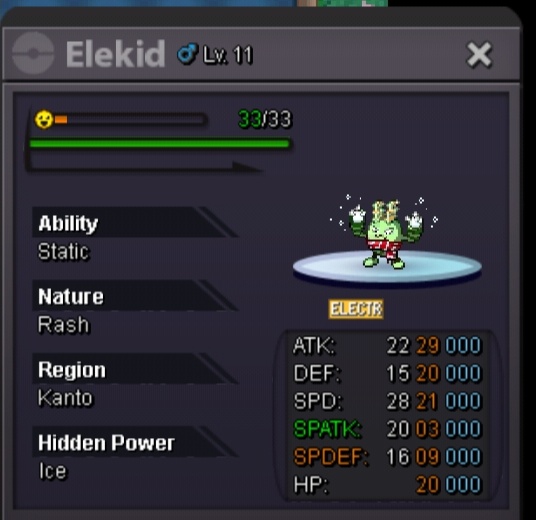
 Selling this cute mons : p Gardevoir start = 1m min = 200k Elekid start 600k (hp ice) min = 200k kangakhan start 700k min 200k rule -- #time = 24 hr after start each Pokemon! # insta = 3m each poke #offcomment reported #fake offer reported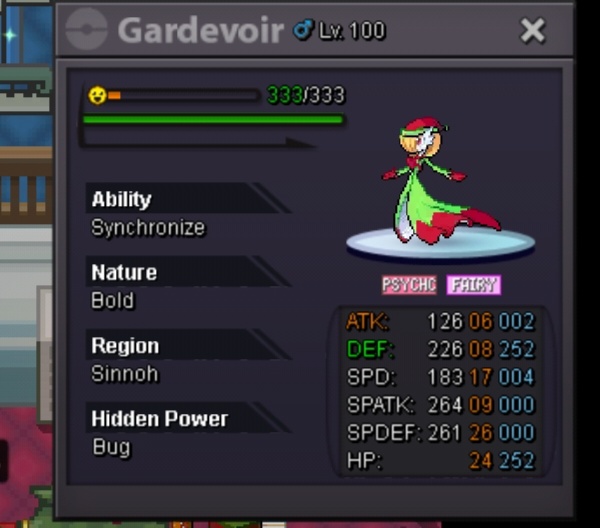
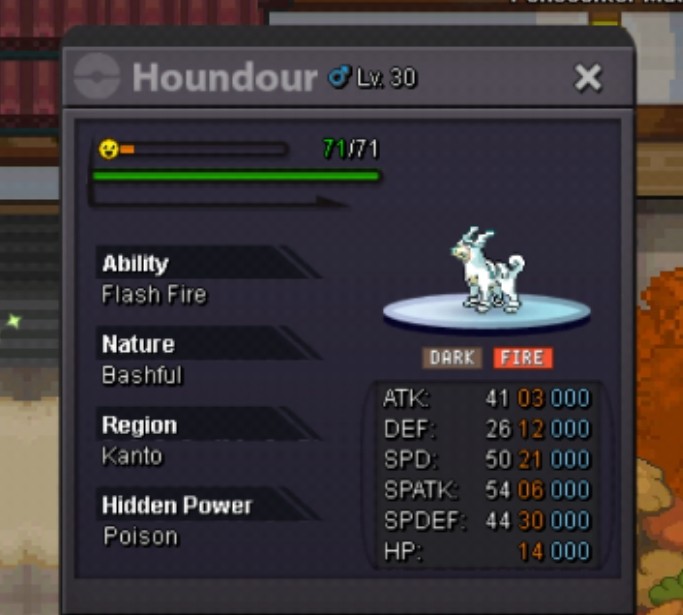
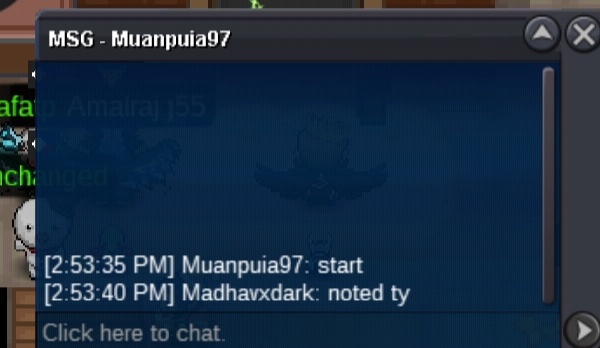
 Welll done skere :<)@Hawluchaacan u check plz who won aculty I play on mobile so I dont know how to check exact time when he bid ..ty in advanceBumpNoted tySelling this cute white mon:p start = 500k ! Min= 50k insta = 800k accpet item = Cc=450k Iv rerol=800k Rule- #time 24hr after start #fake offer reported #offcoment reported
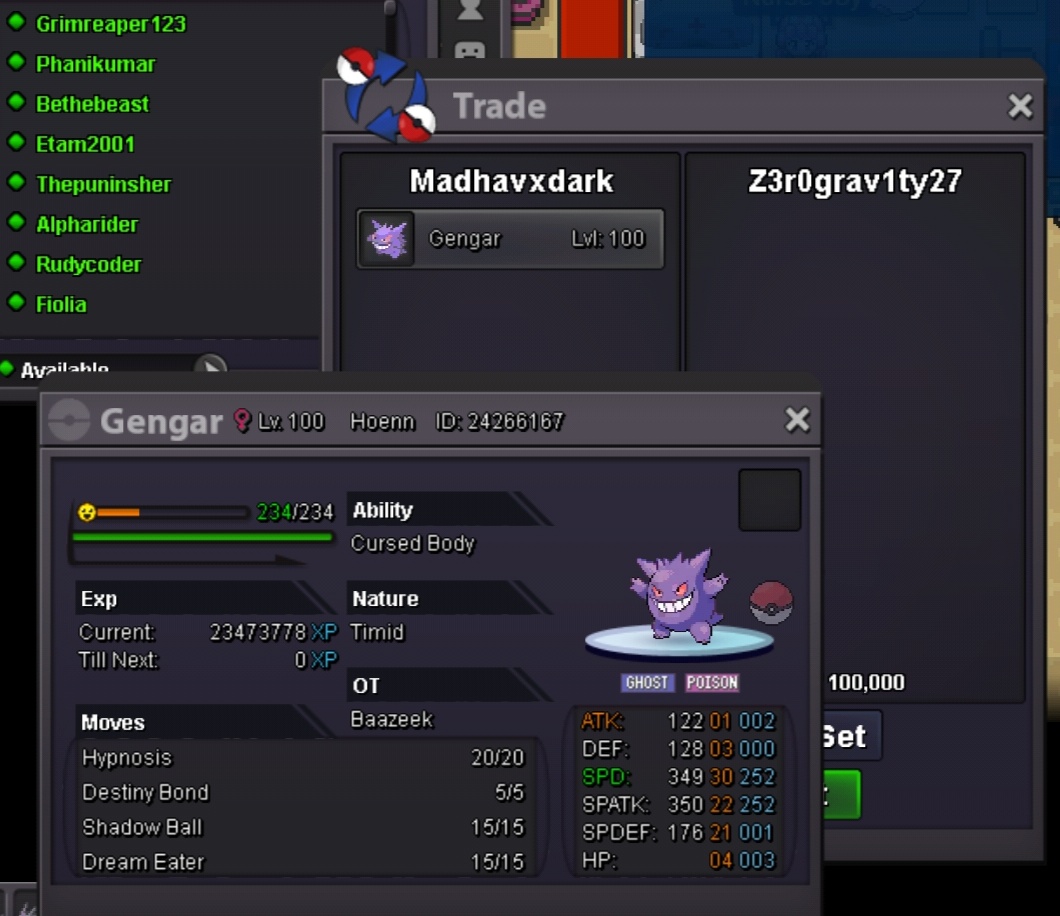
 300k@Glaciatecan u plz check who won i think alikhan bid after time overHi @AgreeI think @Alikhan111 bid after time over....ofc I won waiting for your reply if I won dm on my dis madhavxdark#2843StartBump: )Hi I think u bid late for sure and make auction fair @Glaciate can u tell plz who won




Account
Navigation
Search
Configure browser push notifications
Chrome (Android)
- Tap the lock icon next to the address bar.
- Tap Permissions → Notifications.
- Adjust your preference.
Chrome (Desktop)
- Click the padlock icon in the address bar.
- Select Site settings.
- Find Notifications and adjust your preference.
Safari (iOS 16.4+)
- Ensure the site is installed via Add to Home Screen.
- Open Settings App → Notifications.
- Find your app name and adjust your preference.
Safari (macOS)
- Go to Safari → Preferences.
- Click the Websites tab.
- Select Notifications in the sidebar.
- Find this website and adjust your preference.
Edge (Android)
- Tap the lock icon next to the address bar.
- Tap Permissions.
- Find Notifications and adjust your preference.
Edge (Desktop)
- Click the padlock icon in the address bar.
- Click Permissions for this site.
- Find Notifications and adjust your preference.
Firefox (Android)
- Go to Settings → Site permissions.
- Tap Notifications.
- Find this site in the list and adjust your preference.
Firefox (Desktop)
- Open Firefox Settings.
- Search for Notifications.
- Find this site in the list and adjust your preference.