




New Trade Zone
Trade Zone is now live
Use the new Trade Zone for auctions and instant-price trades so Pokemon and item offers are easy to find.

Danilotischer
Registered User
-
Joined
-
Last visited
Everything posted by Danilotischer
-
Can you do it now?
-
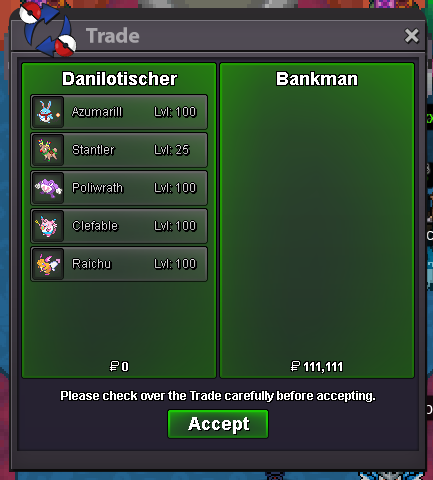
I buy: 50k 100k 200k 300k 400k Total: 2650k (2m650k)
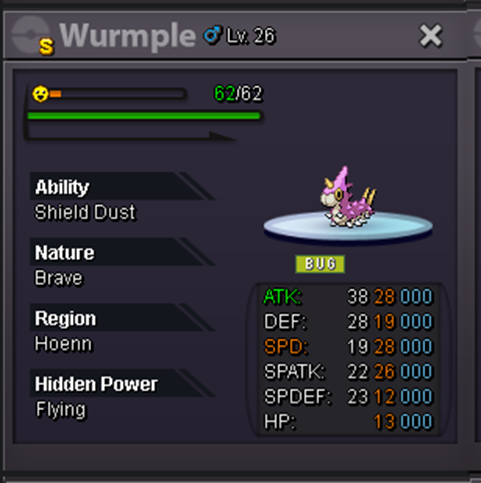

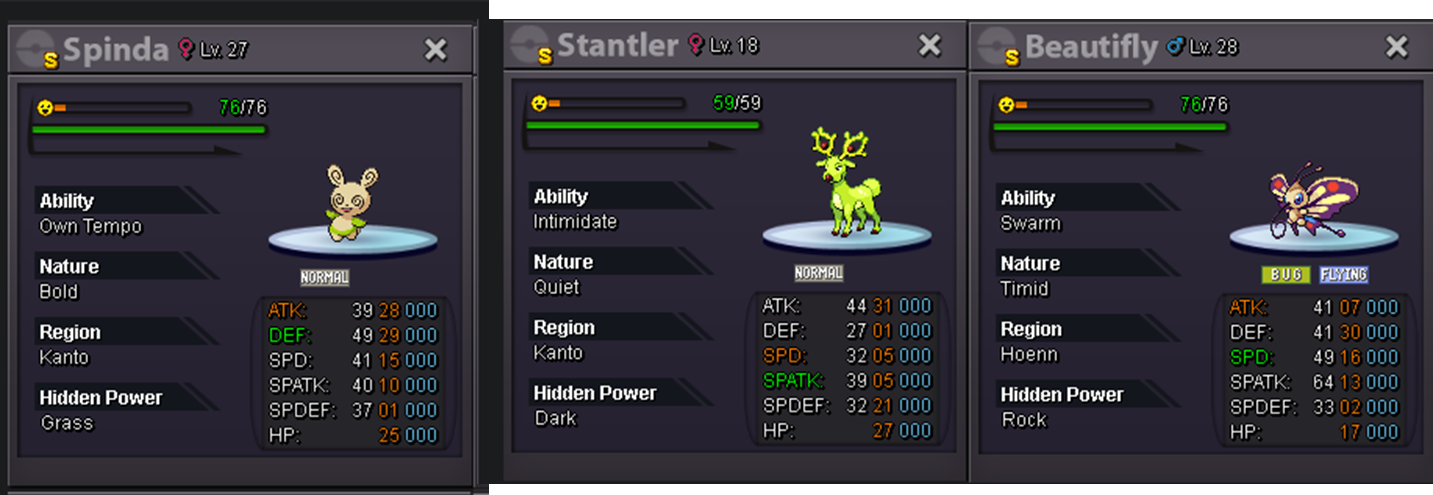
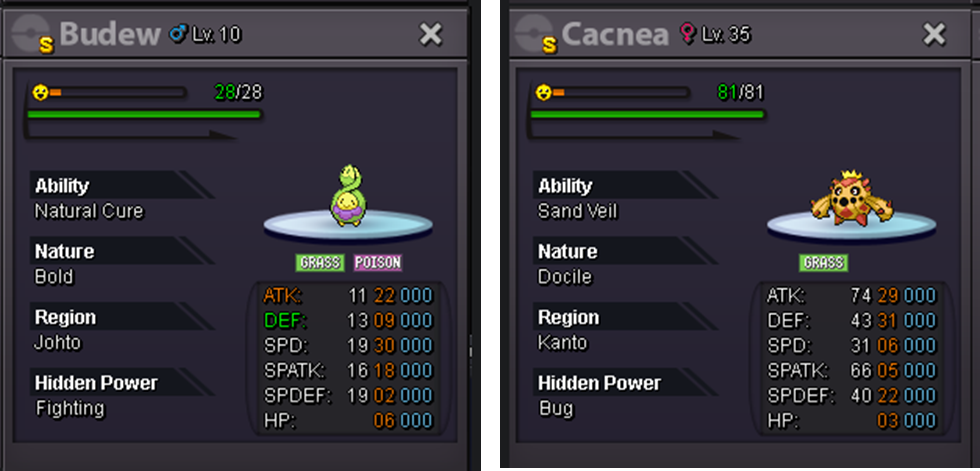
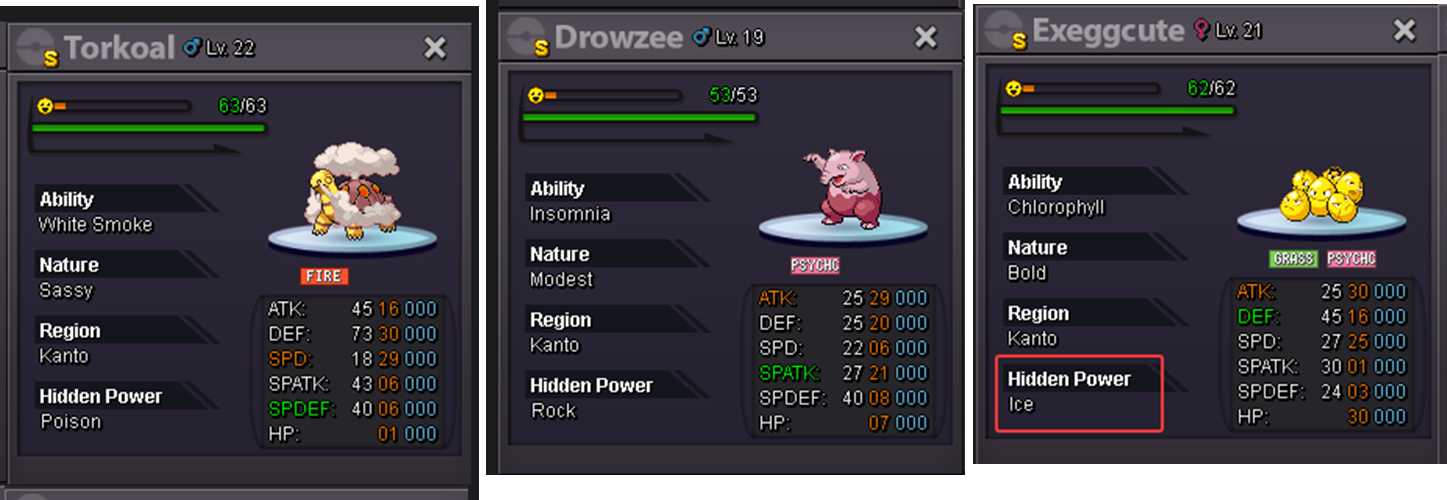
-
800k
-
now?
-
i buy this poke
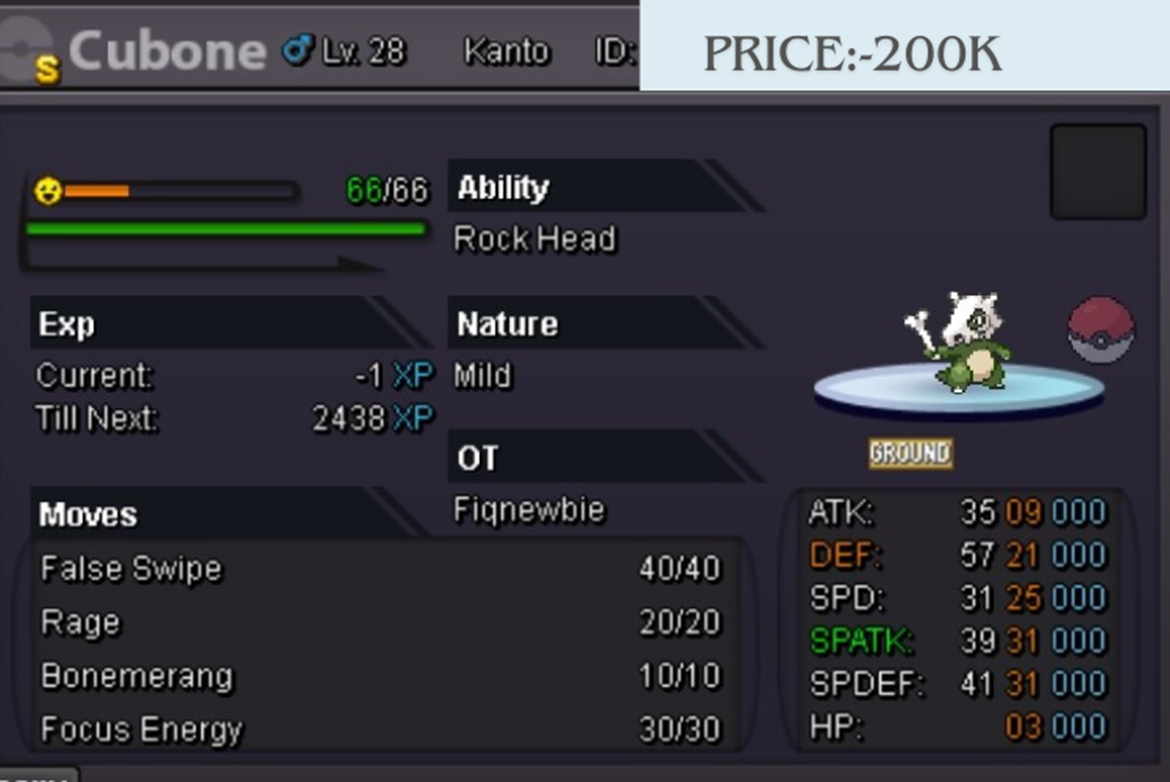
-
How much in Starmie?

-
How much in cubone?
-
Disregard my post, I made a mistake on the server, now that I noticed you are in gold. I am currently in silver.
-
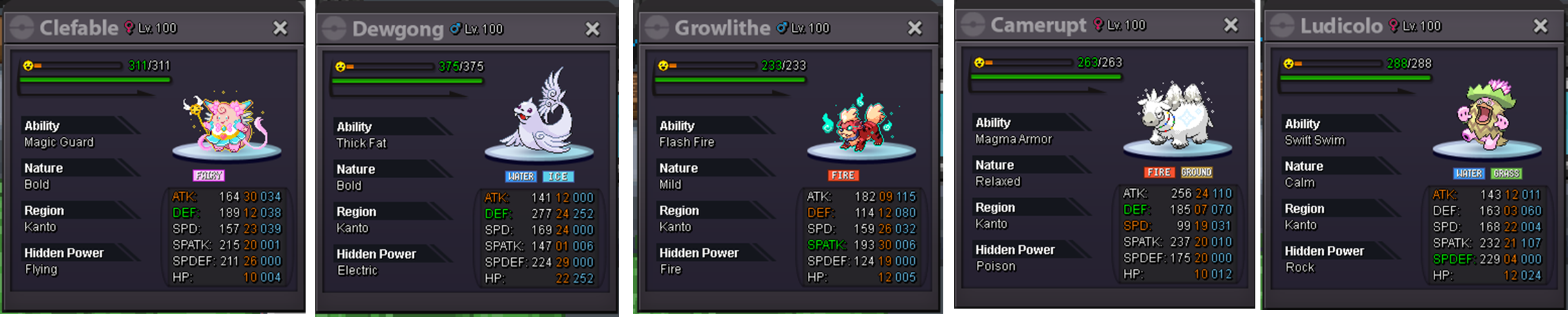
ok@Bankman When can we make the trade?The auction finish. The winner is BankmanBumpBundle auction 5 event pokes Start: 100k Min. raise: 10k Accept CC (400k), Reroll IV (500k), Reroll Nature (250k) Auction duration: 48hr after first bid.
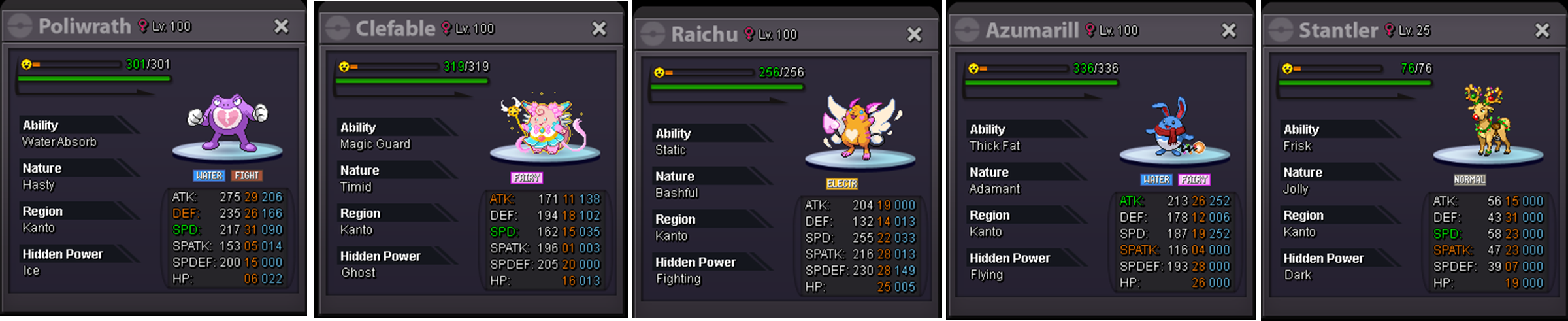 i buy these pokemons: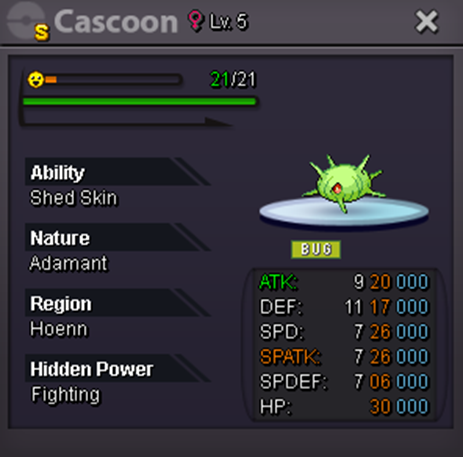
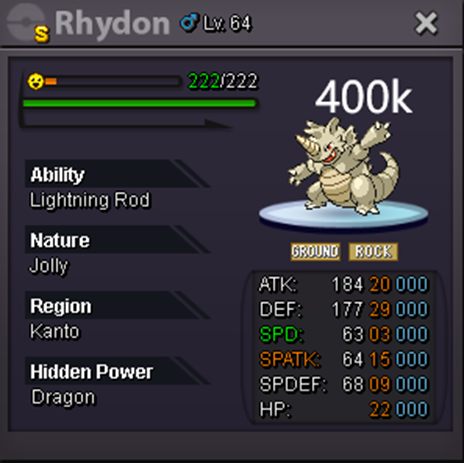
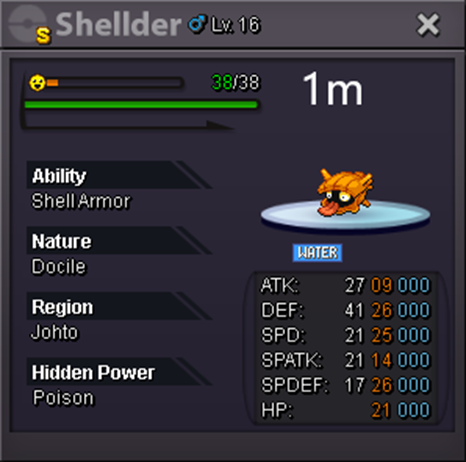 The auction finish, Prohunter10 is the winner2 hours leftBundle auction 5 event pokes Start: 100k Min. raise: 10k Accept CC (400k), Reroll IV (500k), Reroll Nature (250k) Auction duration: 48hr after first bid.
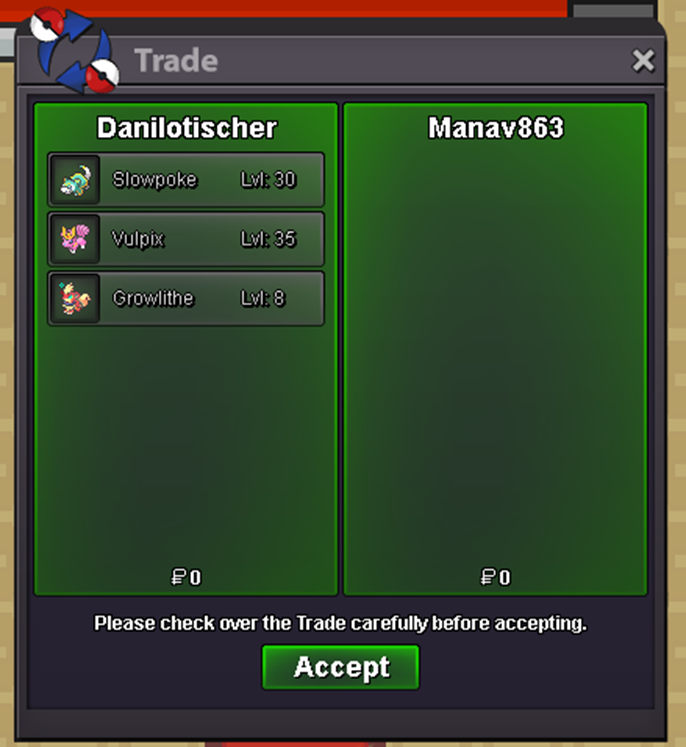
 @Manav861 i'm onlineOur time zones are very different, but if you can do it, let's try, as the friend from the post above said, follow my discord DaniloTischer#4622@Manav861 I believe we need to agree on a specific time to finalize this trade. This week my work schedule is a little complicated, if you can get into the game at the time of the post above until this post, I would appreciate it. If you can't make it at this time, could you let me know when you can? So we can arrive at the best time for both of us.Sorry, i'm online now. I will be offline for approximately 2 hours@Manav861 when can we make the trade?




Account
Navigation
Search
Configure browser push notifications
Chrome (Android)
- Tap the lock icon next to the address bar.
- Tap Permissions → Notifications.
- Adjust your preference.
Chrome (Desktop)
- Click the padlock icon in the address bar.
- Select Site settings.
- Find Notifications and adjust your preference.
Safari (iOS 16.4+)
- Ensure the site is installed via Add to Home Screen.
- Open Settings App → Notifications.
- Find your app name and adjust your preference.
Safari (macOS)
- Go to Safari → Preferences.
- Click the Websites tab.
- Select Notifications in the sidebar.
- Find this website and adjust your preference.
Edge (Android)
- Tap the lock icon next to the address bar.
- Tap Permissions.
- Find Notifications and adjust your preference.
Edge (Desktop)
- Click the padlock icon in the address bar.
- Click Permissions for this site.
- Find Notifications and adjust your preference.
Firefox (Android)
- Go to Settings → Site permissions.
- Tap Notifications.
- Find this site in the list and adjust your preference.
Firefox (Desktop)
- Open Firefox Settings.
- Search for Notifications.
- Find this site in the list and adjust your preference.