New Trade Zone
Trade Zone is now live
Use the new Trade Zone for auctions and instant-price trades so Pokemon and item offers are easy to find.

Legendkaran12
Registered User
-
Joined
-
Last visited
-
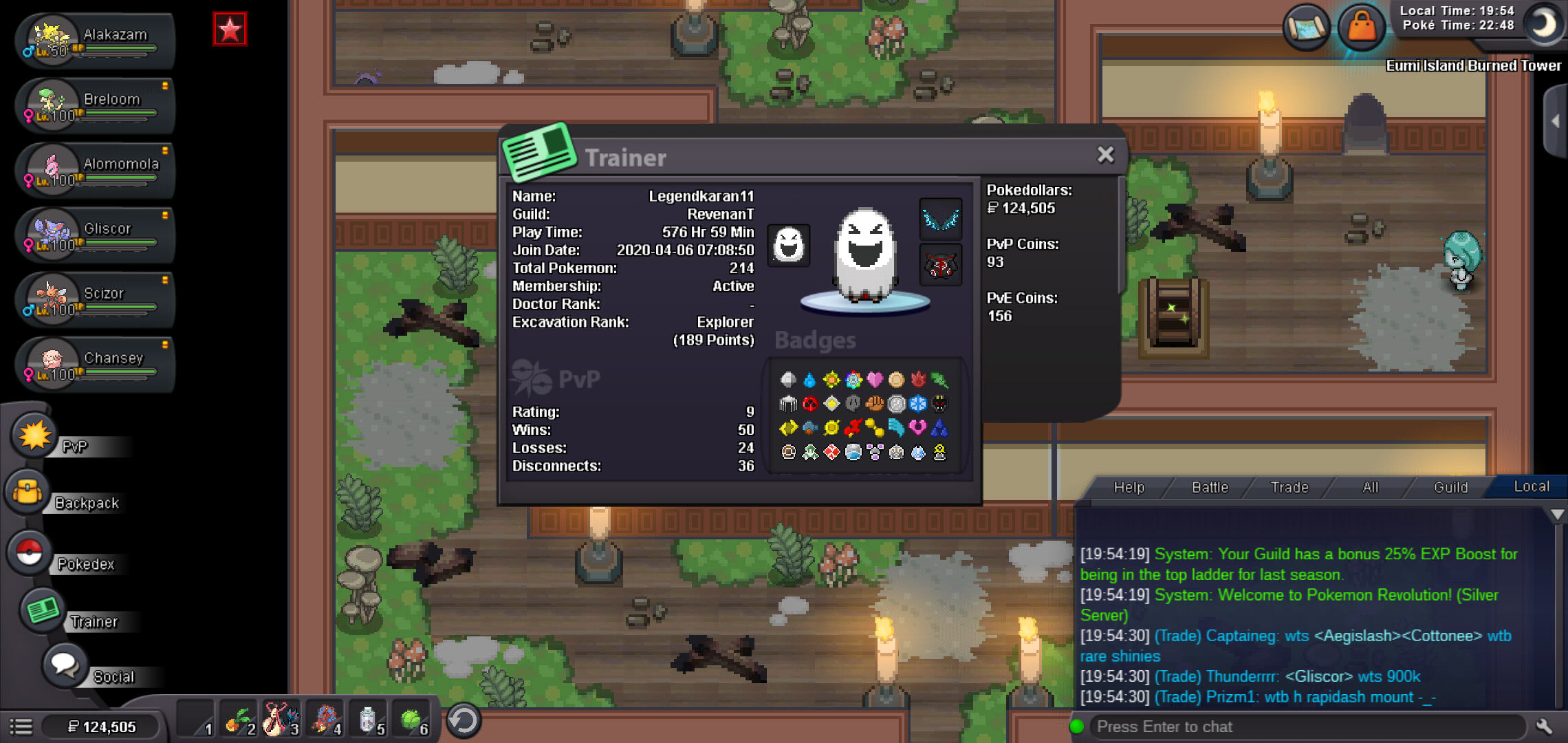
What's your IGN?: legendkaran11 How old are you?:14 What is your discord I'd?:#2030 Whats your goal in pro?: TOP PVP LADDER, MAKE A BEST PVP TEAM, have fun What was your highest rating in last 3 seasons:250 Why did u choose predators?: Because this guilds fit me for laddering , to be friendly. Guild island is your main aim to join us?:not really because I want a friendly environment which is in the guild ,I got good pokes for laddering but guild island is useful for hunting pokes tho. Please include a screenshot of your trainer card.