




New Trade Zone
Trade Zone is now live
Use the new Trade Zone for auctions and instant-price trades so Pokemon and item offers are easy to find.

Freeezeee
Registered User
-
Joined
-
Last visited
-
-
I guess,I misunderstood the words my apologies to @Incandescent thanks for your support and guidance here.And thanks to @Mainvijay for making the words clear.
-
Hello @Incandescent- I m not getting your point as I had not forced anyone to bid on any pokes how could you post such harsh words on my trade platform and secondly I should be the one to complain about that player @Boomsmoke who bided and still offline in game as you can see above in the shop he message 150k for that shiny natu ,so what am I suppose to do here, read above he message here first ,just above your message.And I will not add any items list here . Thanks for your guidance pls look over the issues.

-
Frozen Shop 🌸Welcome to our Super Poke Shop🌸 Alternate Payment Methods coin capsule = 380k IVs RR = 500k Nature RR = 250k Auction pokemon link- SHINY POKEMON (on)- 🦑Pinken pokemon (on)- 🎊Event pokemon (on)- fully trained pokemon- untrained pokemon- boss pokemon- contact :- freeezeee _ 🌠Thank you for shopping come again!
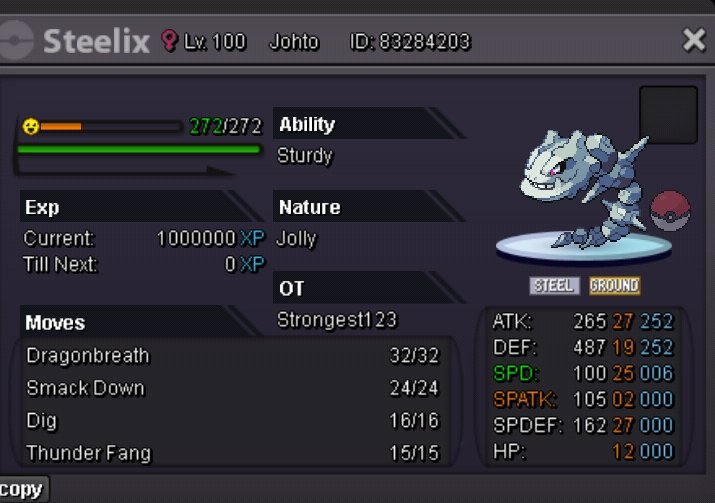
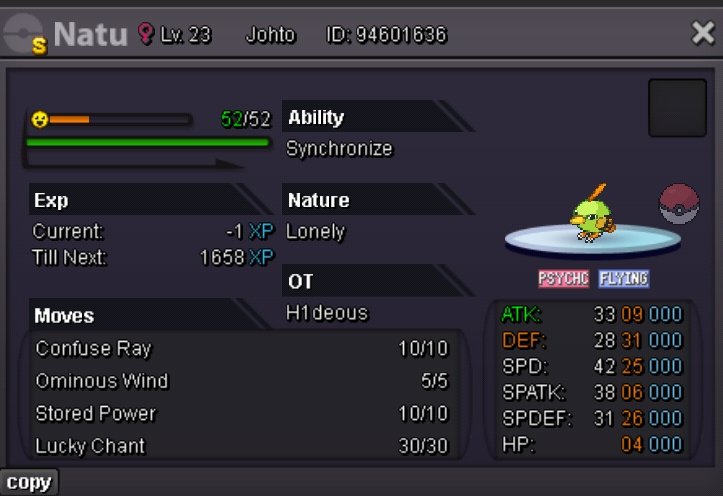
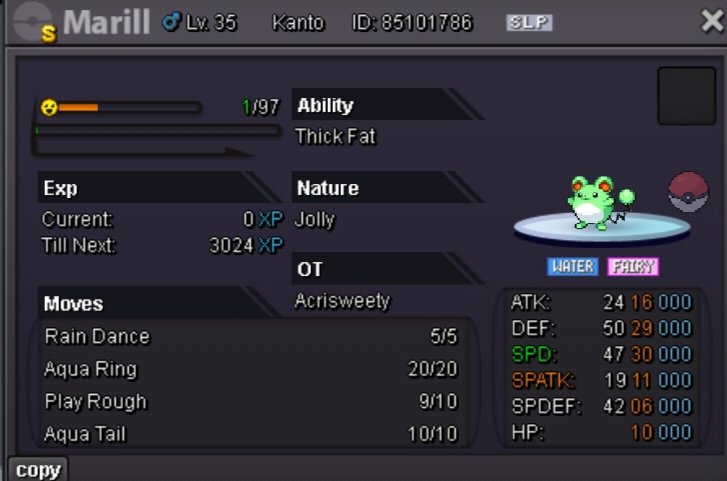


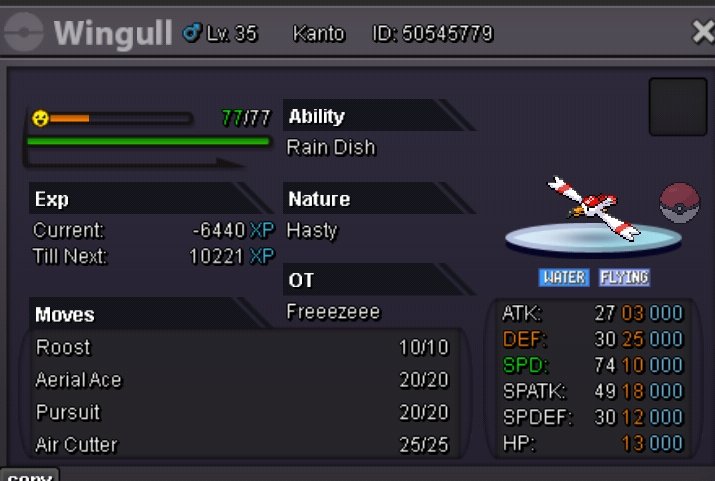
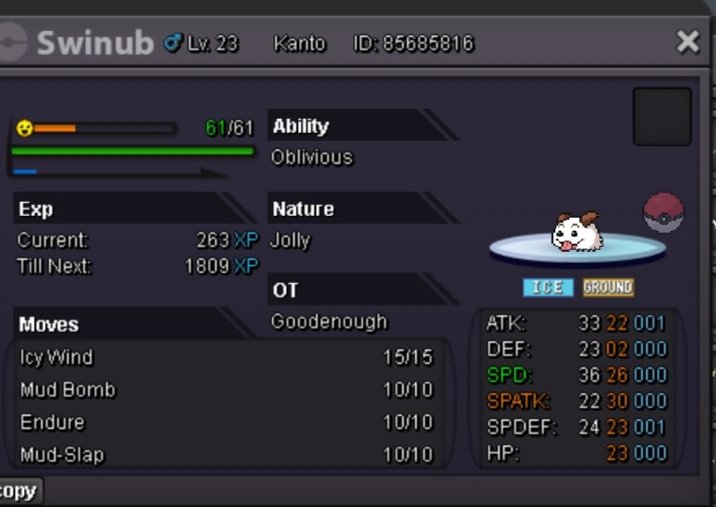
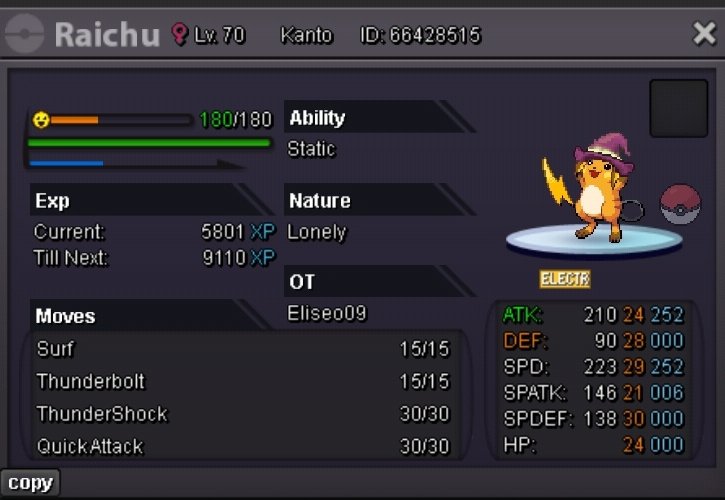
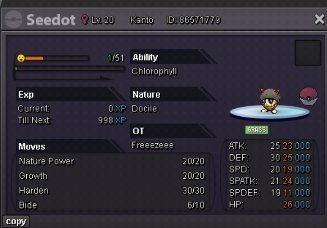
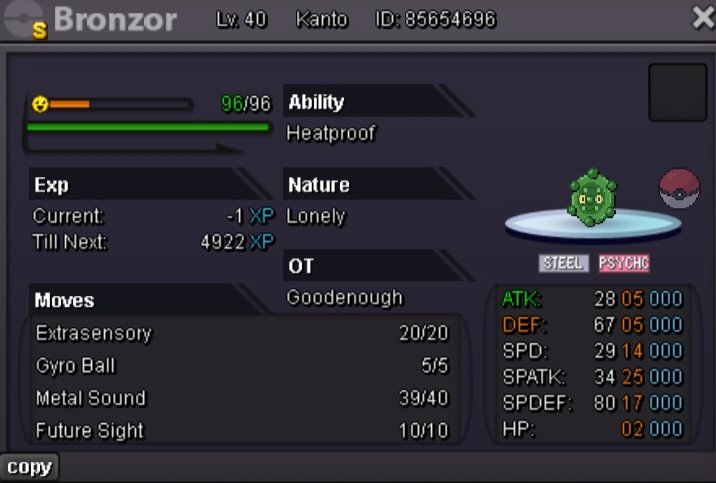
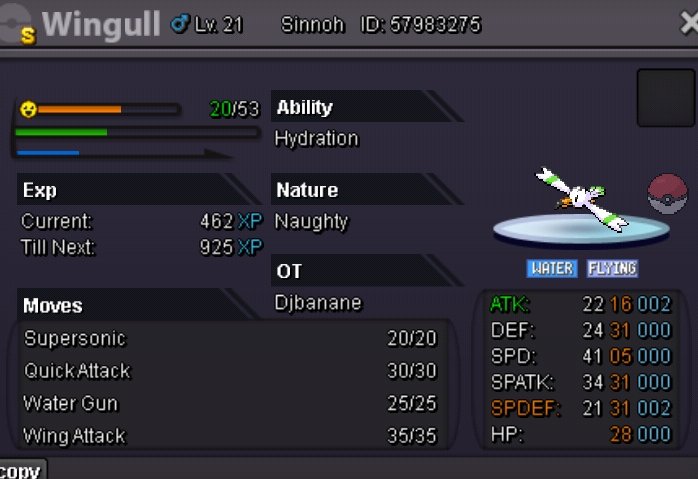
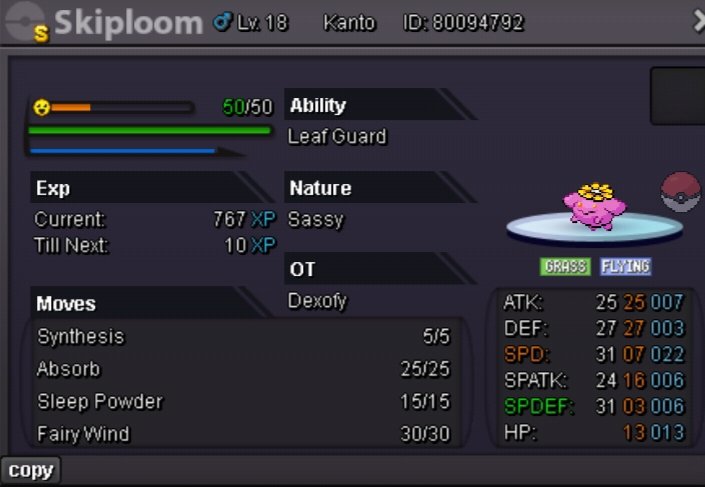

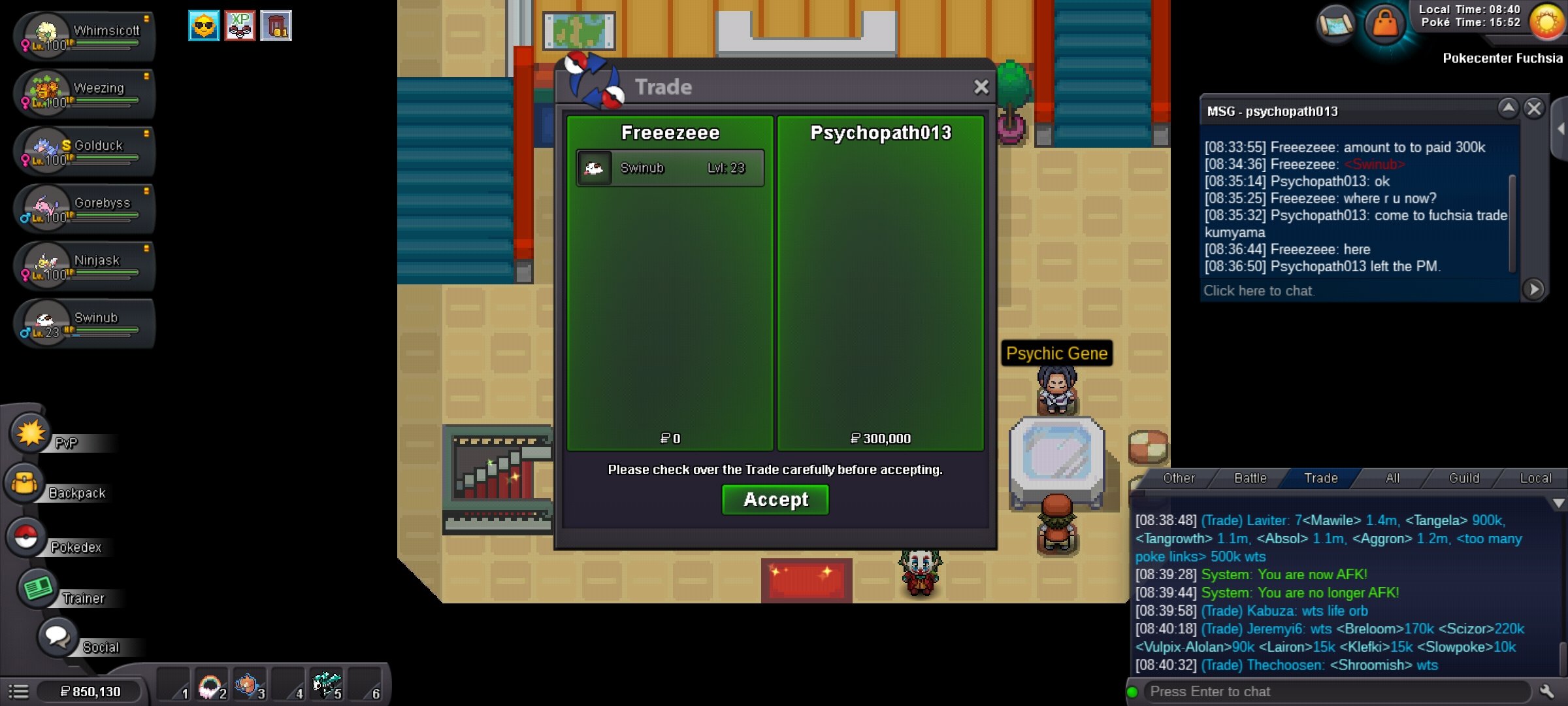
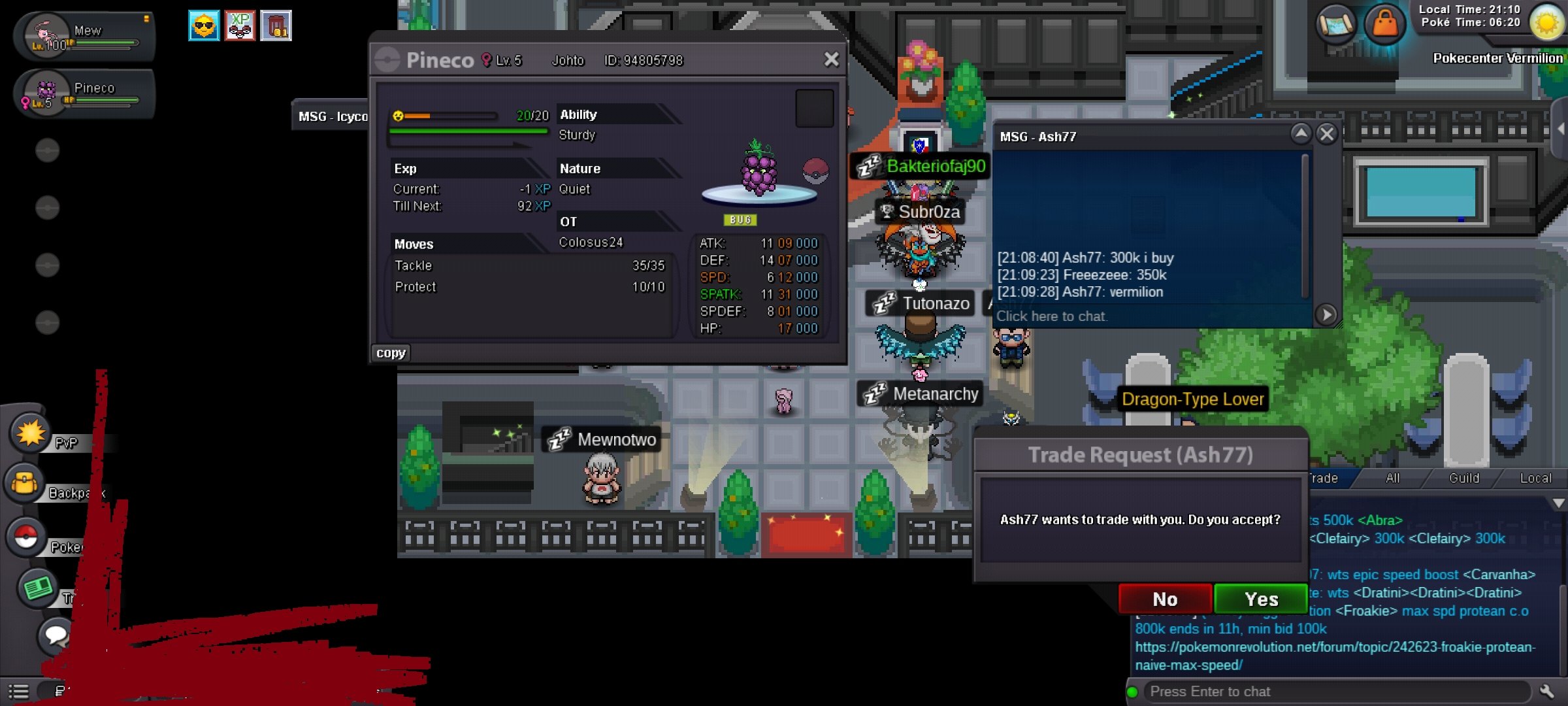
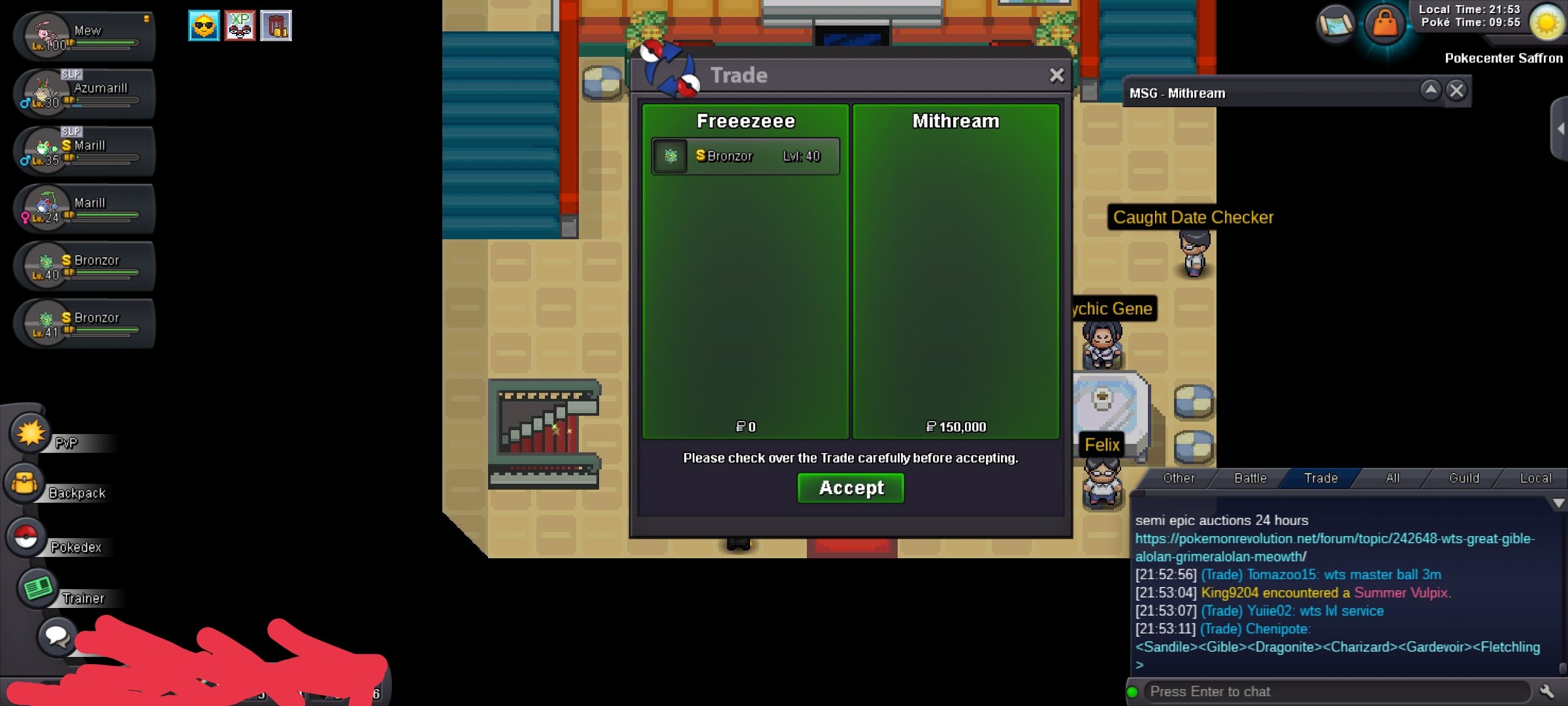
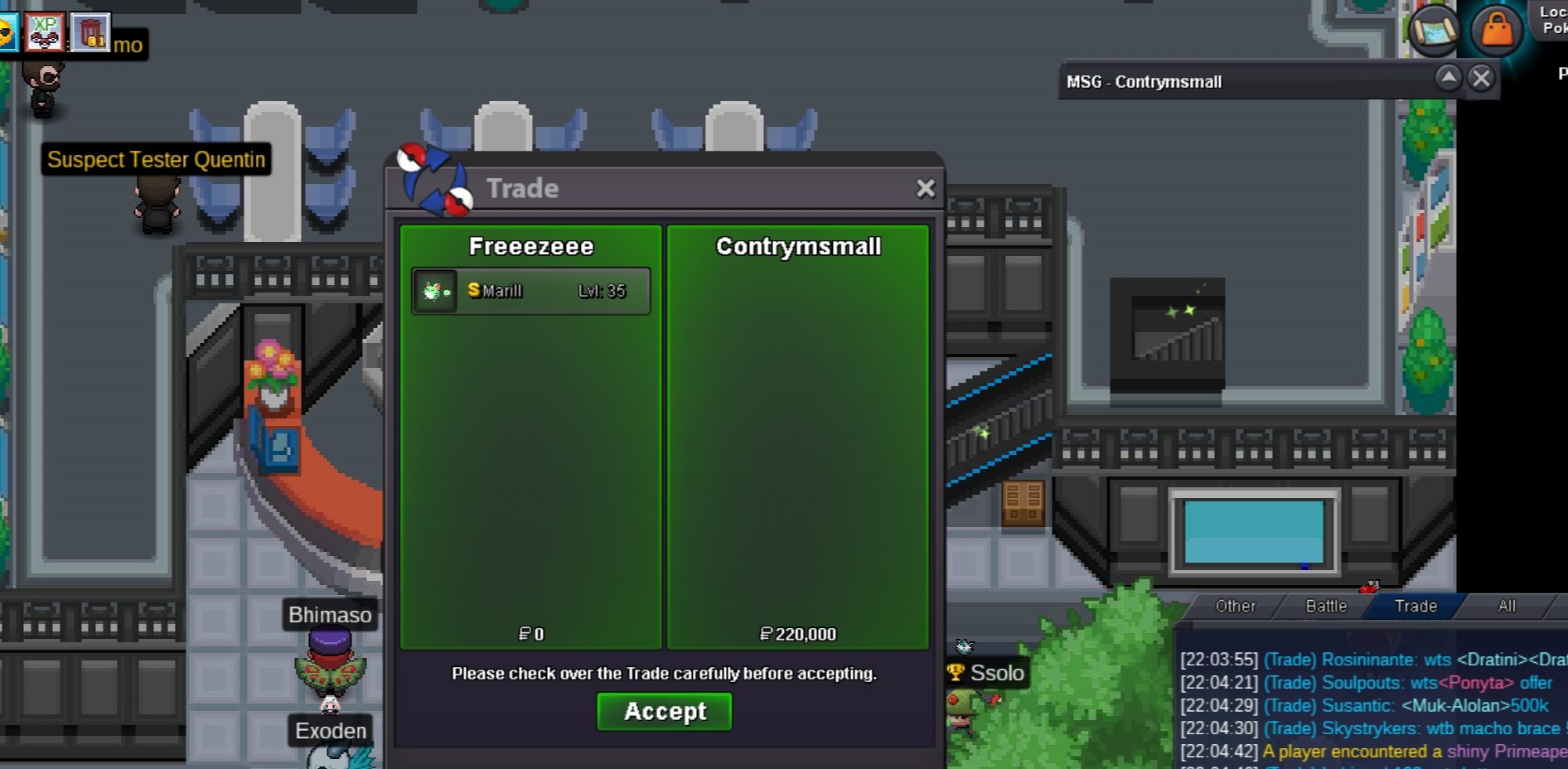
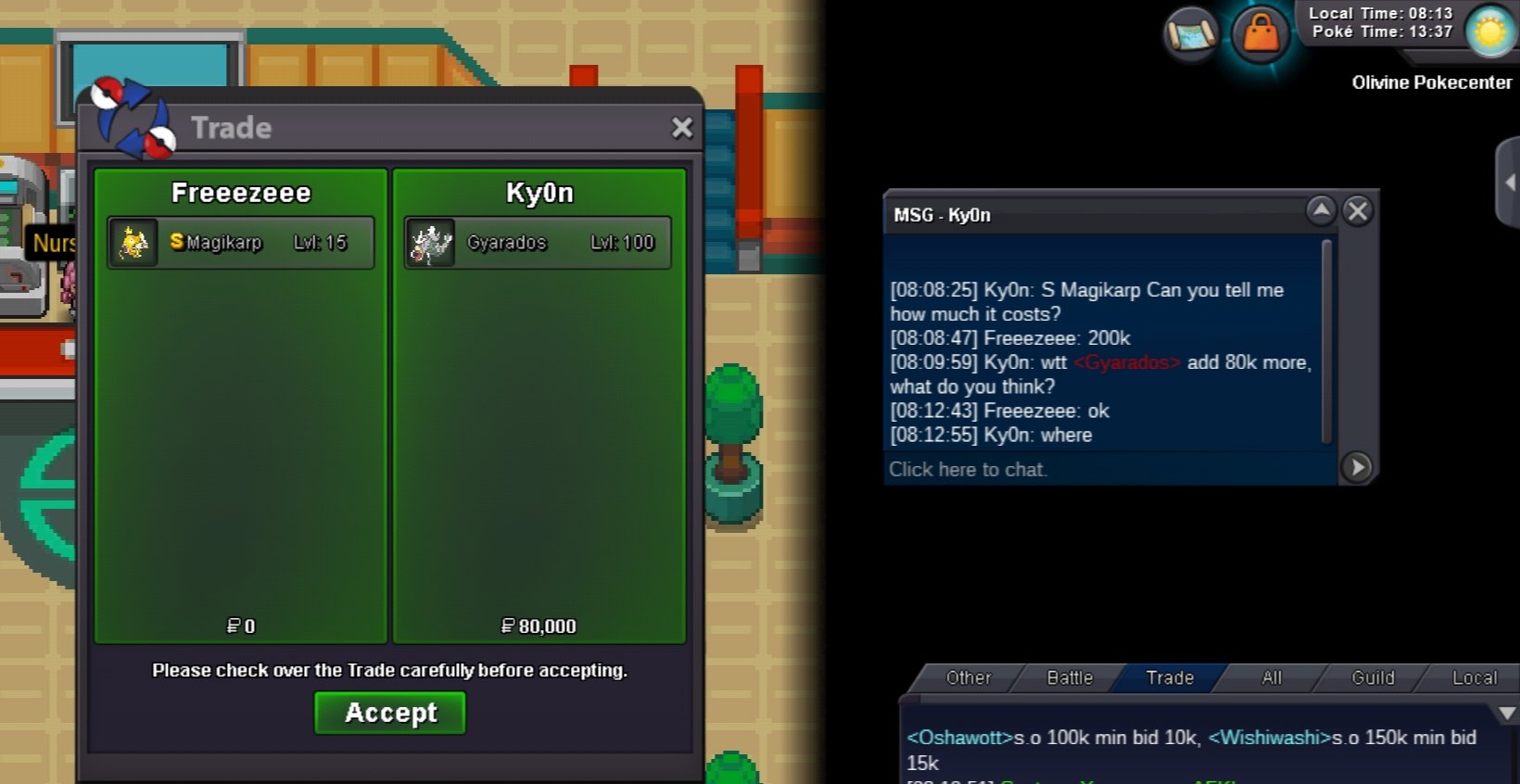

-
Sold to scarrlett in 200k
-
Ok
-
Noted
-
Noted
-
Noted
-
Sorry @Scarrlett time is up for bid ; Crobat sold to @Merge in 50k(pm to trade when I m online in game) Thnks all for bidding!!!
-
18 hrs left
-
1 hr left
-
13 hrs left
-
Sold to foxygen // price =3.25 mil Thank you all for bidding!!!
-
1 hour left
