




New Trade Zone
Trade Zone is now live
Use the new Trade Zone for auctions and instant-price trades so Pokemon and item offers are easy to find.

Xavier2407
Registered User
-
Joined
-
Last visited
-
Over one week ago i deleted by accident shovel which was in message (it was at alt account ign: Montezuma) I bought this shovel by coins, I wanna request to get my shovel back Thank you in advance
-
-
-
-
At my alt account, i deleted the message with the item by the accident, first, i thought the item will be available in my bag but there wasn't a shovel (the item which was deleted), and i wanna get my shovel back to my alt My alt ign: Montezuma Thank you in advance
-
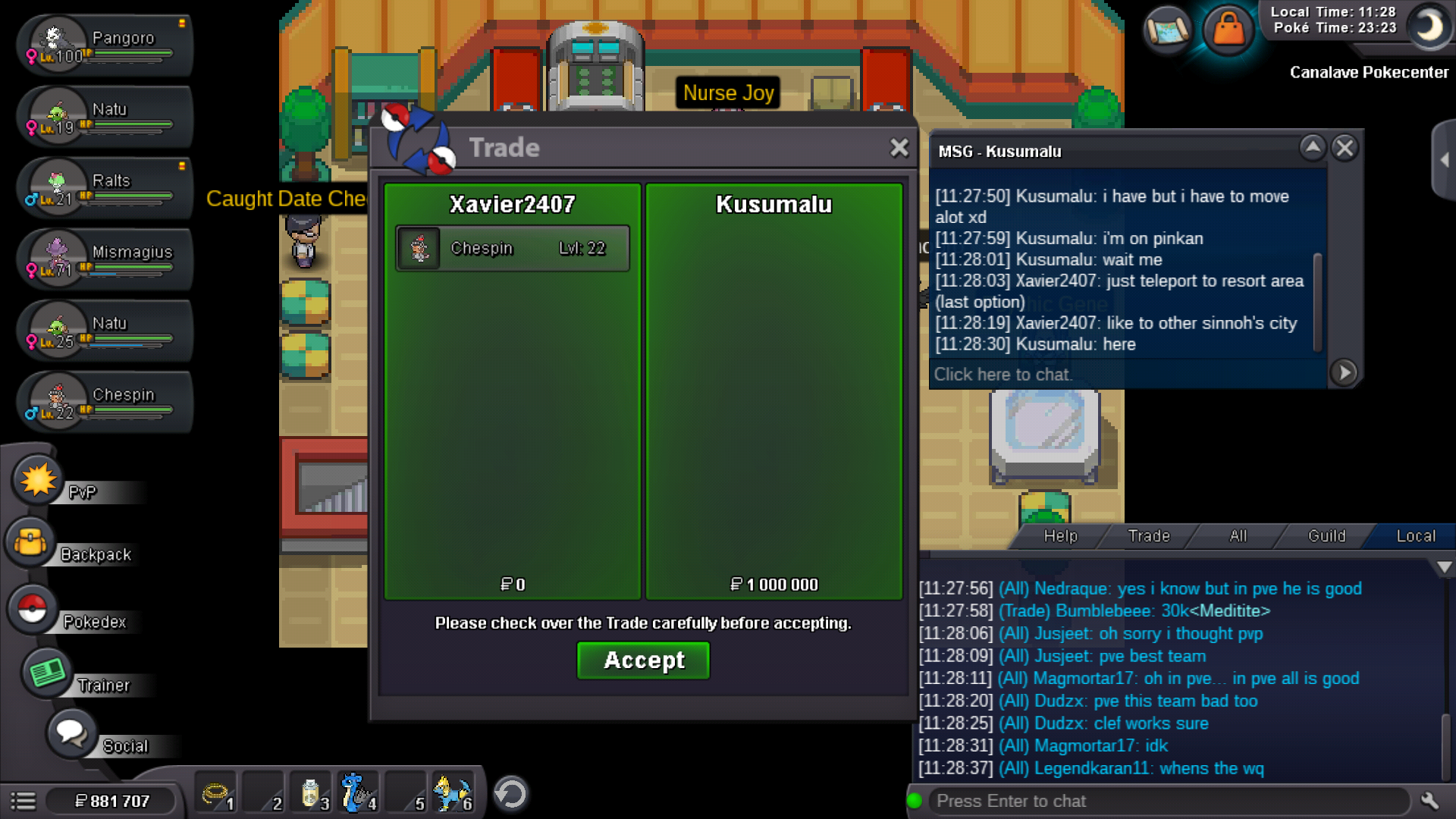
Auction starts 31.03 10 AM GMT+2 Auction ends 2.04 10 AM GMT+2 1cc - 400k 1bms - 160k 1rc - 7k 1iv rr 700k Min bid: 100k insta buy: 2m Start offer 1m by @Kusumalu
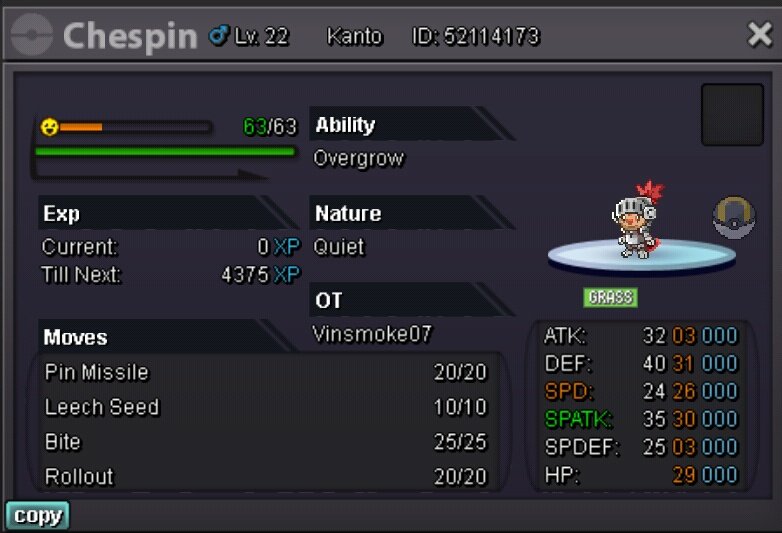 (2nd Charizard)
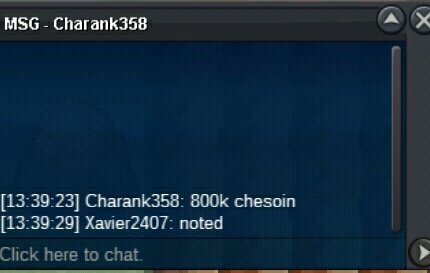
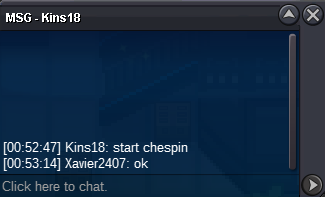
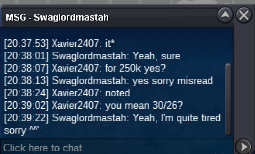 1. Tyranitar start offer 500k min bid 150k insta 1,8m 2. Chespin start offer 500k min bid 150k insta 1,8m 3. 1st Charizard (29/28) start offer 250k min bid 50k insta 500k 4. 2nd Charizard (30/26) start offer 250k min bid 50k insta 500k Auction starts now, end at 7th December 7PM GMT+1 (time same for all pokes) cc 420k nat rr 350k iv reroll 700k master ball 50k rc 7k
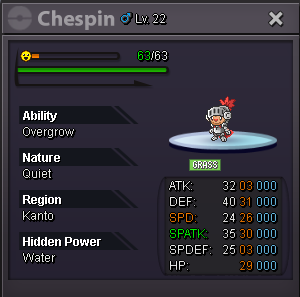

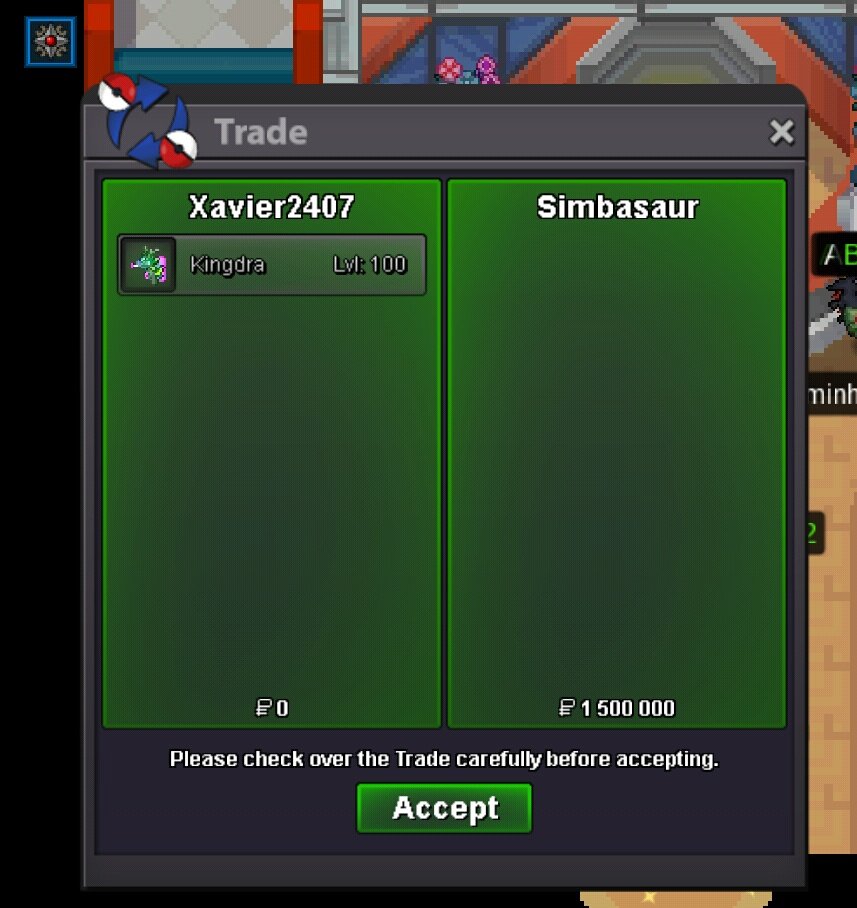
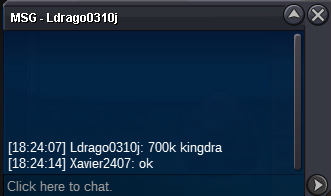
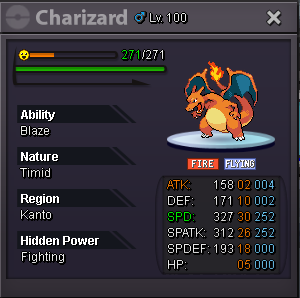 @Bumblebwon gengar for 900k pm me if i will be online or contact at discord Quack#1170insta by @SimBasaur and gengar 900k bid by @Bumbleb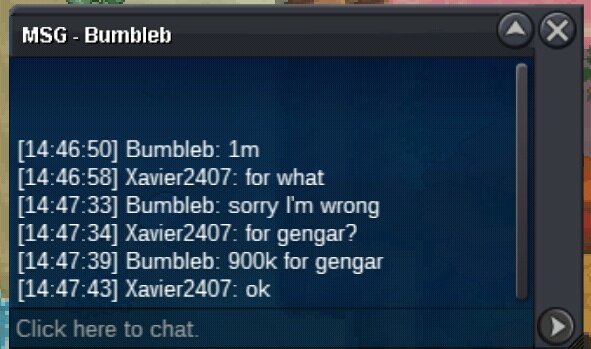

Account
Navigation
Search
Configure browser push notifications
Chrome (Android)
- Tap the lock icon next to the address bar.
- Tap Permissions → Notifications.
- Adjust your preference.
Chrome (Desktop)
- Click the padlock icon in the address bar.
- Select Site settings.
- Find Notifications and adjust your preference.
Safari (iOS 16.4+)
- Ensure the site is installed via Add to Home Screen.
- Open Settings App → Notifications.
- Find your app name and adjust your preference.
Safari (macOS)
- Go to Safari → Preferences.
- Click the Websites tab.
- Select Notifications in the sidebar.
- Find this website and adjust your preference.
Edge (Android)
- Tap the lock icon next to the address bar.
- Tap Permissions.
- Find Notifications and adjust your preference.
Edge (Desktop)
- Click the padlock icon in the address bar.
- Click Permissions for this site.
- Find Notifications and adjust your preference.
Firefox (Android)
- Go to Settings → Site permissions.
- Tap Notifications.
- Find this site in the list and adjust your preference.
Firefox (Desktop)
- Open Firefox Settings.
- Search for Notifications.
- Find this site in the list and adjust your preference.