New Trade Zone
Trade Zone is now live
Use the new Trade Zone for auctions and instant-price trades so Pokemon and item offers are easy to find.

Hween
Registered User
-
Joined
-
Last visited
Everything posted by Hween
-
-
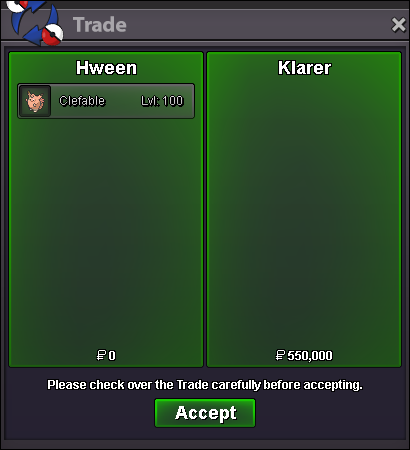
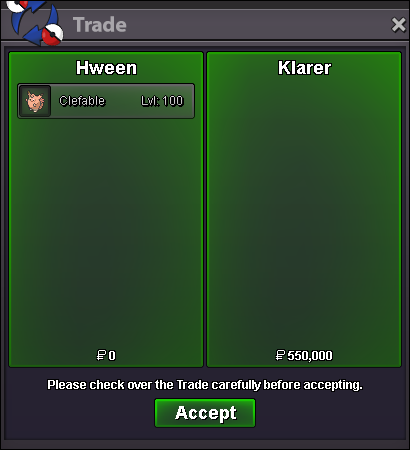
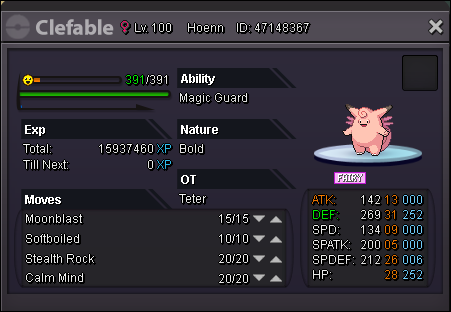
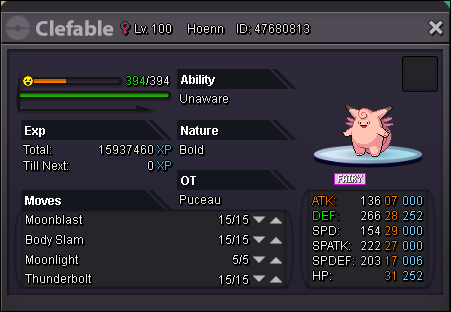
Clefable sold.
-
PM me on discord or when you're in game.
-
Prices have been adjusted as well.
-
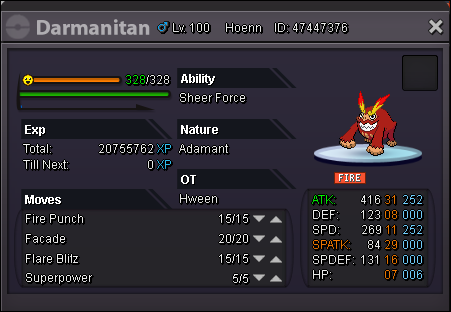
New Additions 7/5/2020: 1.2M--550K 1.5M--800K 1.6M--850K 900K--1.5M 550K--200K 175K--150K 400K--400K


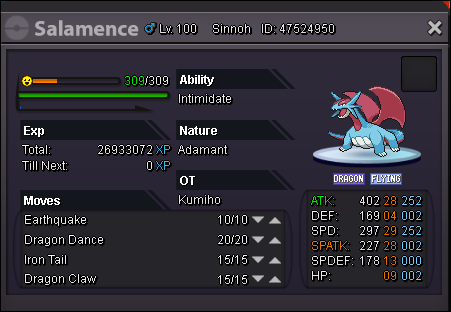


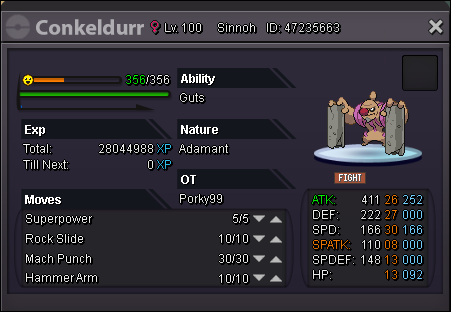
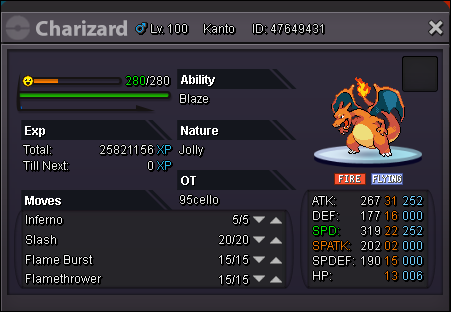
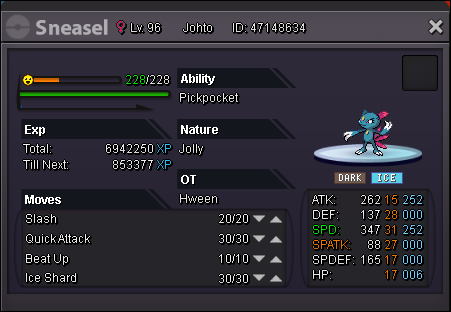
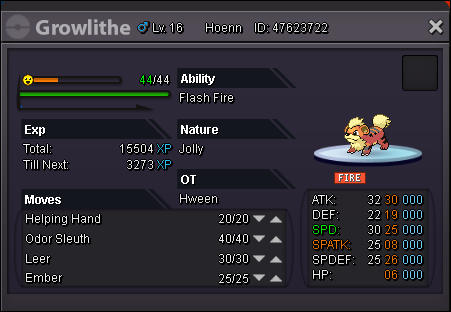
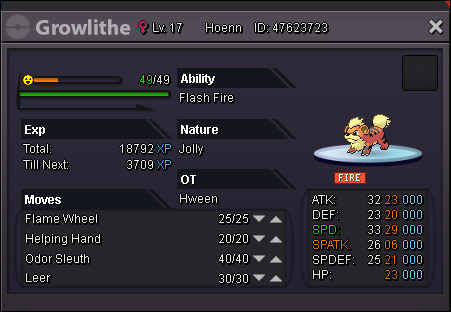
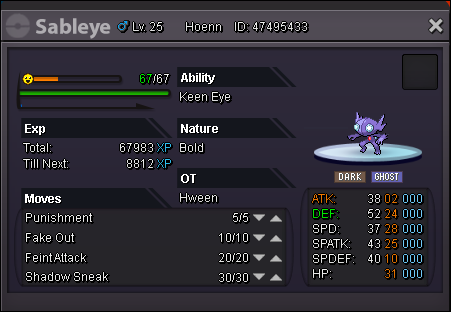

-
Bump.
-
Auction ends 48 hours after first bid. Accept CC as 380K. Starting Offer: 1M Minimum Raise: 200K Insta: 2M Starting Offer: 1M Minimum Raise: 200K Insta: 3M
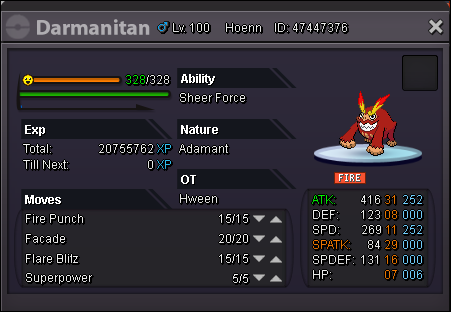


-
-
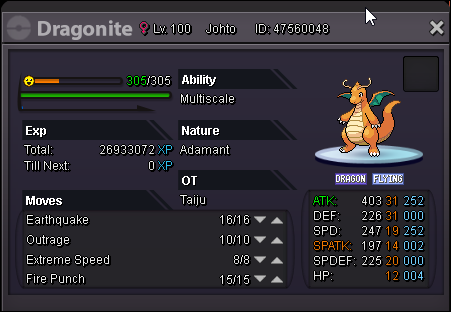
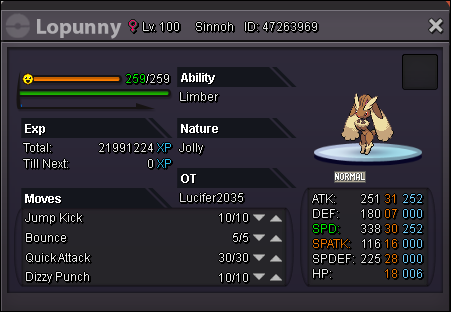
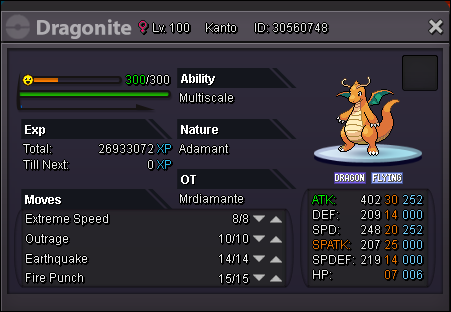
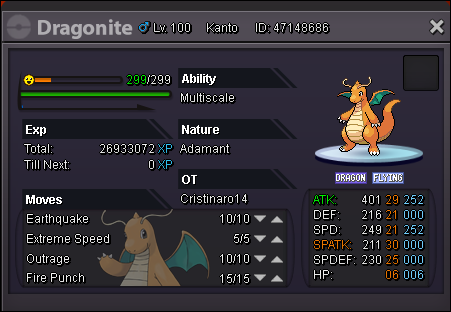
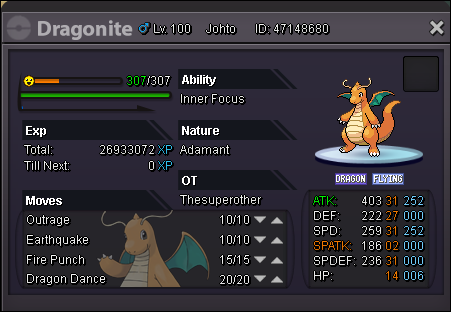
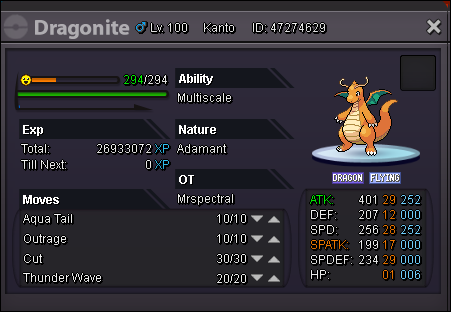
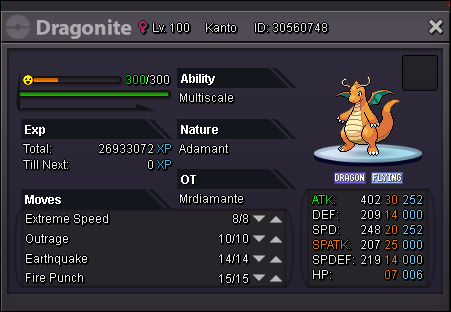
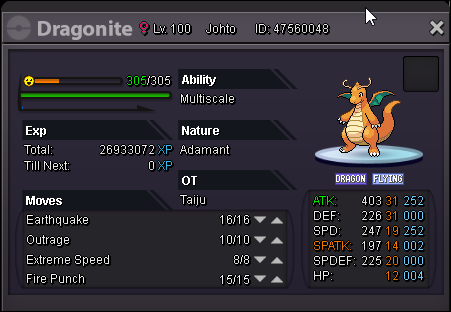
All Dragonites that pictures show.
-
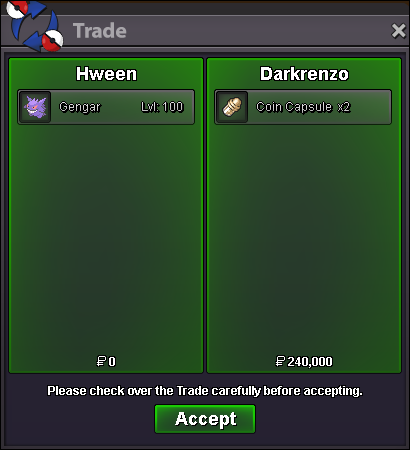
Gengar sold.

-
250k Charizard
-
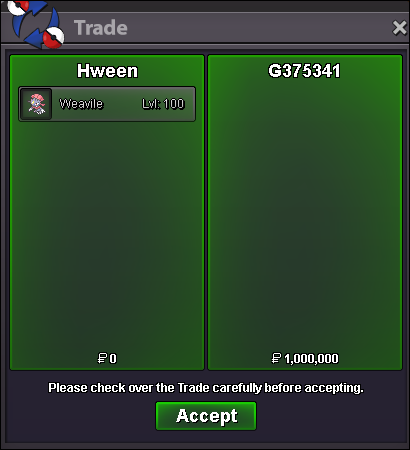
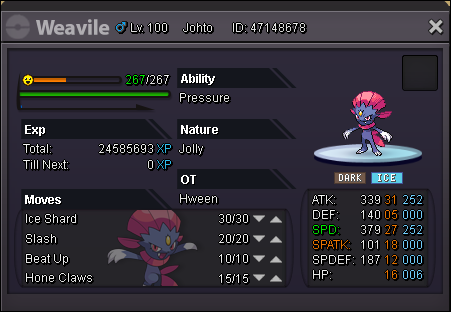
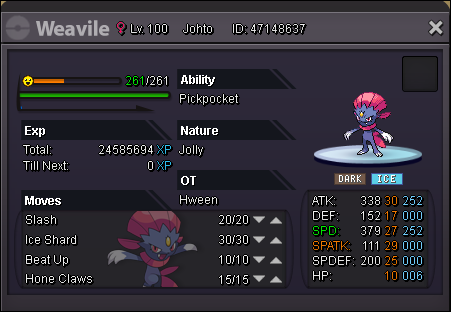
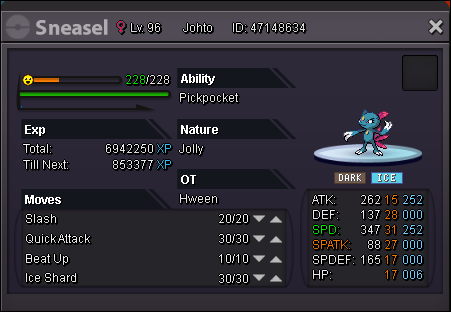
Weavile Sold.
-
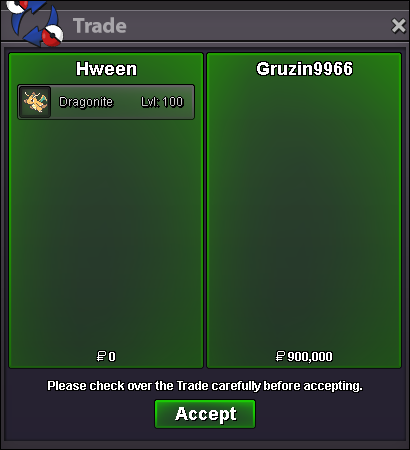
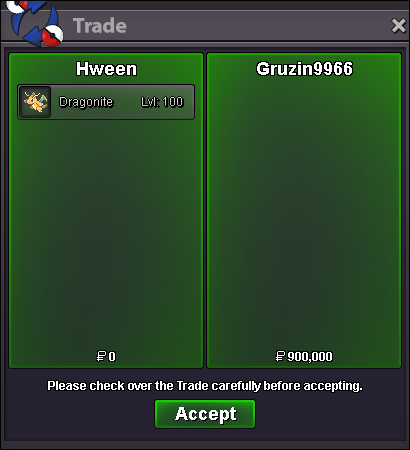
Dragonite sold.
-
-
-
-
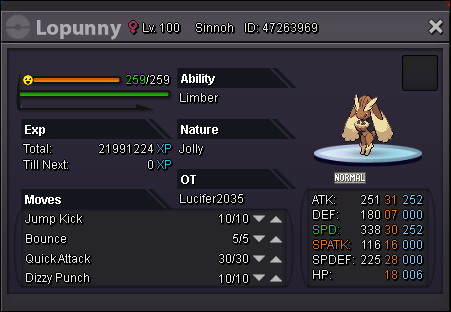
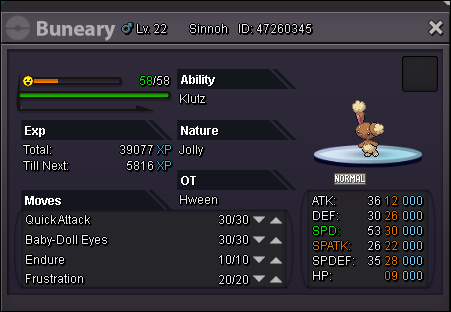
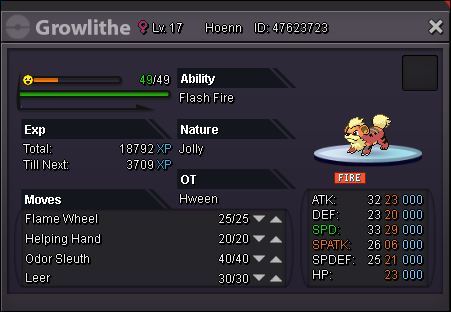
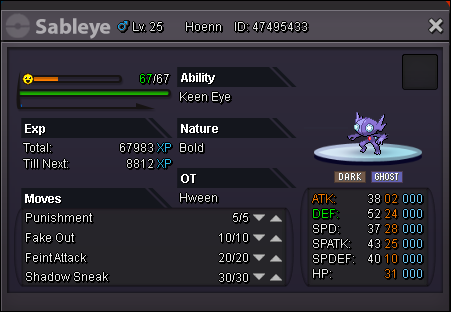
New Pokemon added:


-
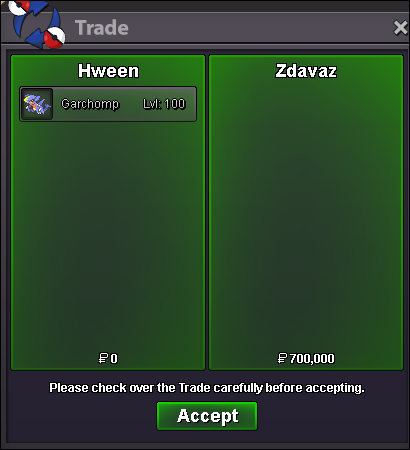
Sold for 700k to @Zdavaz

-
Ends in 4 hours if anyone else is interested in bidding on Garchomp.
-
-
* SOLD POKEMON *

-
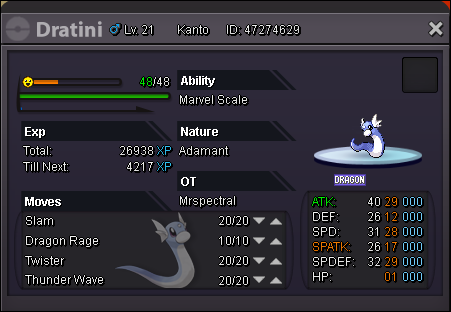
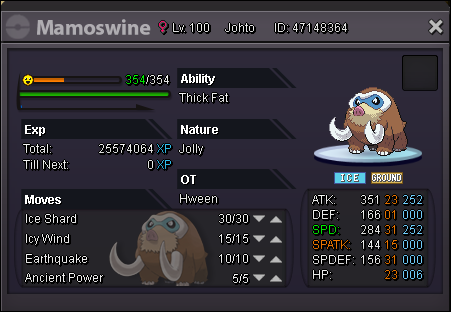
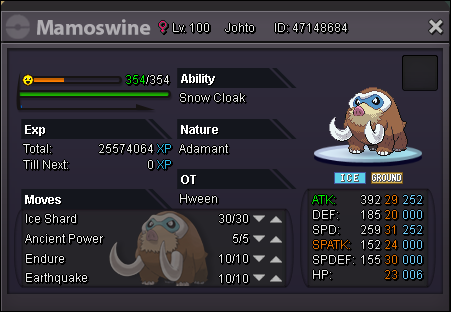
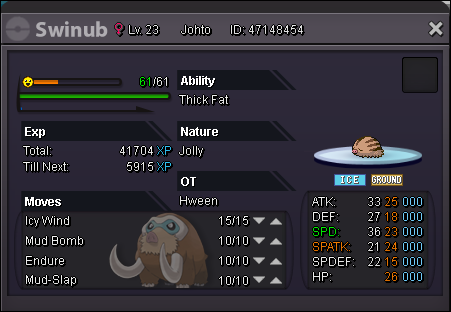
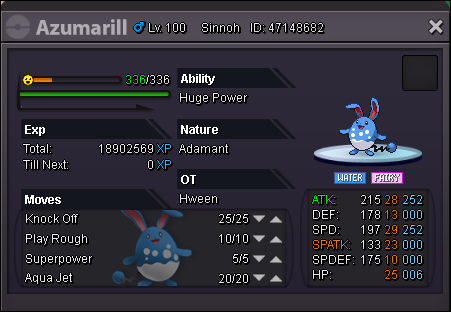
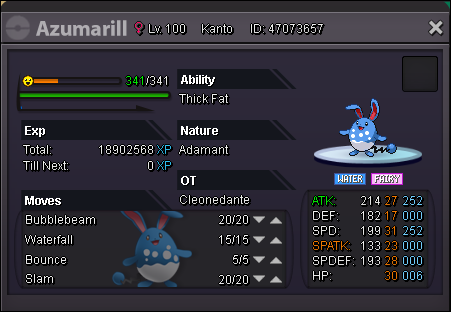
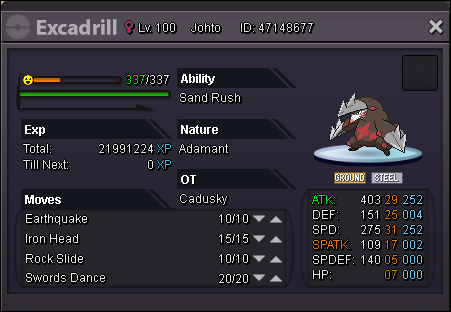
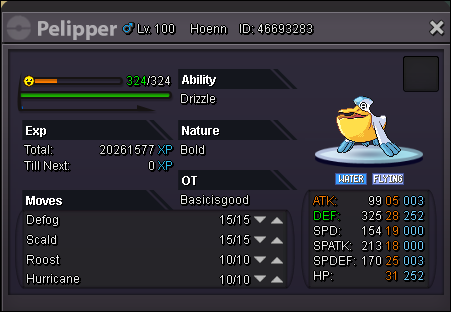
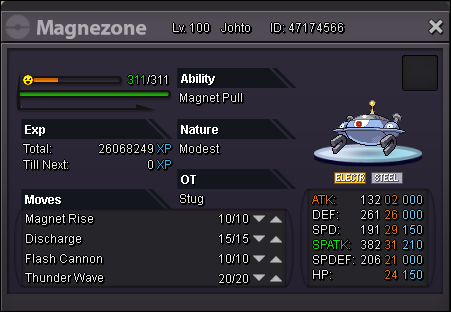
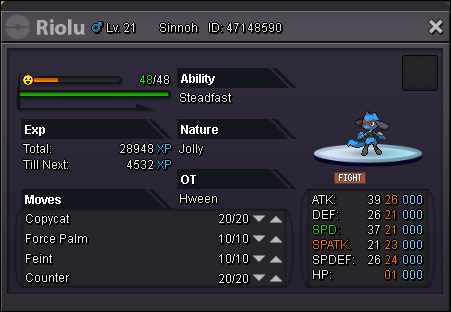
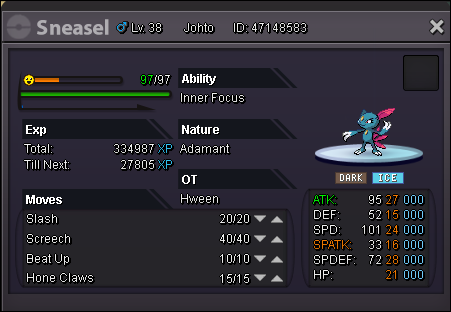
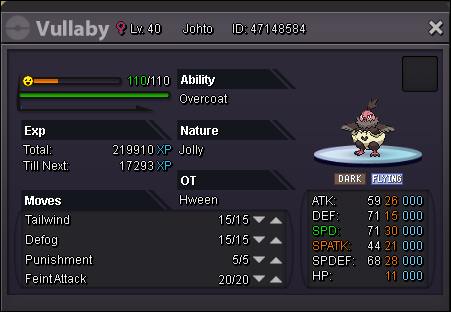
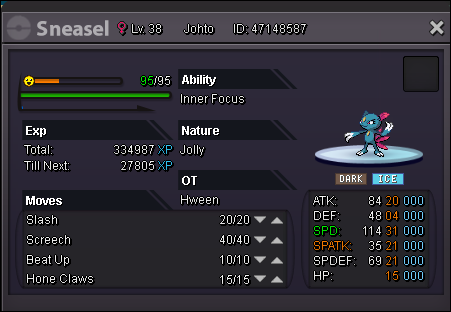
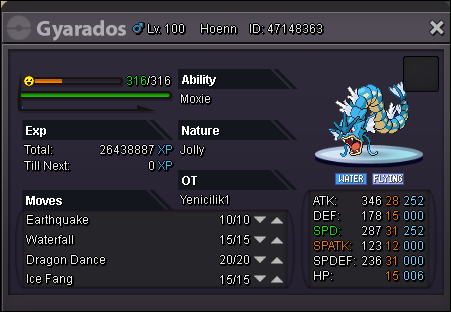
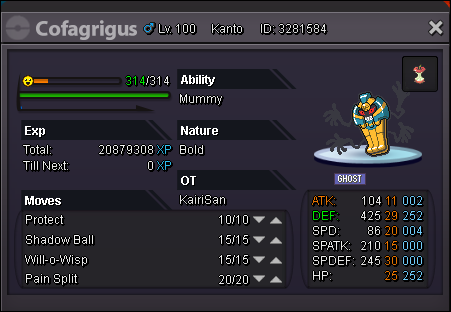
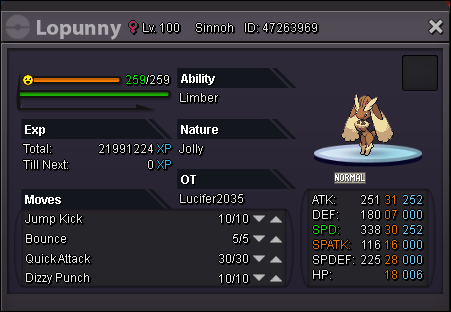
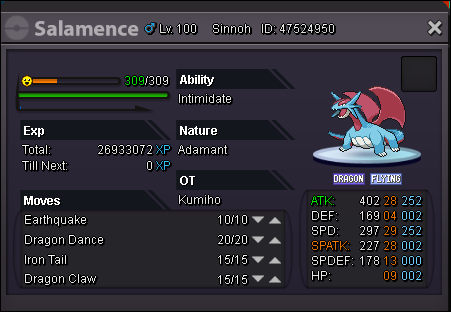
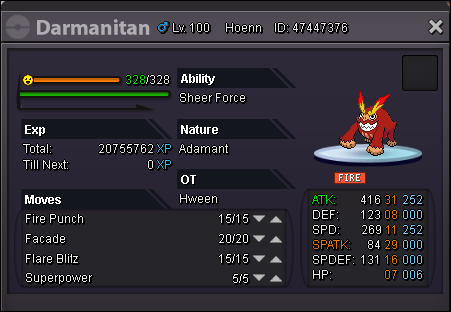
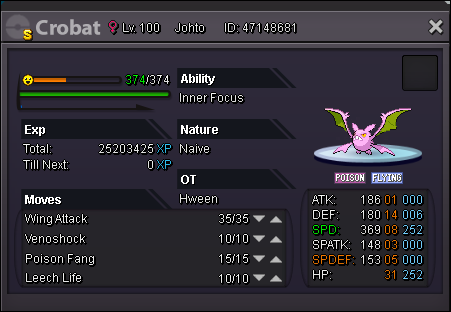
Hello, and welcome to my Pokémon Shop! Here I will be selling all kinds of pokemon ranging from PVP/Bossing/PVE & more! All I ask are for respectful deals and negotiations. The main payment method I accept are Pokedollars but I am open to other alternatives of currency. - Contact Information - IGN: Hween Discord: Halloween#3924 700K--500K 800K--850K 1.5M--1.2M 1.5M--900K 800K--1.6M 550K--800K 500K--600K 400K--200K 500K--450K 450K--300K 700K--1M 600K- 200K--450K 200K--650K 300K--200K 200K--600K 400K--400K 175K--150K























-
-
-
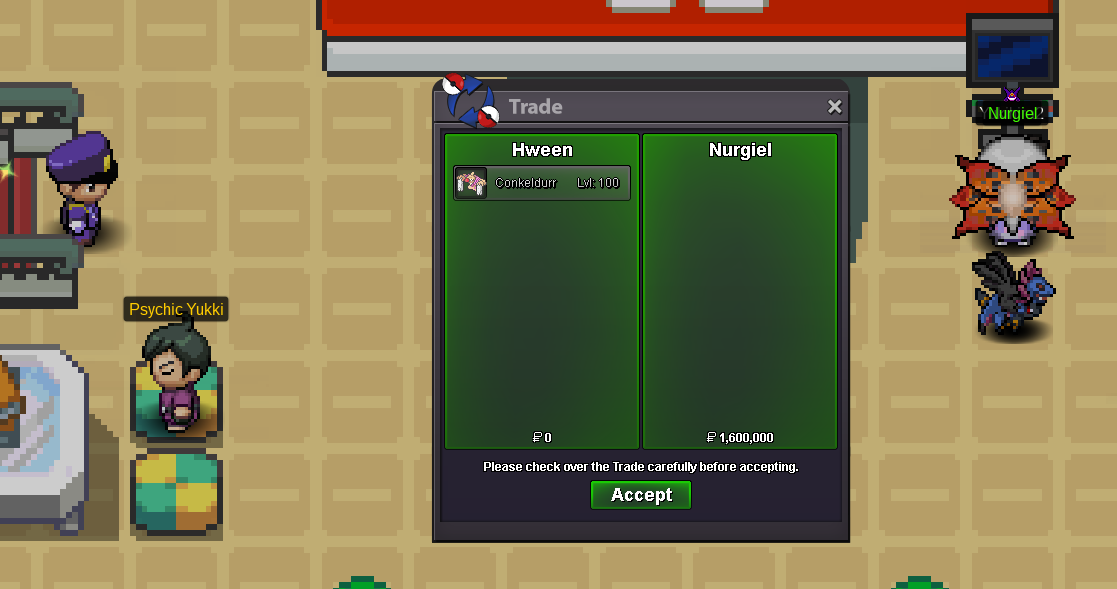
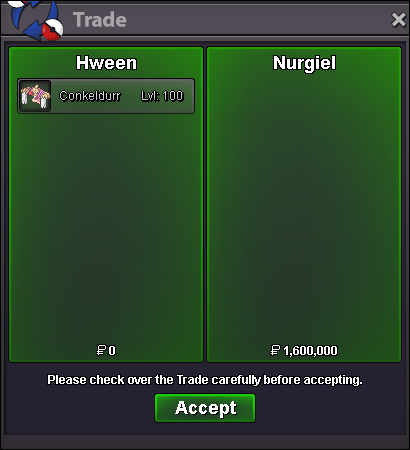
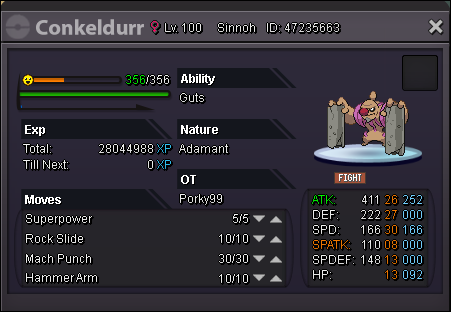
Conkeldurr sold to Nurgiel for 1.6m autowin.