New Trade Zone
Trade Zone is now live
Use the new Trade Zone for auctions and instant-price trades so Pokemon and item offers are easy to find.

Ash696
Registered User
-
Joined
-
Last visited
Everything posted by Ash696
-
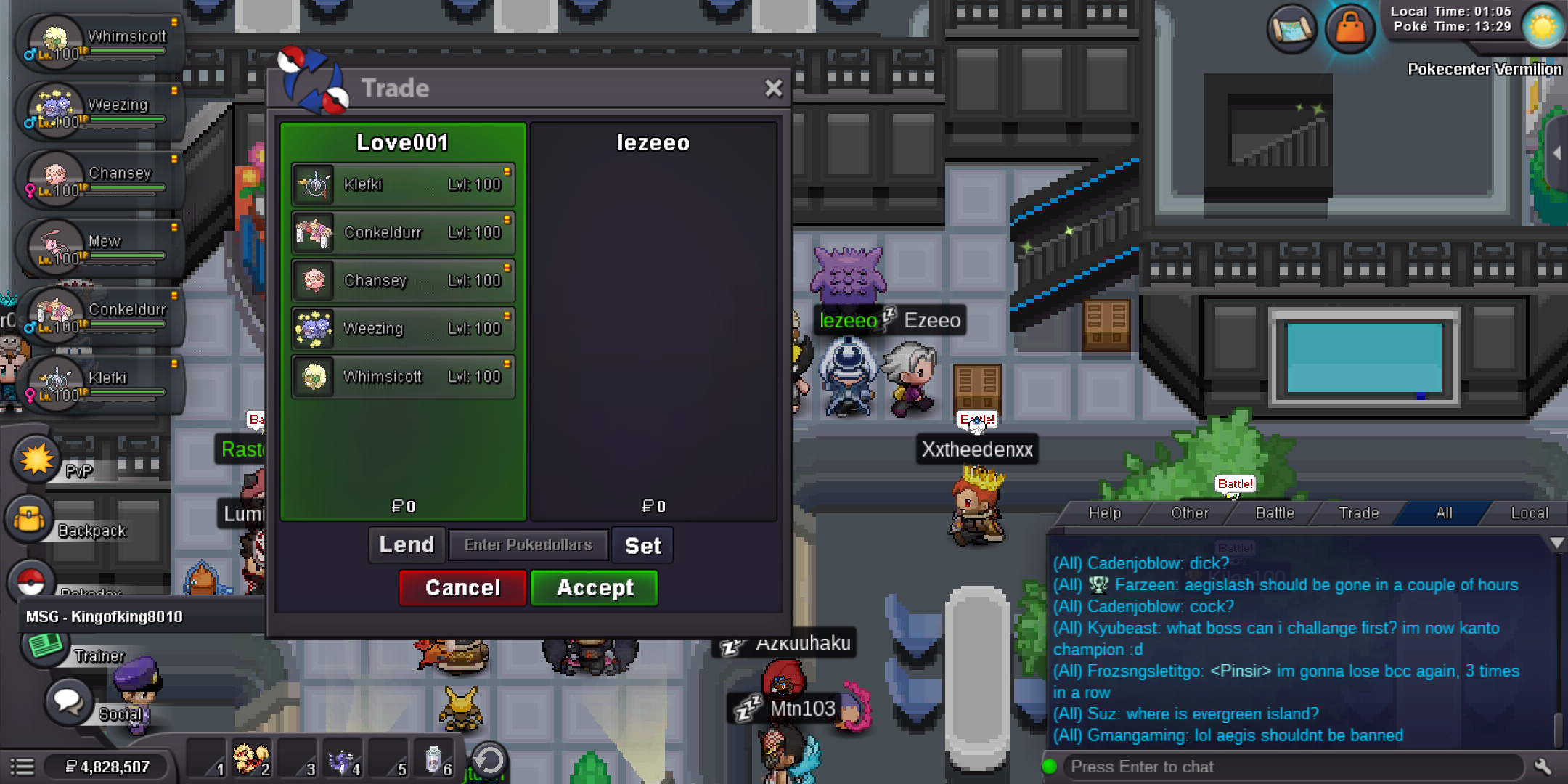
Hi Eon, Thank you for your response and no worries! He(lezeeo) already gave my pokemon back a few days ago. I also apologize for the late reply. My issue is already solved i just waited him to finish all regions to be able to trade it back. Many thanks! Regards, Ash696
-
Hello there, Can u please help me trading back my pokemon? I accidentally trade it to someone due to i need to transfer it to my second account to fight bosses then i ask for help then trade it to him and didn't notice that he hasnt finished all region. Hope you can help me. Thanks! By the way i trade some of my pokes to my othet but there are 3 pokes left which are klefki. conkeldur and whimsicoot.