New Trade Zone
Trade Zone is now live
Use the new Trade Zone for auctions and instant-price trades so Pokemon and item offers are easy to find.

Xemoknight
Registered User
-
Joined
-
Last visited
Everything posted by Xemoknight
-
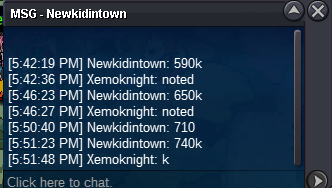
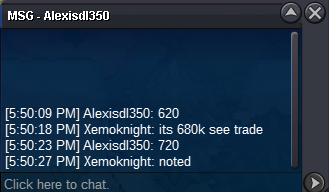
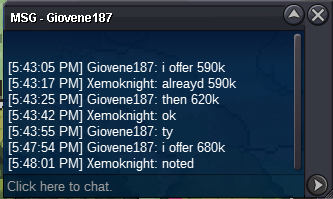
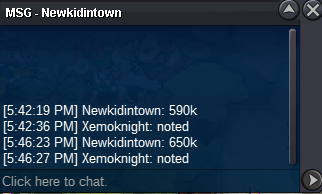
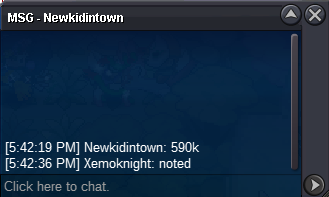
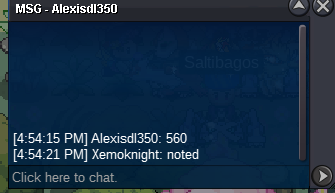
c.o : 1.27 m by Alexisdl350 Min Raise : 30k Time: Ends on 12th May GMT +0 12:30 PM Note: 15 min ext if bid in last 15 min Discord: XemoKnight#5601 ign: XemoKnight
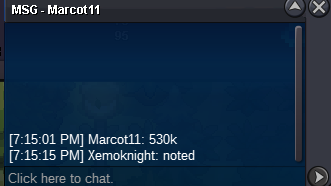
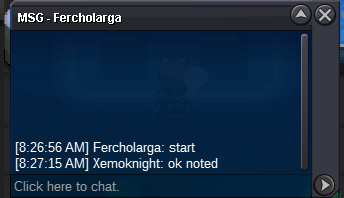
 hi, i have requested a name change like 4-5 days ago. on the dashbaord says it should take 3 days at max. im reporting this issue cuz many people have trouble with it, and maybe its a bug that staff people cant see it some times. regardsok i added u ondiscord talk therewhats ur IGN or discordbumpStarted time counts from the first bidders bid msgStartedomg sorry forgot about abil natits mine ;/ it doesnt matters anywaysC.O: 1M by isildurr2x MIN BID: 100K TIME: 48HR FROM FIRST BID NO INSTA GL 😉
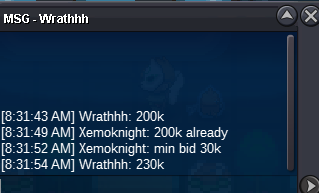
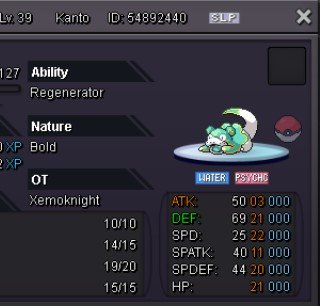 First bidder, 24 hrs left from the time of the first bidC.O: 750k by Nikhilnick Min Bid: 50K No Insta Ends in 24 hrs from the first bid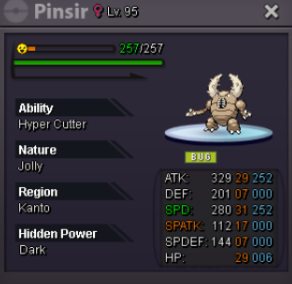


Account
Navigation
Search
Configure browser push notifications
Chrome (Android)
- Tap the lock icon next to the address bar.
- Tap Permissions → Notifications.
- Adjust your preference.
Chrome (Desktop)
- Click the padlock icon in the address bar.
- Select Site settings.
- Find Notifications and adjust your preference.
Safari (iOS 16.4+)
- Ensure the site is installed via Add to Home Screen.
- Open Settings App → Notifications.
- Find your app name and adjust your preference.
Safari (macOS)
- Go to Safari → Preferences.
- Click the Websites tab.
- Select Notifications in the sidebar.
- Find this website and adjust your preference.
Edge (Android)
- Tap the lock icon next to the address bar.
- Tap Permissions.
- Find Notifications and adjust your preference.
Edge (Desktop)
- Click the padlock icon in the address bar.
- Click Permissions for this site.
- Find Notifications and adjust your preference.
Firefox (Android)
- Go to Settings → Site permissions.
- Tap Notifications.
- Find this site in the list and adjust your preference.
Firefox (Desktop)
- Open Firefox Settings.
- Search for Notifications.
- Find this site in the list and adjust your preference.