




New Trade Zone
Trade Zone is now live
Use the new Trade Zone for auctions and instant-price trades so Pokemon and item offers are easy to find.

Berkeley
Registered User
-
Joined
-
Last visited
Everything posted by Berkeley
-
-
rash/mild ha fire bulba/venusauer ada ha gible/garchomp pm me on discord or here discord: berkeley7604
-
rash/mild ha fire bulba/venusauer ada ha gible/garchomp pm me on discord or here discord: berkeley7604
-
rash/mild ha fire bulba/venusauer ada ha gible/garchomp pm me on discord or here discord: berkeley7604
-
-
-
-
-
-
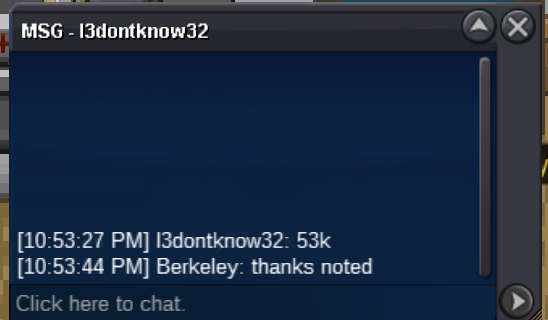
15mins left
-
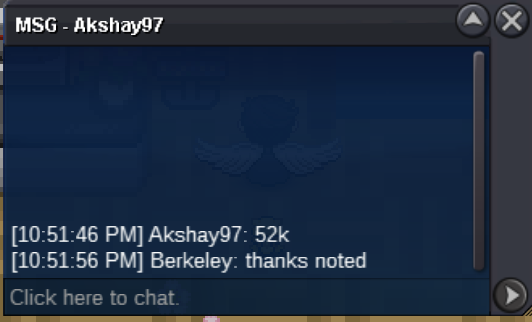
15 mins left.
-
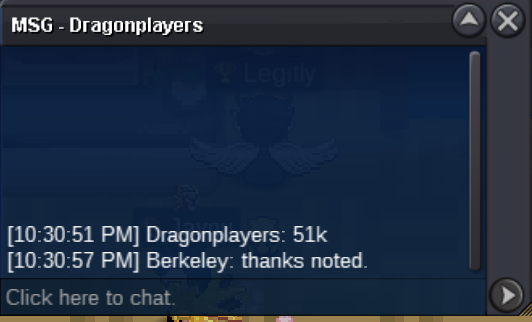
29mins left.
-
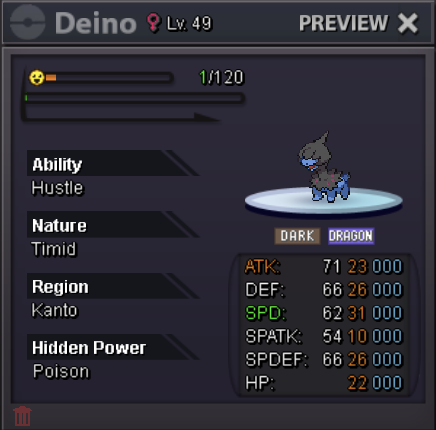
Roughly 1hr left. Ends in 11:00PM PST 7/15 tonight.s.o. 1k min bid 1k end 23:00 PST (pacific standard time) 7/15/2023
 @Zoruami I think it’s possible that @Laviter didn’t refresh a page since he/she saw 700k as s.o (only 3 mins gap between 1st and 2nd edit) and said start based on the old page. @Bankai17 clearly changed a post multiple times and even after the first bid. Think it’s fair to close this and let him/her create a new one. Please let me know what you think.The auction ends, congrats @Sahtiar! Thanks everyone who participated my auction. Please reach me out in game or on discord. ign: Berkeley discord: berkeley7604auction extend 15mins after this.
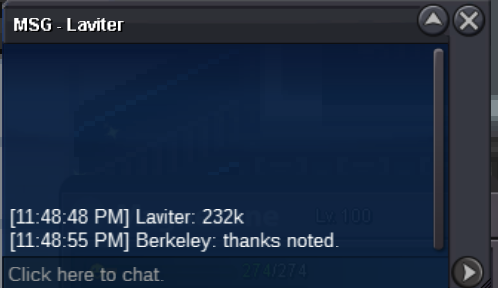 makes sense, will start doing that in the next auction. thanks for the suggestion.end in 37 mins, which is 11:59pm PST (pacific standard time)

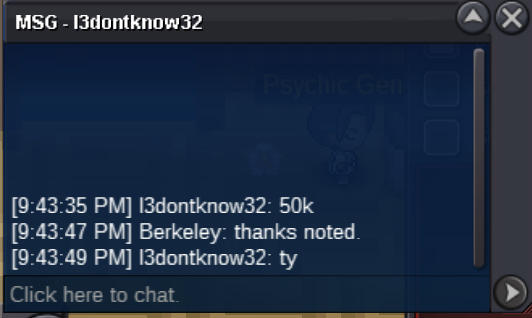
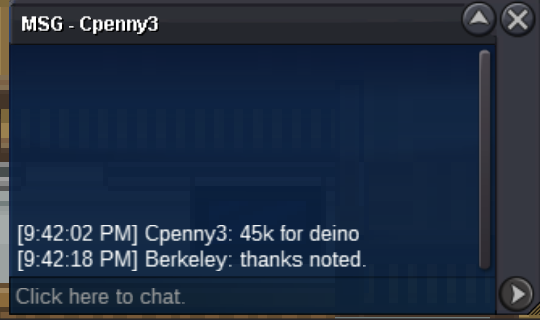
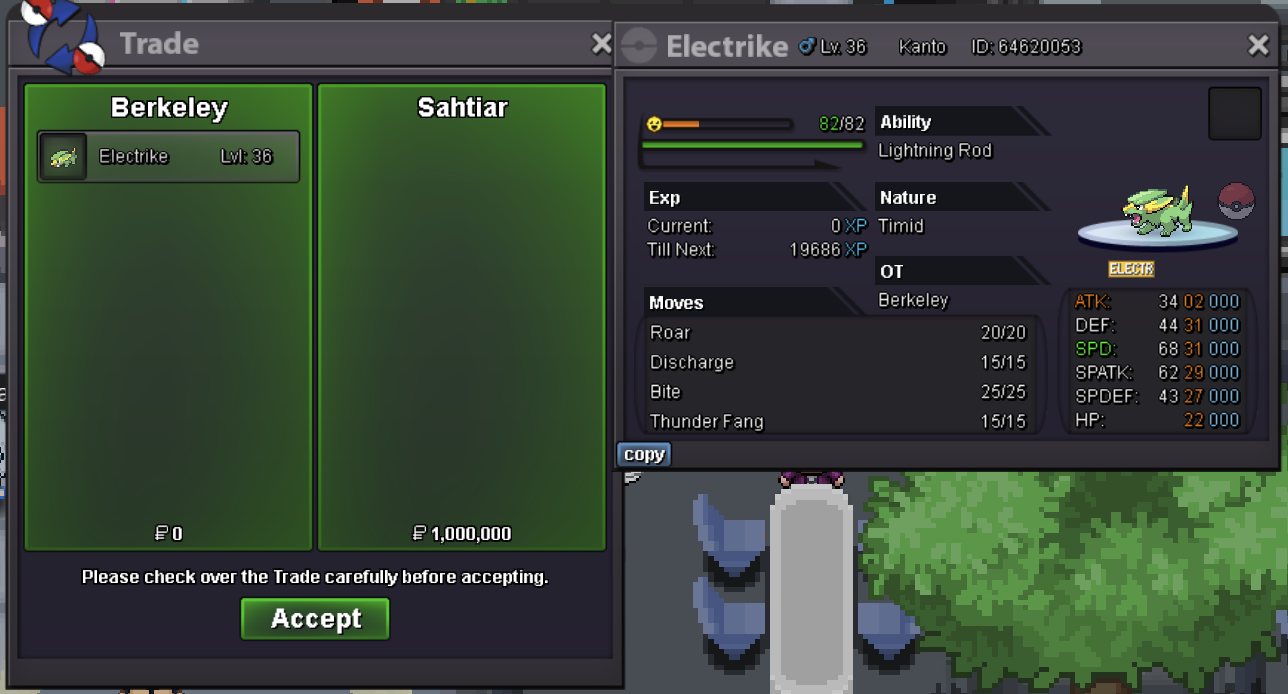

Account
Navigation
Search
Configure browser push notifications
Chrome (Android)
- Tap the lock icon next to the address bar.
- Tap Permissions → Notifications.
- Adjust your preference.
Chrome (Desktop)
- Click the padlock icon in the address bar.
- Select Site settings.
- Find Notifications and adjust your preference.
Safari (iOS 16.4+)
- Ensure the site is installed via Add to Home Screen.
- Open Settings App → Notifications.
- Find your app name and adjust your preference.
Safari (macOS)
- Go to Safari → Preferences.
- Click the Websites tab.
- Select Notifications in the sidebar.
- Find this website and adjust your preference.
Edge (Android)
- Tap the lock icon next to the address bar.
- Tap Permissions.
- Find Notifications and adjust your preference.
Edge (Desktop)
- Click the padlock icon in the address bar.
- Click Permissions for this site.
- Find Notifications and adjust your preference.
Firefox (Android)
- Go to Settings → Site permissions.
- Tap Notifications.
- Find this site in the list and adjust your preference.
Firefox (Desktop)
- Open Firefox Settings.
- Search for Notifications.
- Find this site in the list and adjust your preference.