




New Trade Zone
Trade Zone is now live
Use the new Trade Zone for auctions and instant-price trades so Pokemon and item offers are easy to find.

Berkeley
Registered User
-
Joined
-
Last visited
Everything posted by Berkeley
-
Bump
-
bump
-
bump
-
Bump
-
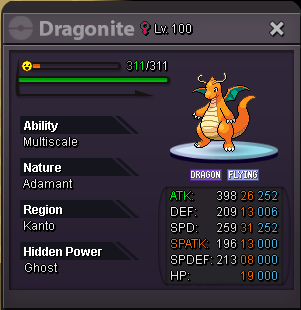
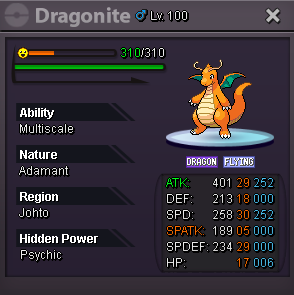
24/31 dnite sold.
-
Bump
-
bump
-
-
bump
-
Bump
-
bump
-
bump
-
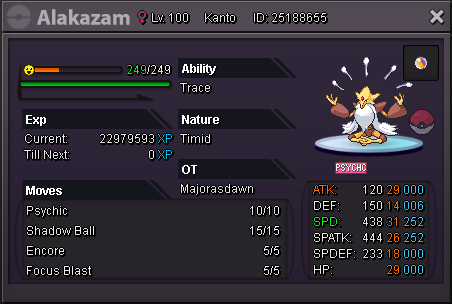
Alakazam sold
-
Bump
-
Possible, pm'ed you.
-
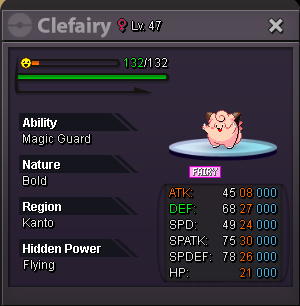
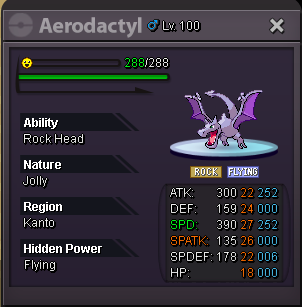
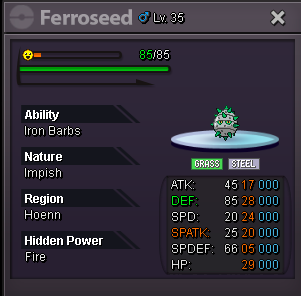
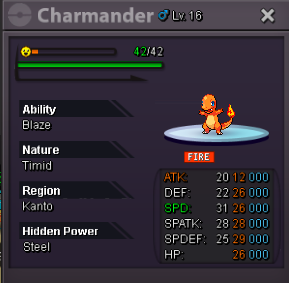
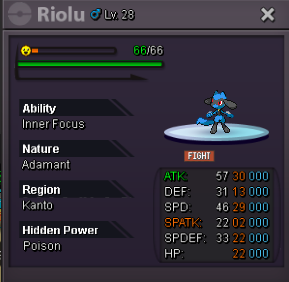
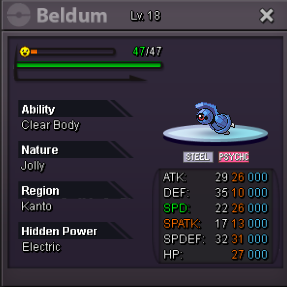
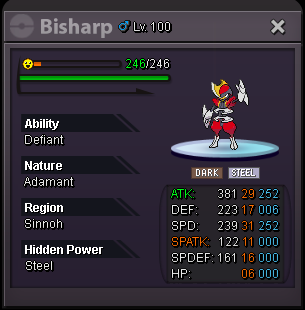
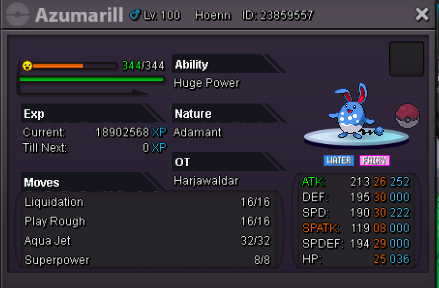
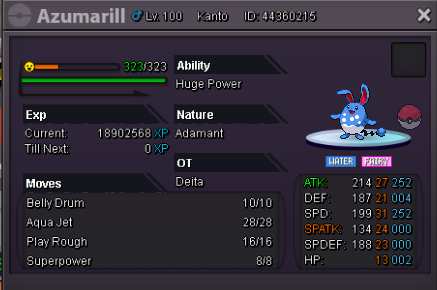
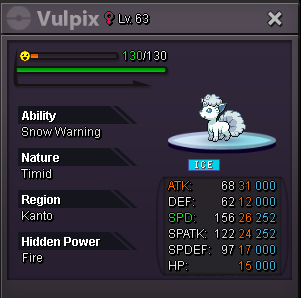
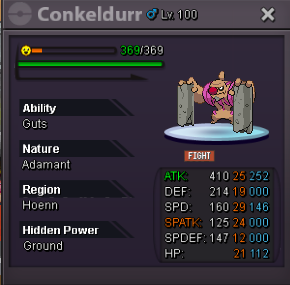
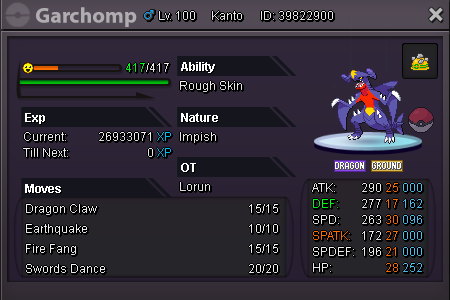
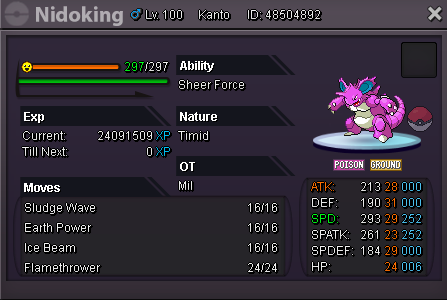
Welcome to Berkeley's shop Contact Details Discord: Berkeley#7604 (Best way) In game: Berkeley Price is negotiable for some pokes. Sorted by alphabetical order of poke's name. sold 450k sold Sold sold 1.5m 850k Sold Sold 2.5m sold offer sold sold Sold sold sold sold Sold sold Sold sold 2.5m Sold sold sold sold 1.5m sold offer Thank you for visiting Berkeley's shop




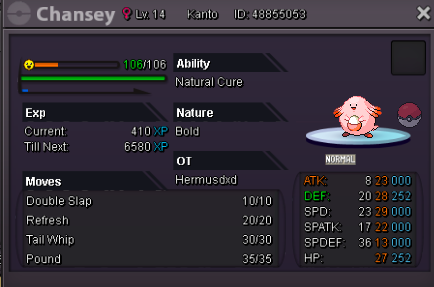
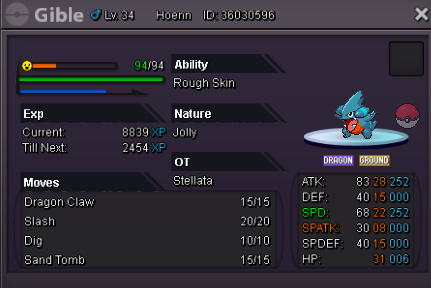

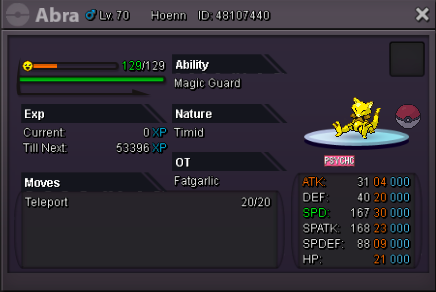
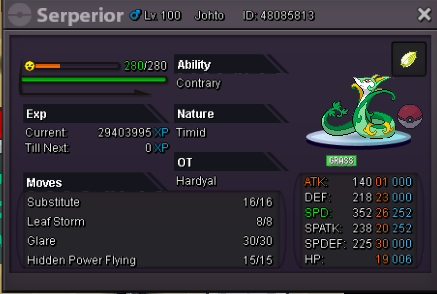



-
Also now I see the screen starts frozen after this encounter, and had to relog whenever this happened. Once this occurs, looks like it gets stuck at one state and only rattata level 1 keeps spawning. My bm is active, but because of this, I can't hunt pokes. Need someone take a look at this issue. Thanks.
-
Got the exact same issues here. Please help fix. Thank you.


-
31/30 bisharp sold
-
-
insta rotom 18/25 at 275k.
-
all rotoms sold
-
30/30 ha/ada dnite & 31/31 ada luca added
-
rotom sold
-
STock udpated
