New Trade Zone
Trade Zone is now live
Use the new Trade Zone for auctions and instant-price trades so Pokemon and item offers are easy to find.

Guscoar
Registered User
-
Joined
-
Last visited
Everything posted by Guscoar
-
Done. Thank you <3
-
Hi, i left the game starting sinnoh, and now i have 4 pokemon in my team that i had in other region and apparently cant be deposited. i cant even change their position in my team. Lvl 5 Shinny Poliwag Lvl 5 Shinny Rattatta Lvl 50 Slowpoke Lvl 49 Slowpoke i only want to keep the shiny and i dont care about the stats of those two because i got them randomly, you can eliminate the slowpokes.
-
Solved! thank you a lot
-
My bad, Coargus was my main, i forgot that, let me try to log in again in the game.
-
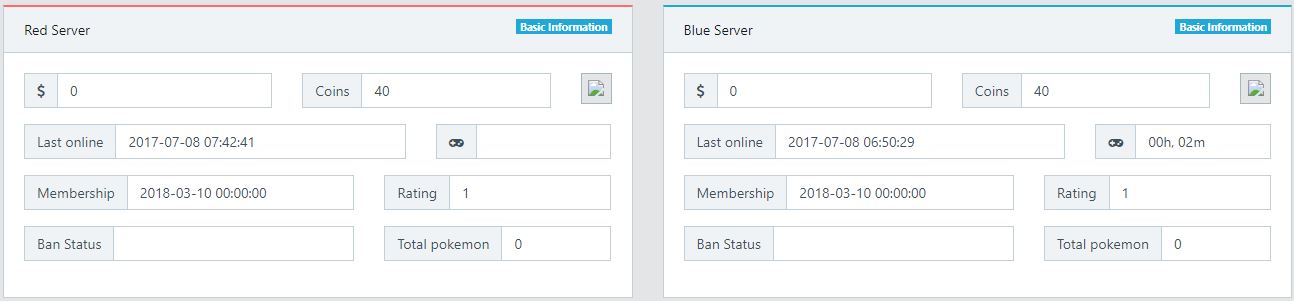
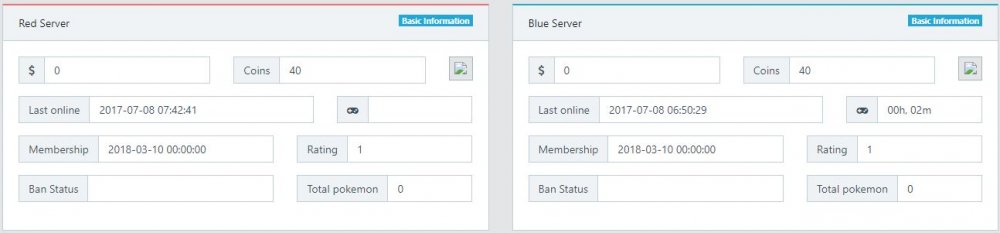
i downloaded the latest version, but if i go to my account int ACCOUNT section, i see the "Silver server [Merge is requiererd]", so i click in there, but in the top of the page, i see the RED and BLUE server thing showing like if i had nothing, is it normal?
-
Hello. I had a break for a few months, and today when i downloaded the latest version of PRO, i tried to log in, but it says that my username or password is invalid. i also see that there are only Silver and Gold servers, but i used to play in RED server and sometimes in BLUE. Also, if i chose GOLD SERVER, i have to start a new character.