




New Trade Zone
Trade Zone is now live
Use the new Trade Zone for auctions and instant-price trades so Pokemon and item offers are easy to find.


Verankass
Registered User
-
Joined
-
Last visited
Everything posted by Verankass
-
BIG THANKS TO ALL WHO PARTICIPATED.
 yes im waiting for u. tytC.O 1.2M
 C.O 1.1M
 C.O. 1M
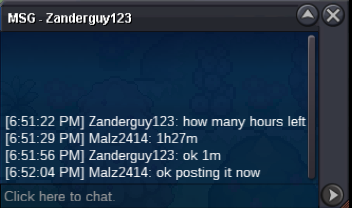 bumpC.O 900K
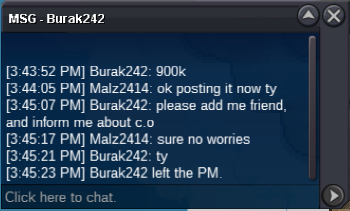 bumpS.O 800K MIN BID 100K INSTA 2.5M 3DAY AUCTION STARTS AFTER FIRST BID ACCEPT CC 400K, RR 700K STARTED AT 8:19PM GMT+8 Countdown Timer - Countdown to 25 Feb 2021 20:19 in Manila (timeanddate.com)
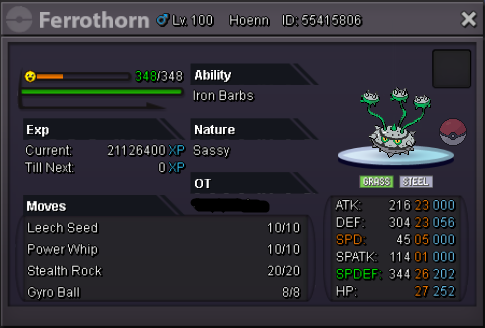 Thank you to all who participated in this auction.
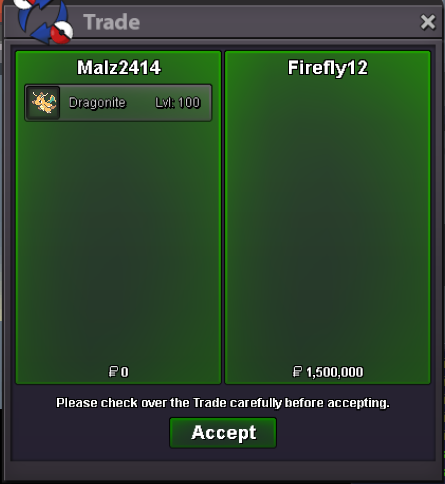 Auction ended. Firefly12 please contact me asapC.O. 1.5M
 START
START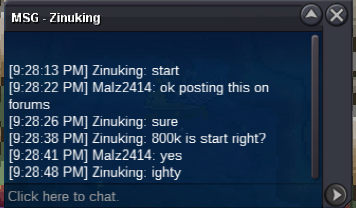 S.O 800K MIN BID 100K INSTA 2.5M 3DAY AUCTION STARTS AFTER FIRST BID ACCEPT CC 400K, RR 700K STARTED AT 9:29PM GMT+8 Countdown Timer - Countdown to 21 Feb 2021 21:29 in Manila (timeanddate.com)
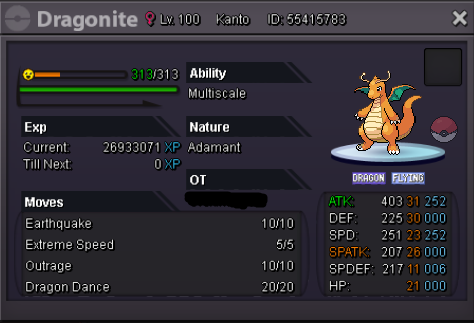 Thanks for all who participated. Have a good day 🙂
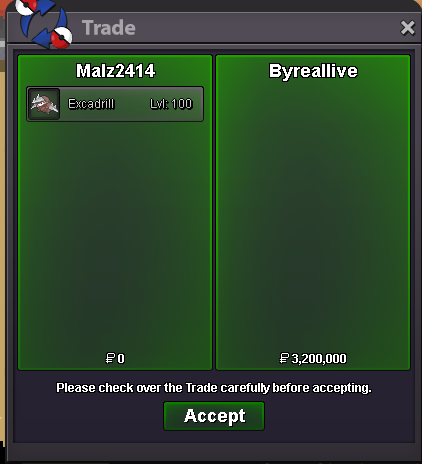 Auction ends. ByRealLive winsbumpbumpC.O. 1.2M
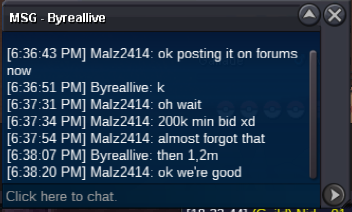 START
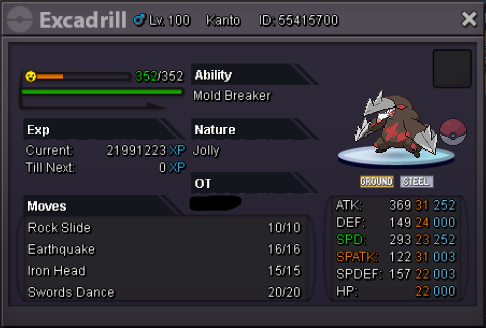
START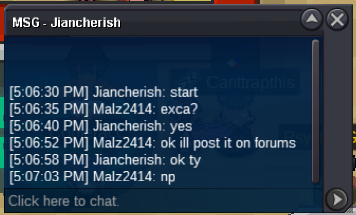 S.O 1M MIN BID 200K INSTA 4M STARTS AFTER FIRST BID 3 DAY AUCTION ACCEPT CC 400K, RR 700K Countdown Timer - Countdown to 18 Feb 2021 17:08 in Manila (timeanddate.com)
 I tried to relog in hoping it will be fixed but unfortunately it didn't. I remember I traded pokes to my alt acc back and forth. I really remember there's a pokemon in my team before I log out but can't remember it. I also checked my pc and my suspected missing pokes are in there so no clue. I posted this to make sure if there's a pokemon missing or just a bug happened that they just went straight to pc and no pokemon really disappeared. Hope you can check it. Thank you so much.
