




New Trade Zone
Trade Zone is now live
Use the new Trade Zone for auctions and instant-price trades so Pokemon and item offers are easy to find.


Verankass
Registered User
-
Joined
-
Last visited
Everything posted by Verankass
-
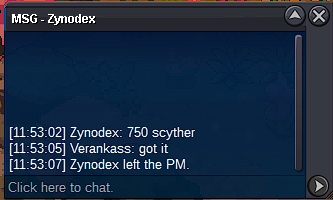
Scyther 750k
-
Lopunny 1.8m Scyther 700k

-
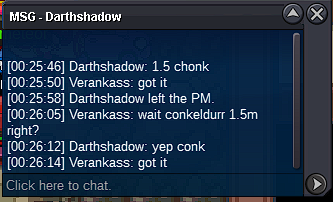
Conkeldurr 1.5m
-
Marowak-Alolan 2.9m

-
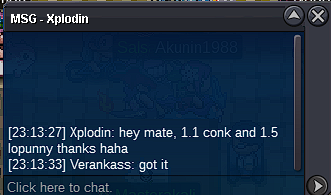
Conkeldurr 1.1m Lopunny 1.5m
-
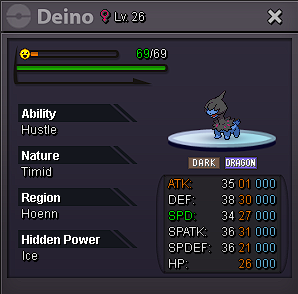
BUMP // Current Offers Deino = 1.3m Marowak-Alolan = 2.6m Lopunny = 1.4m Scyther = 500k Conkeldurr = 1m
-
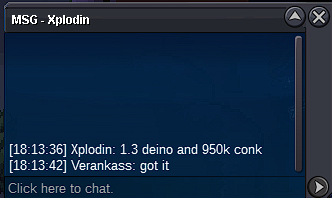
Conkeldurr 950k Deino 1.3m
-
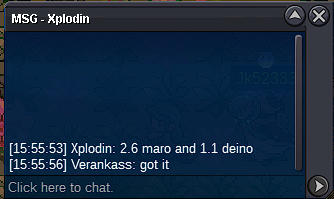
Marowak-Alolan 2.6m Deino 1.1m
-
Conkeldurr 850k

-
Conkeldurr 700k

-
Conkeldurr 650k

-
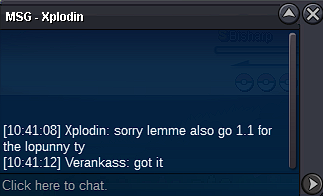
Lopunny 1.1m
-
Deino 950k Marowak-Alolan 2.4m Conkeldurr 600k

-
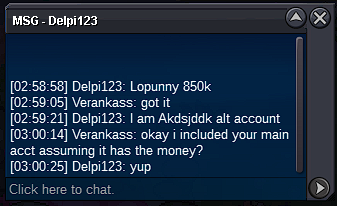
Lopunny 850k


-
Marowak-Alolan 2m Lopunny 800k

-
Marowak-Alolan 1.7m

-
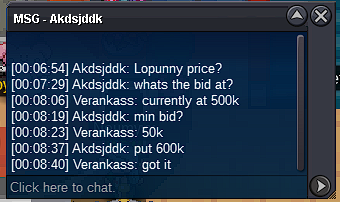
Loppuny 600k
-
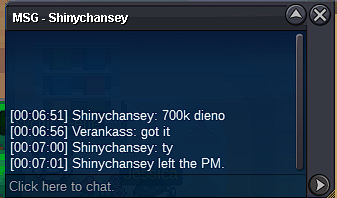
Deino 700k
-
Marowak-Alolan 600k

-
Start Deino

-
Start Marowak-Alolan and Lopunny

-
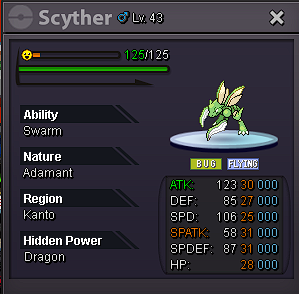
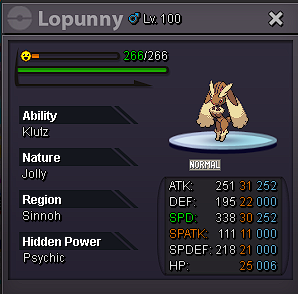
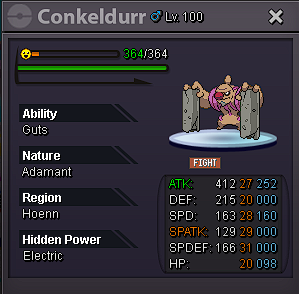
Each pokemon has: S.O. = 500K Min. Raise = 50K Duration = 40 Hours Insta = None Accepted Payments: Pokedollars Coin Capsule = 450K IV RR = 500K Nature RR = 250K Each pokemon has a different timer Starts after the first bid Timer: Conkeldurr: Easter Countdown – Countdown to 6 Apr 2025 15:10 in Manila Marowak-Alolan & Lopunny: Easter Countdown – Countdown to 6 Apr 2025 15:11 in Manila Deino: Easter Countdown – Countdown to 6 Apr 2025 15:25 in Manila Scyther: Easter Countdown – Countdown to 6 Apr 2025 15:27 in Manila

-
Is it possible to request a refund from PvE shop? I bought Akatsuki Robe yesterday to give to a friend/guildmate but we were not able to trade yesterday and now it's untradable. Thanks
-
Thanks!
-
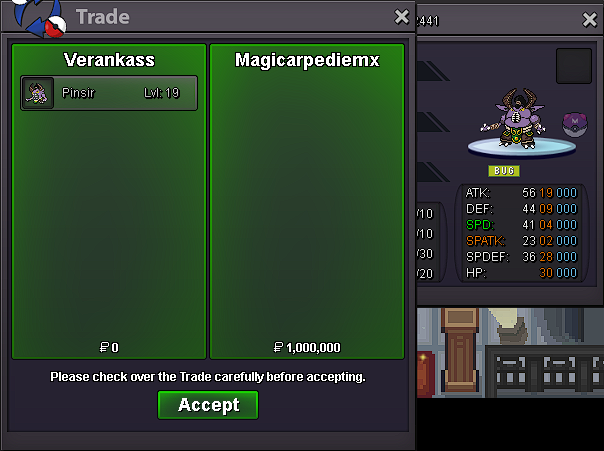
Approx. 1hr left for Halloween Pinsir
