




New Trade Zone
Trade Zone is now live
Use the new Trade Zone for auctions and instant-price trades so Pokemon and item offers are easy to find.

Huntedcrow
Registered User
-
Joined
-
Last visited
Everything posted by Huntedcrow
-
BUMP
-
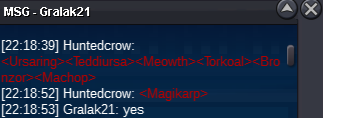
+OTHER MACHOP HW
-
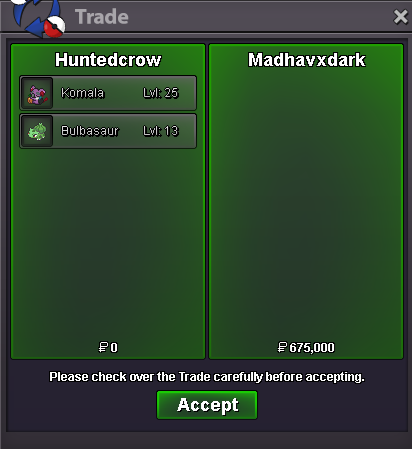
sale
-
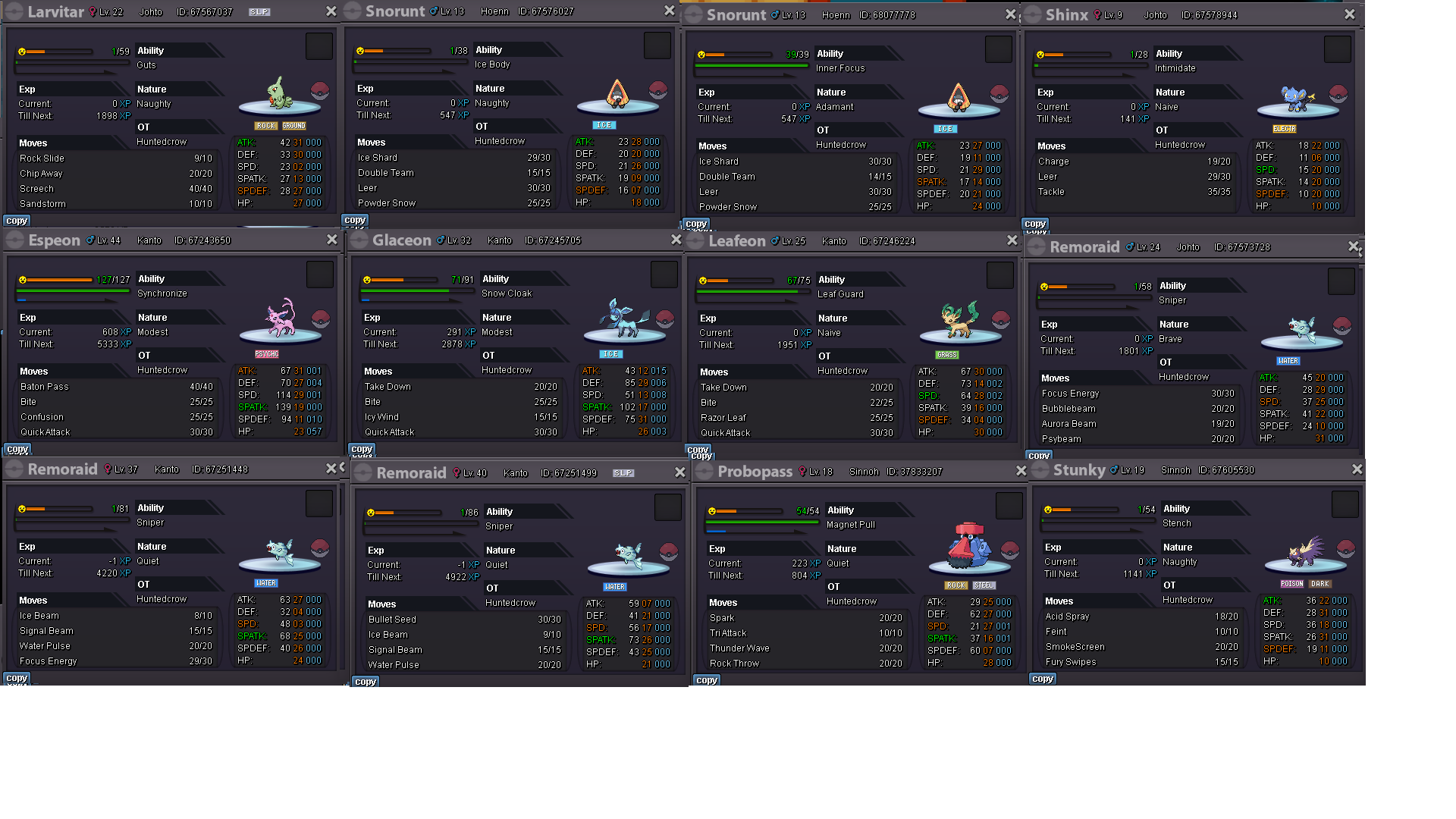
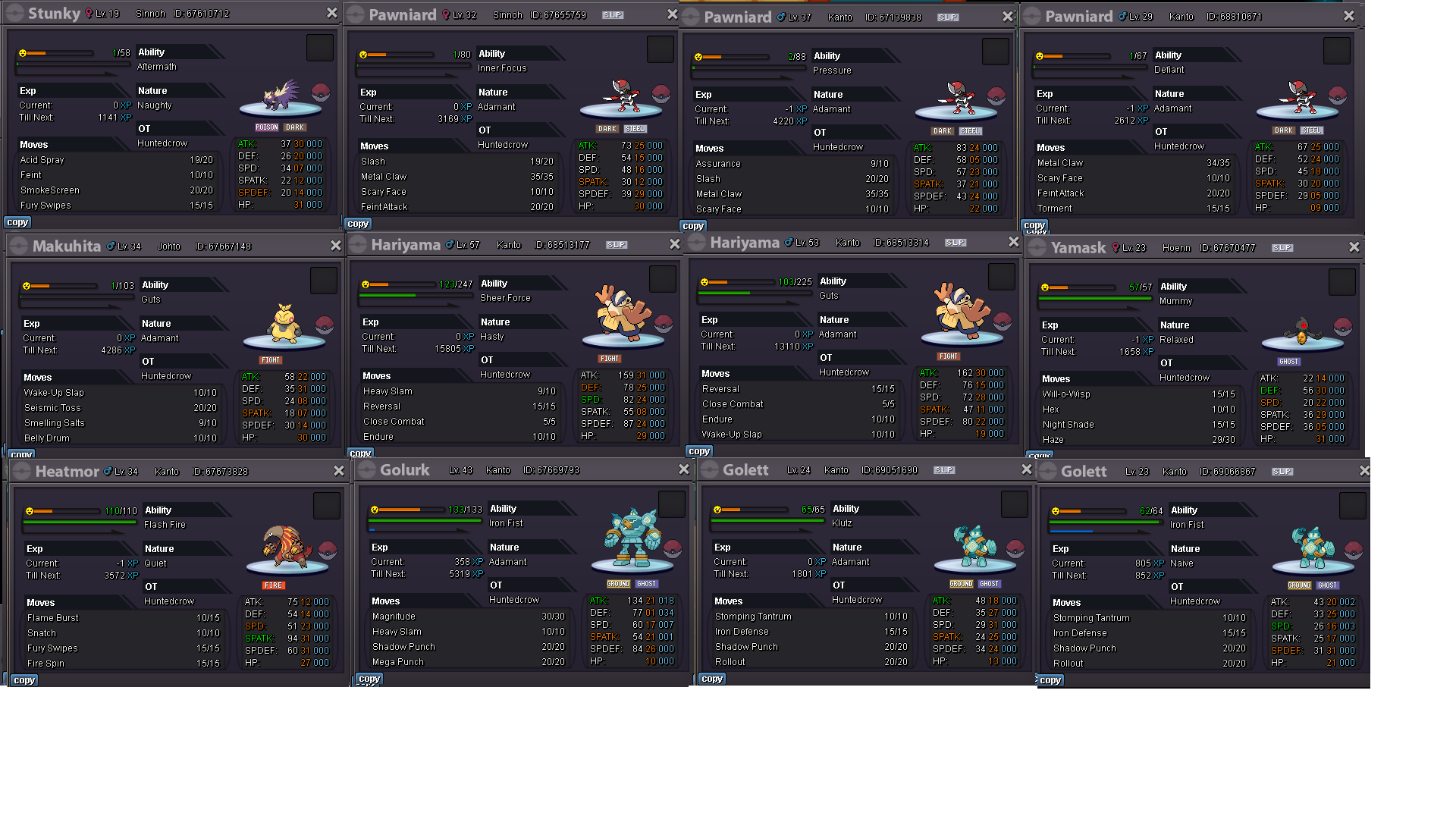
BUMP@Mainvijay Just seen this, sorry playing forza inbetween checking, if you could remove the huge photo pastes and just post the Pokemon and its id (e.g torkoal 68410078) id appreciate it, also slugma is sold hence sold sign. i'm active in game for next 10 min to respond to people.ntyPLEASE DONT ASK ME PRICES, I WANT OFFERS. THEY WILL BE ACCEPTED OR DECLINED Prices = make and Offer, will either be accepted or rejected.im not posting prices please don't ask, just make an offer. please quote Pokemon name and ID when making an offer, feel free to pm me in game also if i'm online, if further info is needed (HP type let me know in game and I will find out for you and get back to you in game) All offers will be held until rejected or accepted. Without further ado I Hope you find something you want!
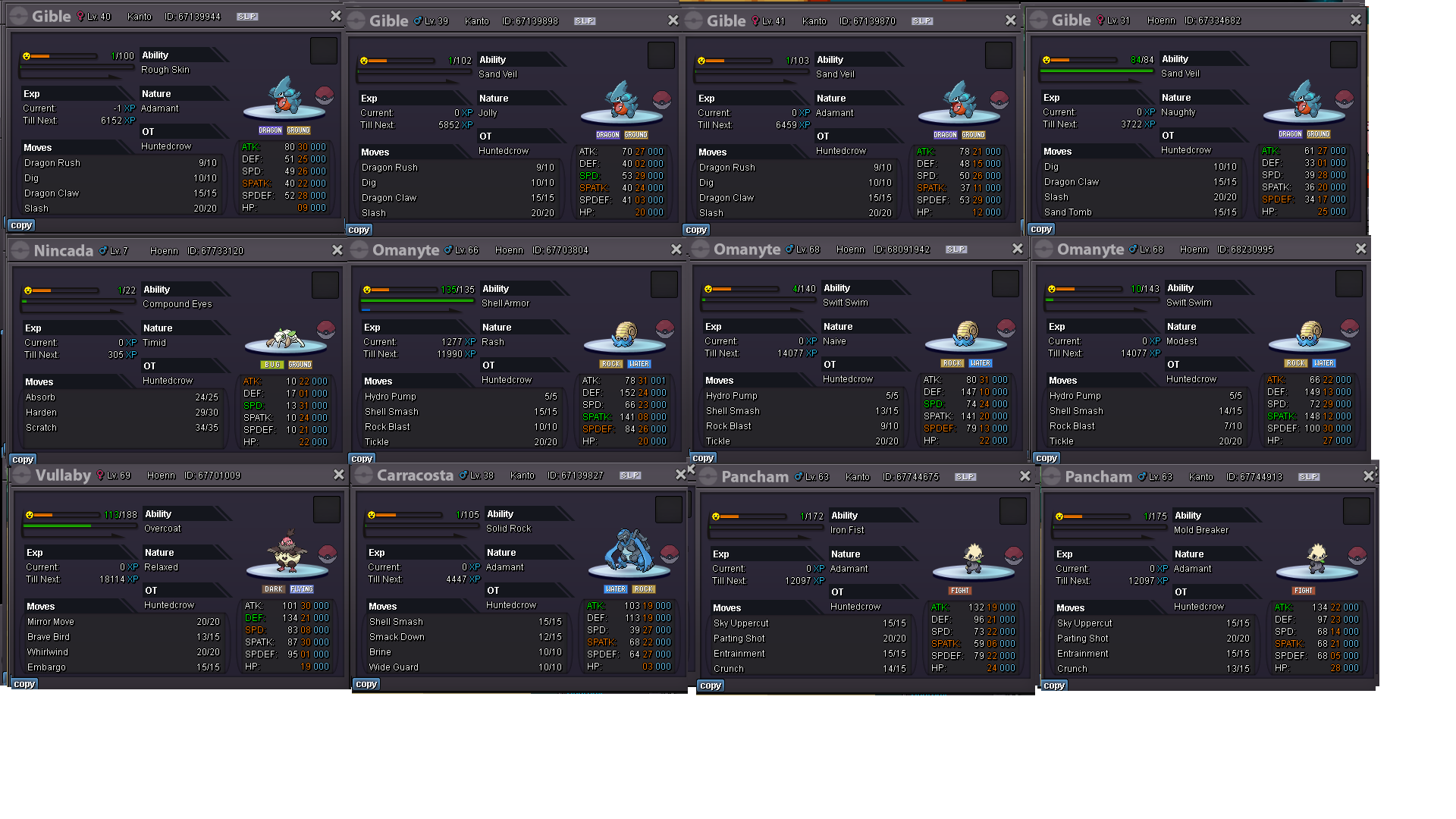
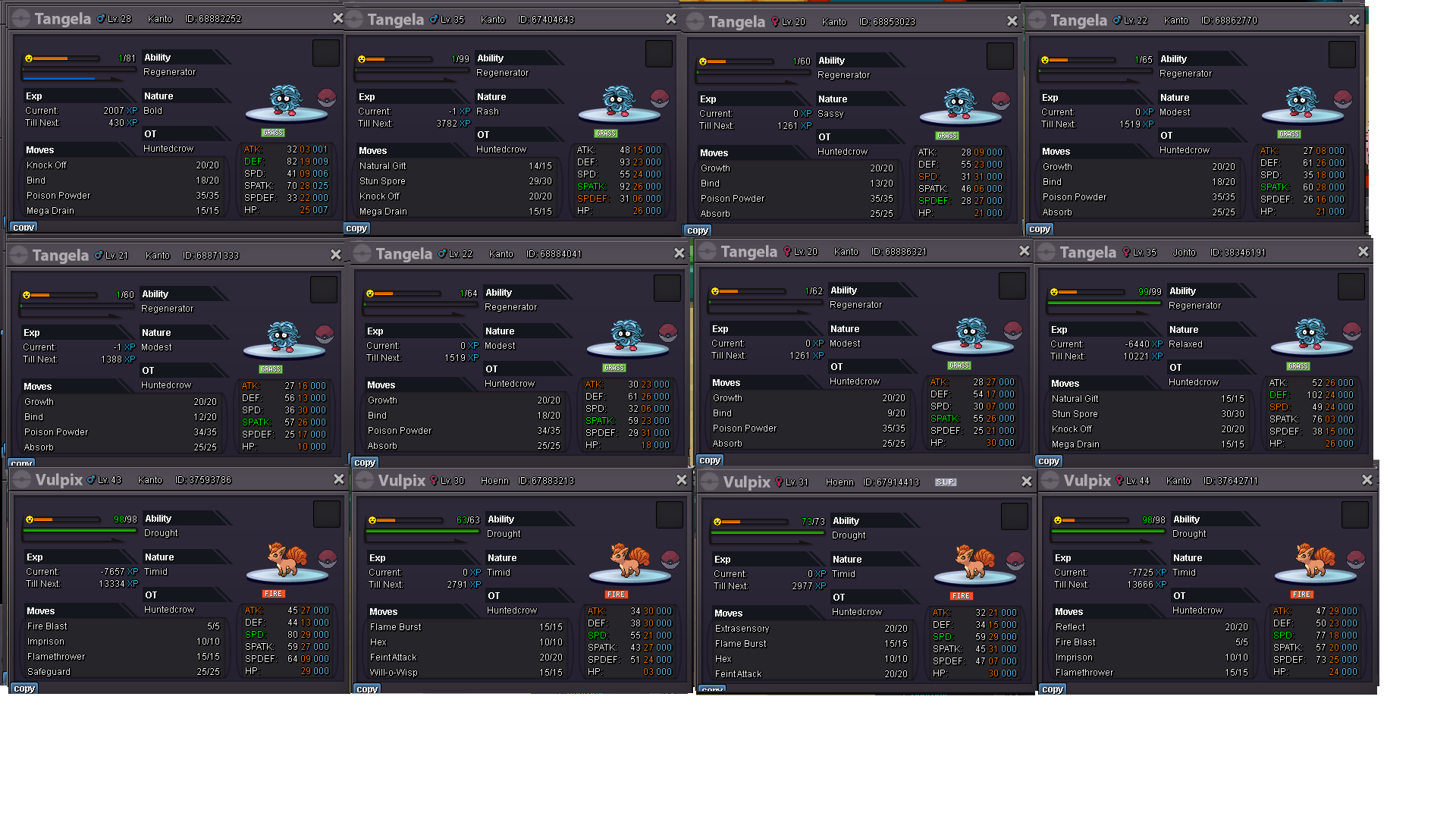
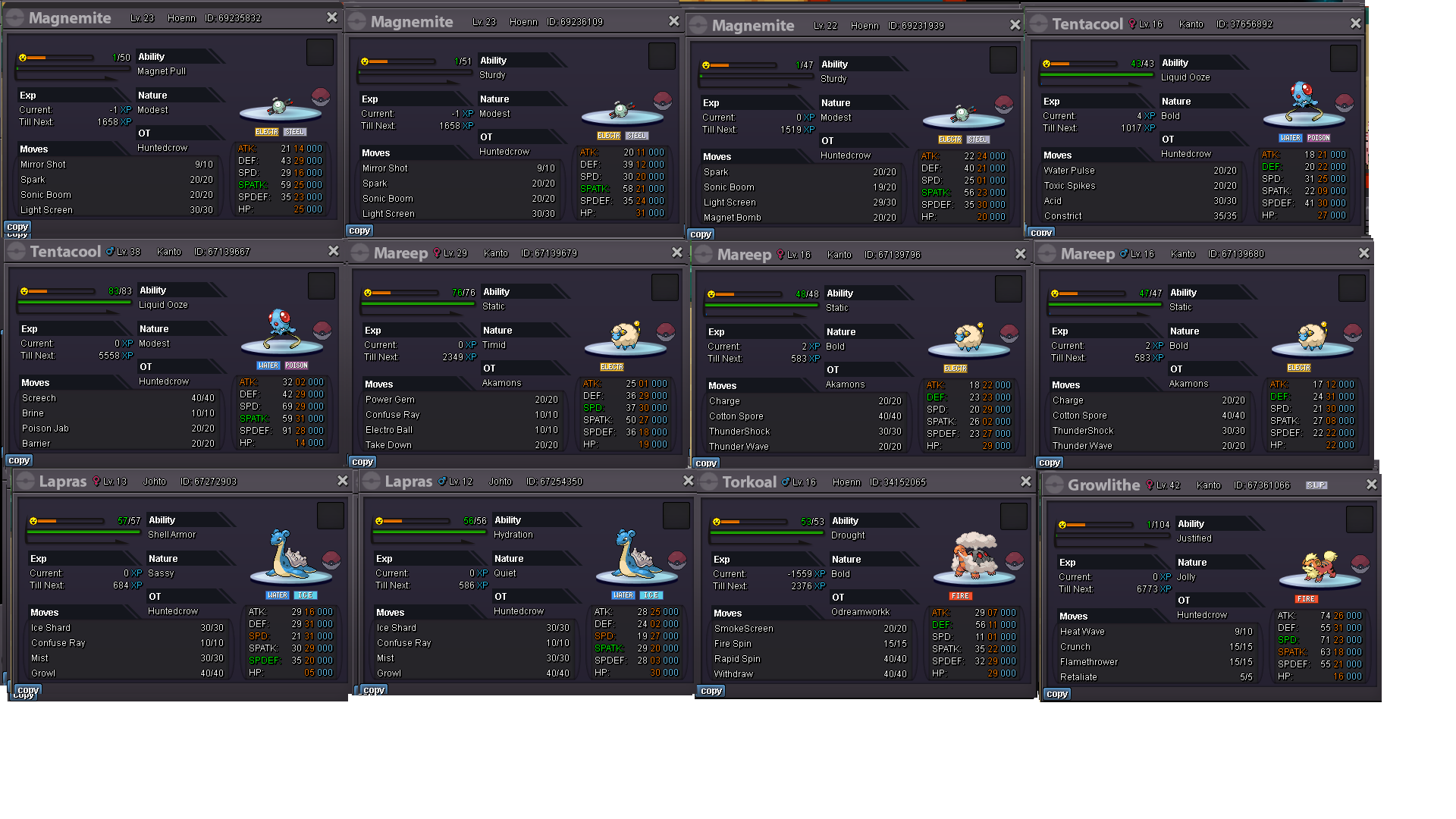
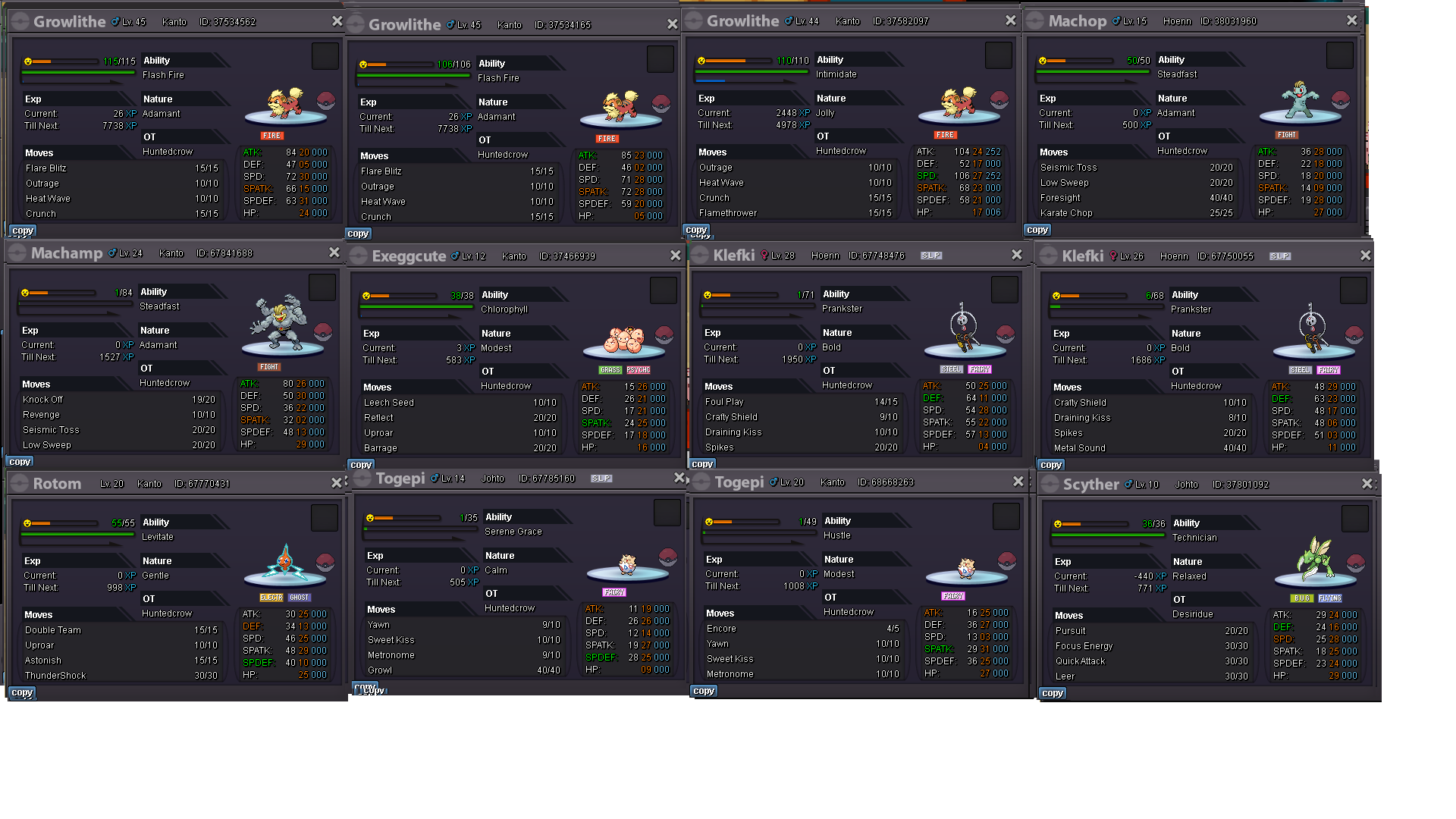
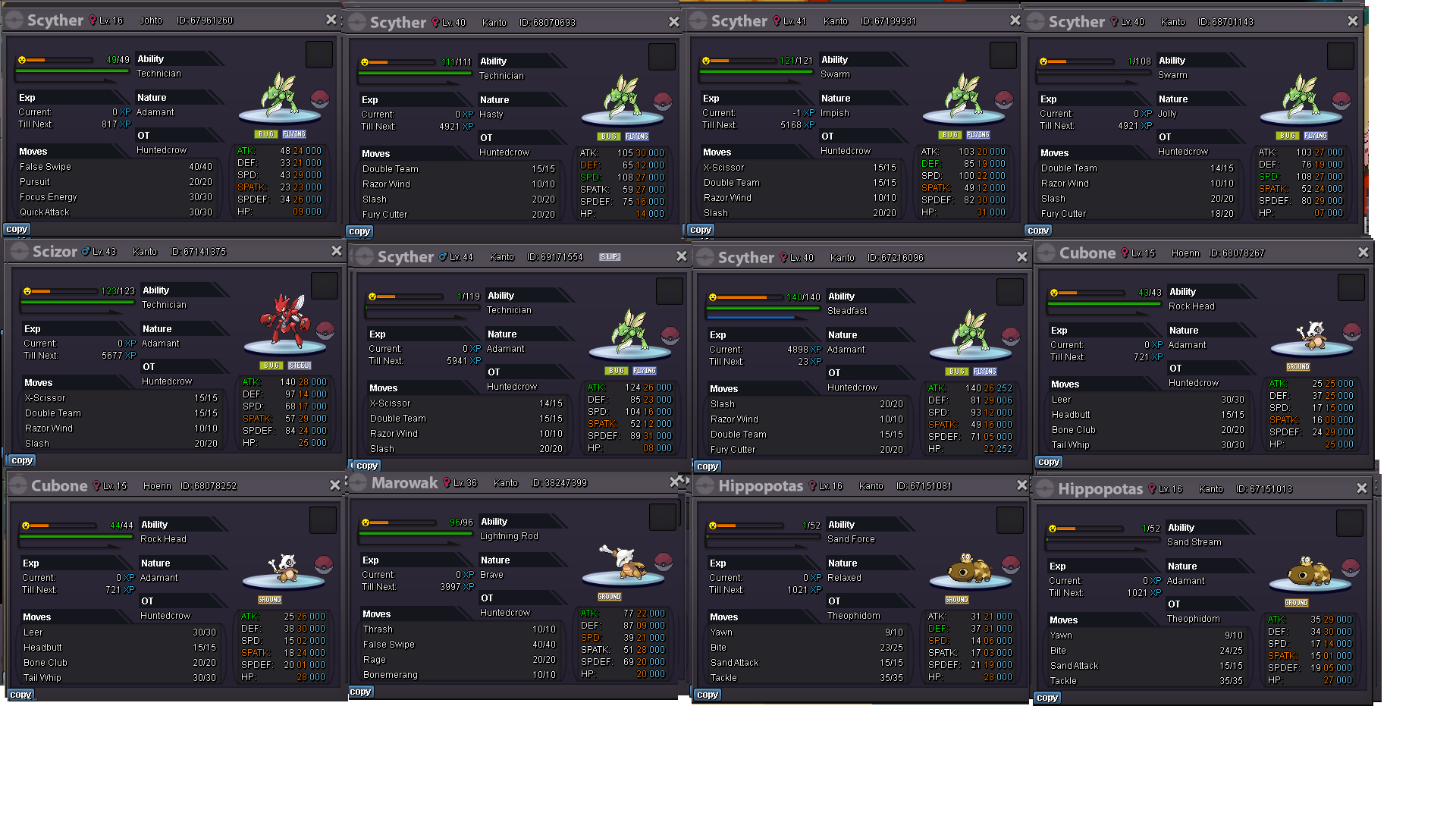
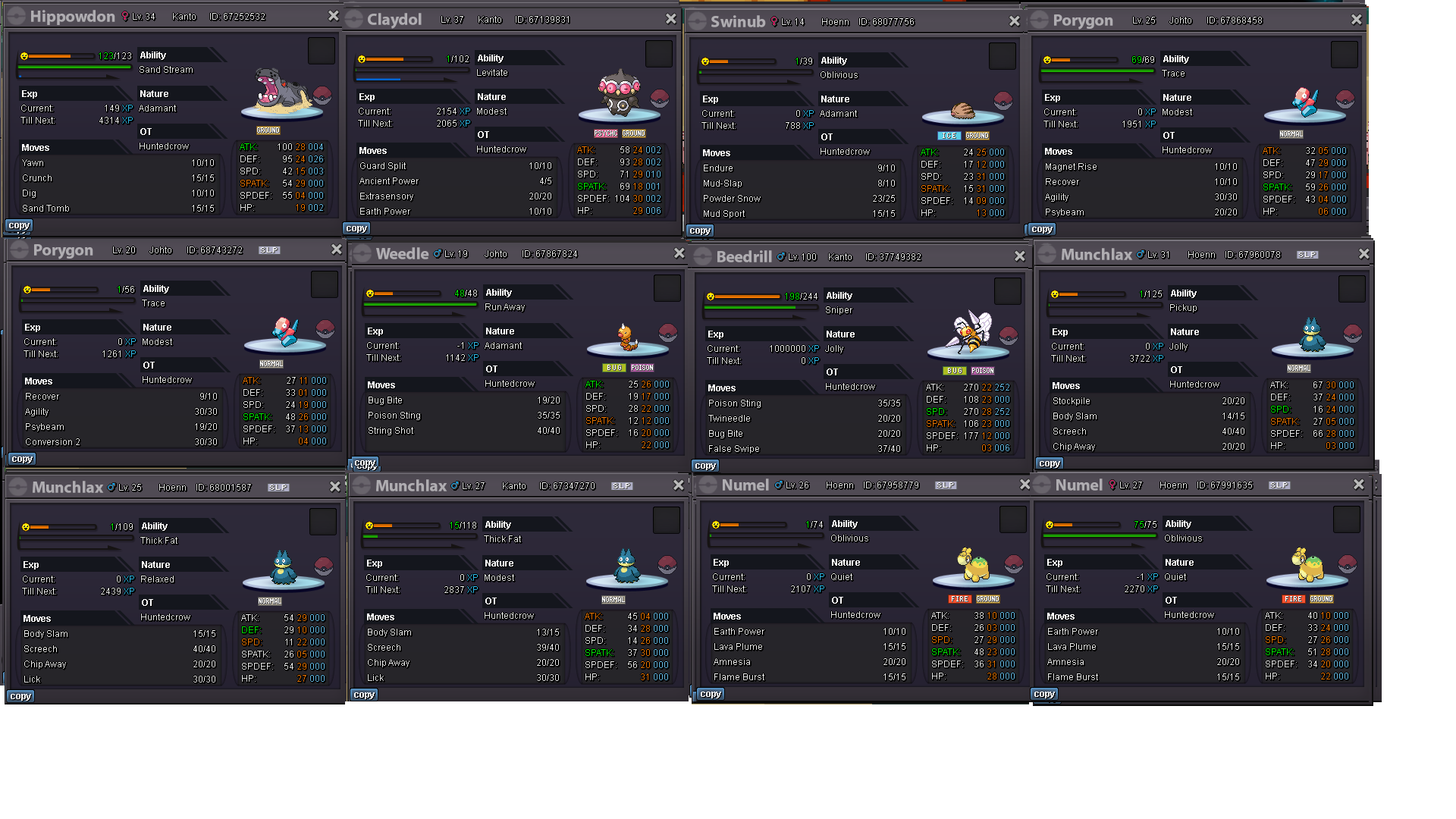
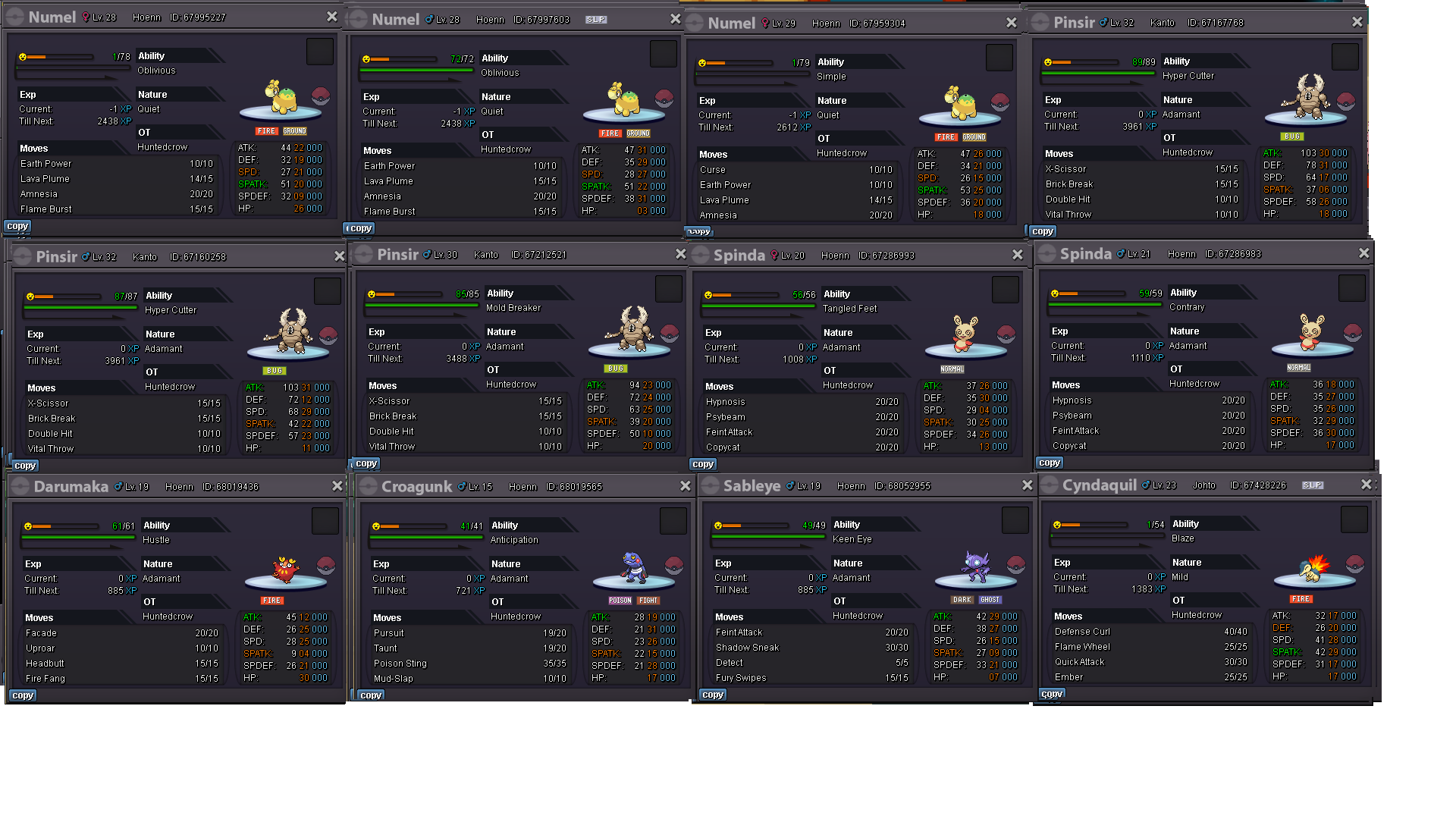
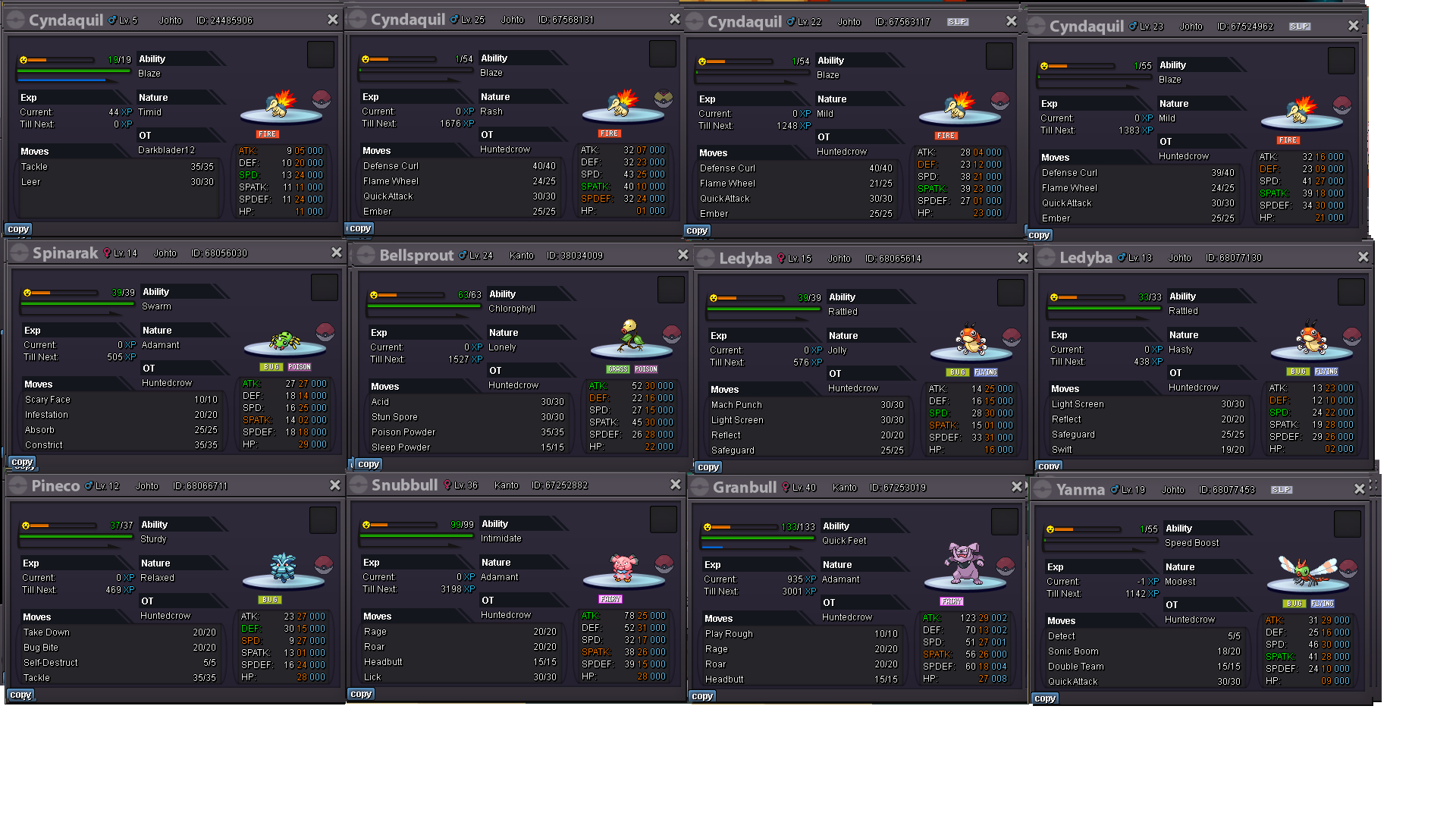
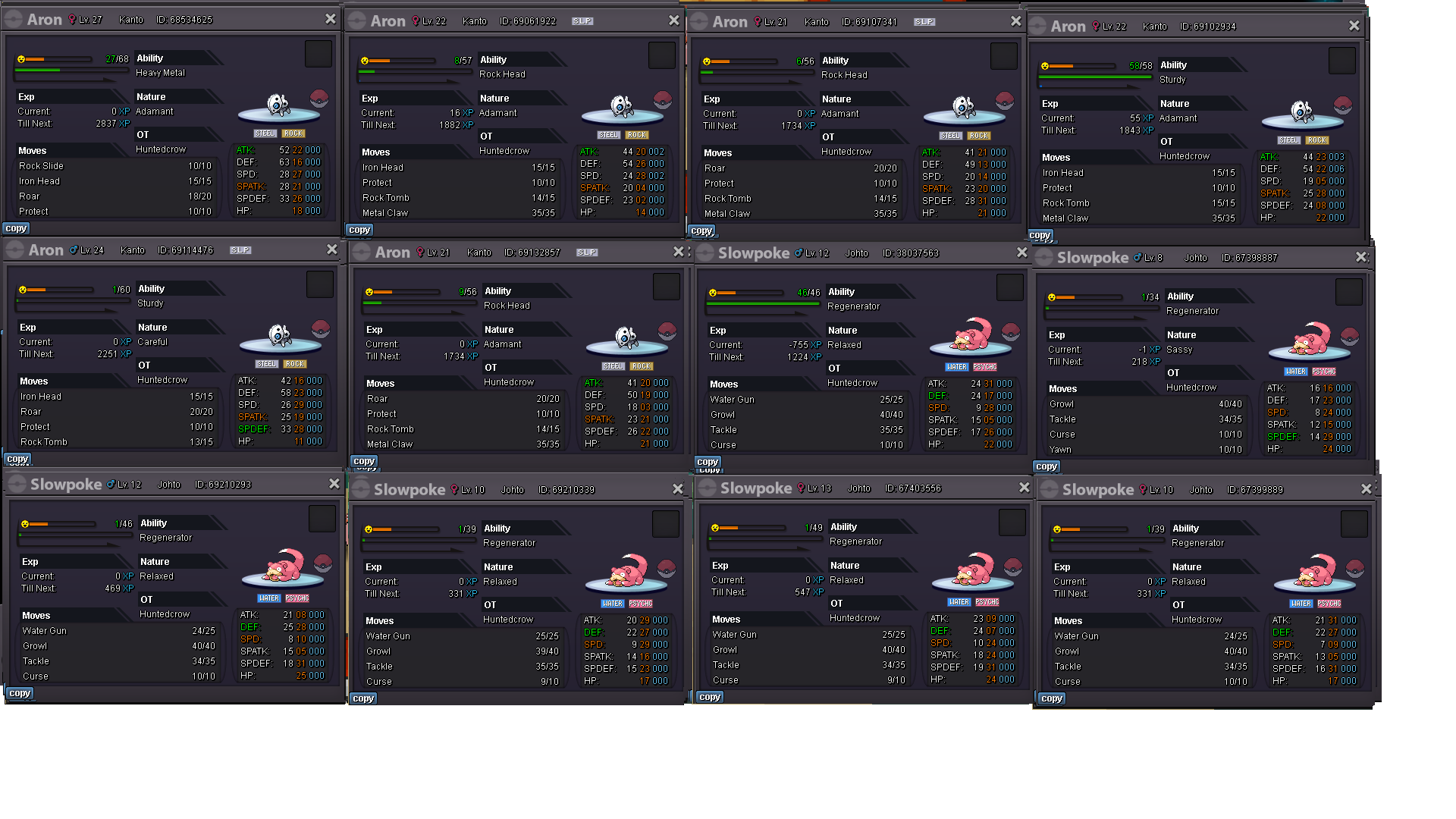
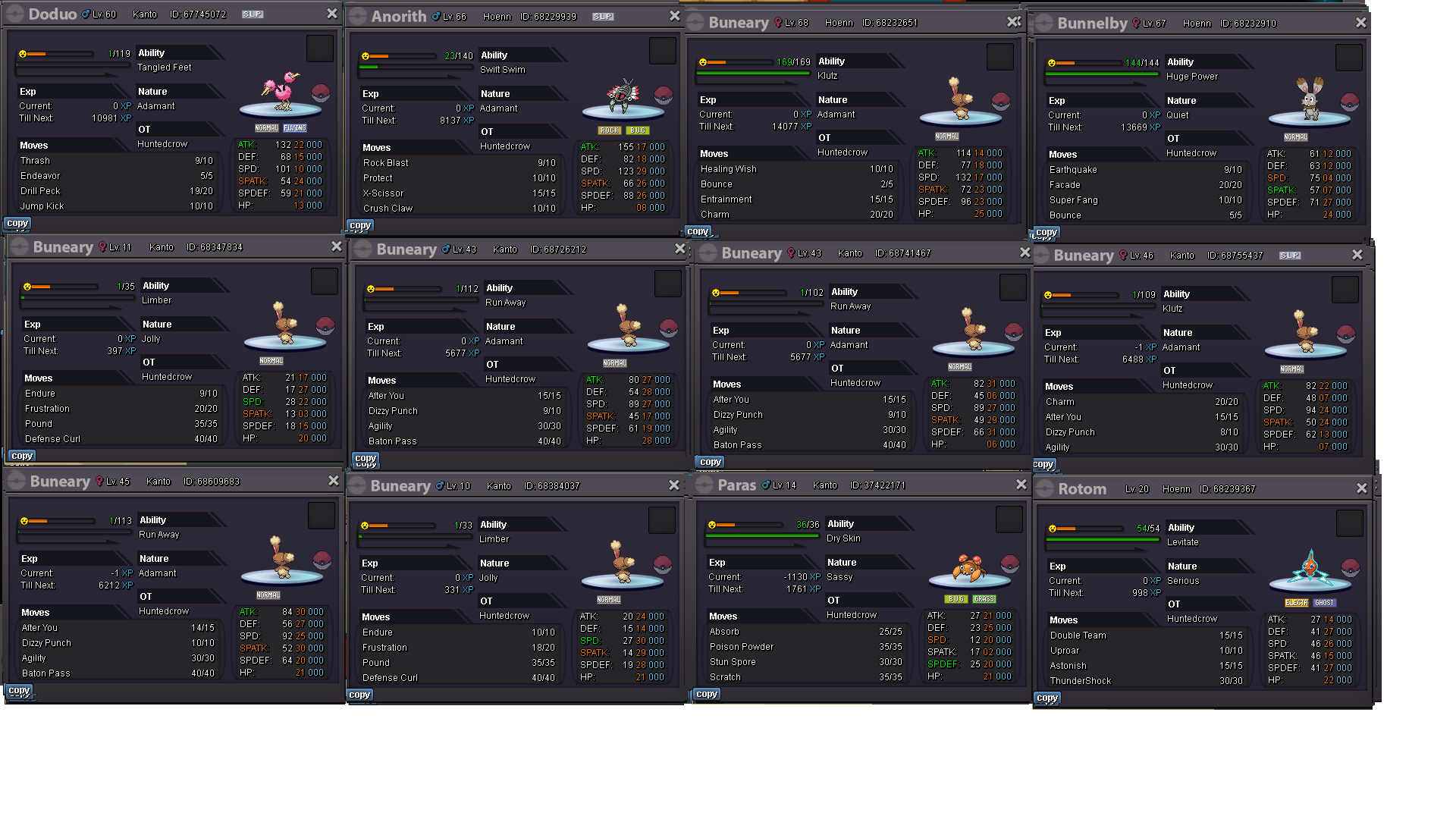
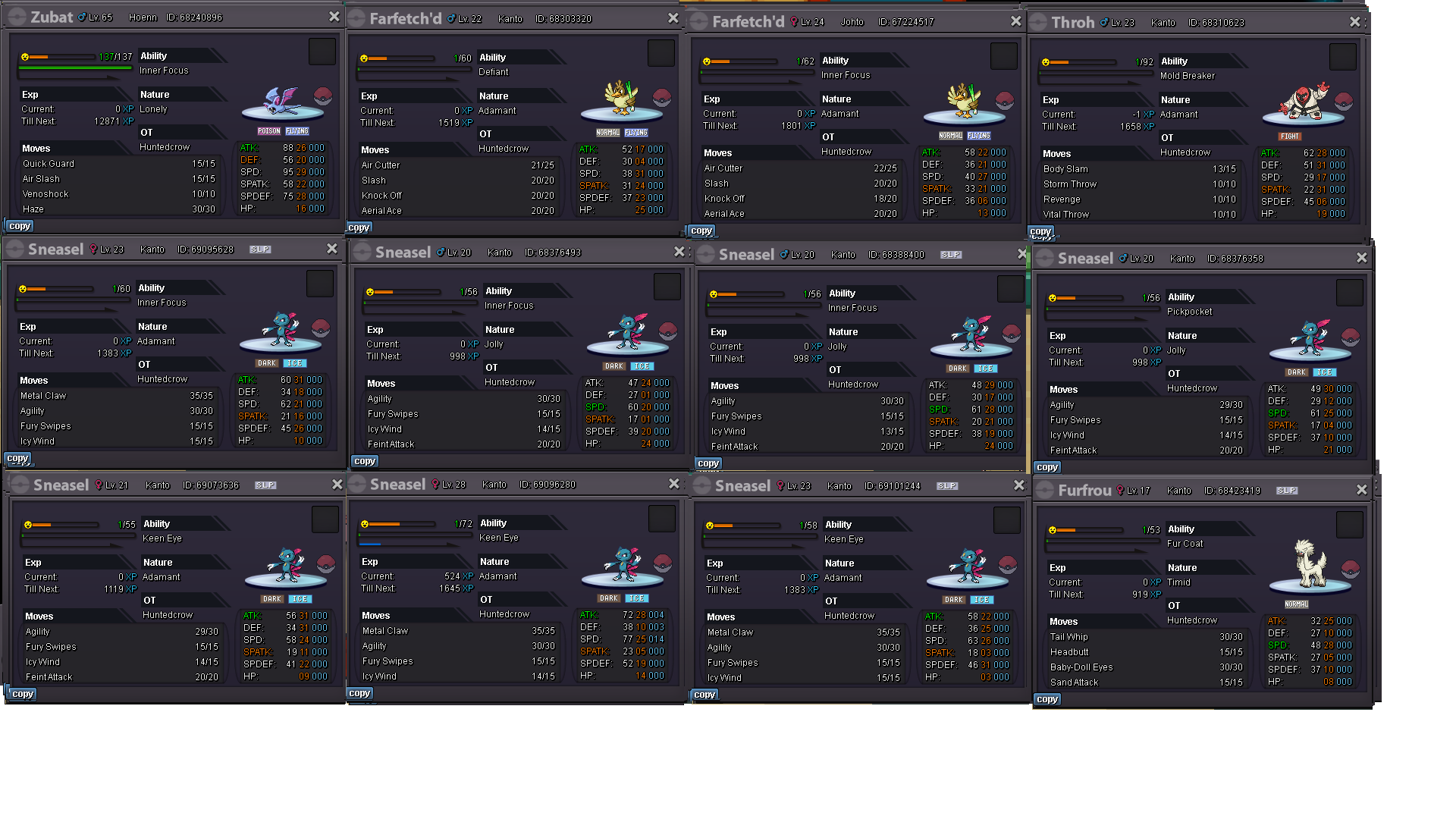
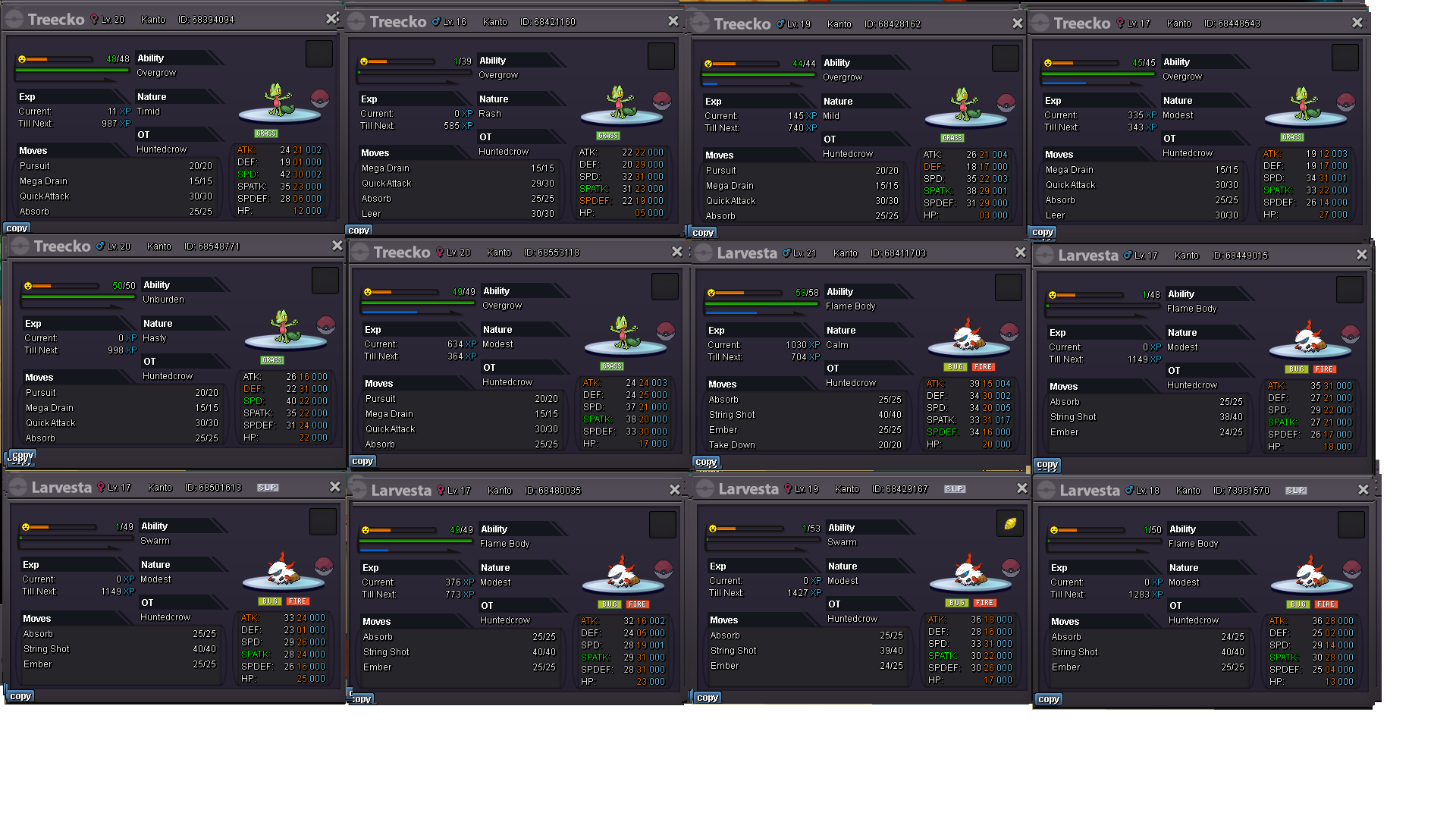
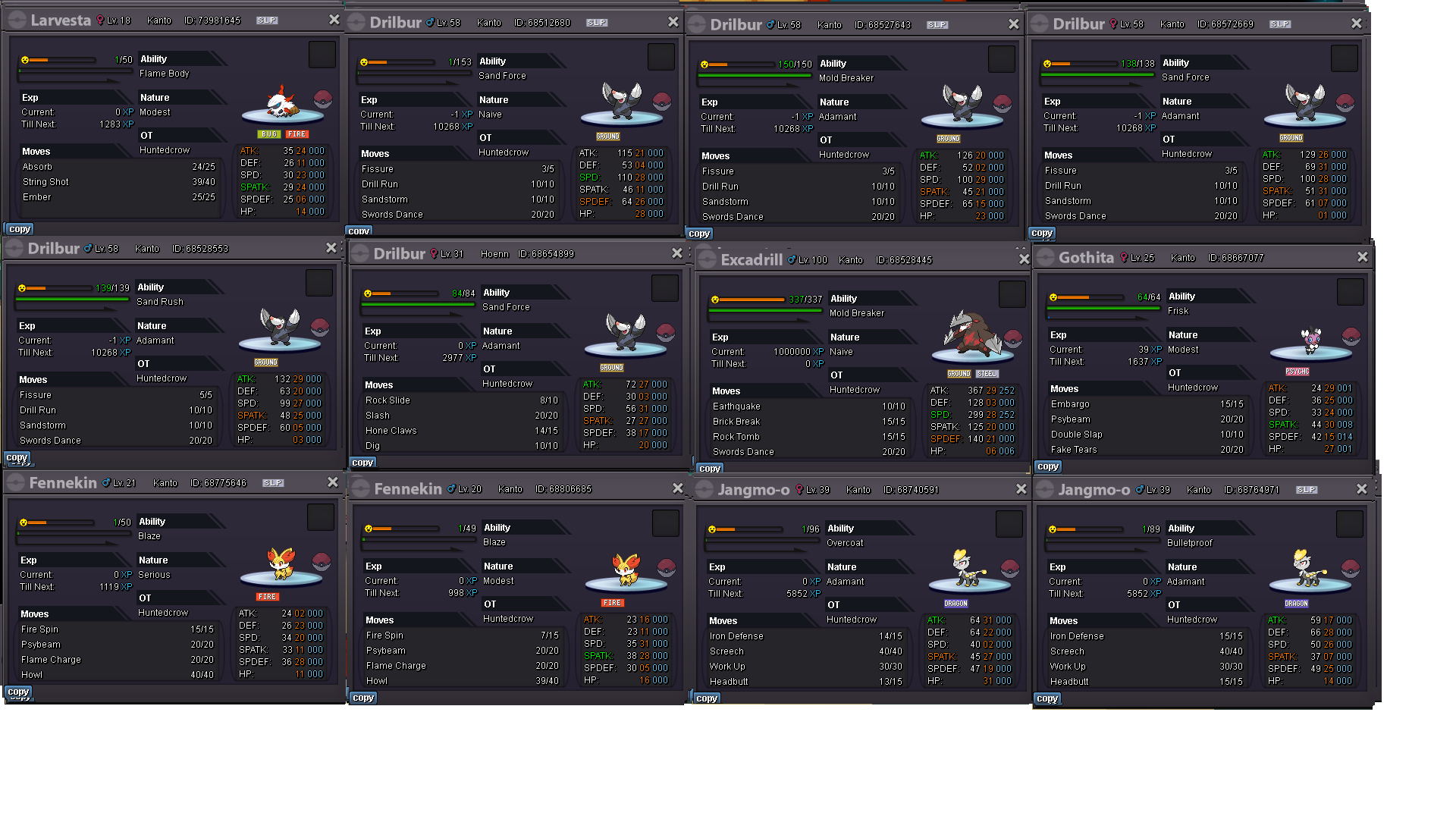
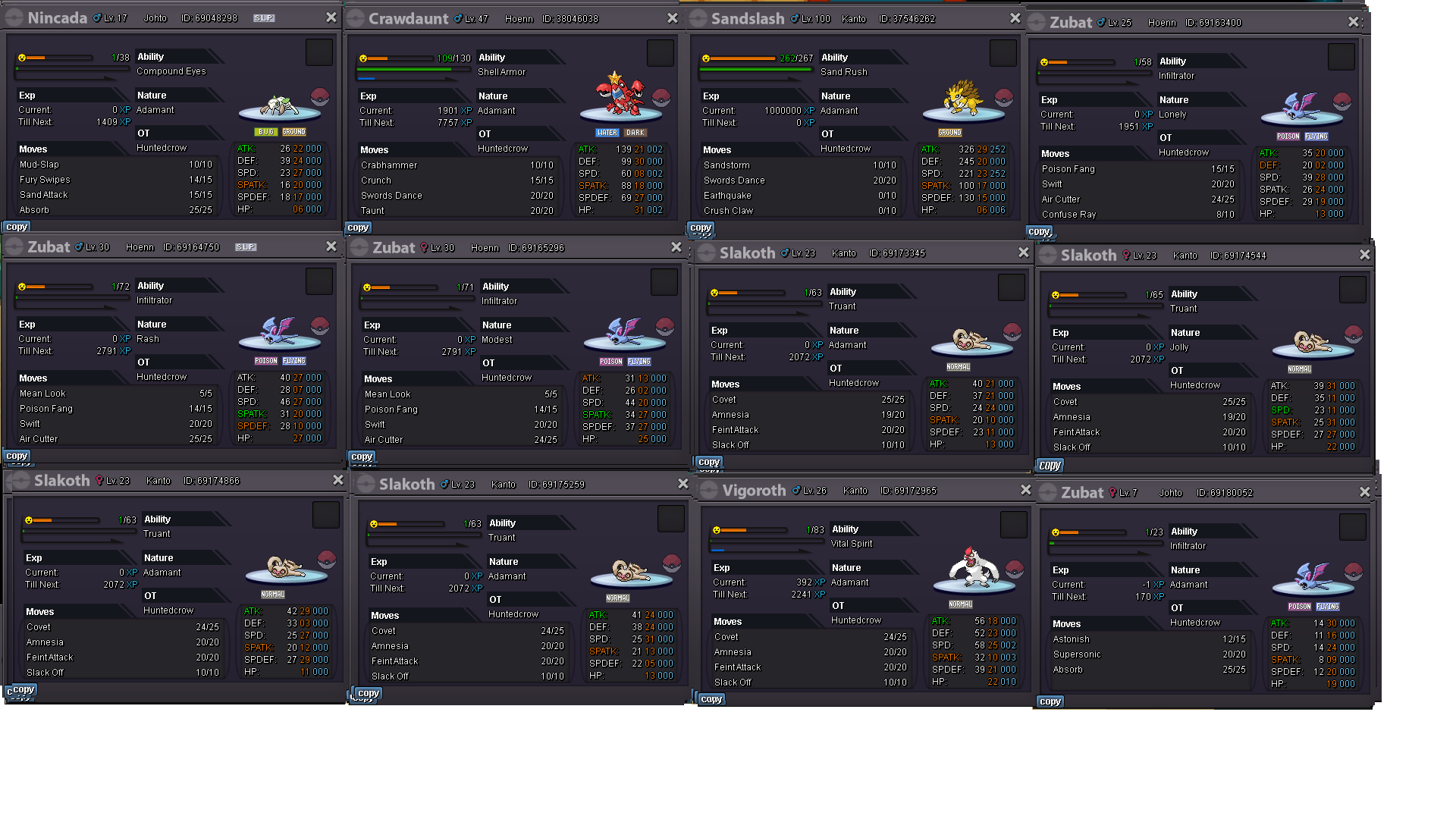
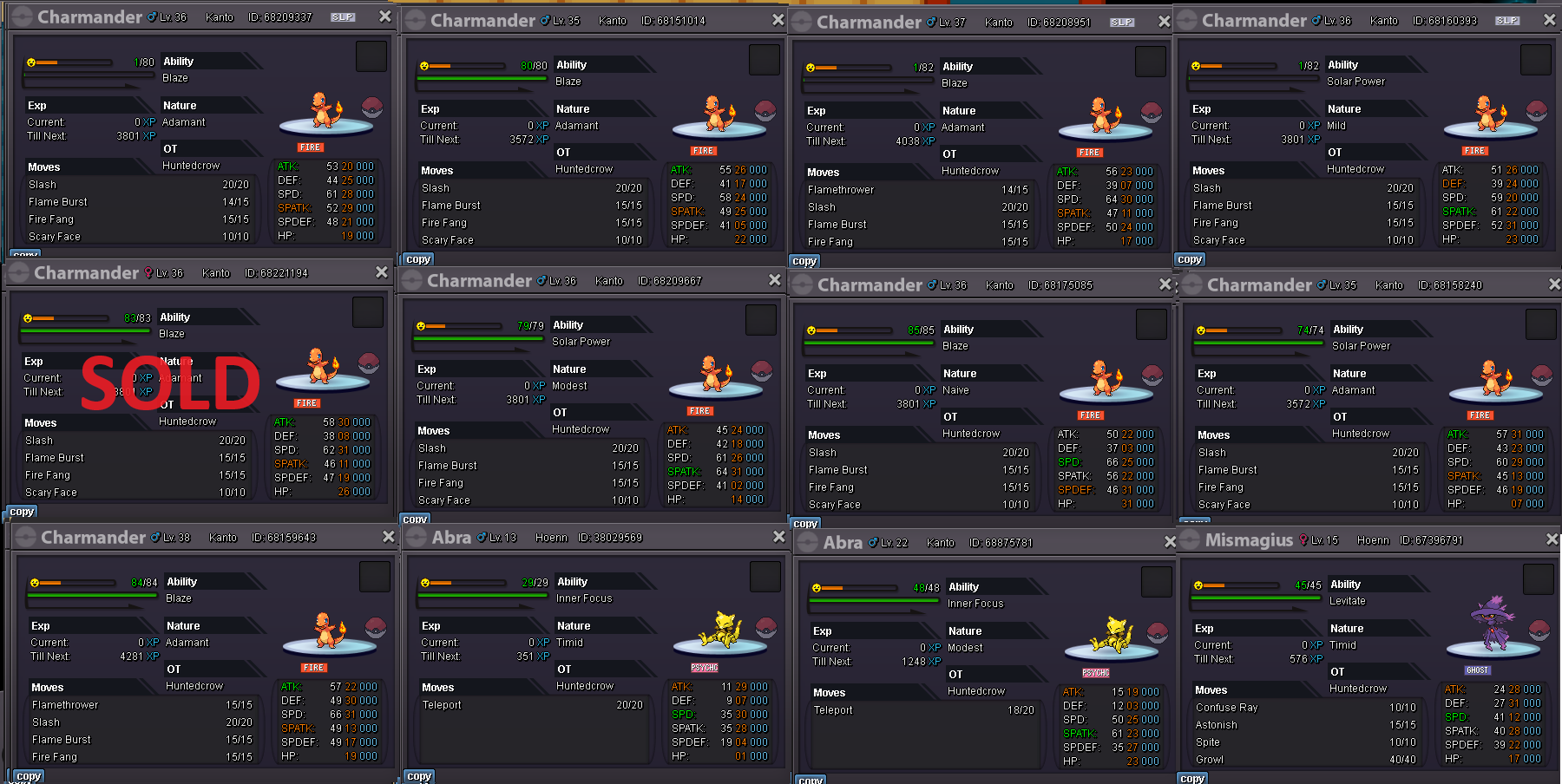
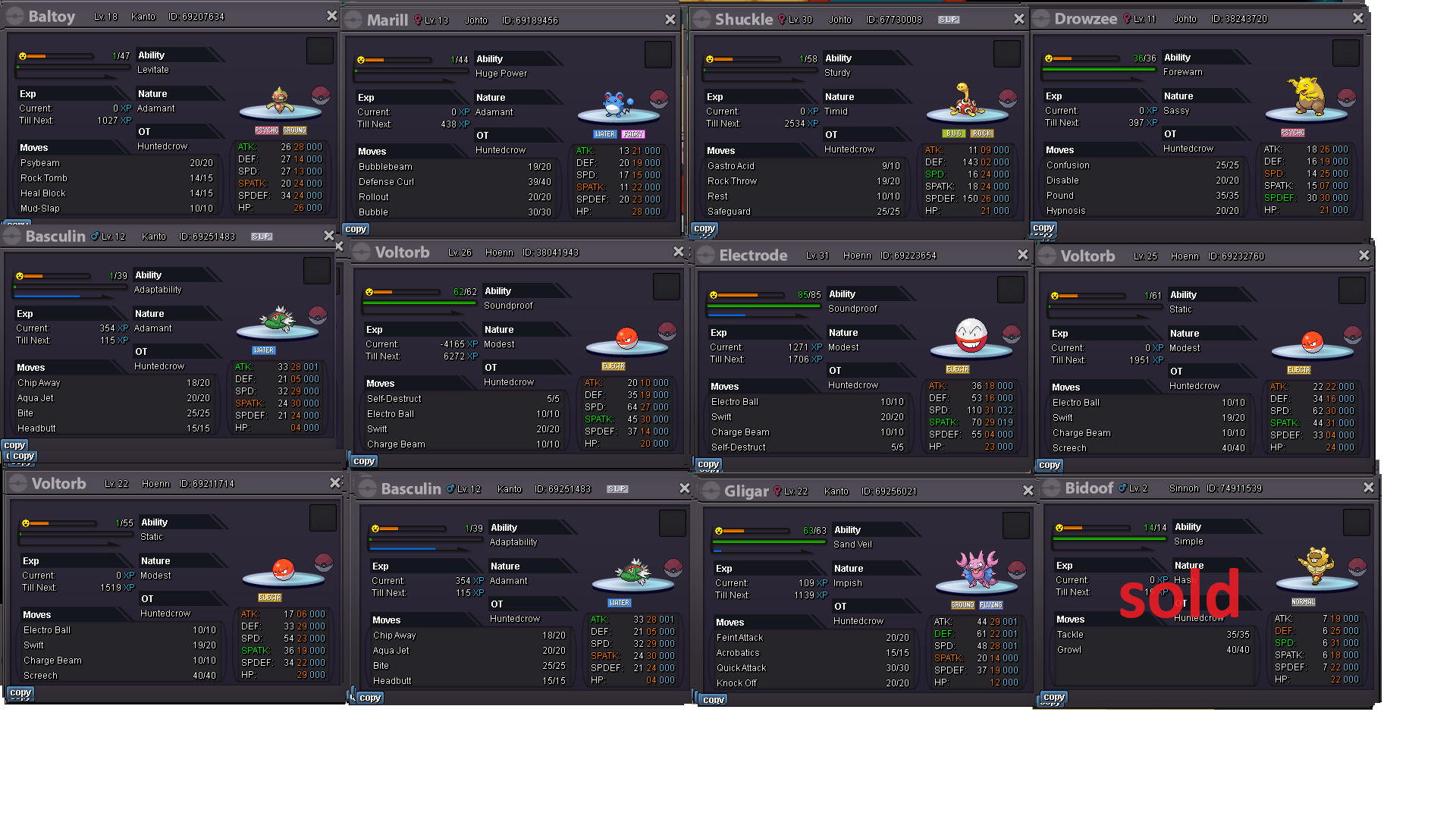
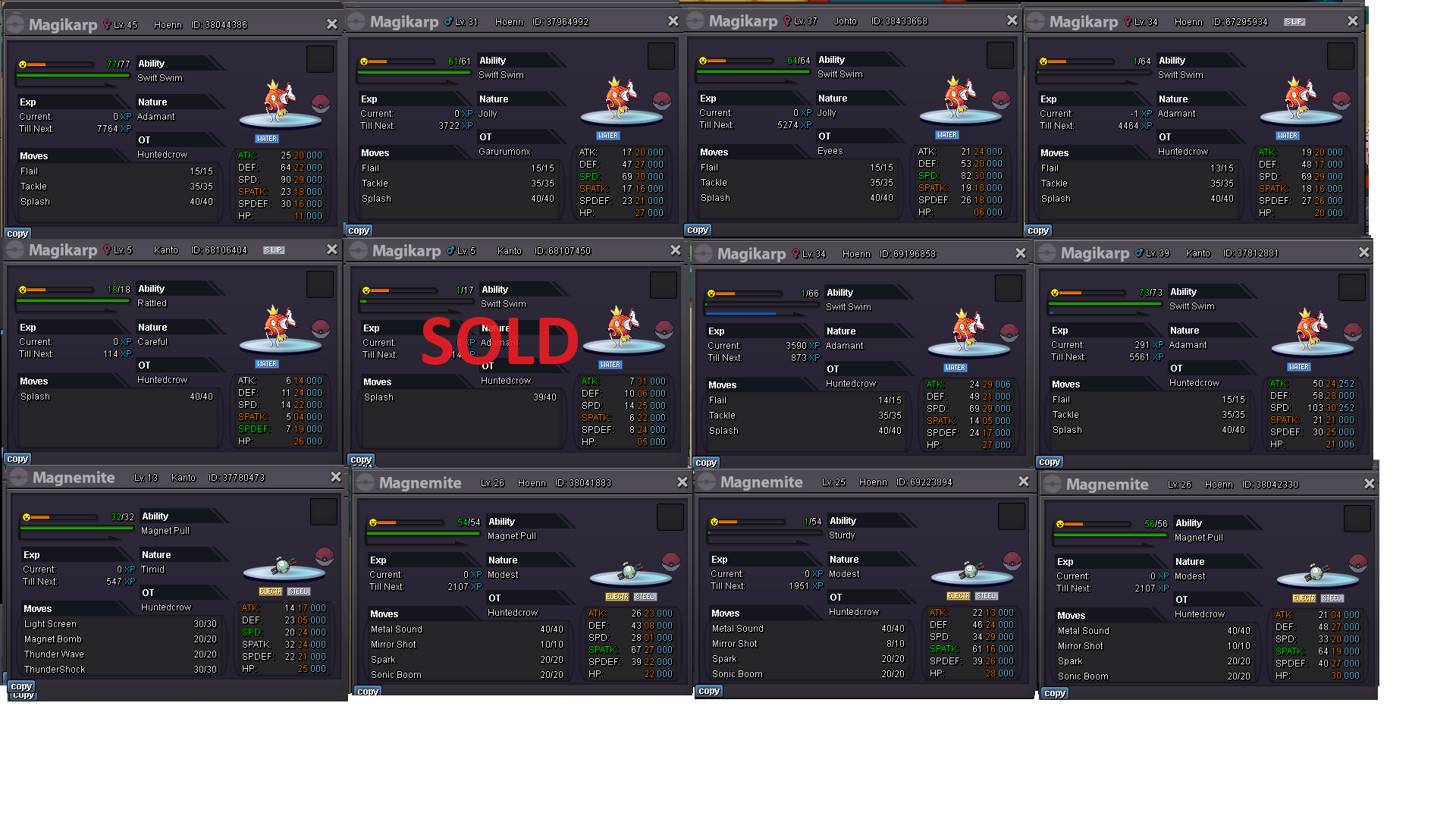
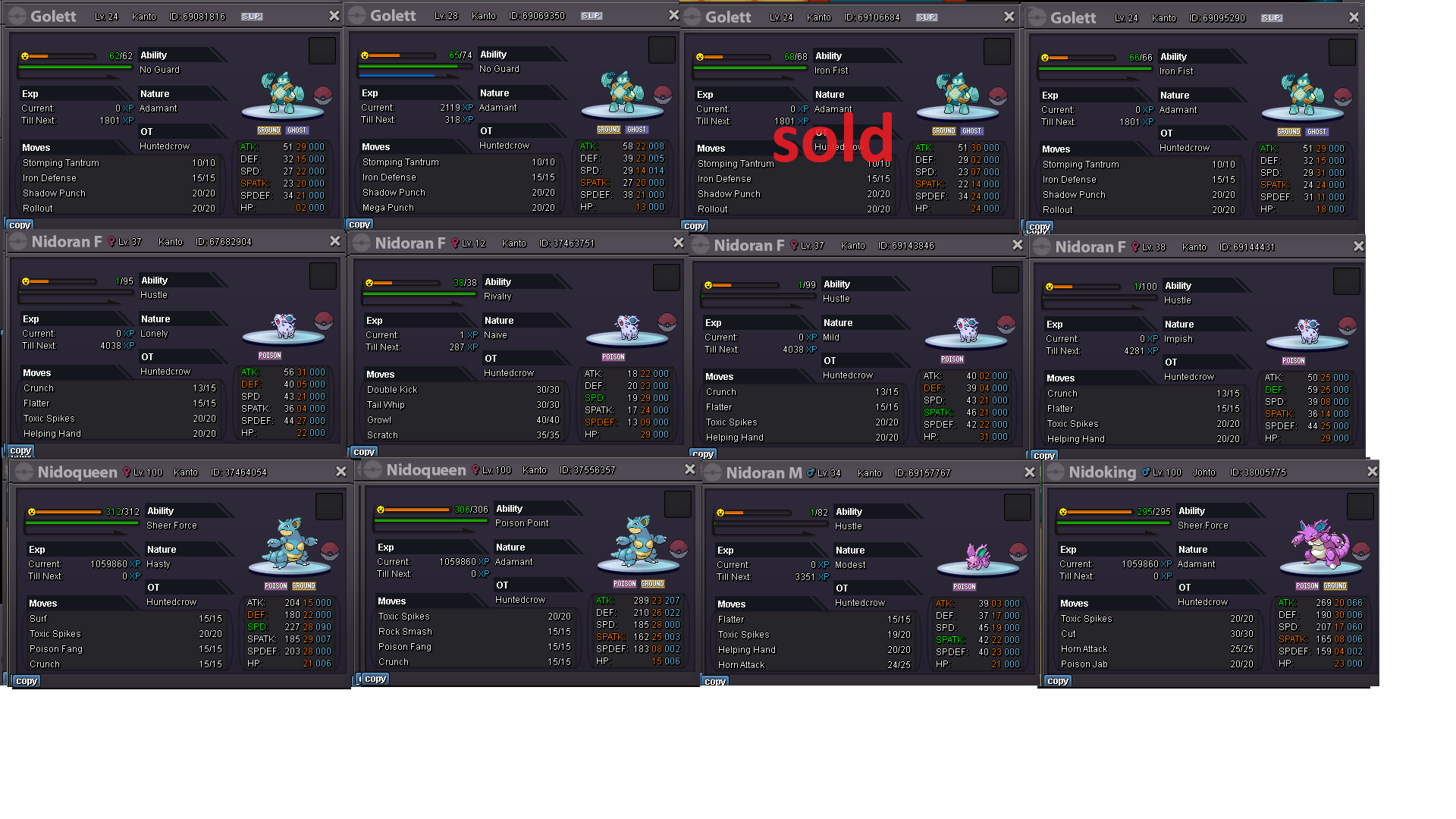
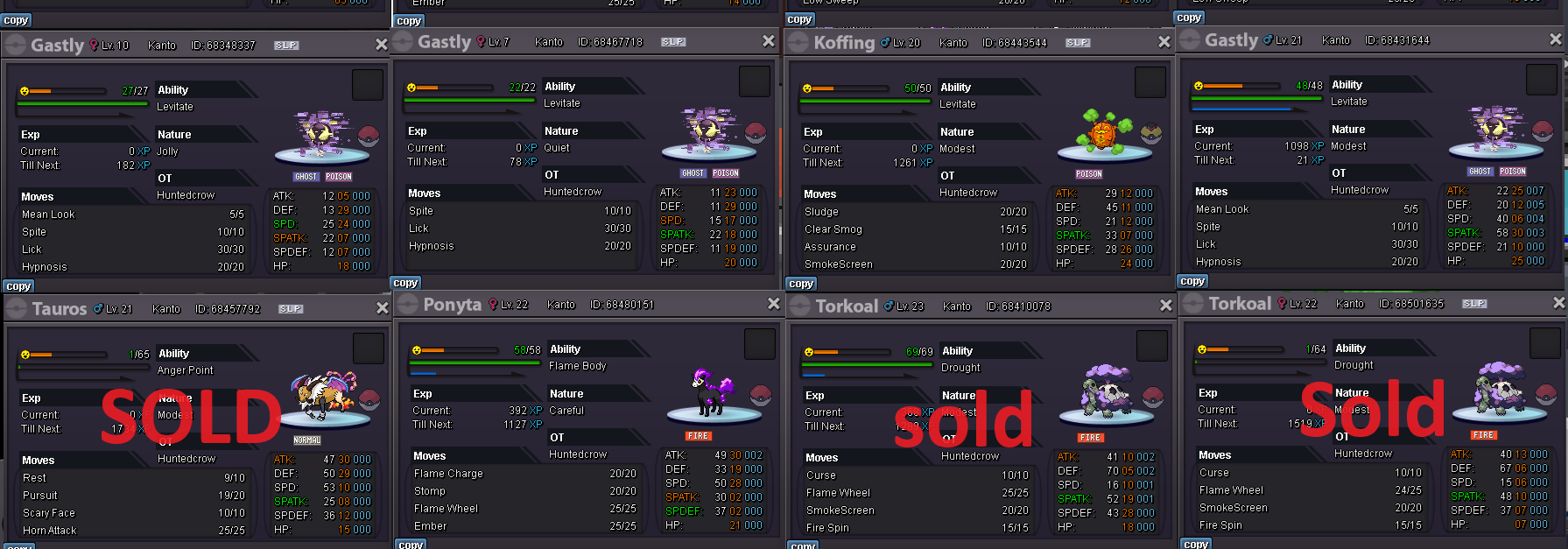
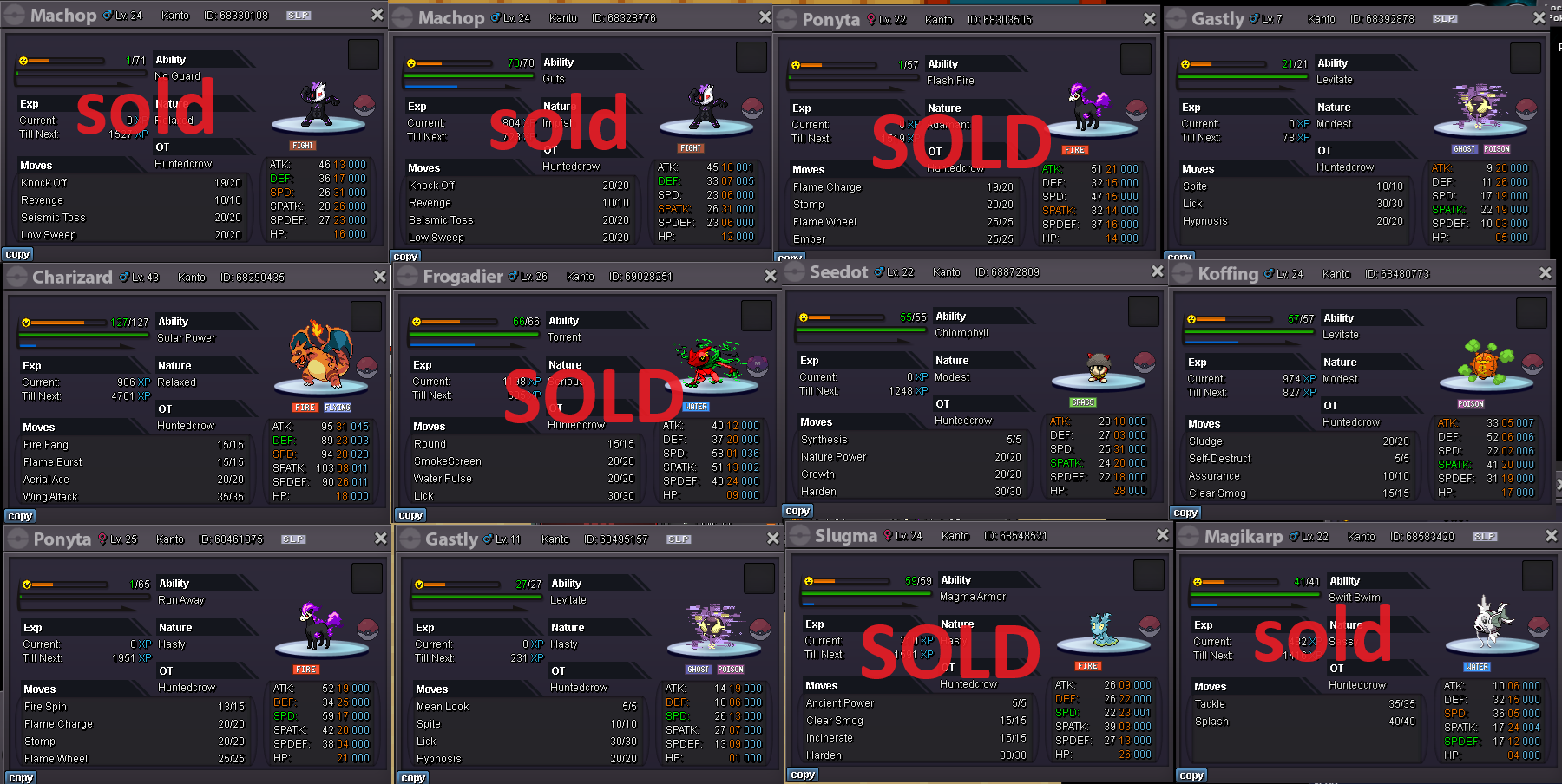
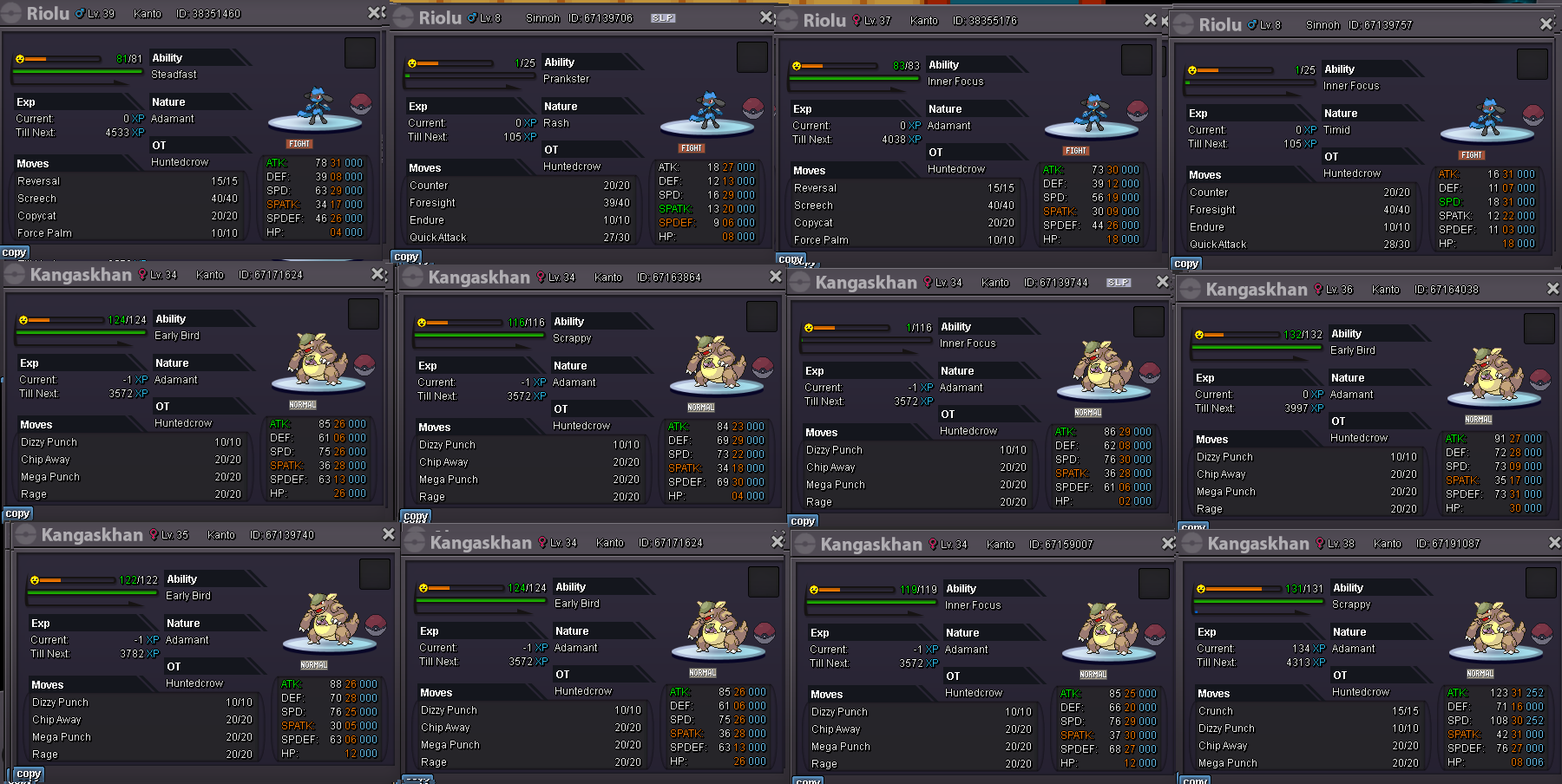
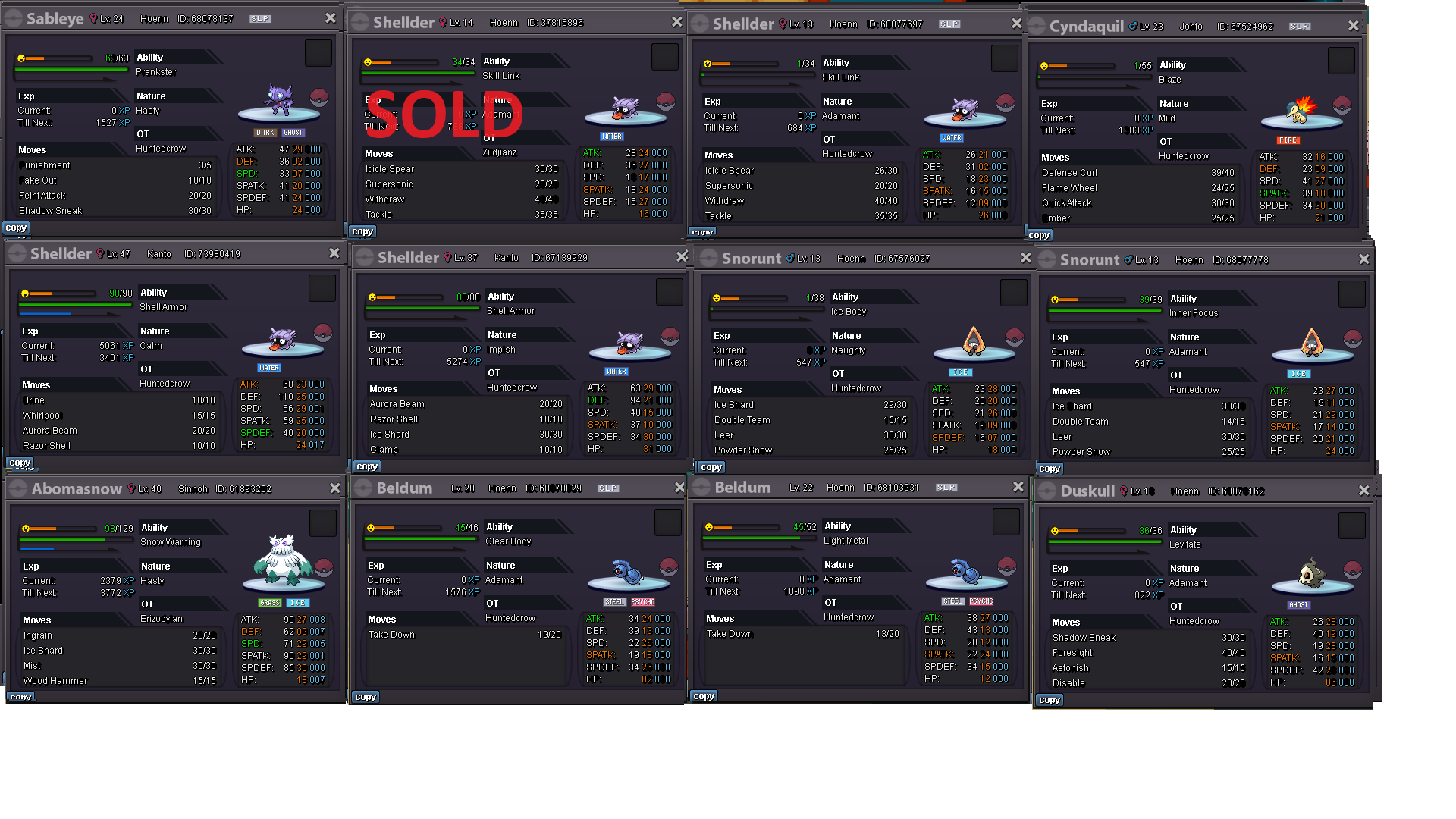
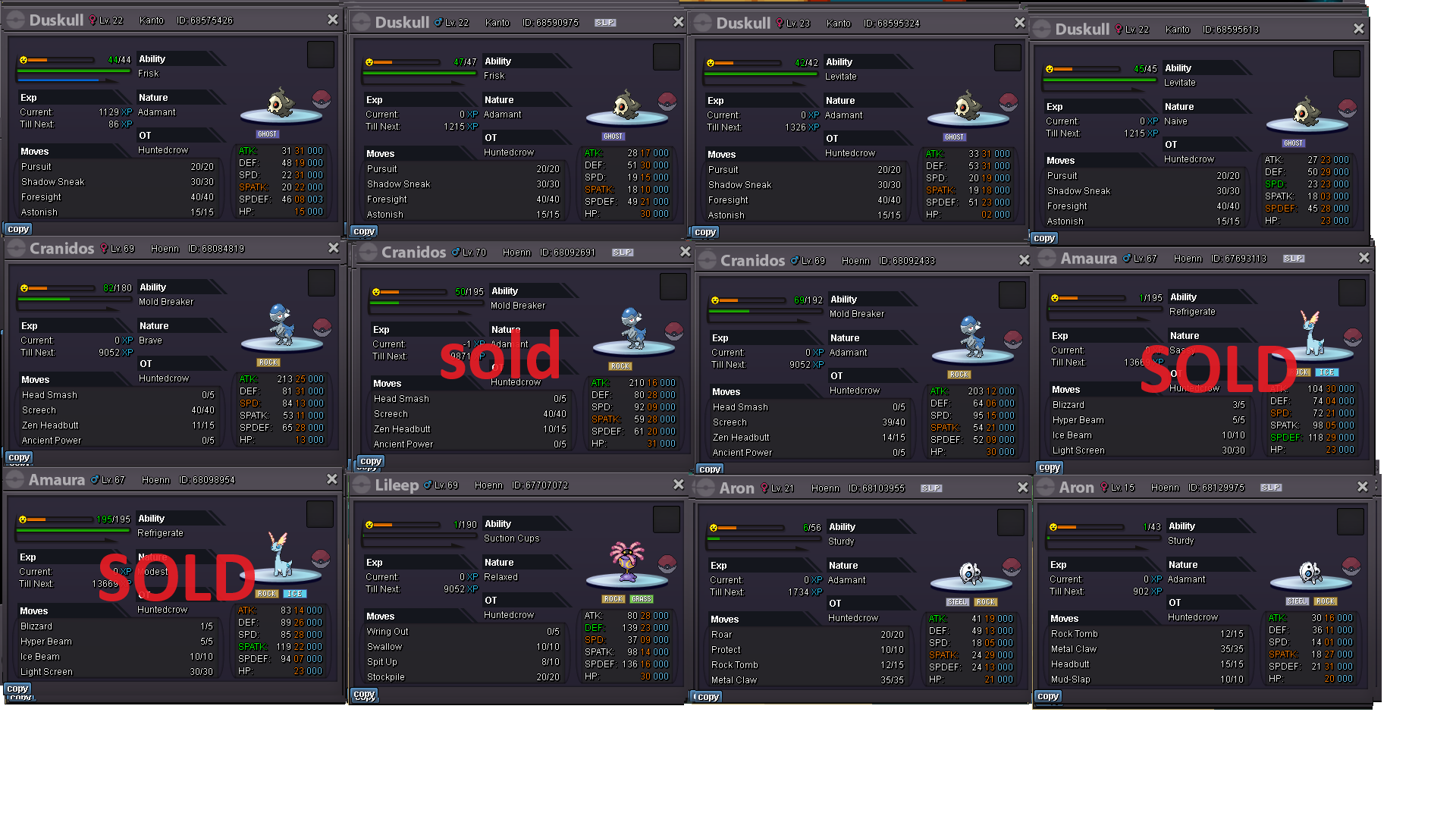
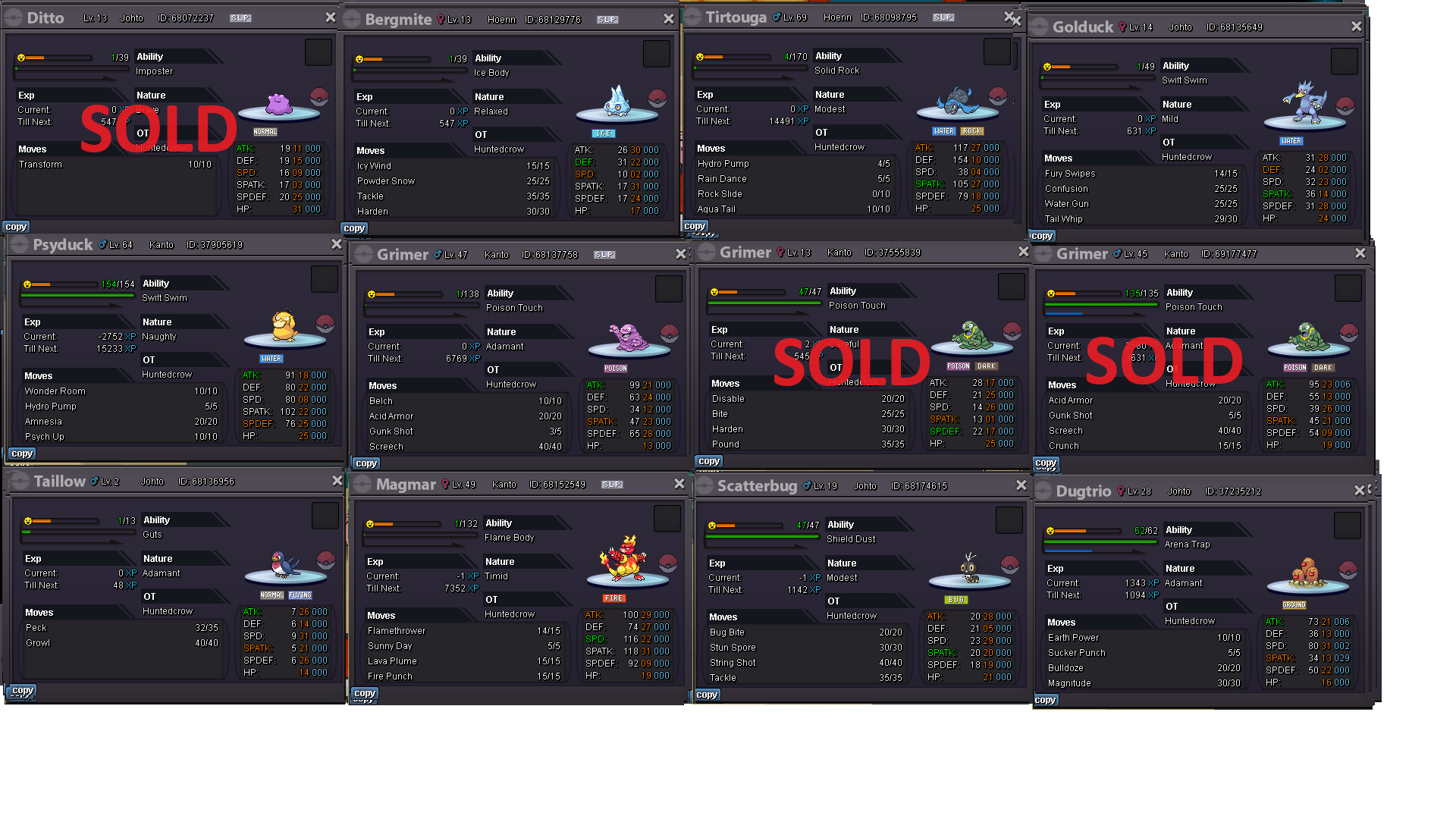
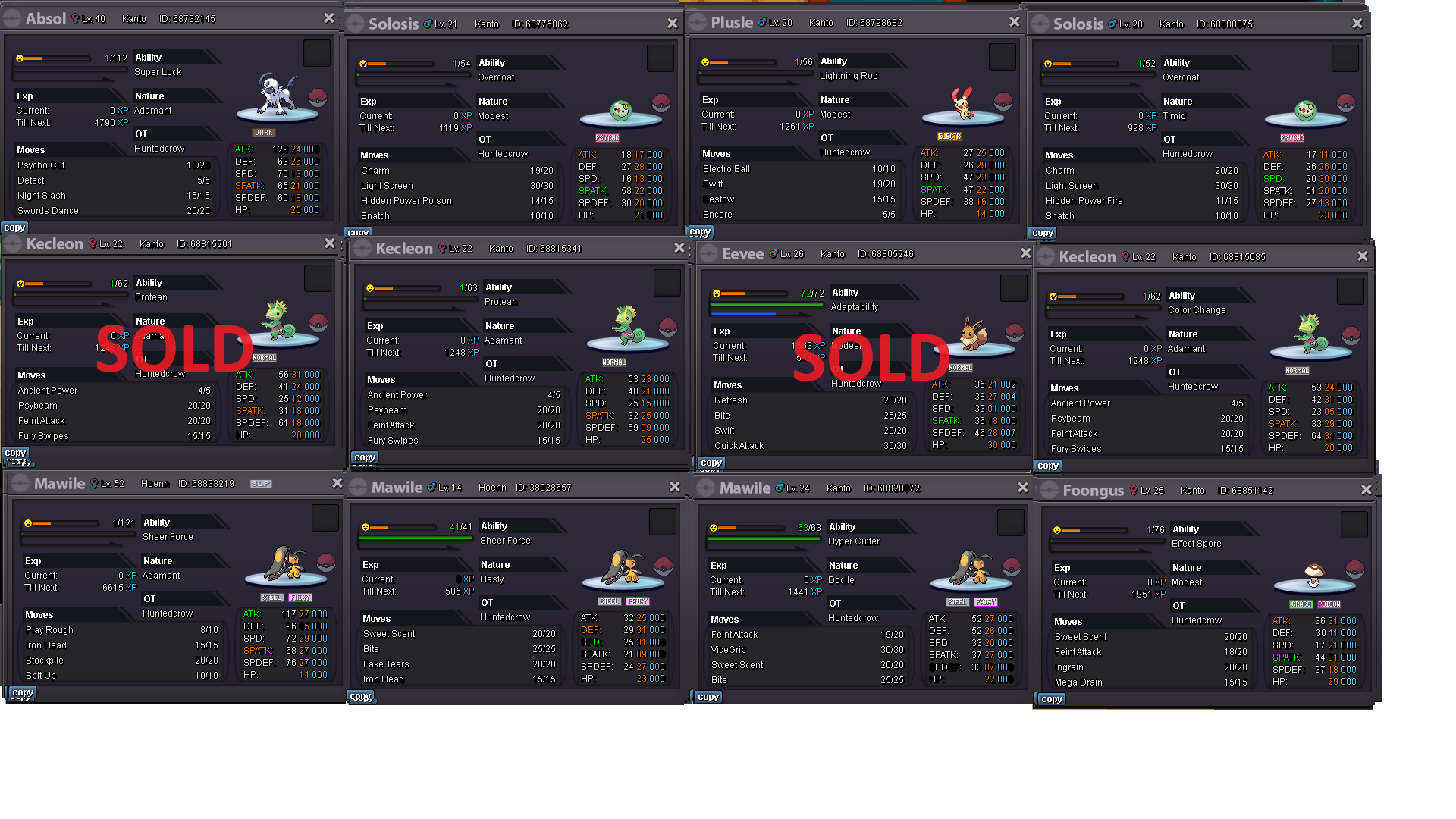
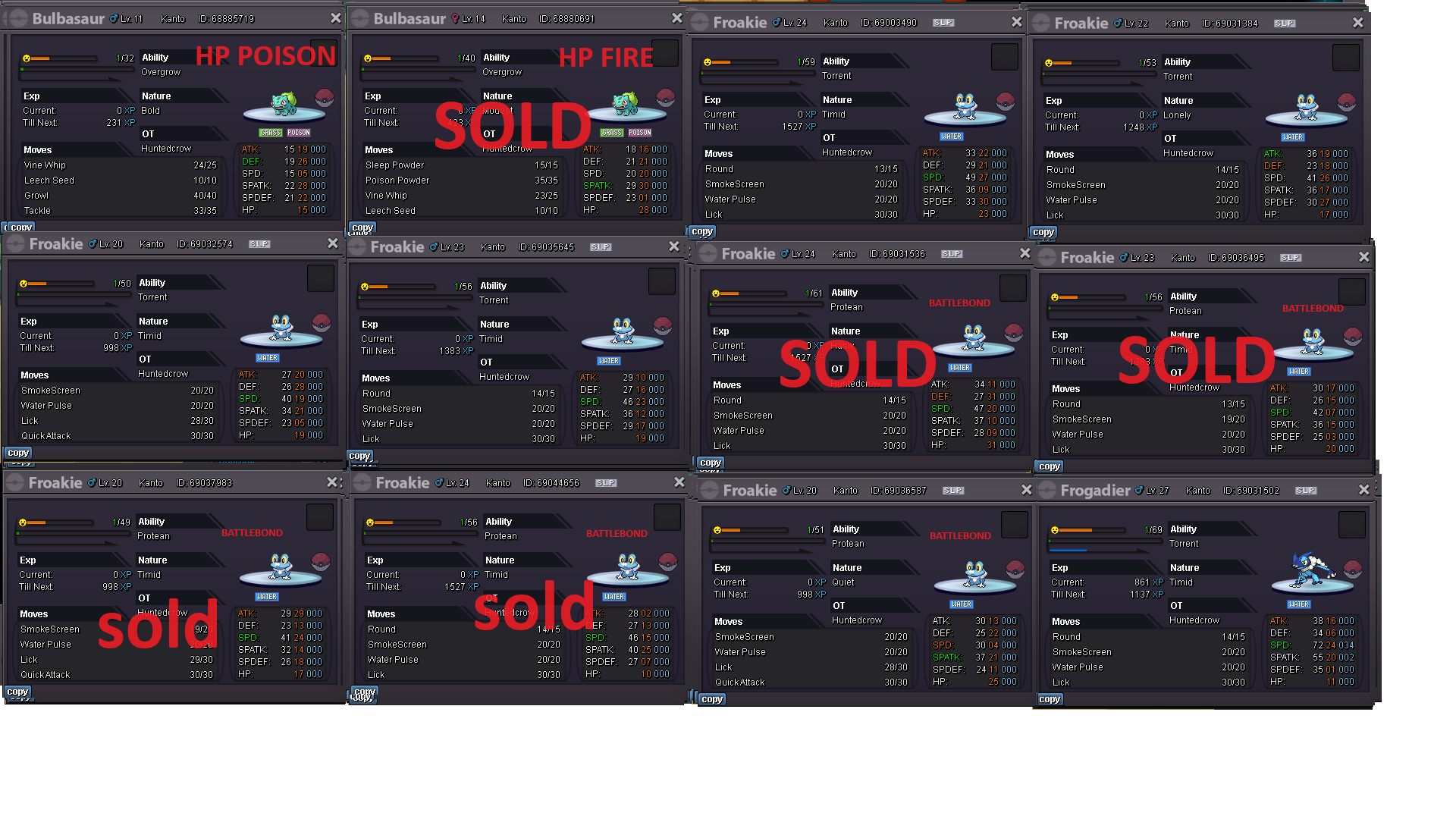
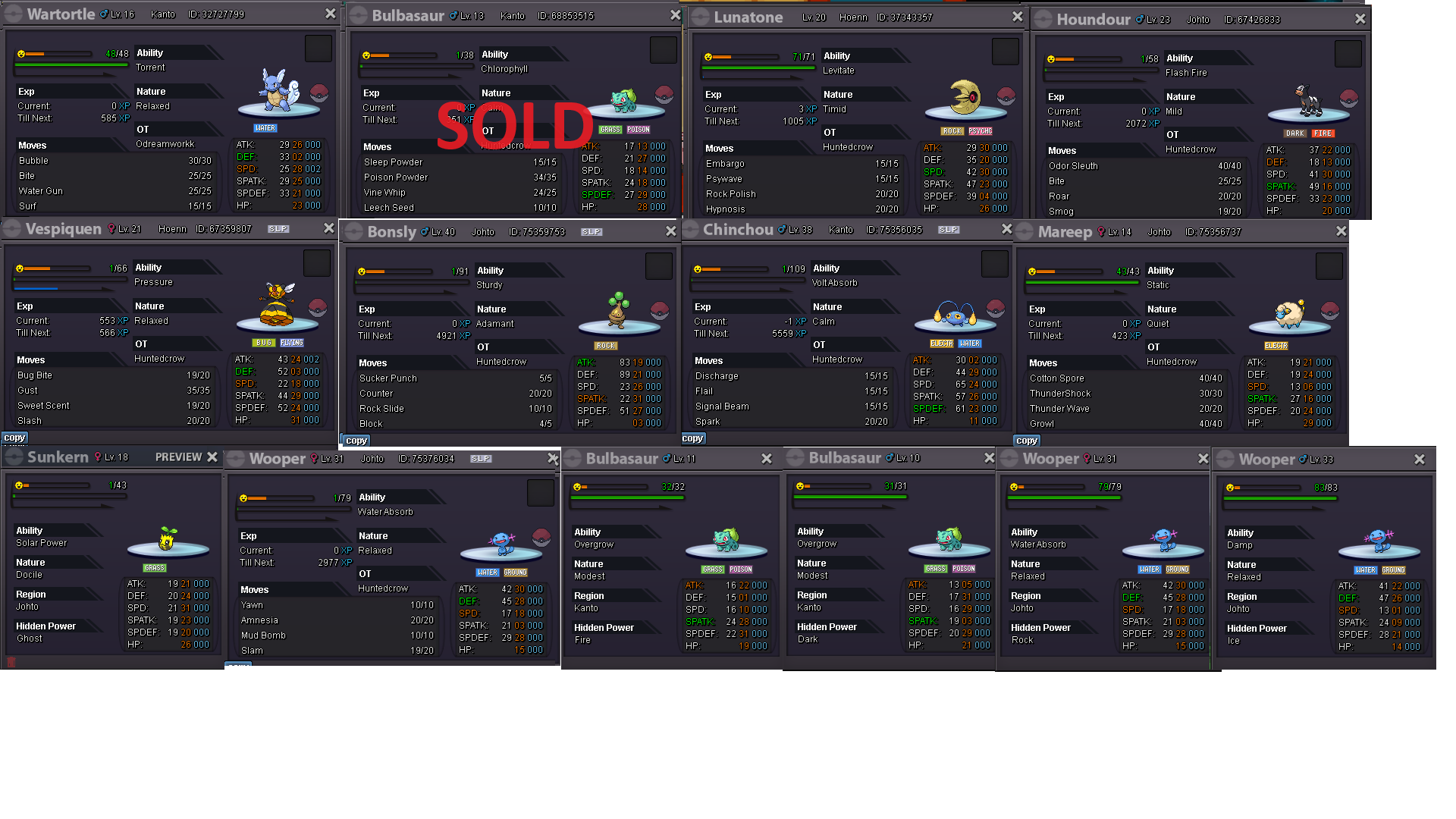
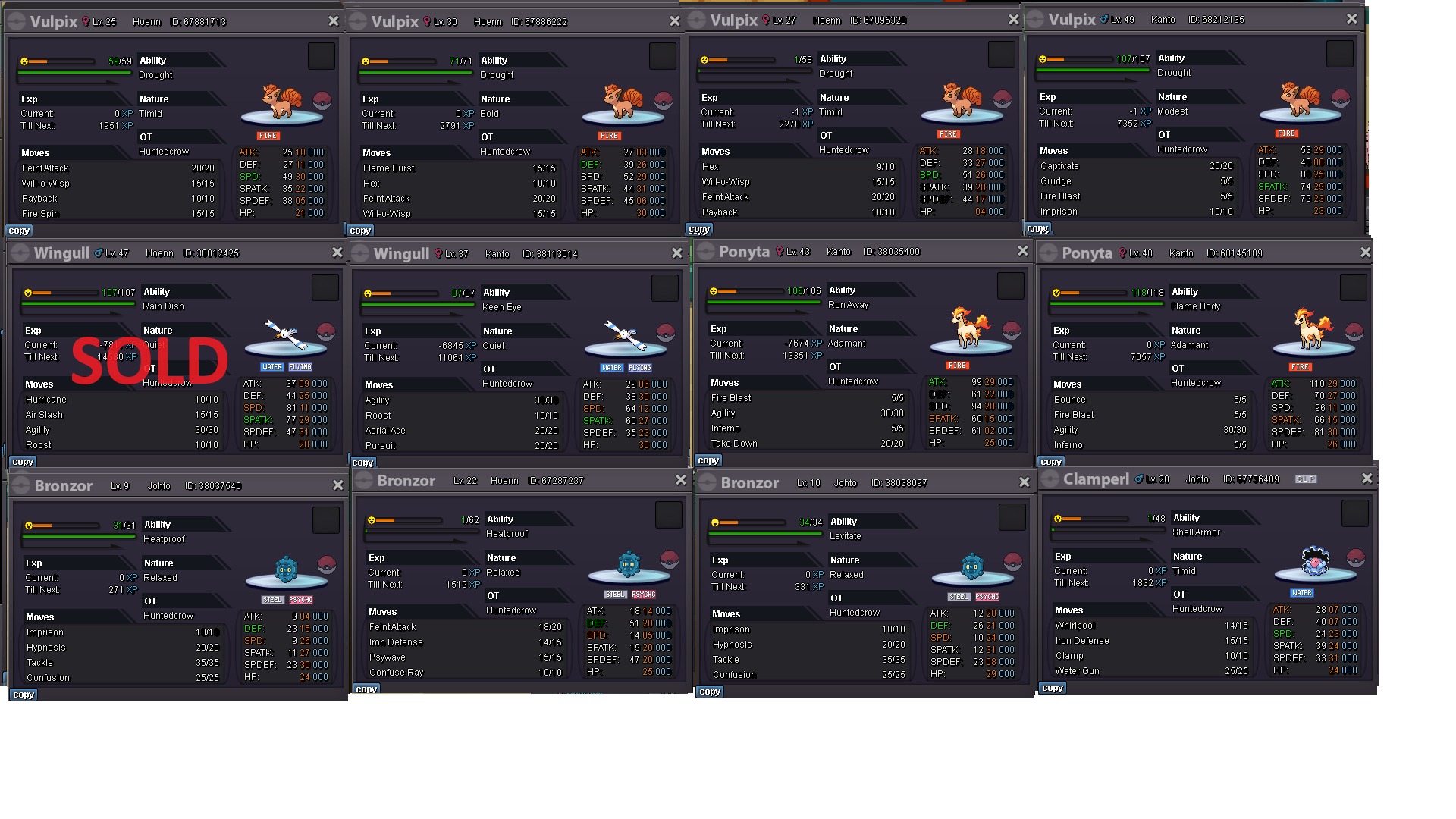
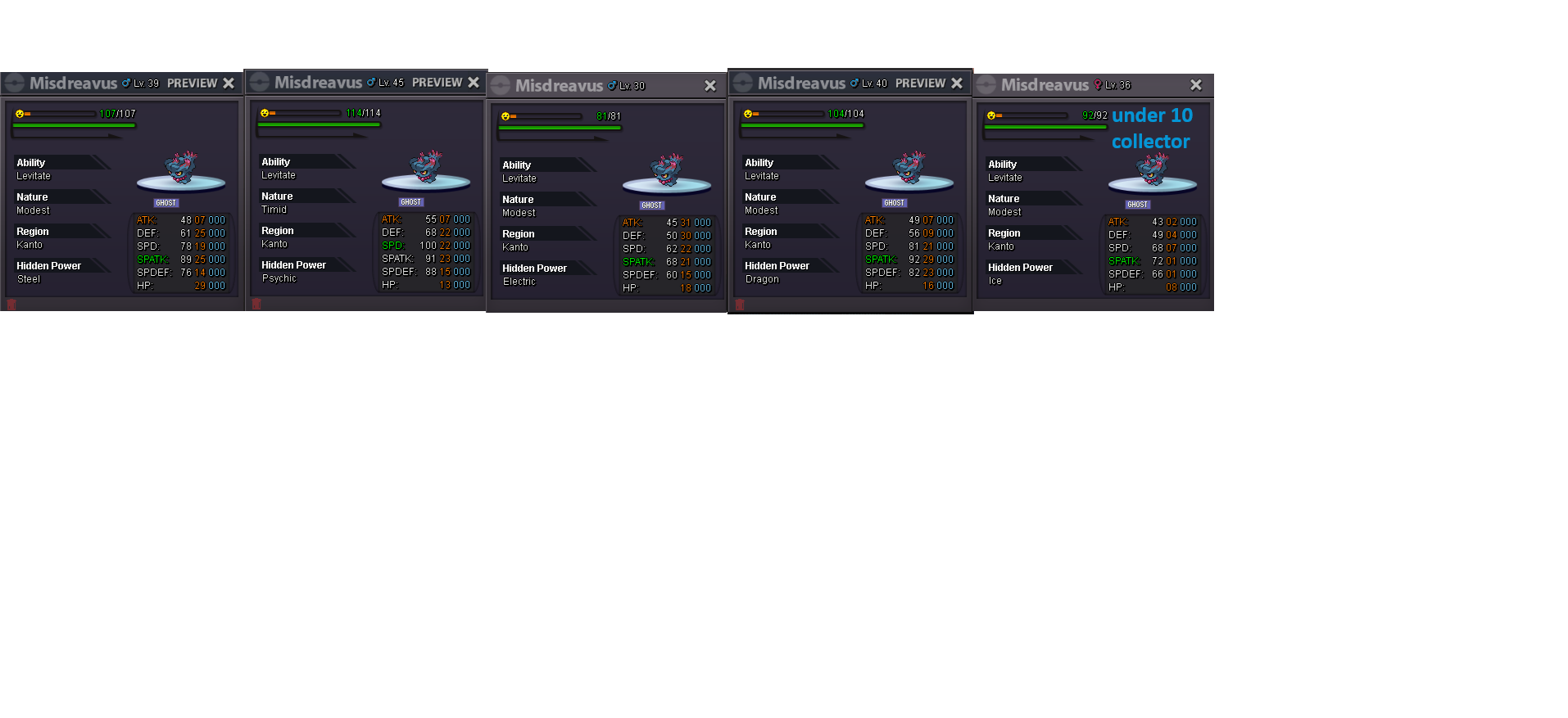
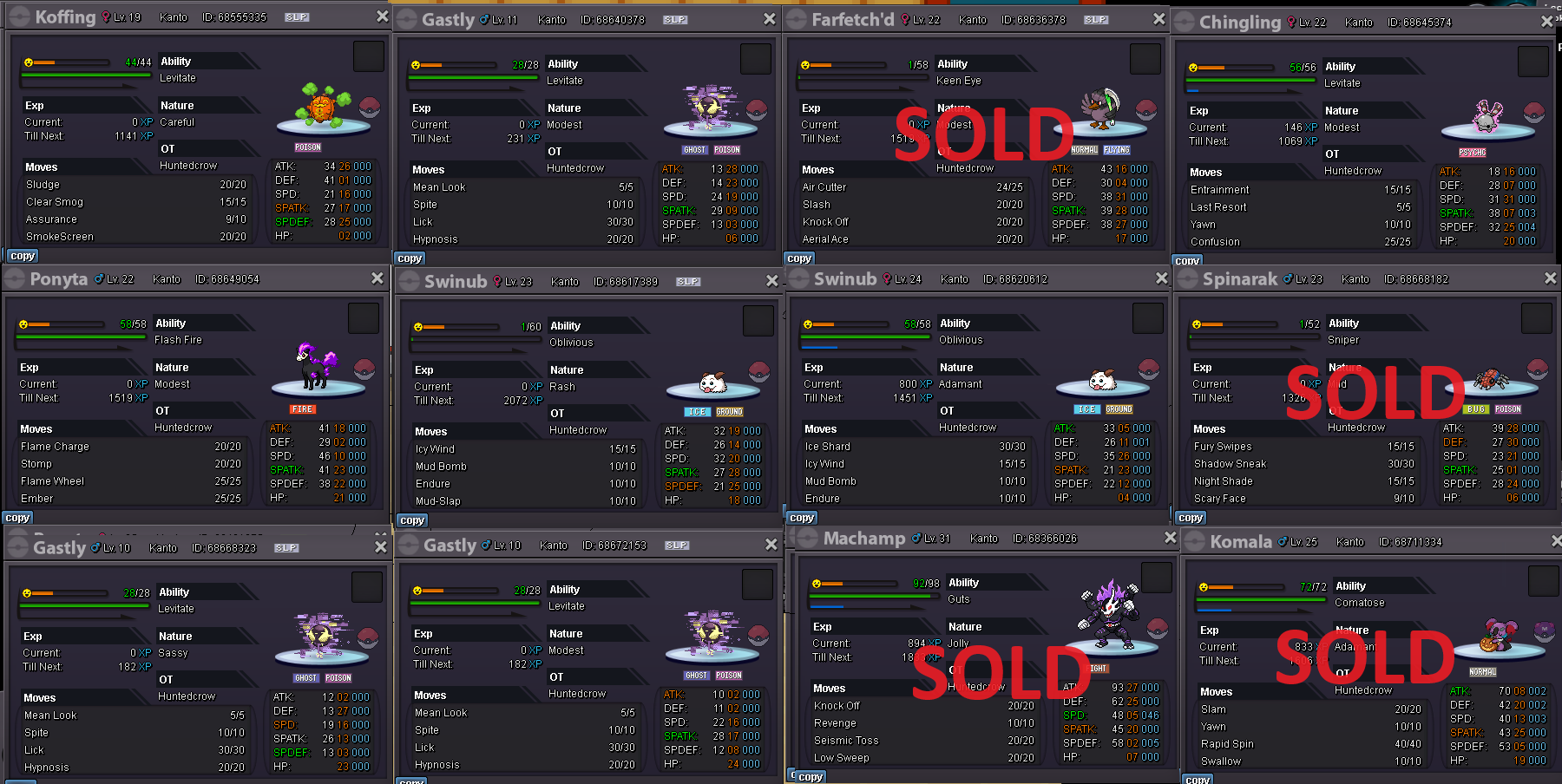
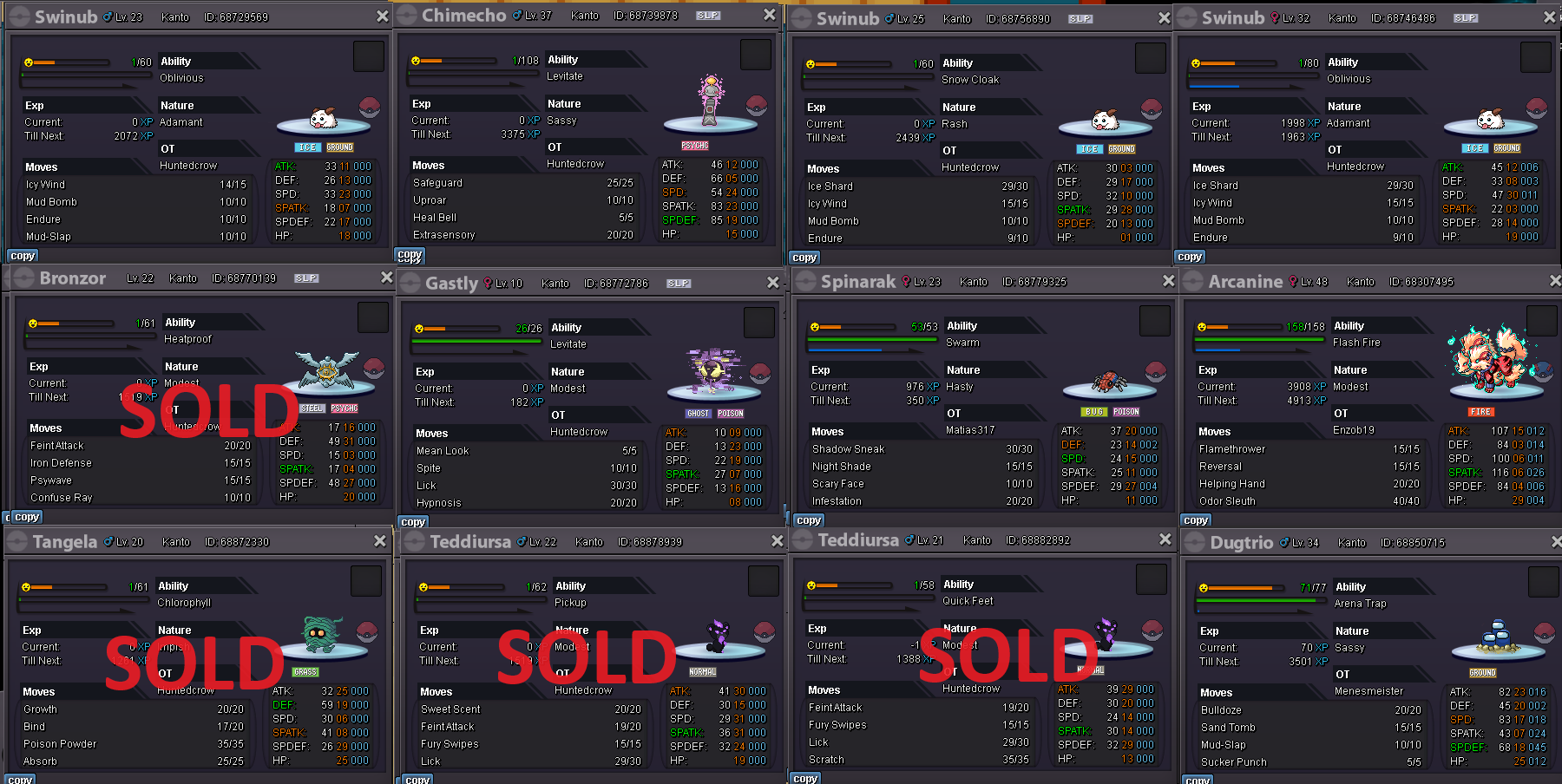
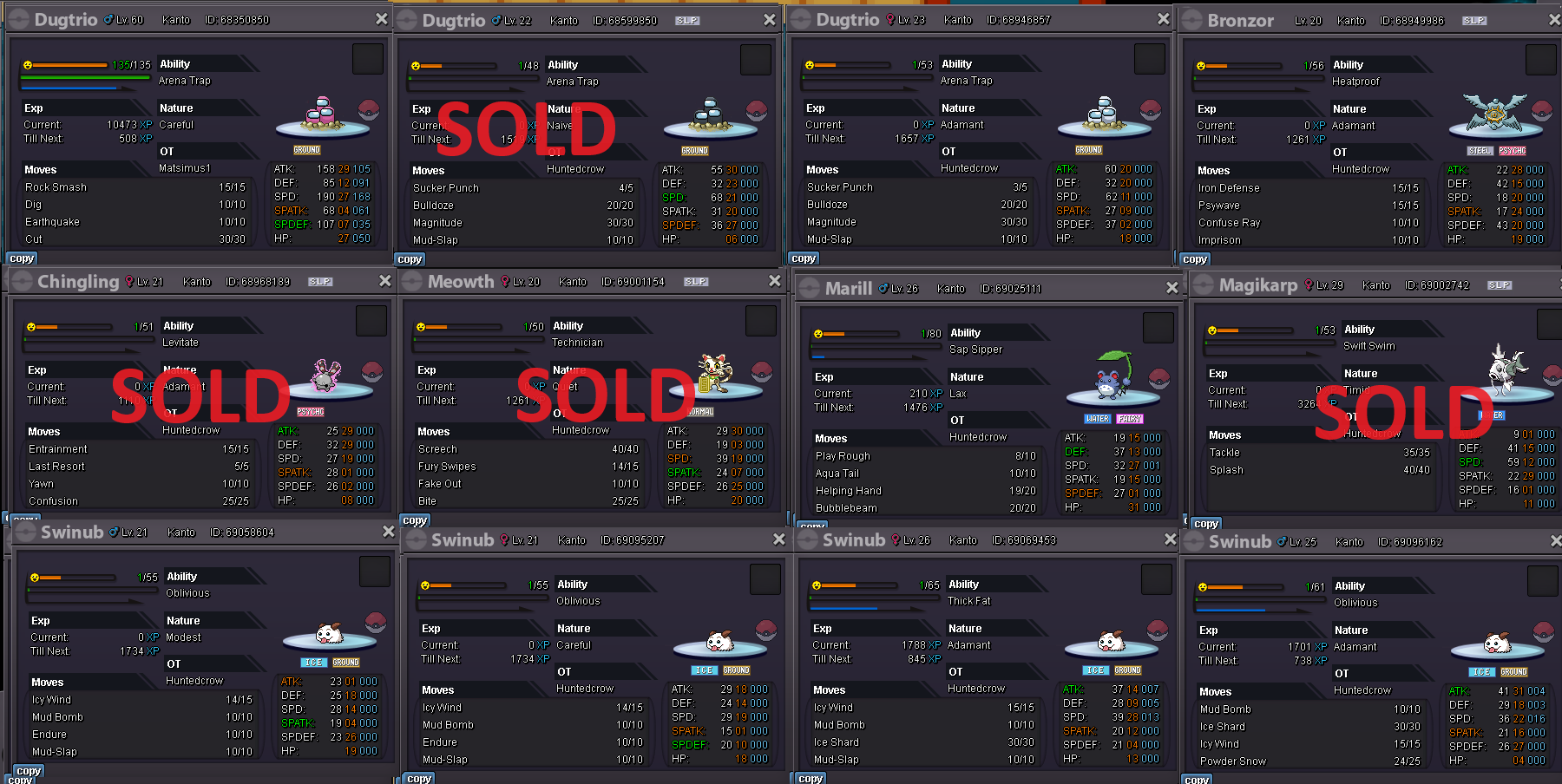
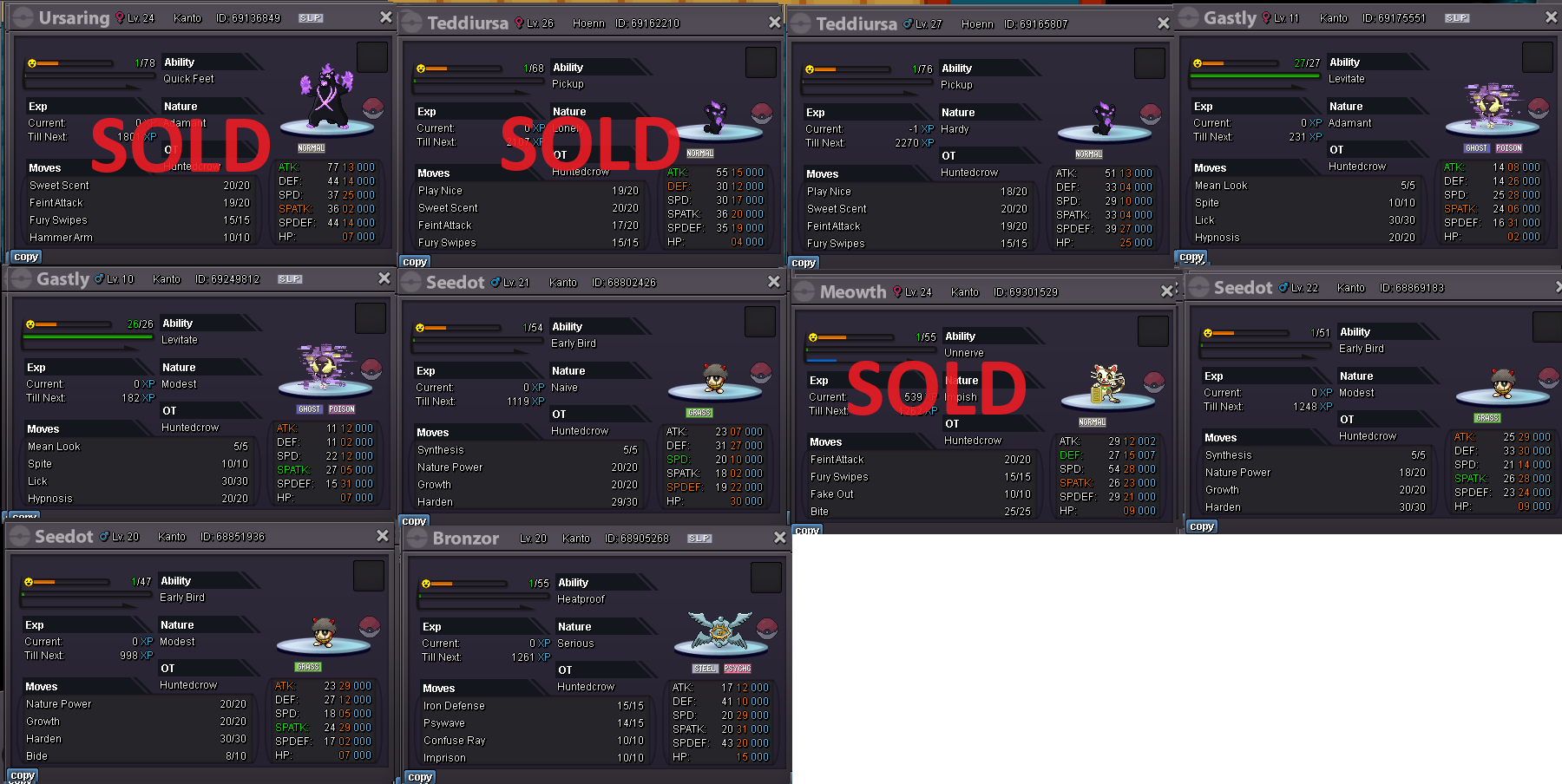
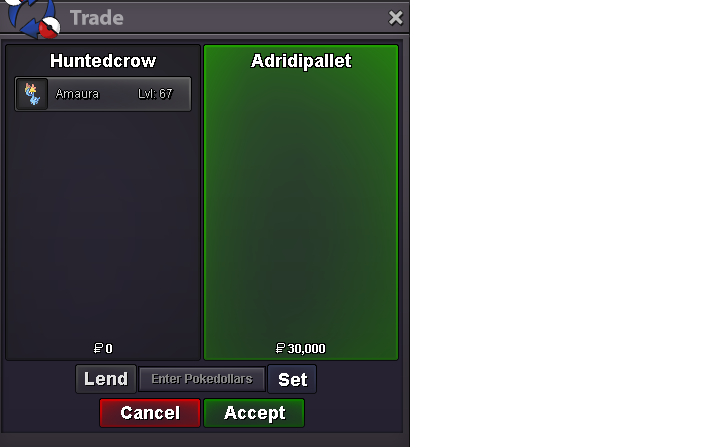
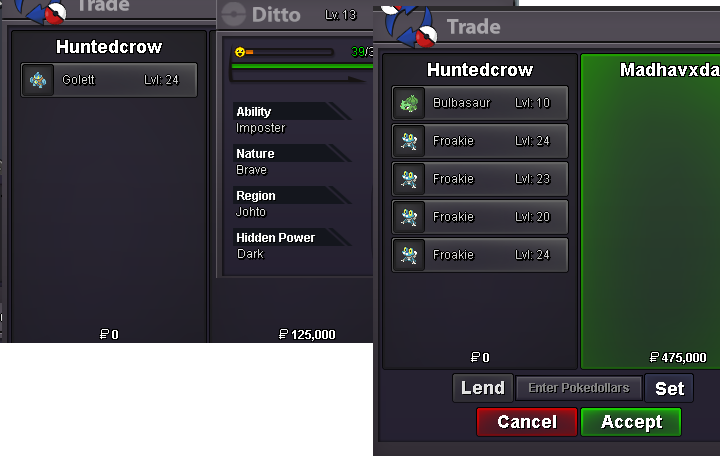
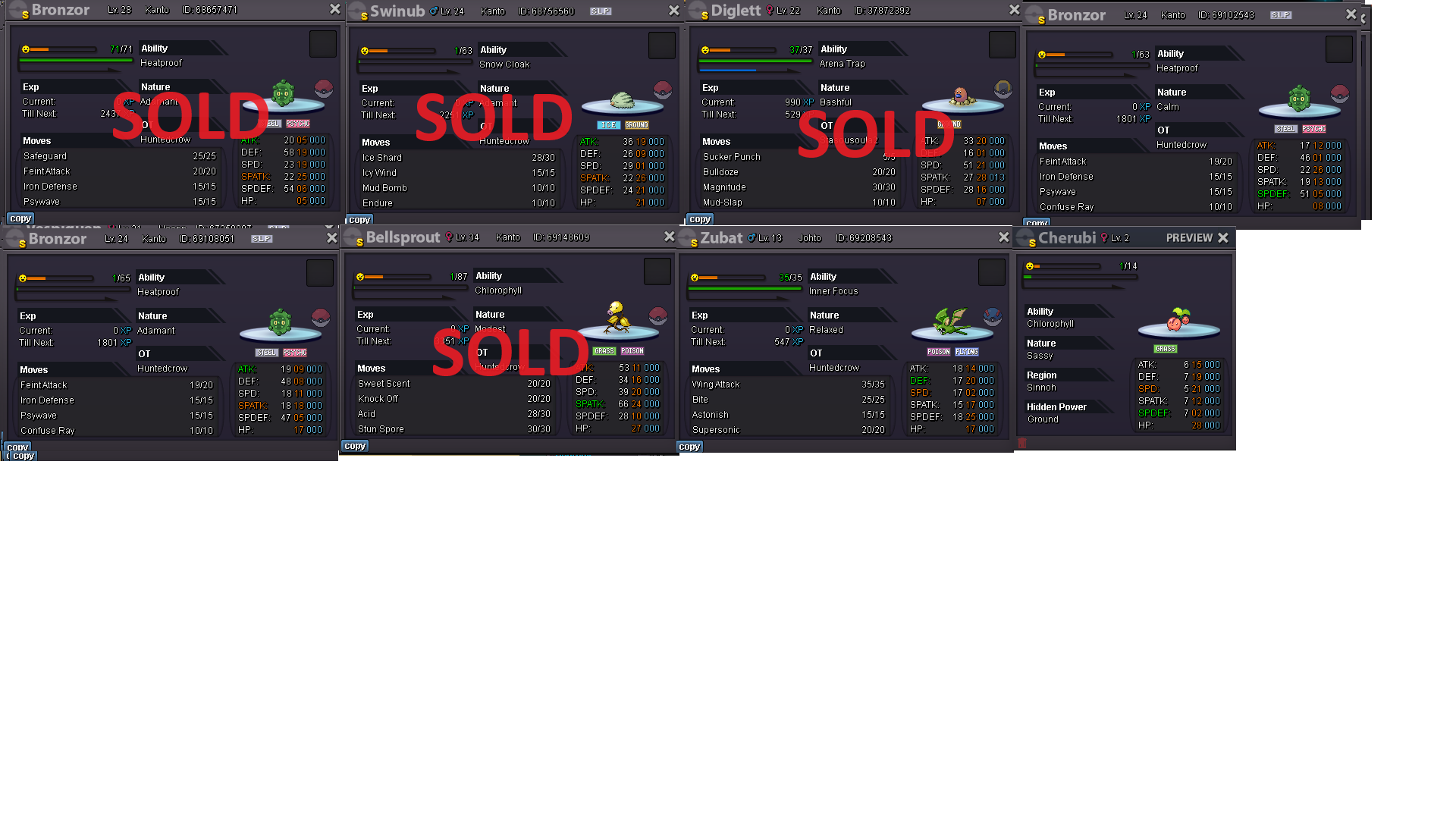 100k50k.There is no second page....?? @Lacomus60k slaking402k ches 202k komoChesnaught 400k komo 200kIf u wanna be silly suncity then, Kommo 121,001 chesnaught 381,001120k kommo, 380k chest75k kommo, 275k chesnaught.@Hs7777777do u have a ss of your bid beating the 38k bid that an ss is there of? If so id submit, it loooks like this is an invalid ah and my bets are the auctioneer will be penalised for it. I'd report the auction and have a moderator make the decision. Seems auctioneers error.



Account
Navigation
Search
Configure browser push notifications
Chrome (Android)
- Tap the lock icon next to the address bar.
- Tap Permissions → Notifications.
- Adjust your preference.
Chrome (Desktop)
- Click the padlock icon in the address bar.
- Select Site settings.
- Find Notifications and adjust your preference.
Safari (iOS 16.4+)
- Ensure the site is installed via Add to Home Screen.
- Open Settings App → Notifications.
- Find your app name and adjust your preference.
Safari (macOS)
- Go to Safari → Preferences.
- Click the Websites tab.
- Select Notifications in the sidebar.
- Find this website and adjust your preference.
Edge (Android)
- Tap the lock icon next to the address bar.
- Tap Permissions.
- Find Notifications and adjust your preference.
Edge (Desktop)
- Click the padlock icon in the address bar.
- Click Permissions for this site.
- Find Notifications and adjust your preference.
Firefox (Android)
- Go to Settings → Site permissions.
- Tap Notifications.
- Find this site in the list and adjust your preference.
Firefox (Desktop)
- Open Firefox Settings.
- Search for Notifications.
- Find this site in the list and adjust your preference.