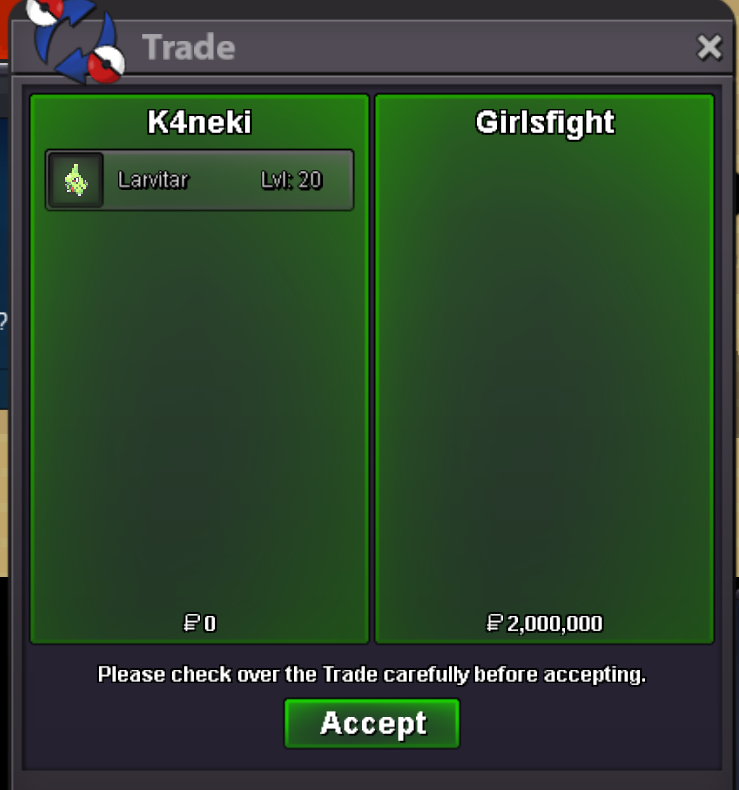
New Trade Zone
Trade Zone is now live
Use the new Trade Zone for auctions and instant-price trades so Pokemon and item offers are easy to find.


K4neki
Registered User
-
Joined
-
Last visited
Everything posted by K4neki
-
The auction is over, winner Zz0ggy
-
What are the Alola Pokémon available in the game apart from Muk Alola, Ninetailes Alola, Sandlash Alola?
-
Noted
-
27 minutes to end the auction
-
Bump! 1 hour left
-
Bump! 20 hours have passed
-
Noted
-
Noted
-
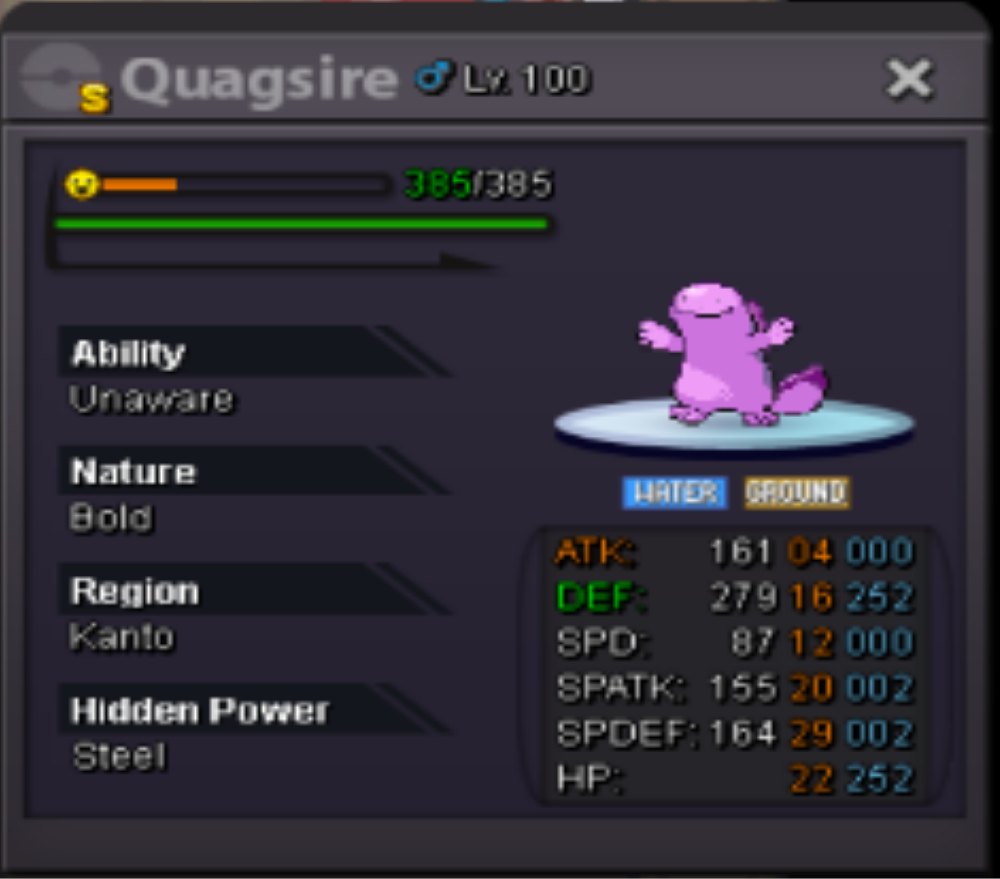
Good Quagsire c.o = 950k by Raaah min bid = 50k insta = 2.5m End = 2 day accepted payments = pokedollars, iv rr(550k) , cc (350k) OBS: The auction starts from the firts bid
-
Gracias por la información.
-
Amigo antes de cerrar este caso quería decirte que e tenido problemas con un jugador para hacer un trade, había hecho una subasta pero tengo problema con el jugador no lo encuentro conectado o no me responde le mandé un mensaje por privado asta ahora no me a respondido hay una manera de arreglar esta situación?
-
Gracias por responder
-
I was cleaning my PC and accidentally selected jirachi I want to know if there is a way to recover it

-
1 million and 130k
-
@GirlsfightYou won.
-
-
2m
-
610k
-
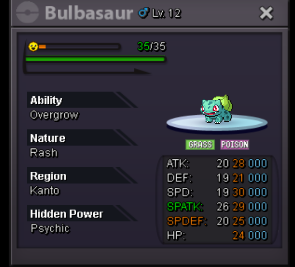
Good Bulbasaur Start: 100k Mini Bid: 25k Left 15hr. Payments: Pokedollars Obs: The auction starts from the first offer.
-
1.6mauction closed.
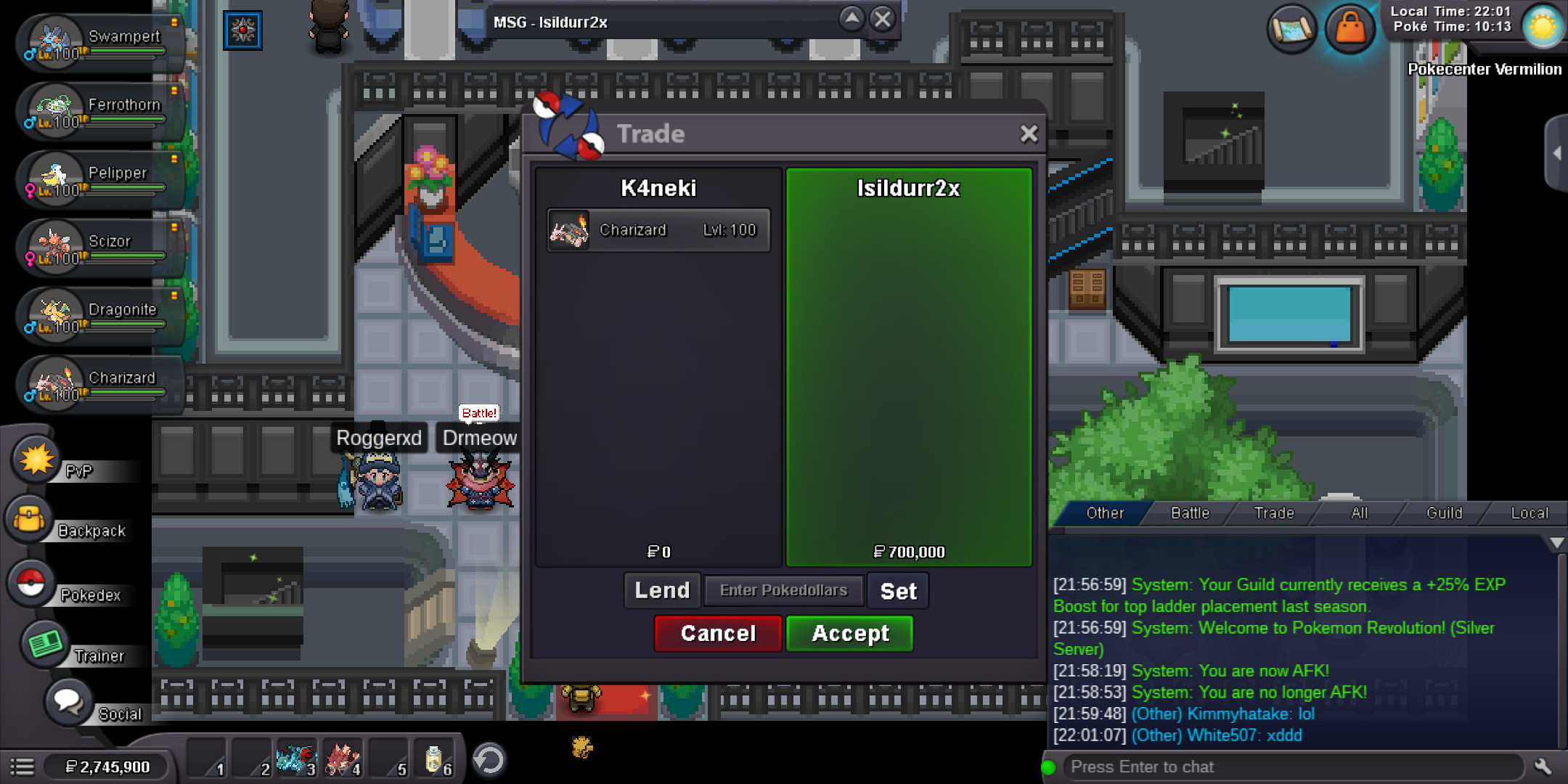 The auction has ended, you winNotedNoted