




New Trade Zone
Trade Zone is now live
Use the new Trade Zone for auctions and instant-price trades so Pokemon and item offers are easy to find.


Katowiczanin
Registered User
-
Joined
-
Last visited
-
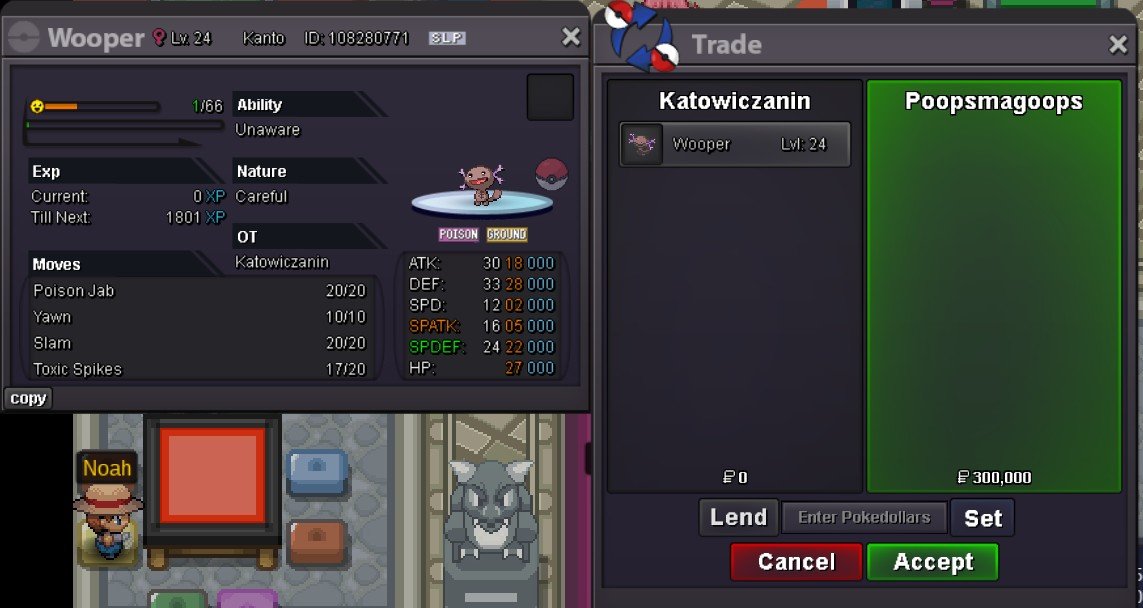
start bothim on now if u still here @JackstermacYes u won all details and time I’m available are up there @Jackstermaci wanna buy this i got to leave house now soo i hope we can catch tommorrow same time
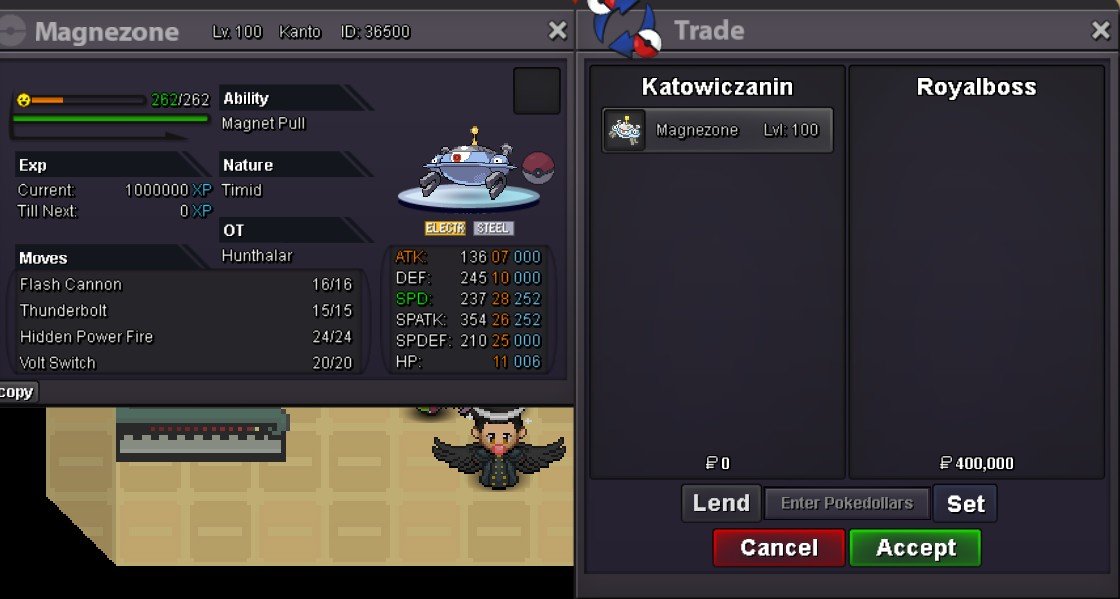
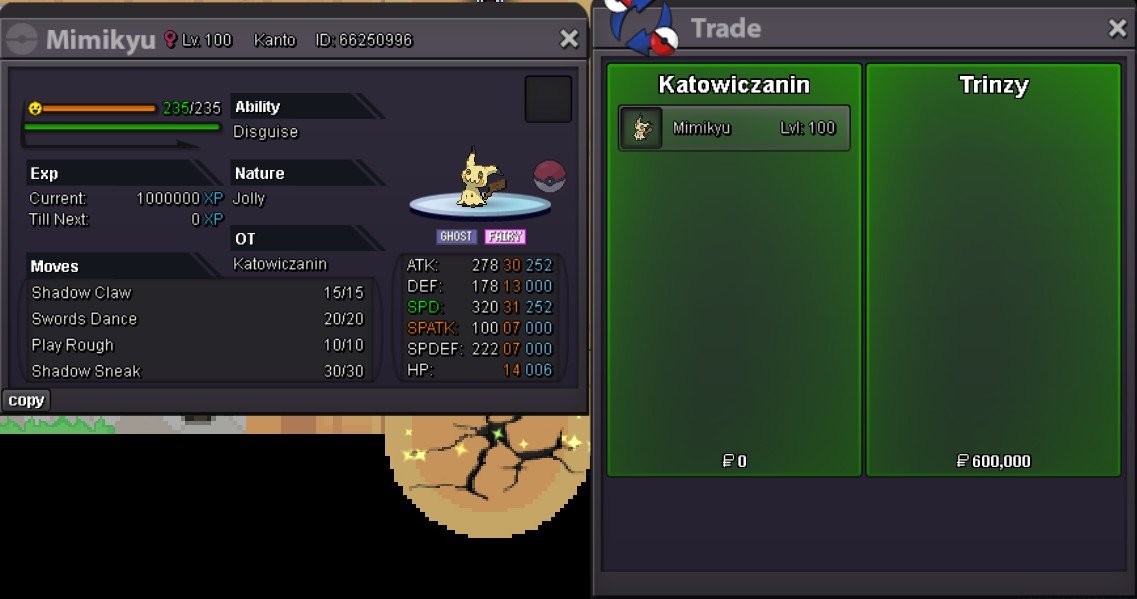
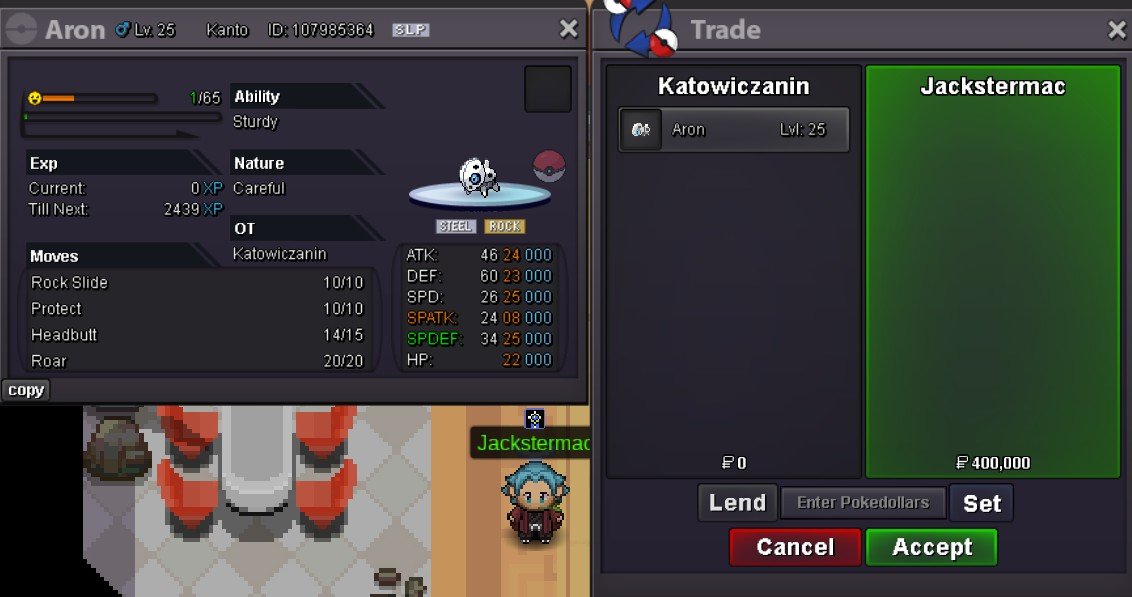
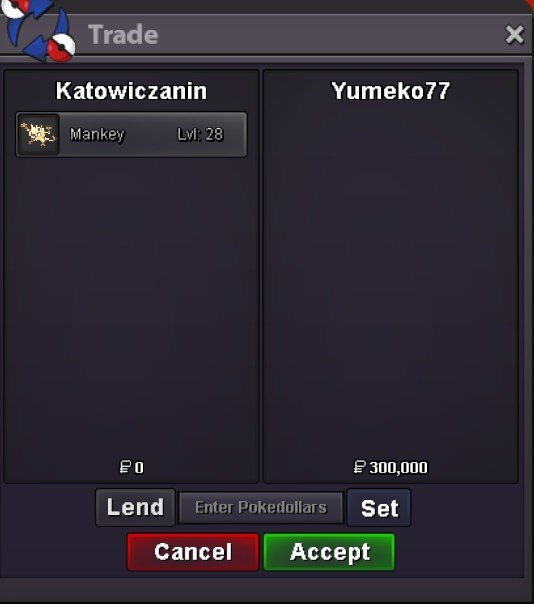
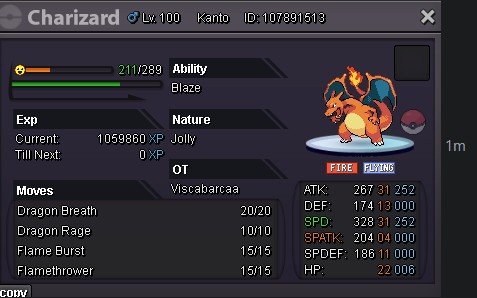 Yes @Poopsmagoops u won wooper u got all informations up there I’ll be on in 30 mins for next 2 hours . Sorry guys I got iPhone so I can’t do that on my phone 😑@Trinzyas I mentioned before due to my work schedule I’ll be on 1pm-2pm or 3am-5am uk time. If we can’t meet at those hours I’ll be on Friday after 1pm to Sunday most likely 10h a day 🙃Gz @Royalboss u won magnezone details are up there if we can catch mid week if not Friday to Sunday I’m usually on@Yumeko77 im now for like 20 more mins@Yumeko77 @Trinzy due to make work schedule I'll be on mon-thur only 1am-2pm and 3am-5pm uk time. You can msg me here, ig Katowiczanin or on discord Kat'owiczanin.#1423@Trinzy won 2nd mimikyu !


Account
Navigation
Search
Configure browser push notifications
Chrome (Android)
- Tap the lock icon next to the address bar.
- Tap Permissions → Notifications.
- Adjust your preference.
Chrome (Desktop)
- Click the padlock icon in the address bar.
- Select Site settings.
- Find Notifications and adjust your preference.
Safari (iOS 16.4+)
- Ensure the site is installed via Add to Home Screen.
- Open Settings App → Notifications.
- Find your app name and adjust your preference.
Safari (macOS)
- Go to Safari → Preferences.
- Click the Websites tab.
- Select Notifications in the sidebar.
- Find this website and adjust your preference.
Edge (Android)
- Tap the lock icon next to the address bar.
- Tap Permissions.
- Find Notifications and adjust your preference.
Edge (Desktop)
- Click the padlock icon in the address bar.
- Click Permissions for this site.
- Find Notifications and adjust your preference.
Firefox (Android)
- Go to Settings → Site permissions.
- Tap Notifications.
- Find this site in the list and adjust your preference.
Firefox (Desktop)
- Open Firefox Settings.
- Search for Notifications.
- Find this site in the list and adjust your preference.