




New Trade Zone
Trade Zone is now live
Use the new Trade Zone for auctions and instant-price trades so Pokemon and item offers are easy to find.

Masternaca
Registered User
-
Joined
-
Last visited
Everything posted by Masternaca
-
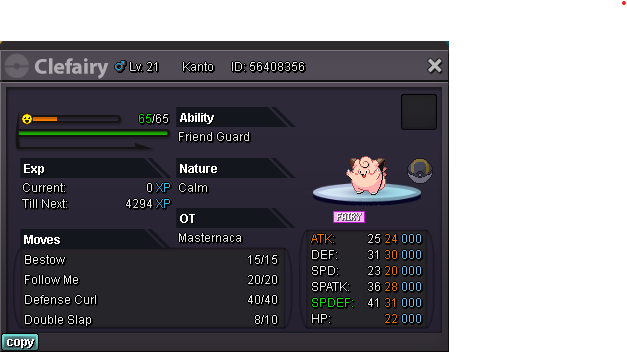
Starting bid: 200k Min bid: 50k Ending 24h after first bid. End: 08/08/2022 19:50 gmt+2 IGN: Masternaca
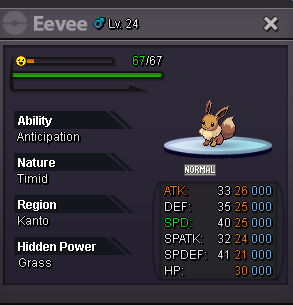
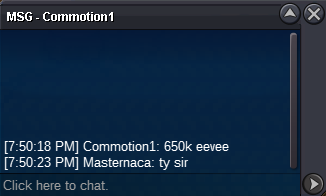
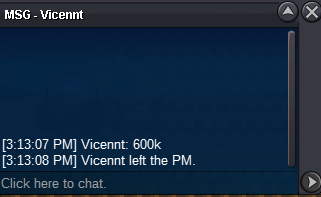
 @Bangjago takes Eevee 1 and @Gatso takes Eeeve 2! Message whenever to pick them up.@Gatso Sir, I had already set the value of CC to 380k, so the bid on Eevee 1 (2 CC=760K) is 40k short of meeting the criteria for minimum bid. Would you like to adjust the bid for Eevee 1 to avoid further misunderstandings? If not, the bid on Eevee 2 stays recognized. Thank you for bidding!Eevee 1 Starting bid: 350k Min bid: 100k Ending 48h after first bid. C.o. 700k End: 08/06/2022 20:39 GMT+2 Eevee 2 Starting bid: 350k Min bid: 100k Ending 48h after first bid. C.o. 760k End: 08/06/2022 20:39 GMT+2 CC = 380K IGN: Masternaca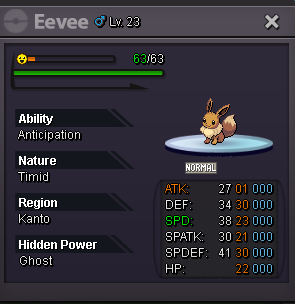
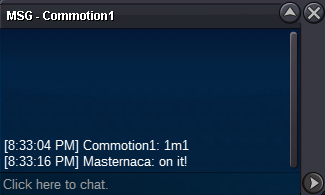
 @commotion1 wins eevee!Min bid is 50k!Auction extended to 20:48 gmt+2
 Auction extended to 20:21 gmt+2
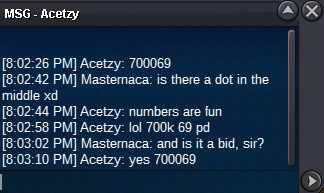
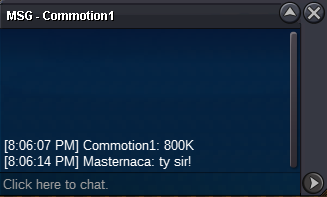 700,069 c.o.
 Starting bid: 400k Min bid: 50k No insta Accepting CC as 380k Auction ends 24h after starting bid. Started at 07/29 at 20:15 = Ending 07/30/2022 at 20:15 GMT+2 IGN: Masternaca
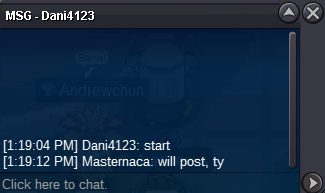
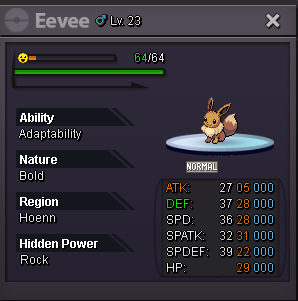 @Dani4123 won the auction!
 UpIt took me a few min to update, Dani 4123 started the auctionAuction ends 7/26 at 19:19 gmt+2
 Starting bid: 300k Min bid: 50k No insta Auction ends 30h after starting bid. IGN: Masternaca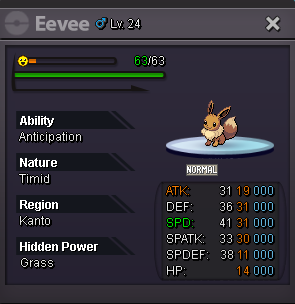
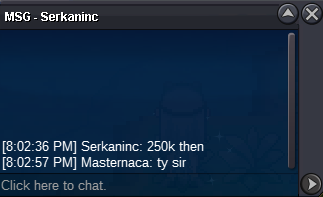
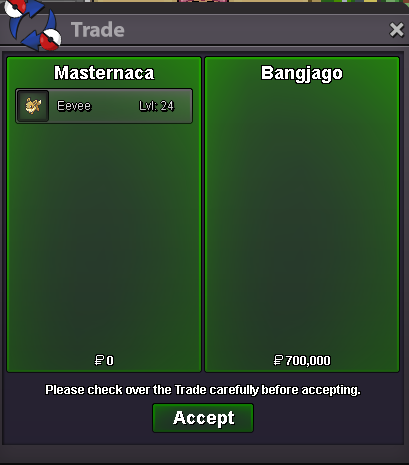


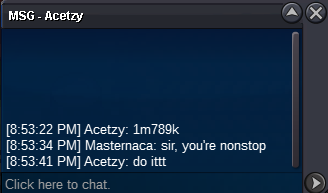


Account
Navigation
Search
Configure browser push notifications
Chrome (Android)
- Tap the lock icon next to the address bar.
- Tap Permissions → Notifications.
- Adjust your preference.
Chrome (Desktop)
- Click the padlock icon in the address bar.
- Select Site settings.
- Find Notifications and adjust your preference.
Safari (iOS 16.4+)
- Ensure the site is installed via Add to Home Screen.
- Open Settings App → Notifications.
- Find your app name and adjust your preference.
Safari (macOS)
- Go to Safari → Preferences.
- Click the Websites tab.
- Select Notifications in the sidebar.
- Find this website and adjust your preference.
Edge (Android)
- Tap the lock icon next to the address bar.
- Tap Permissions.
- Find Notifications and adjust your preference.
Edge (Desktop)
- Click the padlock icon in the address bar.
- Click Permissions for this site.
- Find Notifications and adjust your preference.
Firefox (Android)
- Go to Settings → Site permissions.
- Tap Notifications.
- Find this site in the list and adjust your preference.
Firefox (Desktop)
- Open Firefox Settings.
- Search for Notifications.
- Find this site in the list and adjust your preference.