




New Trade Zone
Trade Zone is now live
Use the new Trade Zone for auctions and instant-price trades so Pokemon and item offers are easy to find.

Pizzaiolo
Suspended
-
Joined
-
Last visited
Everything posted by Pizzaiolo
-
Welcome to my pokemarket IGN : Pizzaiolo Discord : Pizzaiolo PRO#1238 Rules : 1 - Fake offer will be reported. 2 - Pokes only with fixed price. 3 - Accept Coin Capsule ( 220k each CC or Epic PVP Poke + Money. 20M 3M 1M 3M 800K 600K 2M5 2M 2M 600K 600K 3M 400K 1M5


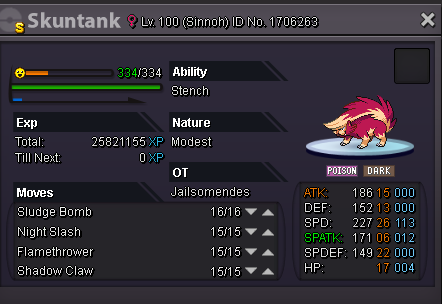

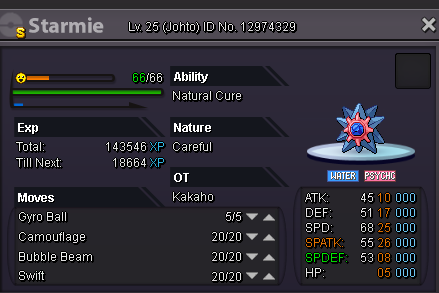


-
Bump
-
Bump
-
how much all ? i'm intersted.
-
ok, i'm in Fuchsia, come here.
-
ok bro
-
ok
-
ok, Started by you ;)
-
sure, started by you
-
ok, started by you.
-
Bump
-
oh okay, in gold i'm newbie, only in silver i have money, thx guy have a nice trade o/
-
accept money in silver server ?
-
Bump
-
rip, is from Gold server :cc
-
i posted it yesterday 16h, already closed, thx for that comentary.Bumpb.o by you, 15h left.Updated !!pls 50k+ for offerokay, mate.Ok, mate.Hello welcome to my little shop Discord : Pizzaiolo PRO#1238 IGN : Pizzaiolo ( More will be added soon ) - Haxorus : Start 150k, Insta 700k - Gliscor : Start 400k, Insta 2m - Heracross : Start 200k, Insta 600k - Greninja : Start 400k, Insta 1m - Gogoat : Start 200k, Insta 1m - Aggron : Start 300k, Insta 1m - Gigalith : Start 80k, Insta 300k - Magmortar : Start 250k, Insta 800k - Metagross : Start 200k, Insta 500k - Breloom : Start 600k, Insta 1m2 - Wingull : Start 100k, Insta 300k - Pawniard : Start 500k, Insta 2m - Gengar : Start 500k, Insta 1m5 - Togekiss : Start 800k, Insta 2m - Pangoro : Start 300k, Insta 700k Rules : - End 24h after start offer. - Minimum raise = 50k. - Fake offer will be reported. List of pokémons sold :
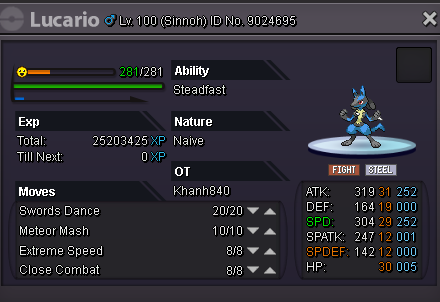
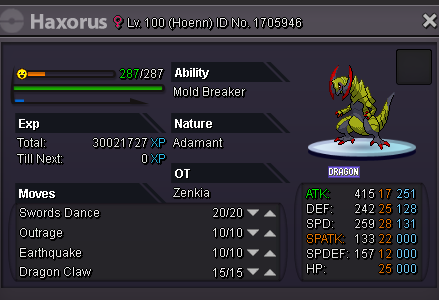
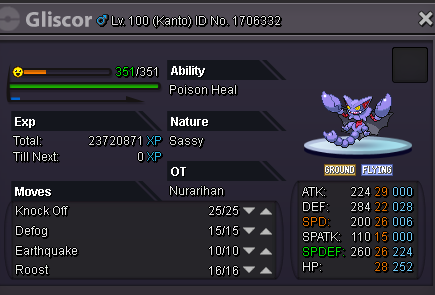

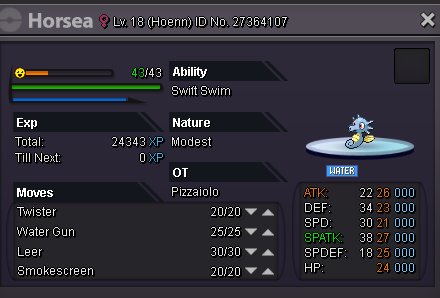
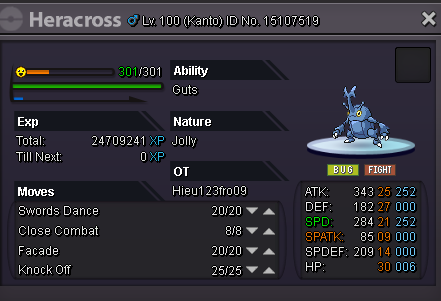
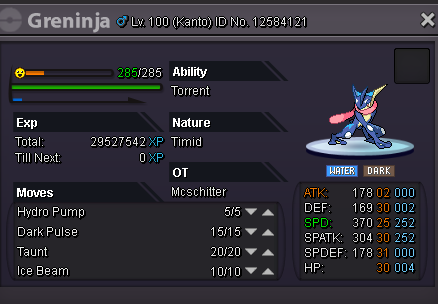
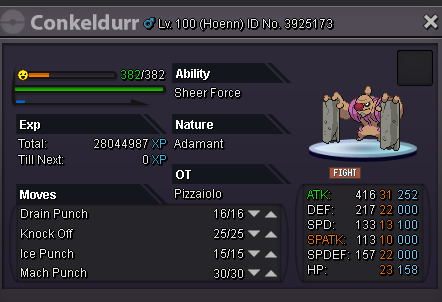
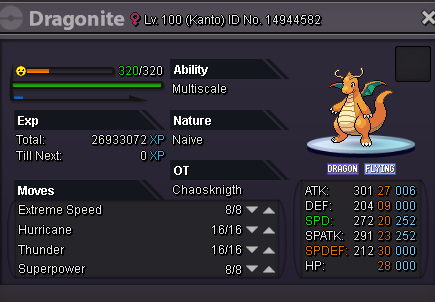
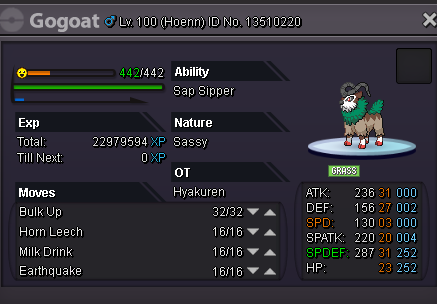
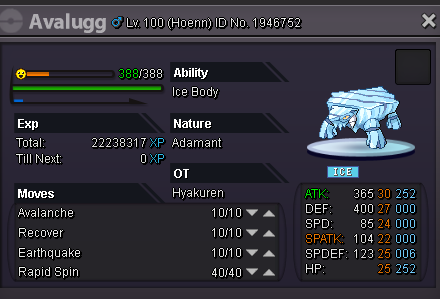
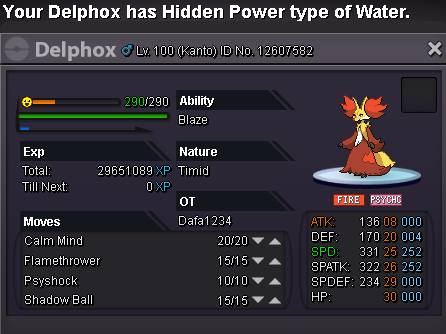

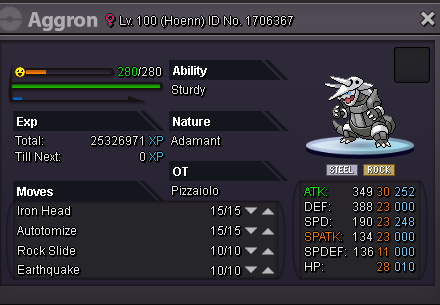
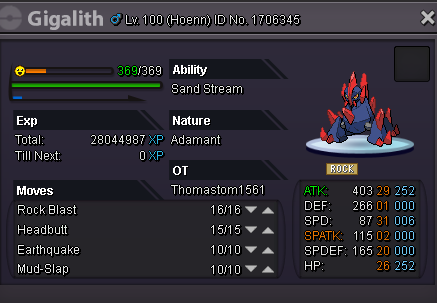
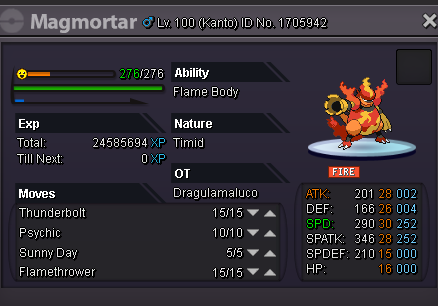


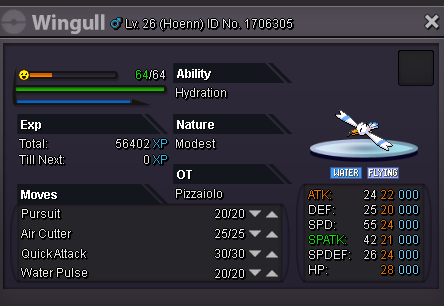


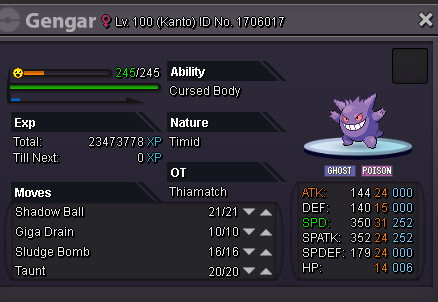
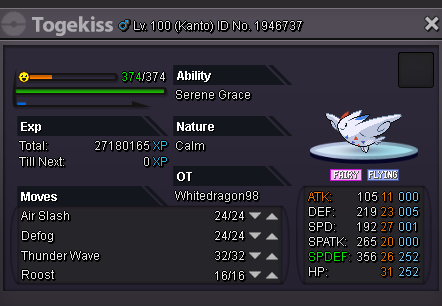
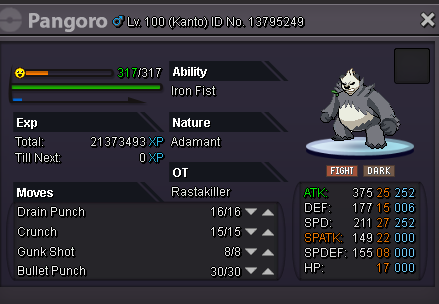 - Sold for Crosbiel, Congratulations !!!

