




New Trade Zone
Trade Zone is now live
Use the new Trade Zone for auctions and instant-price trades so Pokemon and item offers are easy to find.

Imcoolrickyo
Suspended
-
Joined
-
Last visited
Everything posted by Imcoolrickyo
-
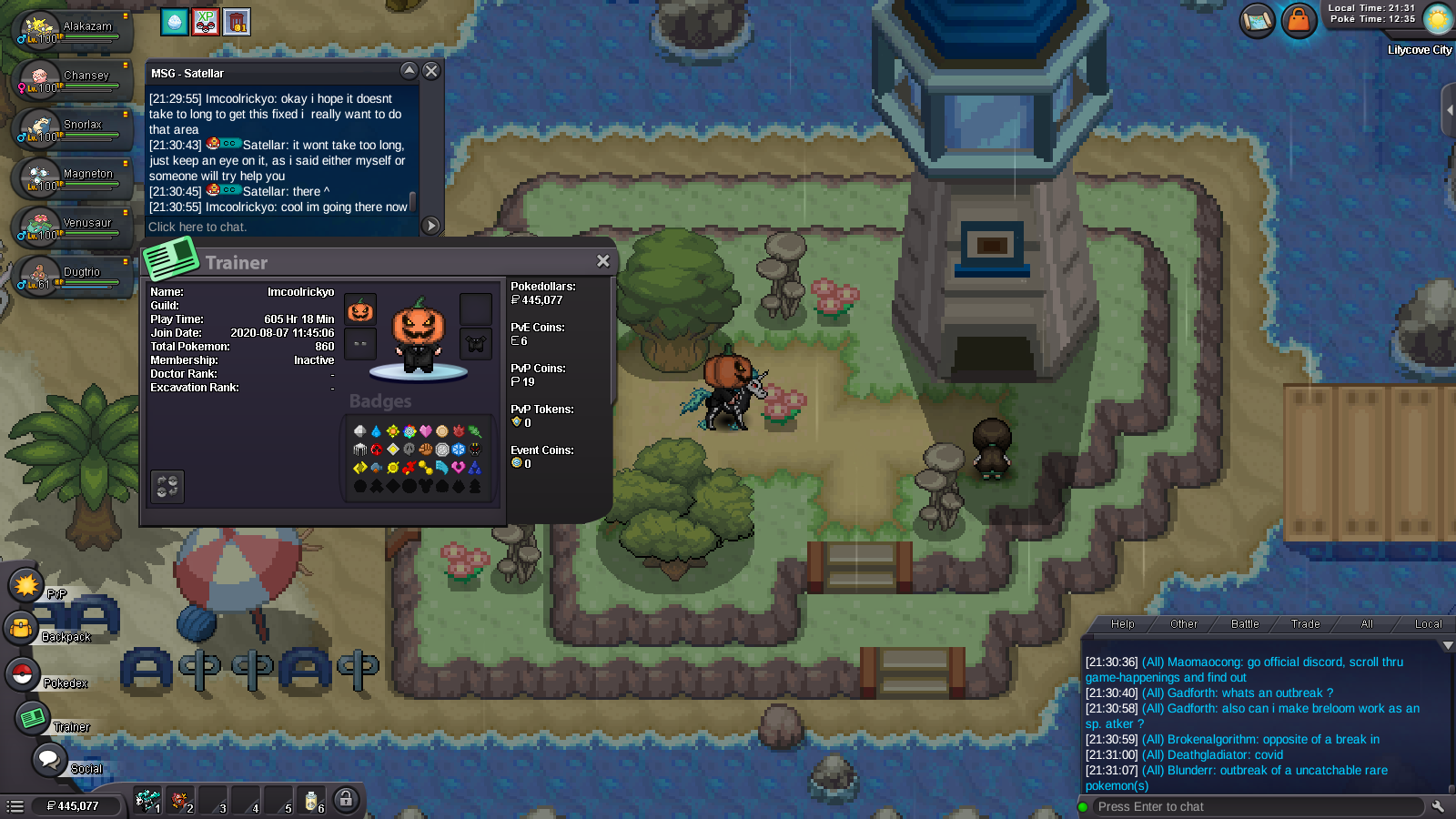
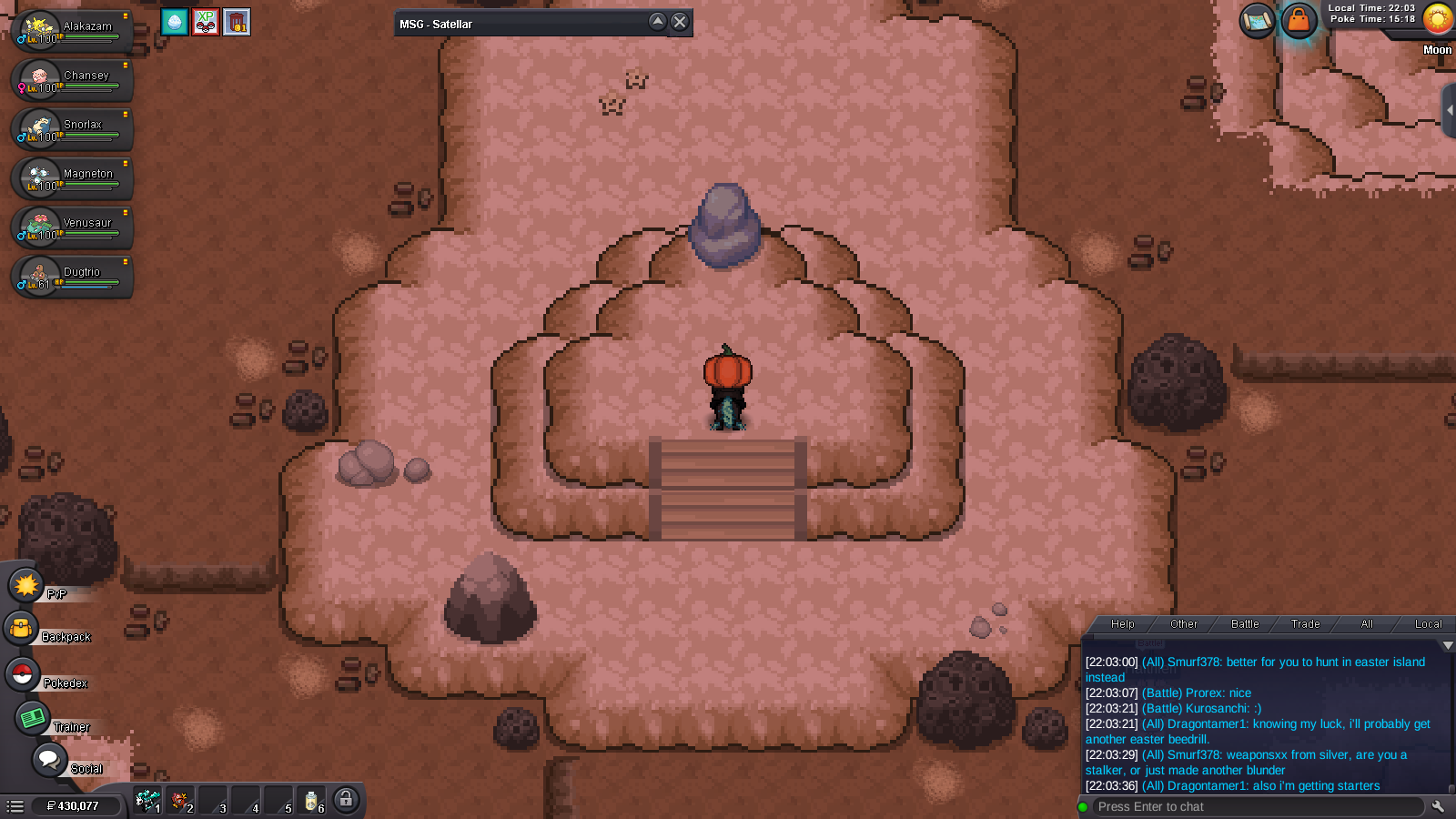
I have completed all the badges, the E4, and the moon. Still no paul. I haven't been on the account in a while and I remember this being a problem before but never asked for help. I can show screenshots. Can someone please help, I really want to do Sinnoh! My IGN: imcoolrickyo and I'm on Gold server.
-
-
You can close this ticket as resolved if you want 🙂
-
Thank you for responding but its all good now. He ended up beating Hoenn and trading me my ditto back :) He was at the 8th badge and he was gonna log but instead he decided to beat the badge so I could get my pokemon back lol. Thank you for the response though!
-
I traded a friend of mine my ditto to use in Hoenn to beat part of the quests. He can't use it because it's a Kanto Pokemon. I need my pokemon back. Please help me resolve this as he wont be done with the area for quite a while and I need my Pokemon.
-
