New Trade Zone
Trade Zone is now live
Use the new Trade Zone for auctions and instant-price trades so Pokemon and item offers are easy to find.

Bhargavm60
Registered User
-
Joined
-
Last visited
Everything posted by Bhargavm60
-
Hi Now I was able to clear the mega-Garchomp quest. Thank you for the help
-
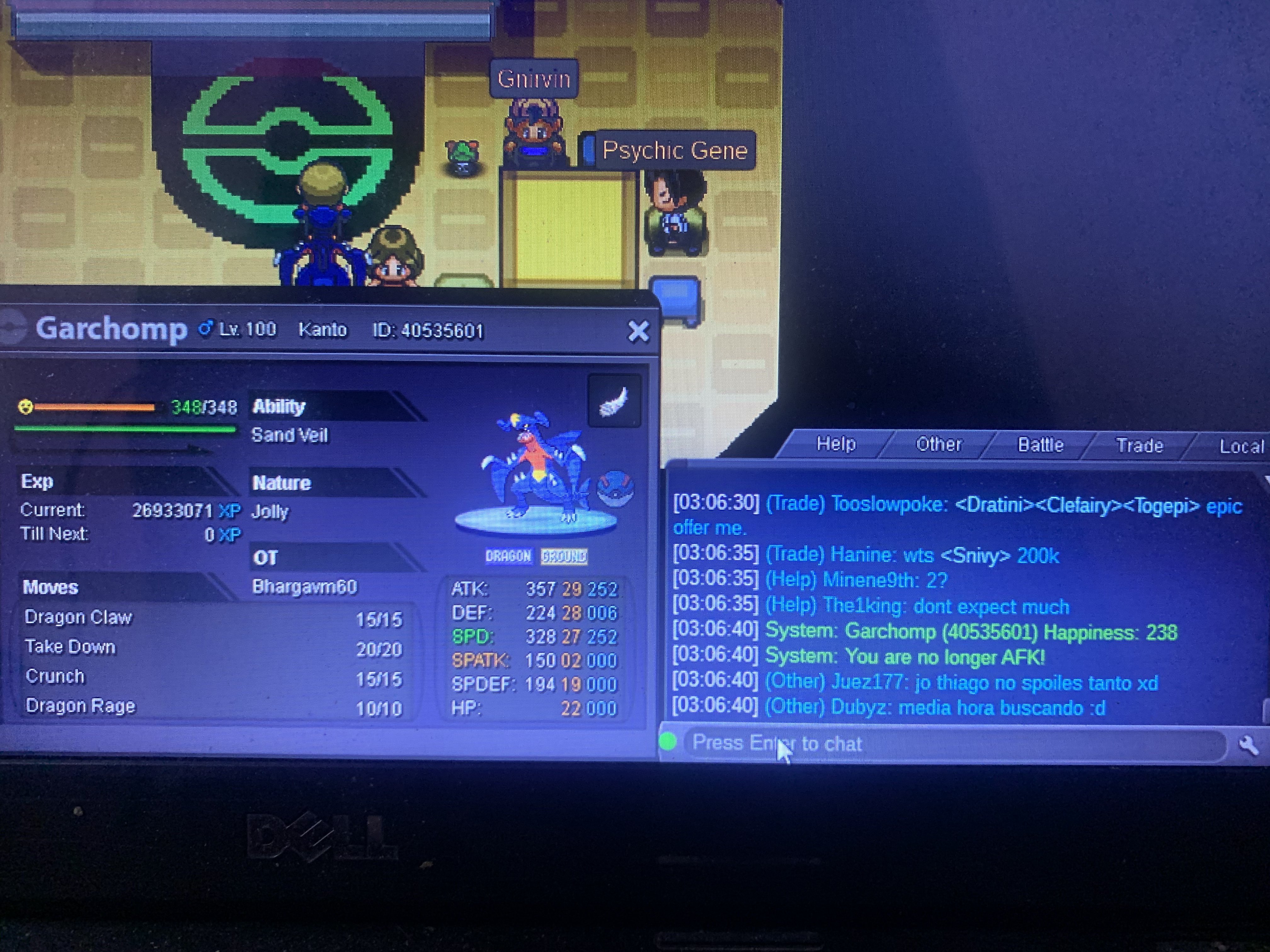
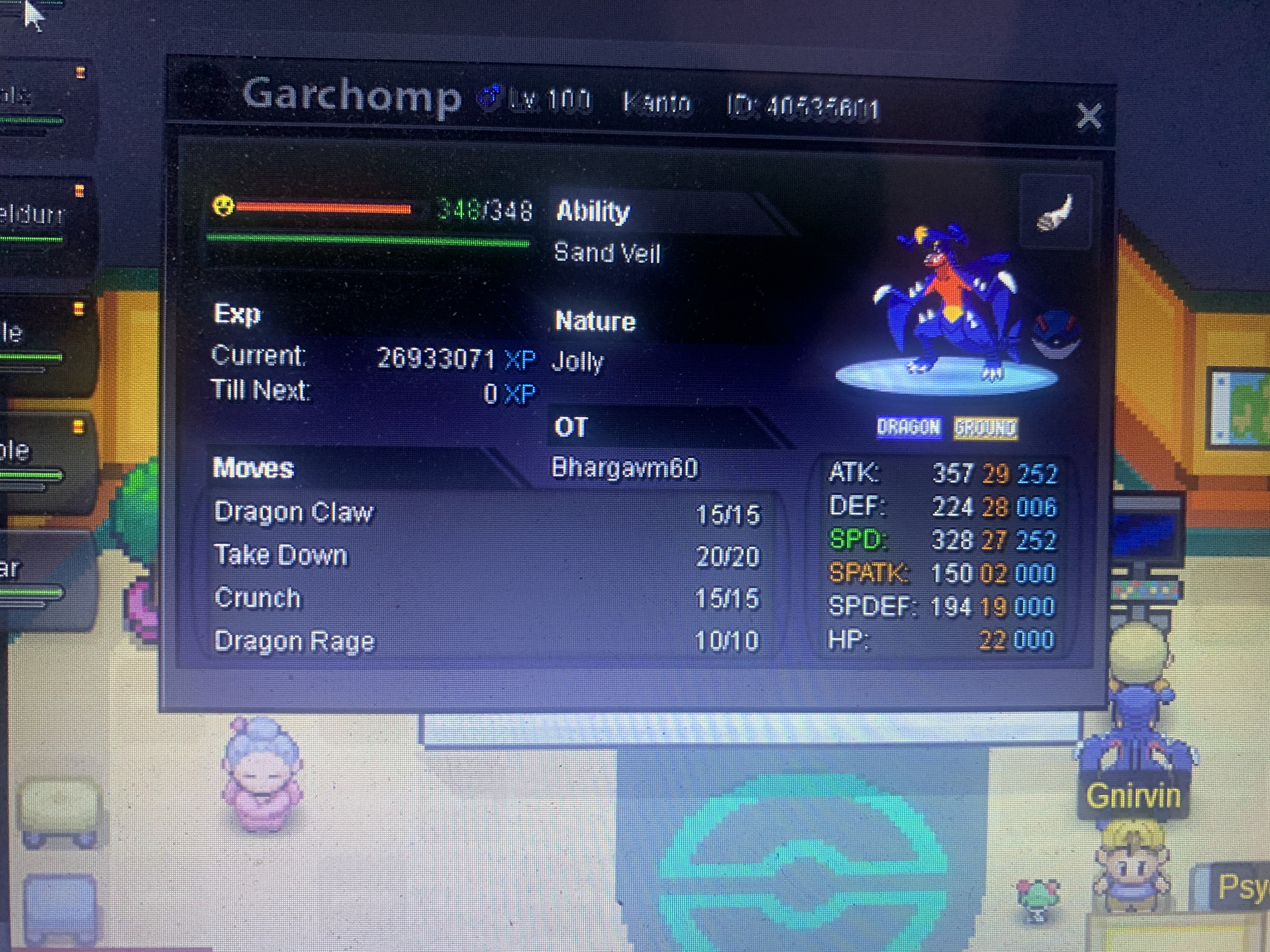
Hi Exotyc Ya i think that may be the issue.I check the Garchomp happiness it’s showing 238. How I can increase the happiness it’s already reached max level 100.
-
So basically i started the quest to get the garchompite and as soon as i arrived at sendoff spring, i defeated the tourist. Now what i have to do is win the battle with cynthia but the battle doesn't start. I went there at 4-5 am with a full lv.100 team, a max evs and happiness garchomp and obviously a pokemon with rock climb but cynthia keeps saying this same thing and won't battle me. Can someone help me it's been 2 days since i'm trying to get the mega stone. I also met some other people there and they are having my same issue ancd cannot battle Cynthia. Garchomp i am using is on OT AND have attack 25+ still facing same issue
-
Do you accept CC
-
Ya got that It thanks you for the quick response.
-
I am both Kanto and Johto champion. I was trying to go to Vulcan Island but unable to find the NPC in vermillion city port who takes me to that island. Please help me on this bug. Username : bhargavm60 Server: Gold