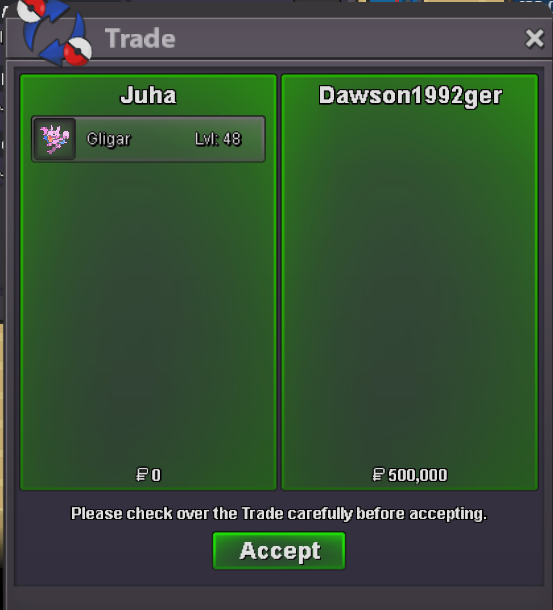
New Trade Zone
Trade Zone is now live
Use the new Trade Zone for auctions and instant-price trades so Pokemon and item offers are easy to find.


Juha
Suspended
-
Joined
-
Last visited
-
-
3:35am EST I was on que then the game just completely crashed or closed with no warning and on relaunch i've lost ranked.
-
May I suggest a way to farm proygon more? I would like a hidden power download pory and its quite a grind 😕
-
I've just found out Ursaluna can have fire punch if taught via move tutor prior to evolution, but pre-evolution move tutor won't help me remedy this. Could you float the idea to the developers to allow the pre-evo tutor to remedy this? I have ursaluna forms that now feel ruined because I cannot get SD fire punch move set
-
Juha started following Auction 3 Gligars Careful/Jolly HA Immunity , Apricorn Ball Crafting , Randomly disconnected and loss rank on que and 5 others
-
bump
-
Much appreciated my issue is solved.
-
Hello! The Wiki states users with active memberships can utilize this daily twice. The wiki is incorrect, but I wanted to double check! I also suggest these item rewards be obtainable via PvP Coins. They are increadible items and its a shame they are so limited.

-
S.O. 200k Min. Bid 100k 3 Hour Auction from Start Standard House Rools
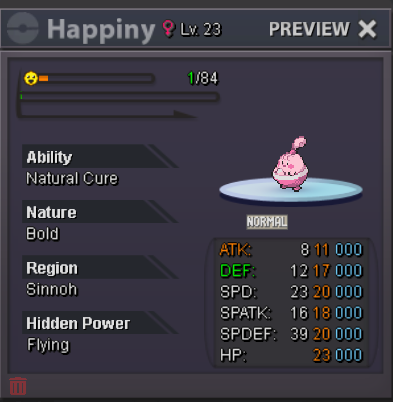
-
I am onlineWinner for Jolly Gliscor, Dawson1992ger. I will be trying to reach you in gameS.O 200k Min. Bid 50k 24 Hour auctions Standard rules. Please refer to your bid via the last four digits of the pokemon Identification code
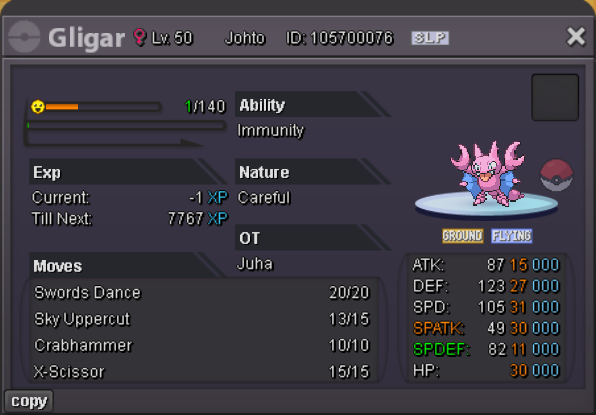
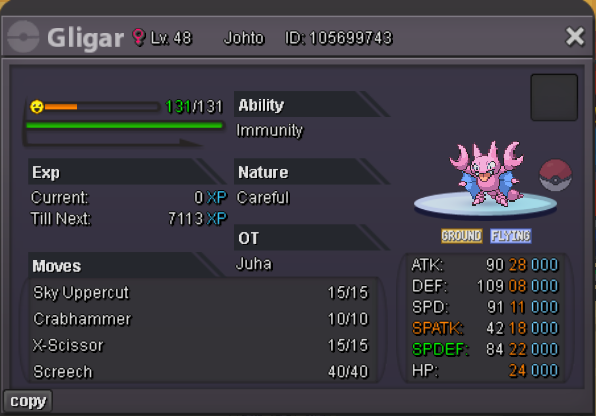 .Thank you!Thank you a mod may review and close this thread as the auction has been completed faithfully.