




New Trade Zone
Trade Zone is now live
Use the new Trade Zone for auctions and instant-price trades so Pokemon and item offers are easy to find.

Theokarin
Registered User
-
Joined
-
Last visited
Everything posted by Theokarin
-
done
-
@Juviaaa in on the game, message me when you´re up
-
let make this way, ill continue the auction and if im wrong the trade moderator will asecure your buying, im so sorry buddy, i really don´t know how to do that
-
yes but i just posted on forum at 16:52
-
in my scream its noting 16:52, im trying to talk to a mod to fix it, sorry if im wrong, its my first auction
-
the first bid was posted on 16:53, its on the first page
-
its 48hours after first bid, só it started 16:53
-
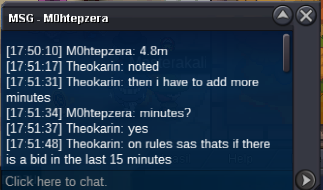
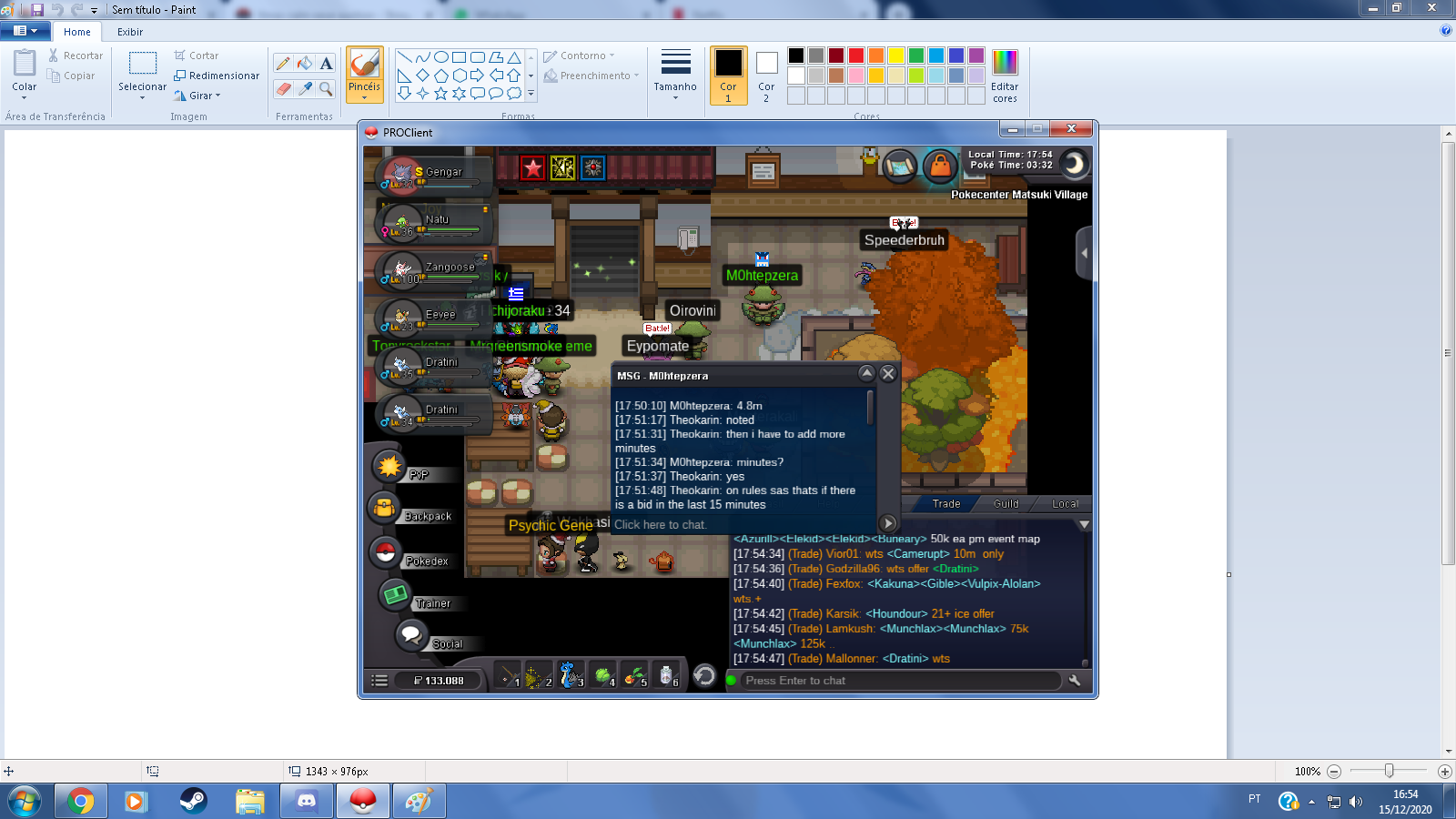
4.8m by M0htepZERA
-
sorry someone bided 4.8 m, ill ad more 15 minutes, ill print it here
-
5 hours and 28 minutos from now
-
Bump
-
noted
-
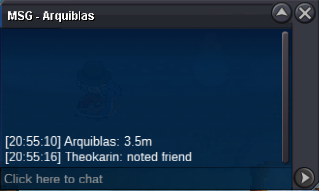
3.5 by arquiblas
-
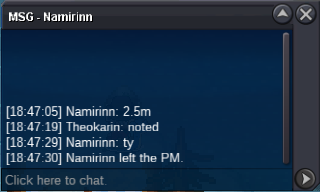
2.5m by Namirin
-
auction started 48hrs from now 2m by Jadeash

-
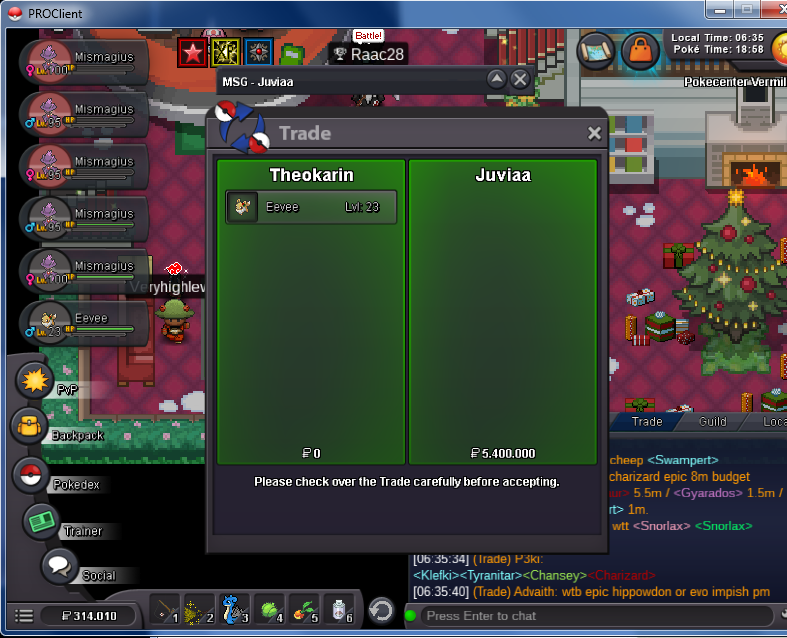
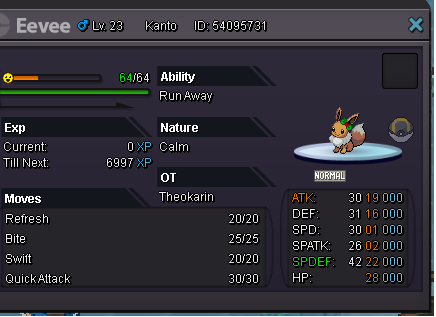
s.o: 2m min raise:200k duration:48 hrs (gmt -3) after the fisrt bid Ended, winner:Juviaa 5.4m cc(400k ea) in game name: TheOkarin, Discord user: Xand#9064
-
Maybe there is a way to make the new players aware of the trade rules, even if there is a note to take a look on forum before making trade, because it helps to down the numbers of trade reports and make the players aware of their limits